SafeDot
alerts you when a third-party application uses your device camera or microphone
| AppID: | com.aravi.dot |
| Author: | Aravind Chowdary |
| License: | GPL-3.0-or-later |
| Donation: | Webpage |
| InRepoSince: | 2021-07-22 |
| LastRepoUpdate: | 2022-07-17 |
| LastAppUpdate: | Unknown |
| LastVersion: | 3.1.5 |
| Categories: | Security |
| APK source: | Github |
| Google Play: | Check if it's there |
 Do you feel envious about the new iOS 14's privacy feature that shows a dot indicator whenever CAMERA or MICROPHONE is accessed?
Safe Dots adds the same iOS 14 style indicators (few pixels light up as a dot) to the top right (default) corner of your screen whenever any third-party app or service uses your phone's camera or microphone.
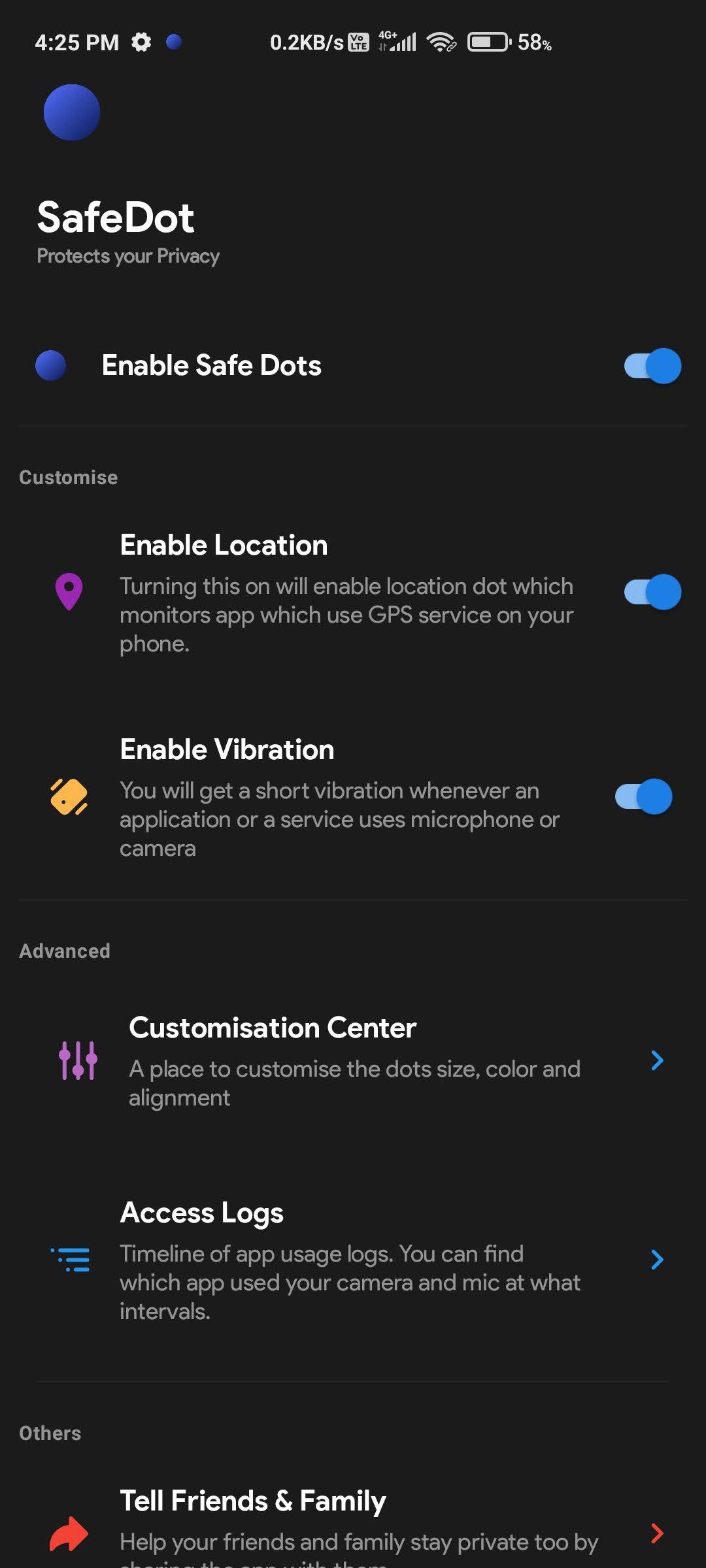
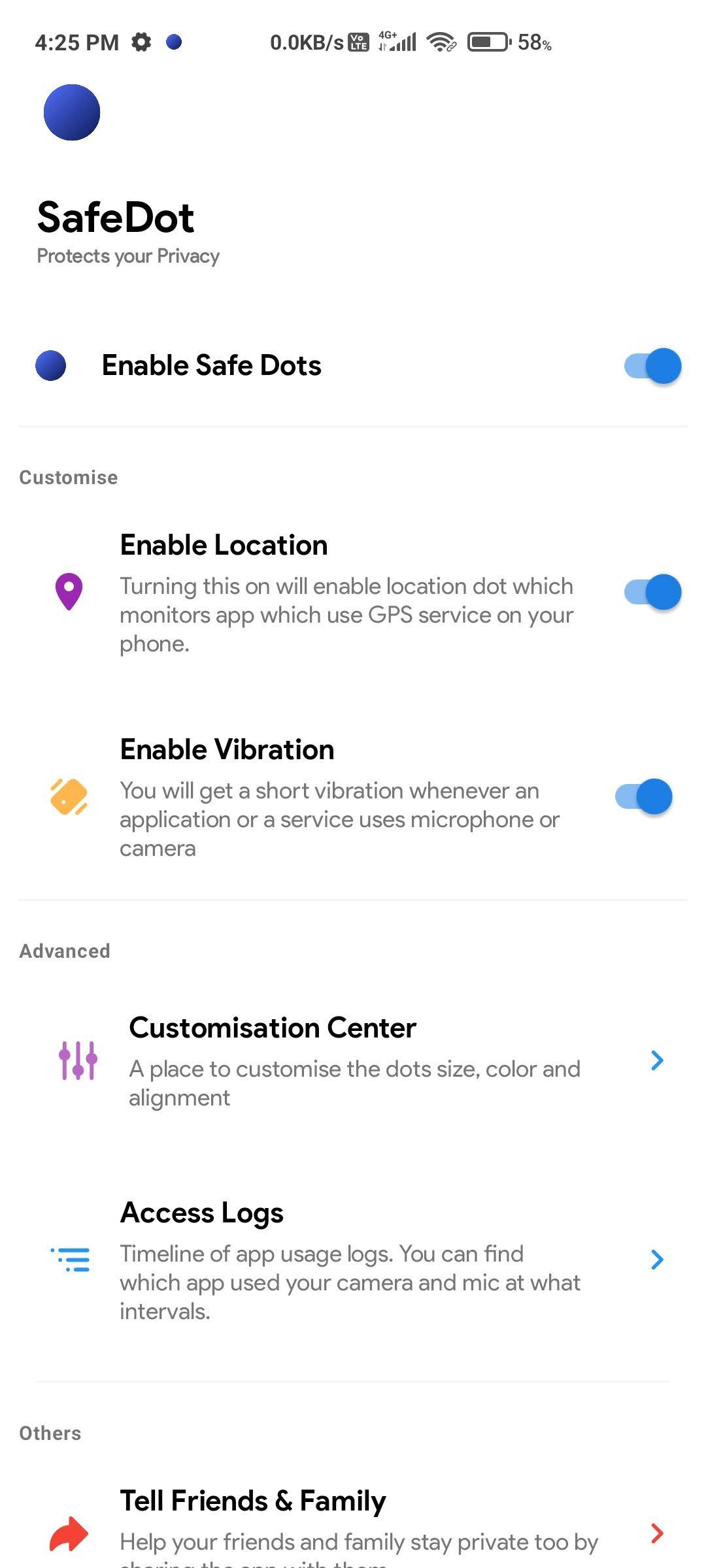
Safe Dots will be visible even on your lock screen. Configuring the App is as simple as enabling the Safe Dots Accessibility Service (Toggle switch in the App › (More) Downloaded Services/Installed Services › Dot › Enable).
By default, the App is configured to show iOS 14 style colored access dots - green for camera access, orange for microphone access. The App itself does not request for the camera or microphone access so, don't worry!.
The app displays Safe Dots whenever the phone's camera or microphone is engaged by a third-party App.
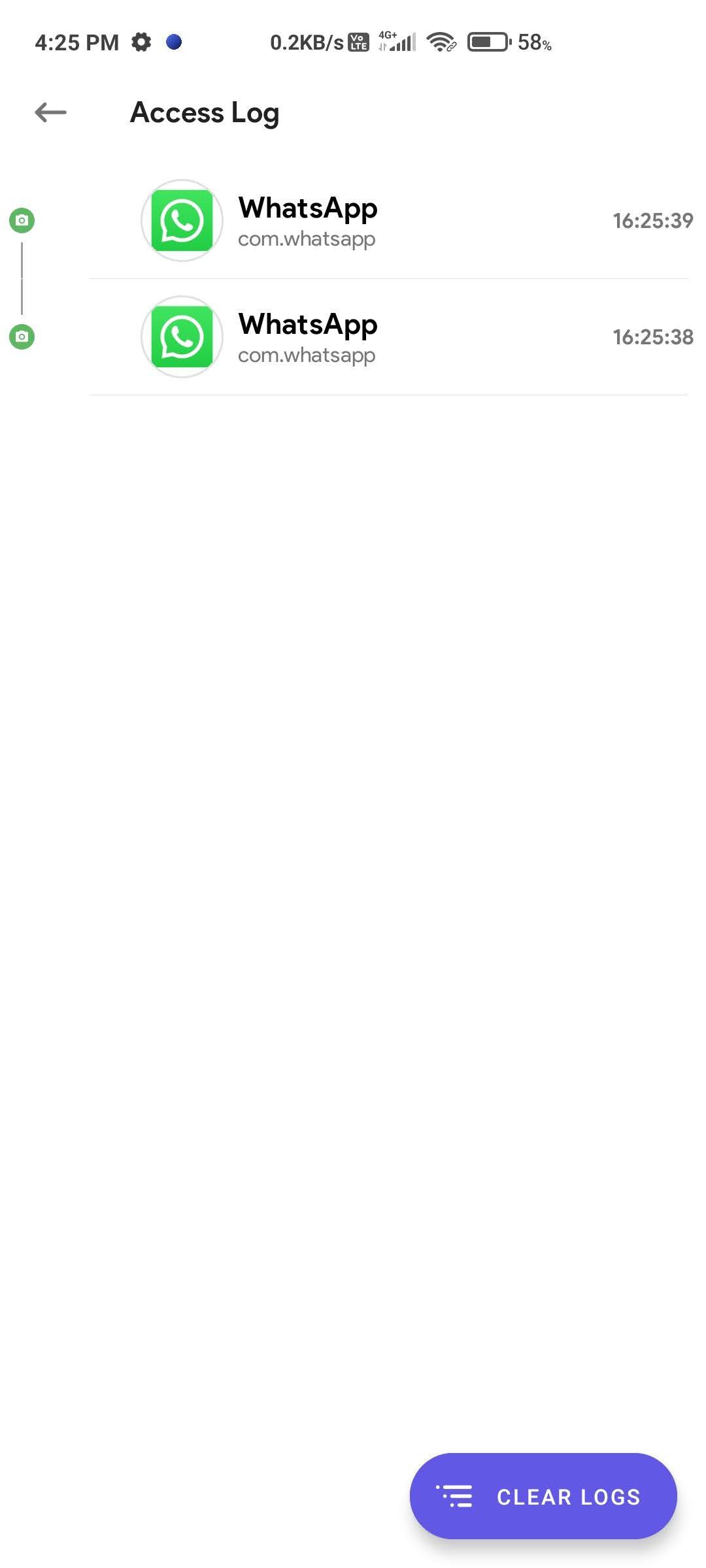
Maintain an Access Log, which can be accessed from the App's main settings screen. The Access Log shows when the camera/microphone was accessed, which App was in the foreground at the time of access initiation and how long did the access last.
 Anti-Features:
 NonFreeAdd: The application promotes non-free add-ons, such that the app is effectively an advert for other non-free software and such software is not clearly labelled as such.
While you can download the APKs here directly, you should preferably use an F-Droid client so the app stays up-to-date on your device.

