Elite Memo Pro
Write, draw, and keep notes with labels, checklists, and home-screen widgets.
| Repo: | IzzyOnDroid |
| AppID: | com.deepanjanxyz.notepad |
| Author: | Deepanjan Biswas |
| License: | MIT |
| InRepoSince: | 2026-02-17 |
| LastRepoUpdate: | 2026-11-22 |
| LastAppUpdate: | 2026-11-22 |
| LastVersion: | 1.0.33 |
| Categories: | Writing |
| APK source: | Github |
| Google Play: | Check if it's there |
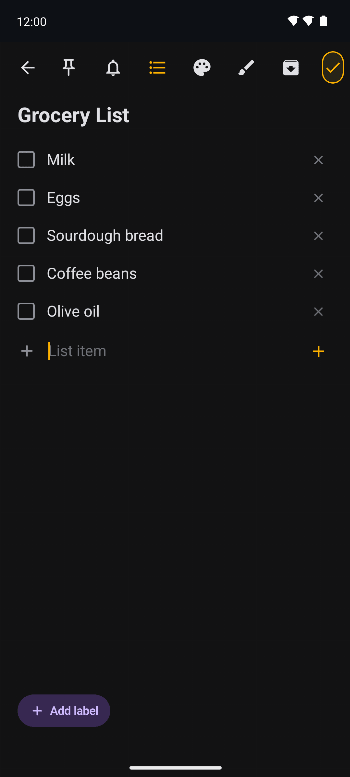
 Elite Memo Pro brings text notes and freehand drawings together in one place.
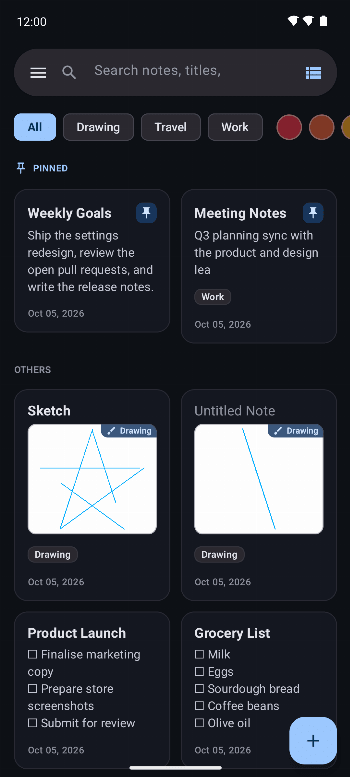
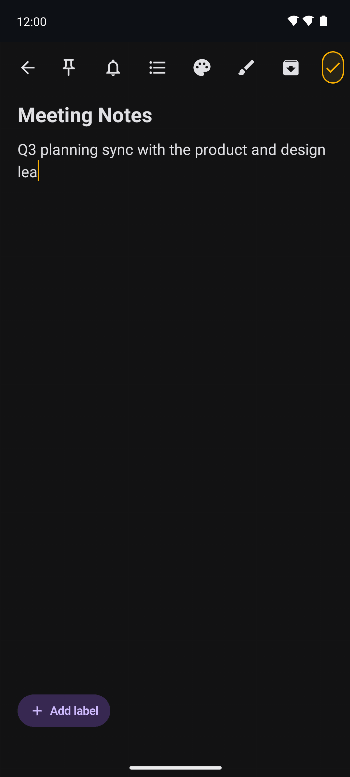
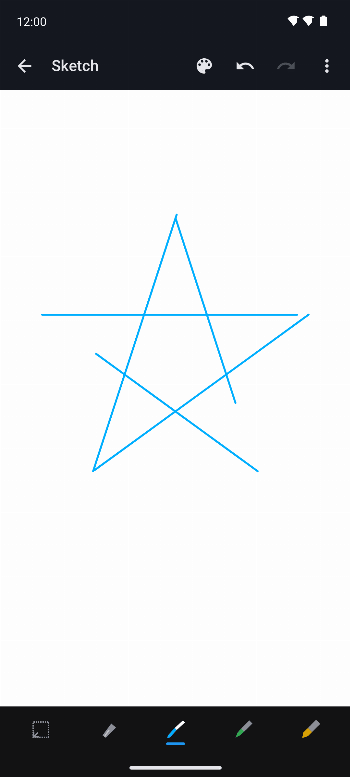
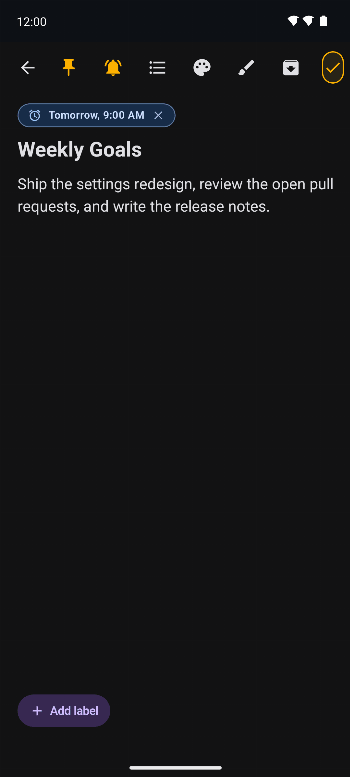
Write notes with titles and checklist items, or sketch on a drawing canvas with pen, marker, highlighter, selection, and eraser tools. Choose a canvas background and use blank, ruled, grid, or dotted guides. Undo and redo drawing changes.
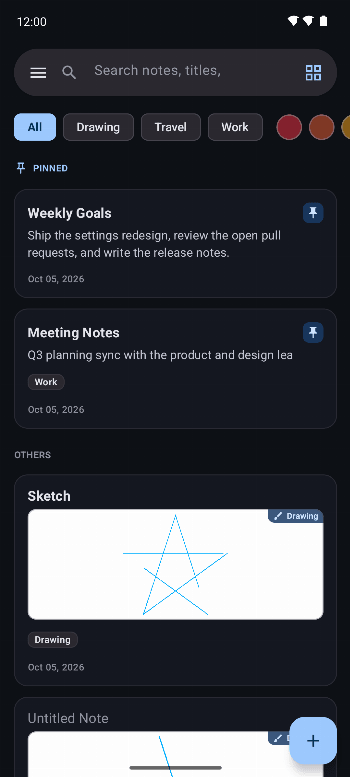
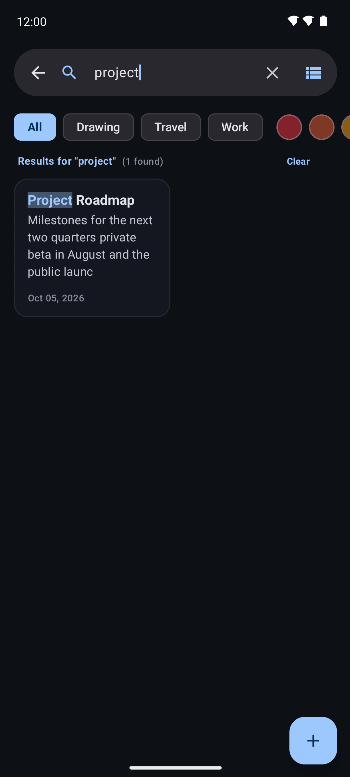
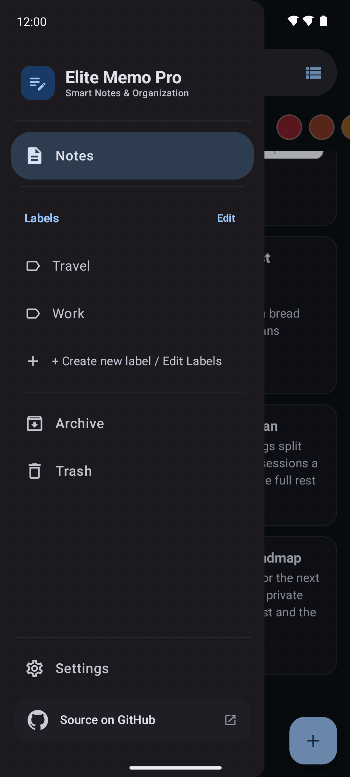
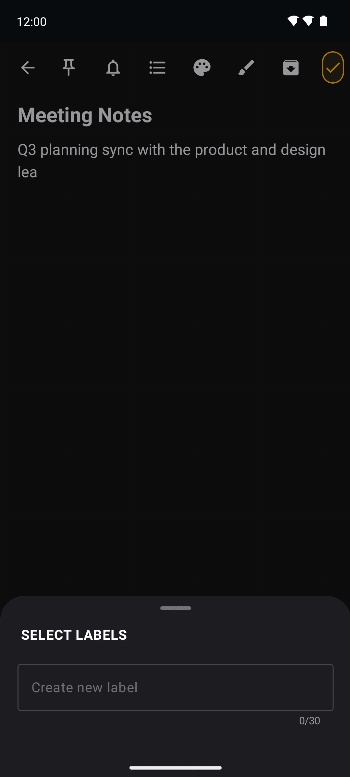
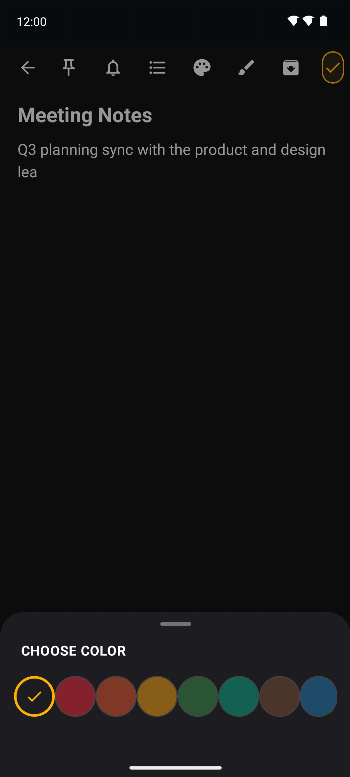
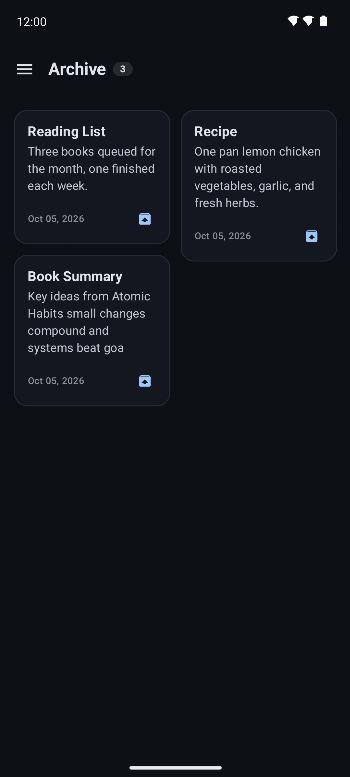
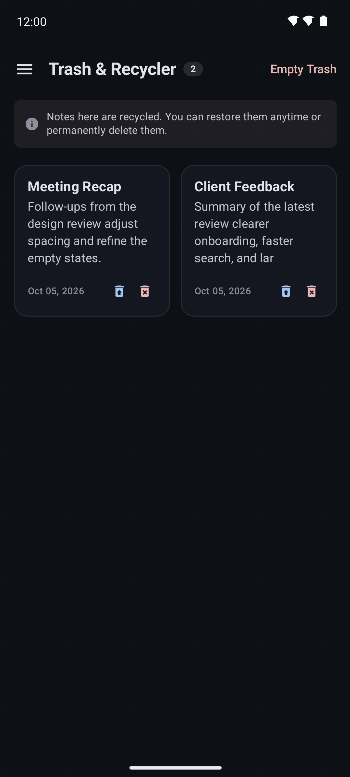
Keep notes organized with labels, colors, and pins. Search note titles, text, and tags, with colorful match highlighting, or filter by label and color. Switch between grid and list layouts, and sort notes by last modified, created date, title, or color. Archive notes to set them aside, or move them to Trash where they can be restored or permanently deleted; trashed notes are cleared automatically after 30 days.
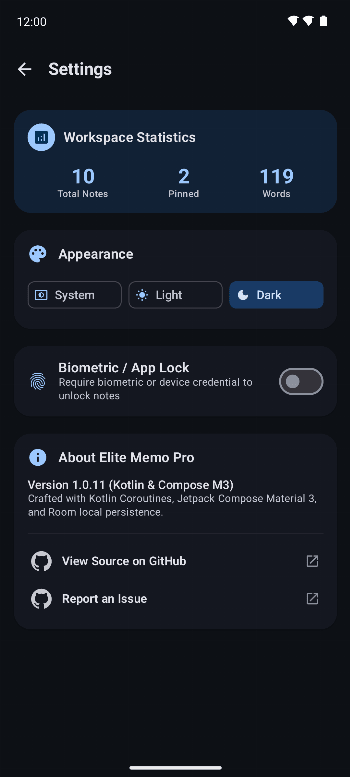
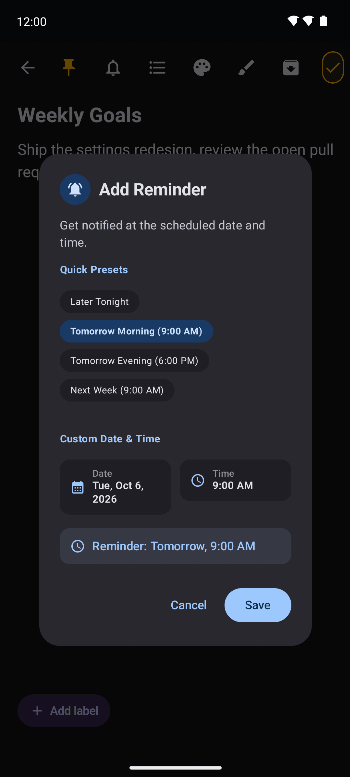
Set a reminder for a note to receive a notification at the scheduled time. Choose light, dark, or system appearance. An optional app lock can request biometric authentication or the device credential when the app opens.
Pin checklist notes to your home screen with a widget and tick items off without opening the app. Add a shortcut widget for any single note: one tap opens it, and a larger cell shows the note's text or a preview of its drawing, in the note's own colour.
Share a note as plain text, or move notes in and out as Markdown: export one note, a selection, or every note as separate .md files in a ZIP, and import Markdown or ZIP files back. Back up or restore all your notes to a JSON file in Downloads.
Notes and labels are stored in the app's local Room database.
WhatsNew:
Bengali, Hindi and safer backups
- Add Bengali and Hindi translations, switchable in Settings.
- Add note shortcuts with text previews and drawing thumbnails, plus widget previews in the picker.
- Import Markdown or ZIP; export one note, selected notes, or .md files in a ZIP.
- Improve JSON backup handling, Downloads storage and recovery.
- Batch large archive, trash, restore and delete operations.
- Animate snackbar countdowns and theme scrolling.
Thank you for using Elite Memo Pro!
Hint: This app is available in both, F-Droid Main and IzzyOnDroid repos.
While you can download the APKs here directly, you should preferably use an F-Droid client so the app stays up-to-date on your device. Some clients have this repo enabled by default, e.g. Neo Store, Droid-ify, or, of course, the IzzyOnDroid client by Sunil. With others (like the official client) you'll have to add this repo manually (see the hint on top of the package list for how to do that).

