Private DNS QS (no launcher)
| Repo: | IzzyOnDroid |
| AppID: | com.flashsphere.privatednsqs.nolauncher |
| Author: | Senxian Z |
| License: | GPL-3.0-only |
| Donation: | Webpage |
| InRepoSince: | 2026-06-13 |
| LastRepoUpdate: | 2026-10-17 |
| LastAppUpdate: | 2026-10-17 |
| LastVersion: | 3.1 |
| Categories: | System |
| APK source: | Github |
| Google Play: | Check if it's there |

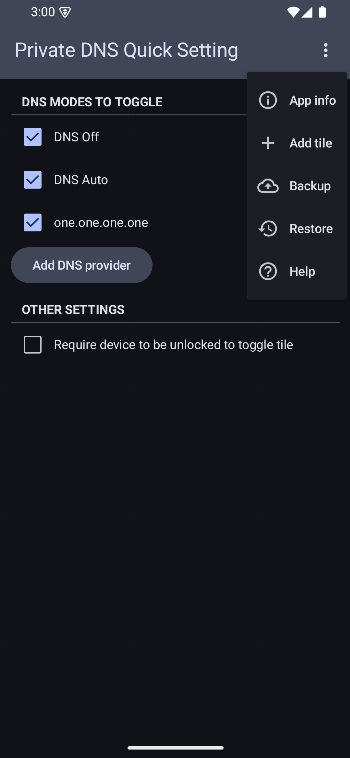
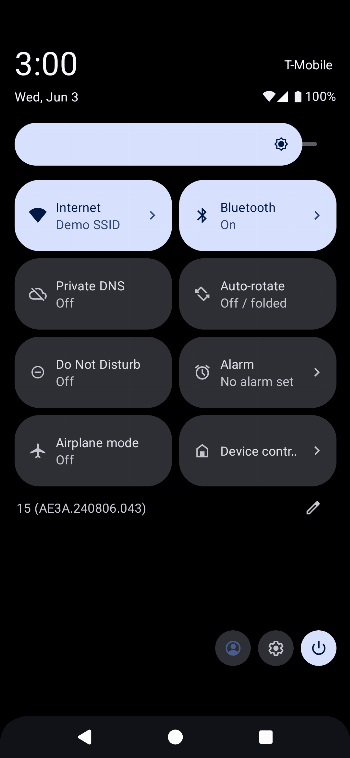
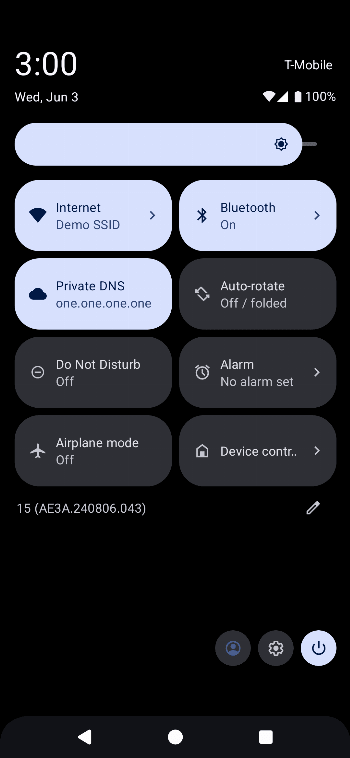
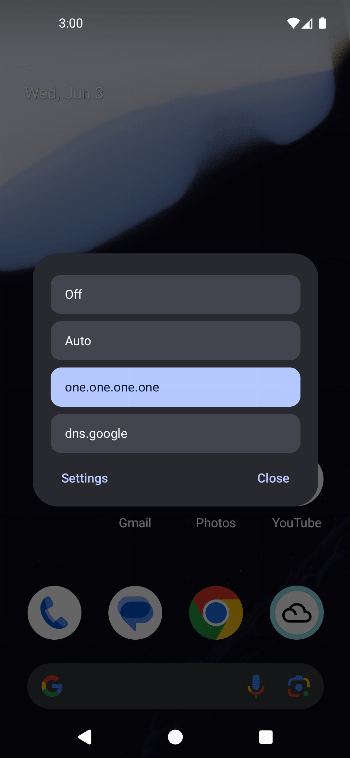
This version of the app doesn't provide a launcher icon in your home screen. To access the app's settings, you need to first add it to your quick settings, then long press the tile.
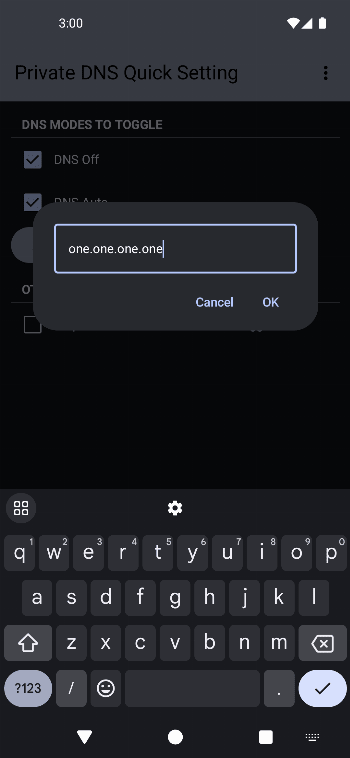
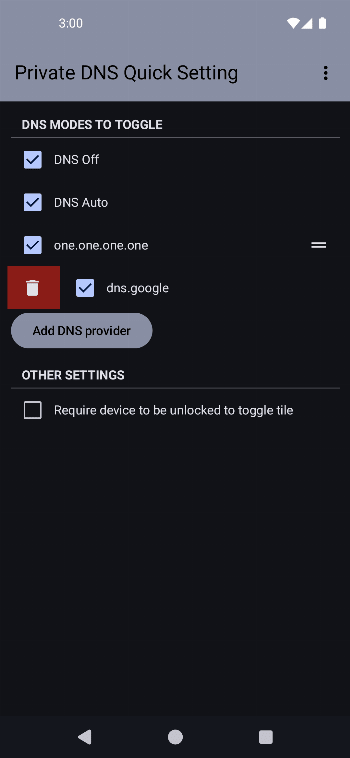
Configure your preferred DNS modes to toggle in app and toggle your Private DNS mode from your quick settings panel.
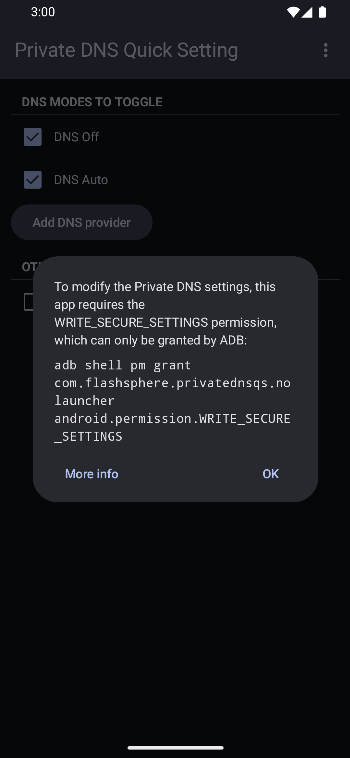
In order to change the Private DNS setting, this app requires the WRITE_SECURE_SETTINGS permission.
This permission can only be granted either by Shizuku or in an ADB shell.
Start Shizuku, then open this app, and the permission should be granted automatically.
ADB
Use the command:
adb shell pm grant com.flashsphere.privatednsqs.nolauncher android.permission.WRITE_SECURE_SETTINGSCheck out private-dns-qs.web.app/help on the steps to use adb to grant the permission.
If you prefer a launcher icon on your home screen, check out the app version here.