DetoxDroid: Digital Detox by Default
Grayscale, doomscrolling breaker & app blocker — healthy phone use by default
| AppID: | com.flx_apps.digitaldetox |
| Author: | flxapps |
| License: | GPL-3.0-only |
| Donation: | Webpage LiberaPay |
| InRepoSince: | 2021-01-01 |
| LastRepoUpdate: | 2026-07-31 |
| LastAppUpdate: | Unknown |
| LastVersion: | 2.6.1 |
| Categories: | Sports & Health |
| Google Play: | Check if it's there |
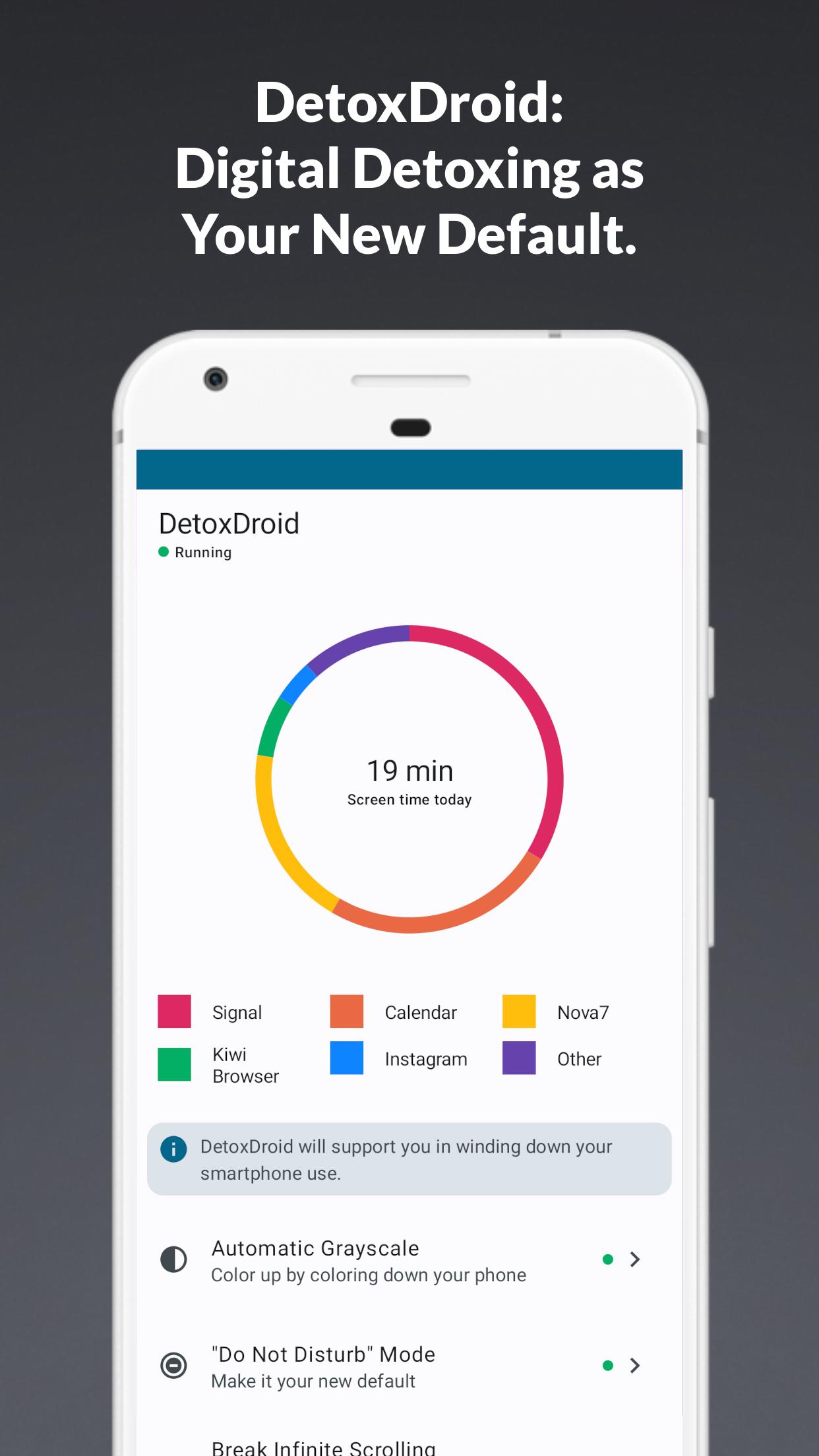
 Most "digital detox" apps ask you to sign a contract with yourself: no phone for the next X minutes, no more than Z minutes in app Y — and some even charge you money when you fail. DetoxDroid takes a different approach. Instead of relying on willpower, it removes the attention-grabbing tricks from your phone so that calm, healthy phone use becomes the default. You don't have to decide when to "detox" — protection is always on, and you deliberately pause it when you actually need something.
Use your phone. Don't let your phone use you.
FEATURES
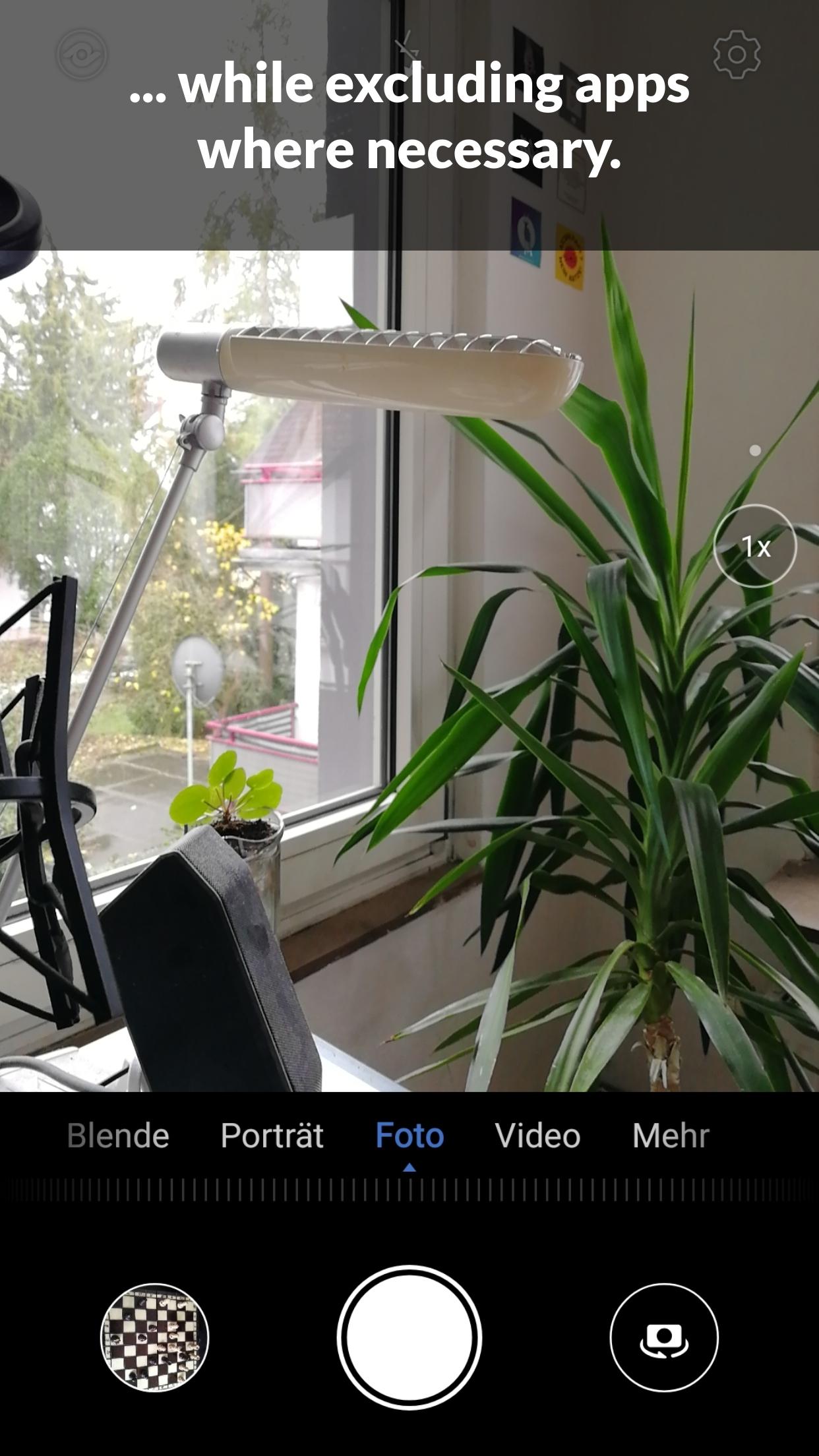
* Automatic Grayscale: A colorless screen is far less addictive. Exclude apps that need color (camera, gallery, maps), set an optional daily budget of colored screen time, or dim the screen further with Extra Dim.
* Break Doom Scrolling: Detects when you are stuck in an endless feed (Shorts, Reels & co.) and steps in with a prompt to stop. After a break, the feed stays locked for a cooldown period.
* Disable Apps: Block or fully deactivate distracting apps — including their launcher icons and notifications — or give them a daily time budget after which they lock until the next day.
* Automatic Do Not Disturb: DetoxDroid keeps Do Not Disturb switched on while it is active, so notifications wait for you — not the other way around.
* Pause Button: Take intentional breaks from Quick Settings, your assistant, or by long-pressing a hardware button. DetoxDroid resumes automatically afterwards, and a minimum time between pauses keeps "just one more pause" in check.
* Commitment Password: Lock DetoxDroid's settings behind a password — keep it yourself, or hand it to a partner or friend for extra accountability.
INSTALLATION
Installing the app alone is not enough for the grayscale feature: Android only exposes the color-mode setting to apps holding the WRITE_SECURE_SETTINGS permission. On a rooted phone you can grant it directly from the app; otherwise you grant it once from a computer. It usually takes only a few minutes — a step-by-step guide is on GitHub: https://github.com/flxapps/DetoxDroid#installation
FREE & OPEN SOURCE
DetoxDroid is free software with no ads and no tracking. All features are available to everyone — the power-user extras are unlocked on the honor system: donate if you can, or unlock them for free. If DetoxDroid earns its place on your phone, you can support development via LiberaPay or Ko-fi, and report issues or contribute on GitHub.
WhatsNew:
### Release v2.6.1
✨ New Features
- target SDK 35 for future compatibiltiy
- add German translation
- enhance doom scrolling detection with probation thresholds and grace handling
🐛 Bug Fixes
- enhance foreground package tracking in accessibility service




While you can download the APKs here directly, you should preferably use an F-Droid client so the app stays up-to-date on your device.
Packages
Version 2.6.1 (2026-07-31) 

Android Versions:
- Target: 15.0
- MinVer: 8.0
- ABIs: arm64-v8a, armeabi-v7a, x86, x86_64
Permissions:
Malware-Check:
Download (14.3 M)