Launch - Minimalist Launcher
A clean, efficient, and minimalist Android launcher.
| AppID: | com.guruswarupa.launchh |
| Author: | Guru Swarupa |
| License: | MIT |
| InRepoSince: | 2026-01-16 |
| LastRepoUpdate: | 2026-02-20 |
| LastAppUpdate: | Unknown |
| LastVersion: | 5.8 |
| Categories: | Launcher, System |
| Google Play: | Check if it's there |
 Launch is a clean, efficient, and minimalist Android launcher designed to maximize simplicity, focus, and productivity.
Built for those who value speed, clarity, and control.
Simple. Clean. Powerful.
---
🧠 **Smart App Management**
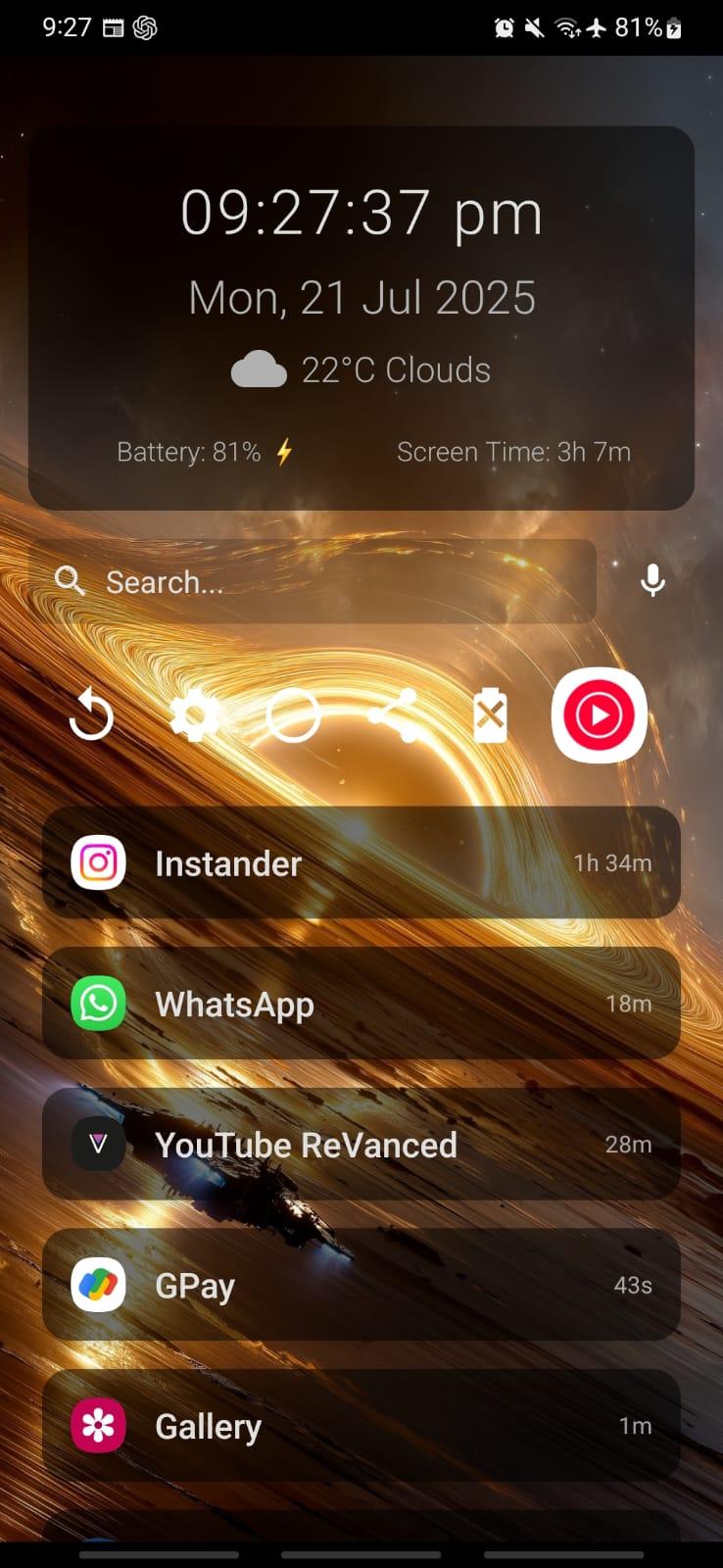
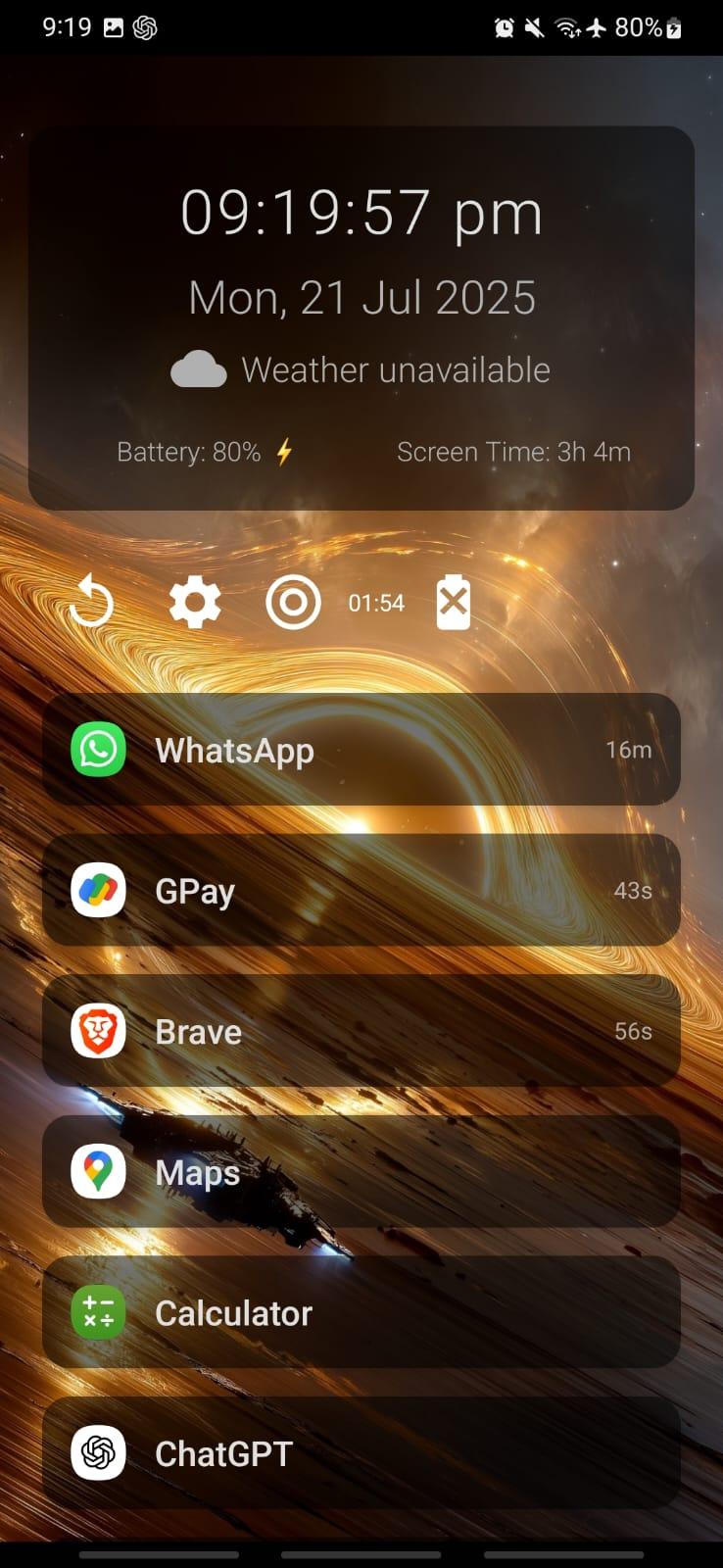
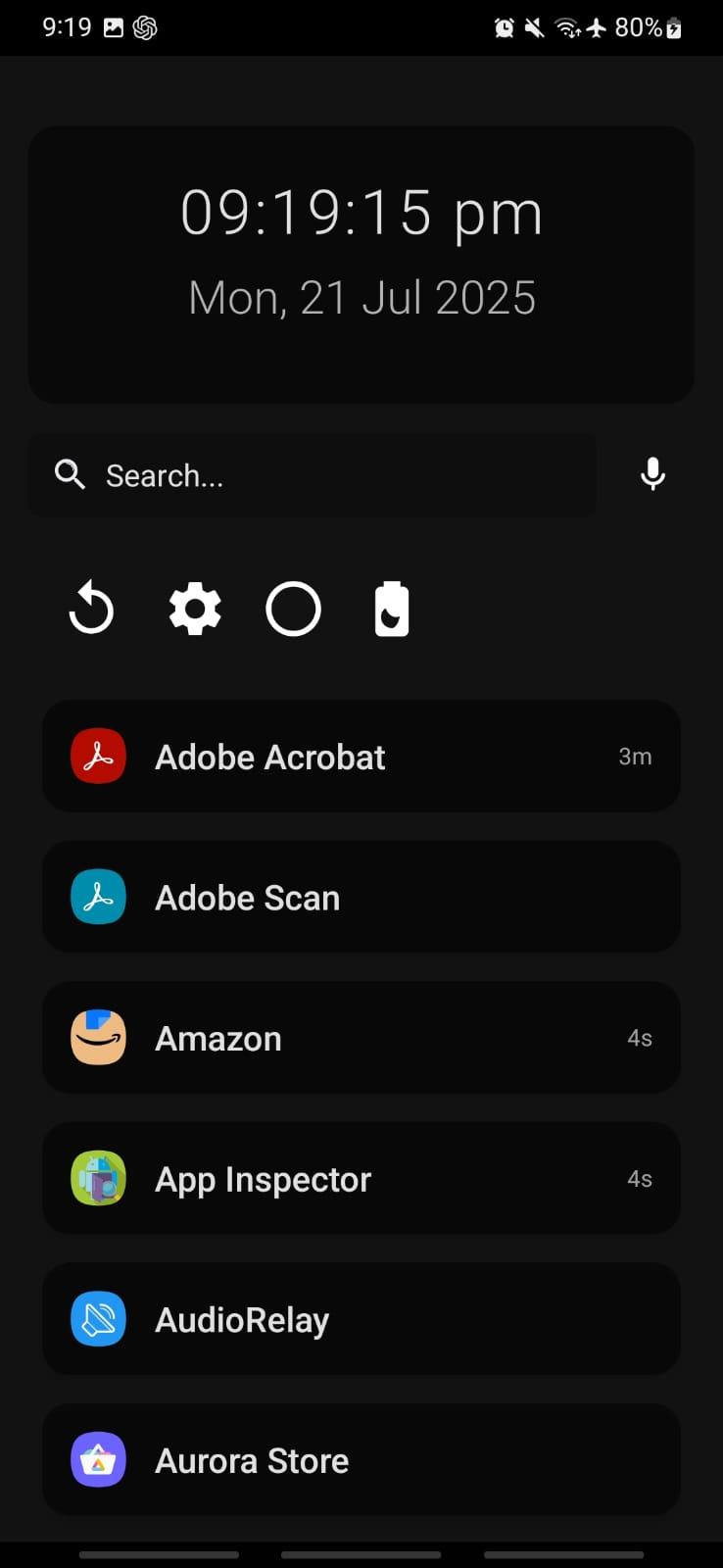
* Apps sorted automatically by usage frequency
* Rarely used apps grouped alphabetically
* App usage time displayed beside icons
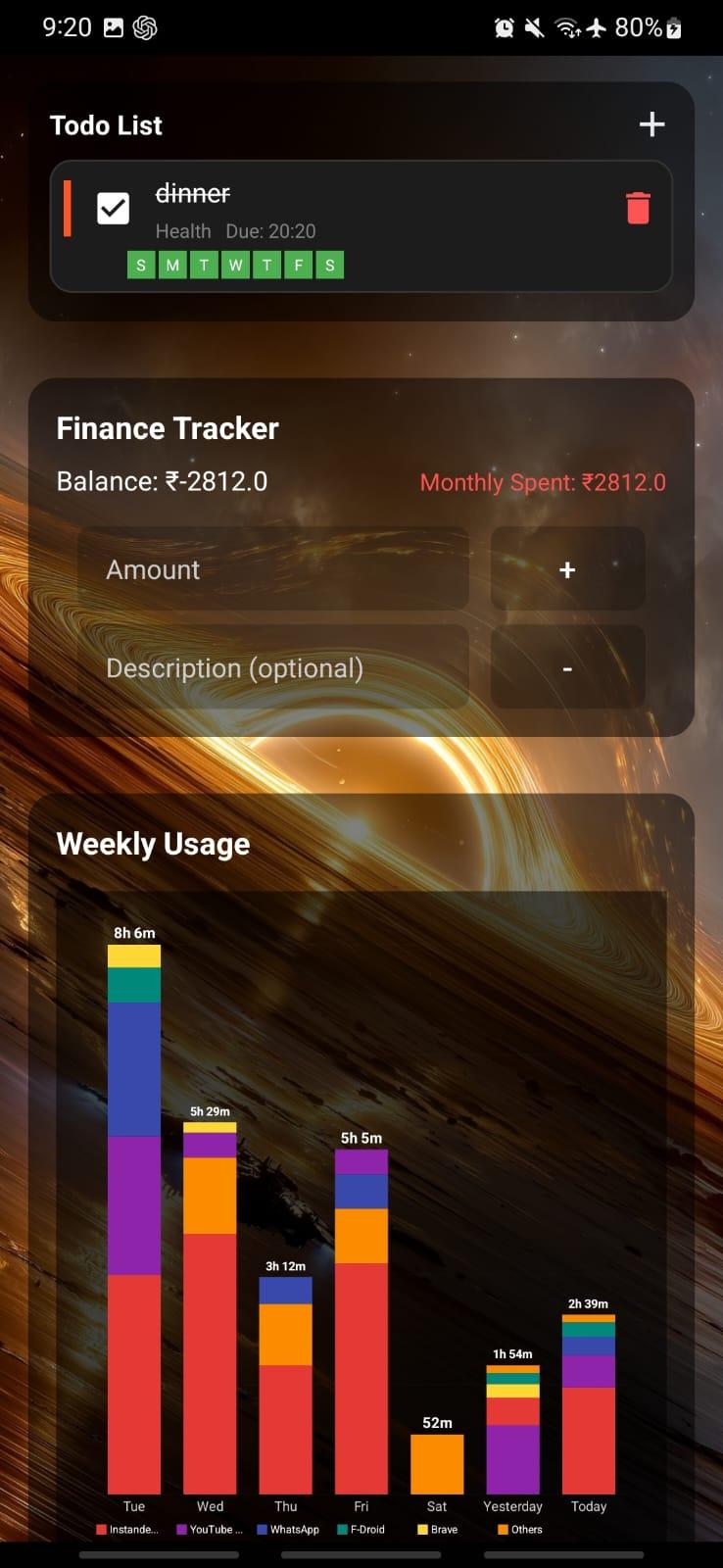
* Weekly phone usage graph (last 7 days)
* Tap any day for detailed breakdown
* Interactive daily pie charts
* Total screen time per day
* One-tap uninstall via long press
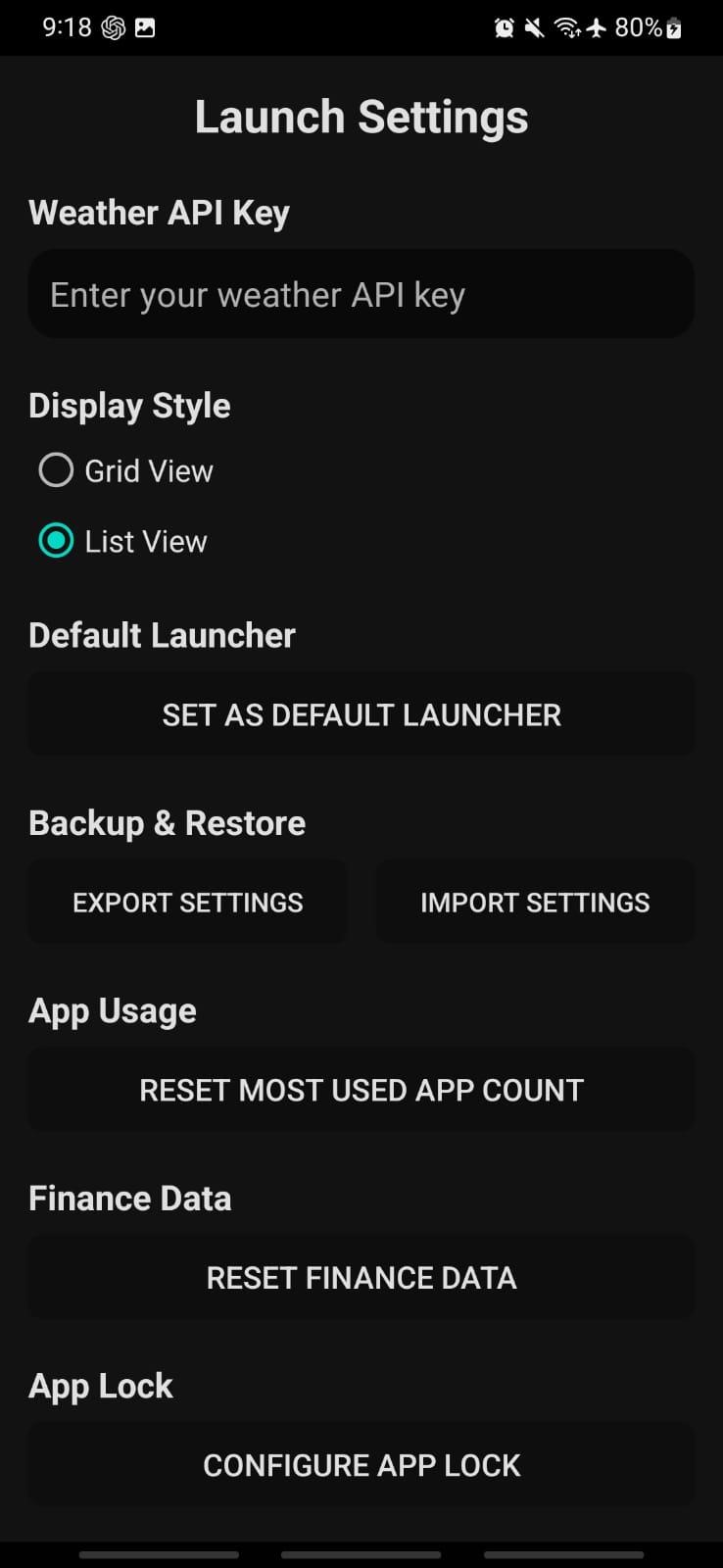
* Switch between smooth grid and list view
* Mark apps as favorites
* Toggle between “Favorites Only” and “Show All”
* Organize apps by categories (Social, Productivity, Games, etc.)
* Filter apps by category
---
🔍 **Smart Universal Search**
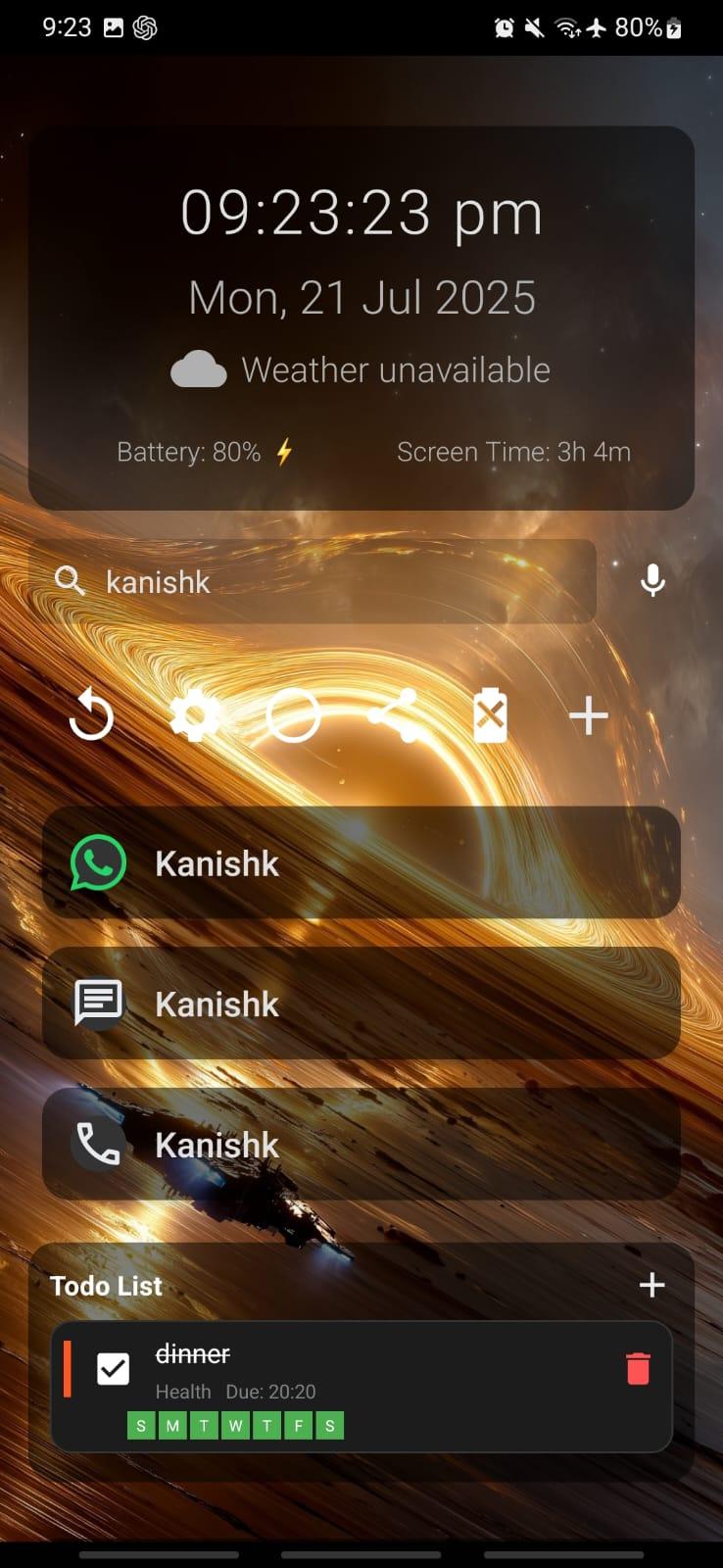
* Search apps, contacts, and perform web searches
* Built-in calculator in search bar
* Scientific calculations supported
* Quick links to Play Store, YouTube, Maps, and browser
* Tap to call, SMS, or WhatsApp contacts directly
* Voice command support
Example voice commands:
* Call Swaroop
* Message Swaroop
* WhatsApp Swaroop
* Open YouTube
* Search weather tomorrow
* Uninstall WhatsApp
* Bangalore to Mysore (opens Maps route)
---
⚡ **Quick Actions & Widgets**
* Time widget → Opens Clock
* Date widget → Opens Calendar
* Weather widget with live data (OpenWeatherMap API supported)
* Battery widget with charging status
* Notifications widget (view & dismiss notifications)
* Todo list widget (full task management)
* Full calculator widget (Basic, Scientific & Converter modes)
* Third-party Android widget support
* Long press search bar → Google in browser
---
🔕 **Focus Mode**
* Temporarily hide distracting apps
* Select allowed apps (whitelist)
* Set countdown timer
* Cannot exit until timer ends
* Visible timer countdown on screen
---
⏱️ **App Usage Limits & Session Timers**
* Set daily usage limits for any app
* Icons gray out when limit is reached
* Automatically returns to home when limit expires
* Quick session timers (1, 5, 10 minutes)
* Custom timer durations supported
* Helps reduce screen addiction and improve discipline
---
🔐 **App Lock**
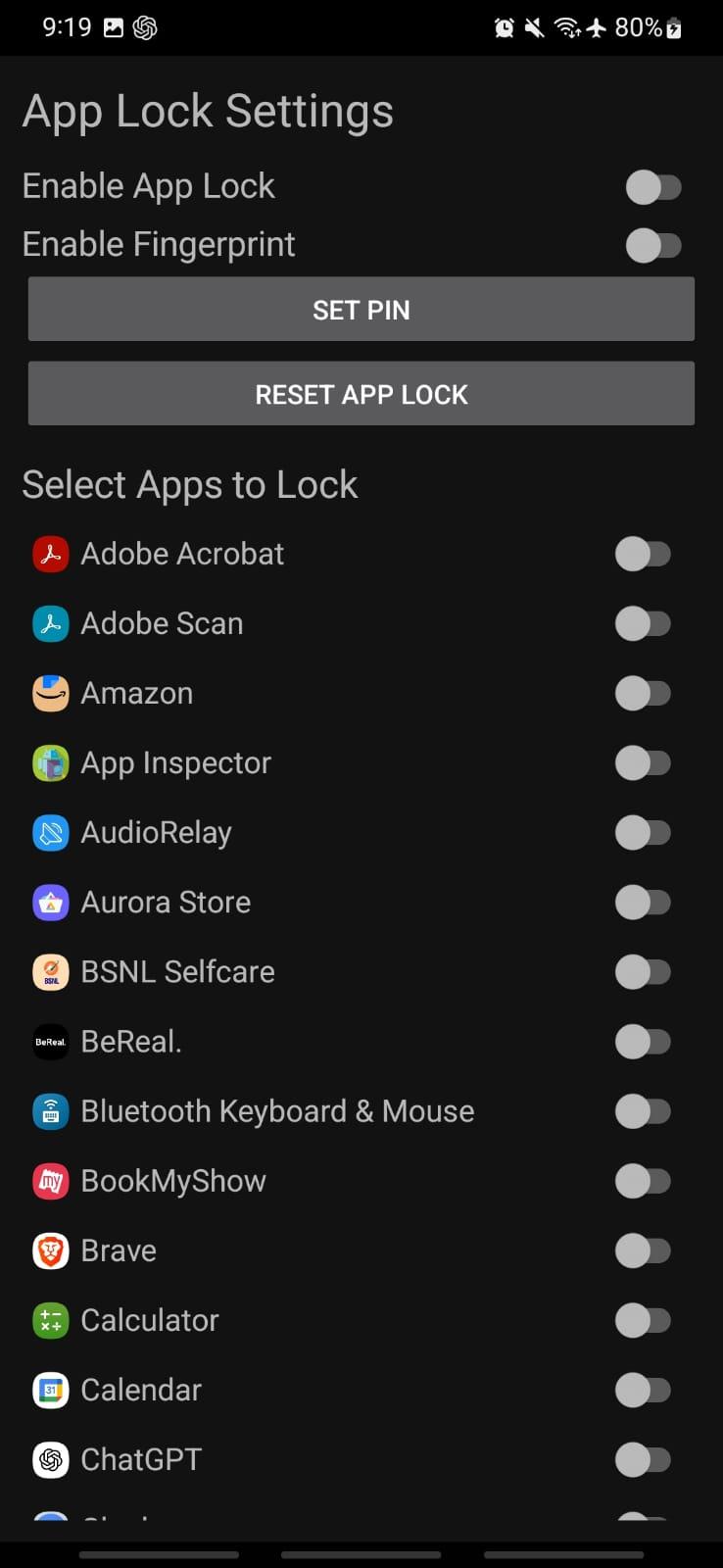
* Lock individual apps with PIN
* Fingerprint unlock support (if device supports it)
* 1-minute unlock timeout window
* Protect sensitive apps like WhatsApp, Instagram, etc.
---
✅ **Advanced Todo List Widget**
* Add tasks with due time
* Assign priority (High / Medium / Low)
* Recurring tasks (Daily / Weekly / Custom)
* Visual completion tracking
* Persistent clean task interface
---
🔔 **Notifications Widget**
* View unread notification counts
* Quick access to recent notifications
* Swipe to dismiss directly
* Tap to open related app
---
🧮 **Calculator Widget**
* Basic arithmetic operations
* Scientific mode (sin, cos, log, etc.)
* Converter mode (unit & base conversions)
* Calculation history
* Radians/Degrees toggle
---
💰 **Finance Tracker**
* Track income and expenses
* Add notes to transactions
* View recent transaction history
* Monthly savings overview
* Offline-first and lightweight
---
📦 **APK Sharing**
* Share installed APKs
* Send via Bluetooth, email, or messaging apps
* Access from app context menu or dock
---
🎨 **Dock Customization**
* Add, rename, or group favorite apps
* Customize dock layout and icon count
* Long press to edit or remove
---
📊 **Enhanced Usage Statistics**
* Weekly usage graph
* Daily detailed breakdown
* Interactive pie charts
* App-by-app time analysis
* Total screen time tracking
* Auto refresh when date changes
---
📱 **Shake to Toggle Torch**
* Shake device twice to toggle flashlight
* Works in background
* Battery efficient (active only when screen on)
* Quick access without unlocking
---
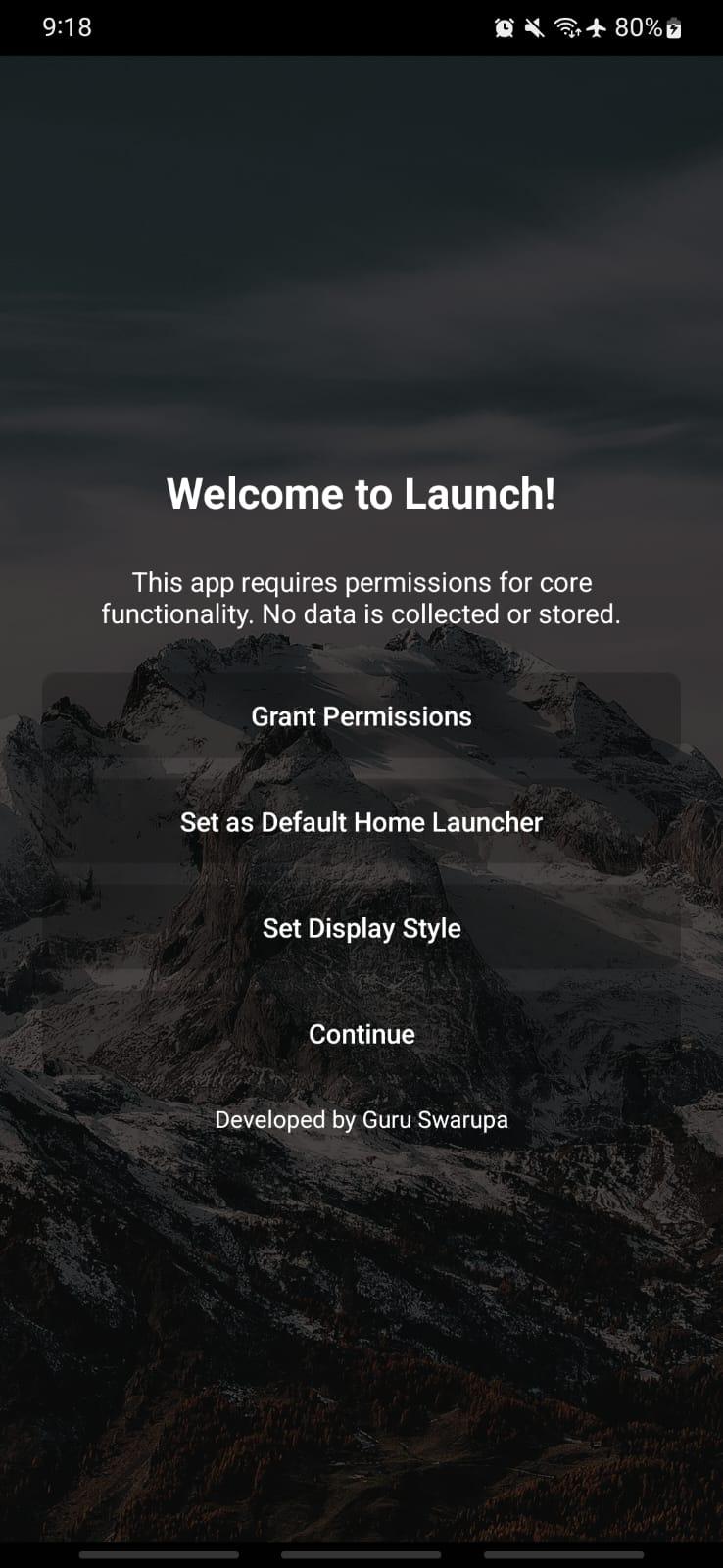
🎓 **Onboarding & Interactive Tutorial**
* First-run setup wizard
* Guided feature introduction
* Step-by-step walkthrough
* Smart navigation & auto highlights
* Resume if interrupted
* Skip anytime
---
🤏 **Gestures**
* Tap widgets for quick actions
* Long
 Anti-Features:
 NonFreeNet(this application promotes/depends a non-Free network service):
⇒ Connects to weather APIs and web search providers for functionality
While you can download the APKs here directly, you should preferably use an F-Droid client so the app stays up-to-date on your device.

