QuickTile Settings
Manage Private DNS & USB Debugging via Quick Tile Settings tiles & Auto-revert.
| Repo: | IzzyOnDroid |
| AppID: | com.rbn.qtsettings |
| Author: | RBN-Apps |
| License: | GPL-3.0-only |
| InRepoSince: | 2025-05-18 |
| LastRepoUpdate: | 2026-09-21 |
| LastAppUpdate: | 2026-09-21 |
| LastVersion: | 1.5.1 |
| Categories: | System |
| APK source: | Github |
| Google Play: | Check if it's there |

Quick-Tile Settings offers customizable Quick Settings tiles for Private DNS and USB debugging. Quickly toggle settings and auto-revert when needed.
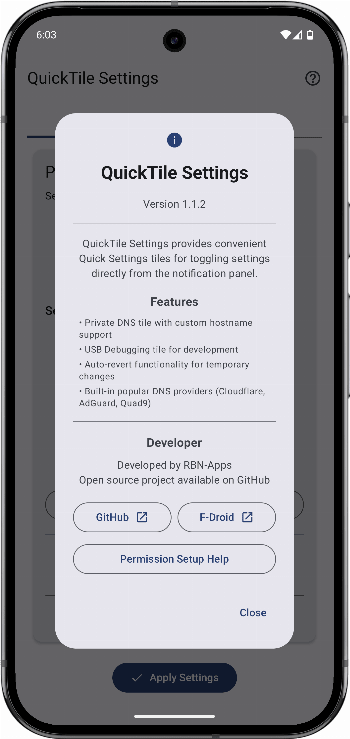
Features:
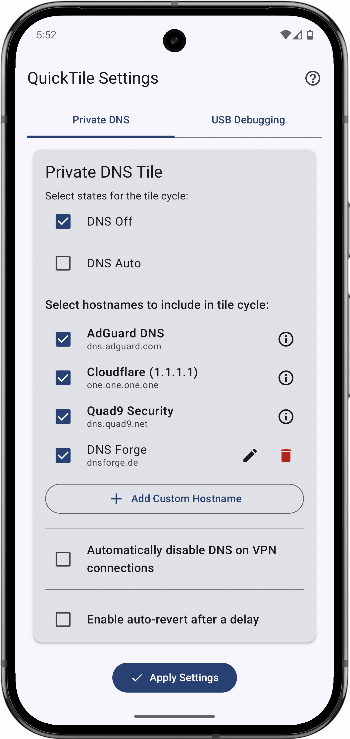
- Private DNS Tile
- Cycle: Off, Auto, custom hostnames
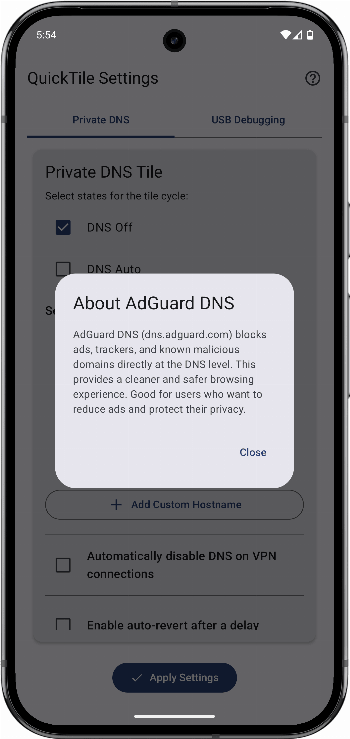
- Predefined providers: Cloudflare (Performance & Privacy), AdGuard (Ad/Tracker Blocking), Quad9 (Security)
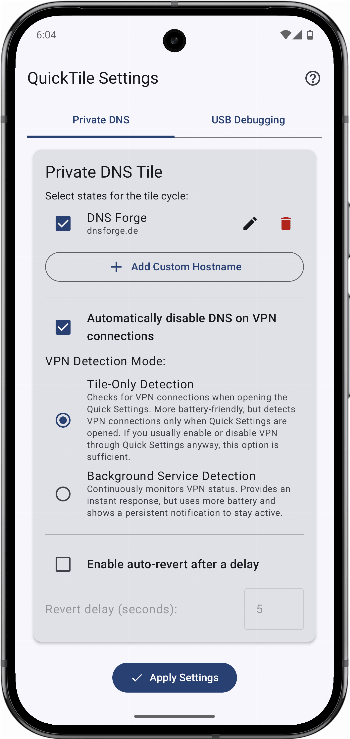
- Add, edit, or delete custom DNS entries
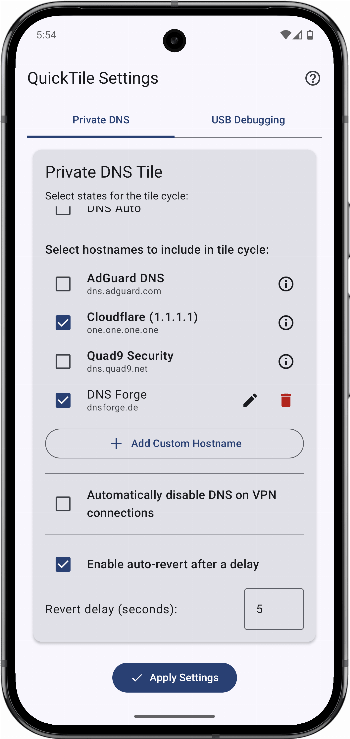
- Select which entries appear in the cycle
- Optional auto-revert after a configurable delay
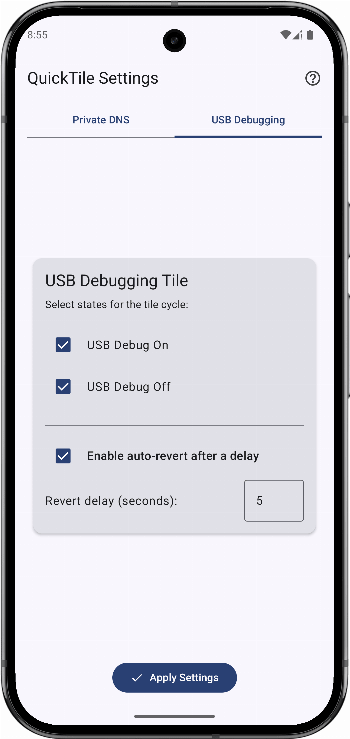
- USB Debugging Tile
- Toggle: On ↔ Off
- Configurable cycle or fixed states
- Optional auto-revert
- User-Friendly Configuration
- In-app settings with tab navigation
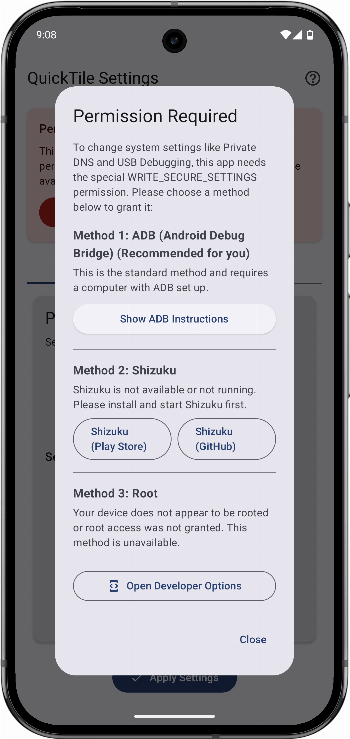
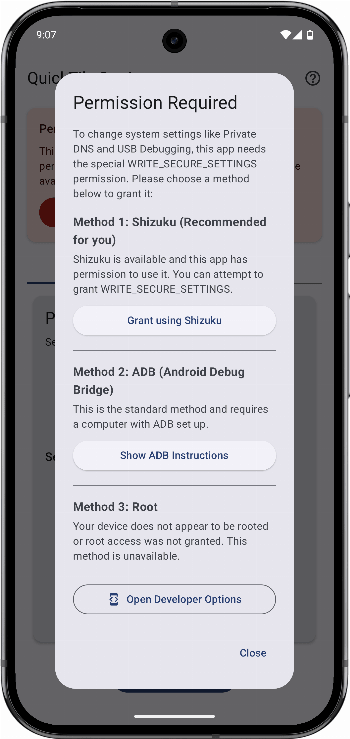
- Clear ADB guidance for granting
WRITE_SECURE_SETTINGS
- Modern UI: Jetpack Compose, Material You (Android 12+)
Requirements:
- Android 9 (API 29) or higher
WRITE_SECURE_SETTINGSpermission via ADB (one-time setup)
Setup & Usage:
- Grant ADB permission: Follow the in-app instructions for a one-time setup.
- Configure tiles:
- DNS: select Off/Auto and manage hostnames.
- USB Debugging: select On/Off.
- Set auto-revert delays as desired.
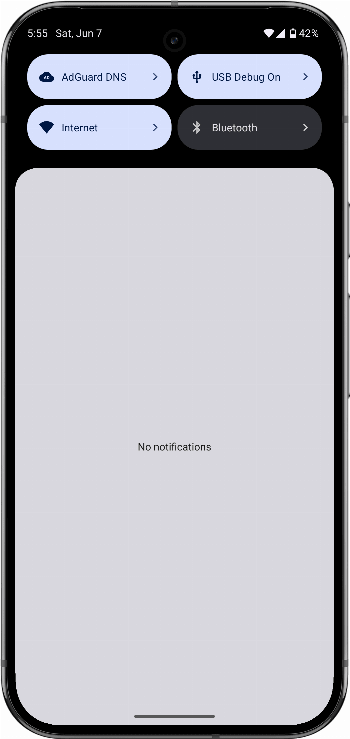
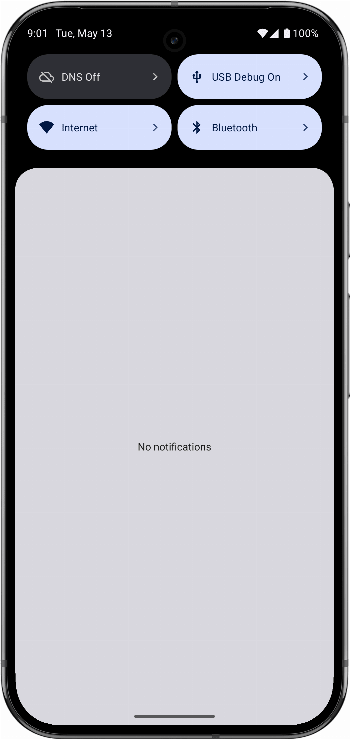
- Add tiles: Add "DNS" and "USB Debugging" to your Quick Settings panel.
- Use: Tap to toggle; long-press to open settings.
WhatsNew:
Version 1.5.1
- Fixed USB debugging and developer options detection on affected Android 17 devices.
Hint: This app is available in both, F-Droid Main and IzzyOnDroid repos.
While you can download the APKs here directly, you should preferably use an F-Droid client so the app stays up-to-date on your device. Some clients have this repo enabled by default, e.g. Neo Store, Droid-ify, or, of course, the IzzyOnDroid client by Sunil. With others (like the official client) you'll have to add this repo manually (see the hint on top of the package list for how to do that).