DrawAnywhere
Floating canvas for drawing, annotating, and highlighting over other apps.
| Repo: | IzzyOnDroid |
| AppID: | com.shezik.drawanywhere |
| Author: | Kerry Shen |
| License: | AGPL-3.0-only |
| InRepoSince: | 2025-08-18 |
| LastRepoUpdate: | 2026-06-09 |
| LastAppUpdate: | 2026-06-08 |
| LastVersion: | 2.3 |
| Categories: | Graphics |
| APK source: | Github |
| Google Play: | Check if it's there |

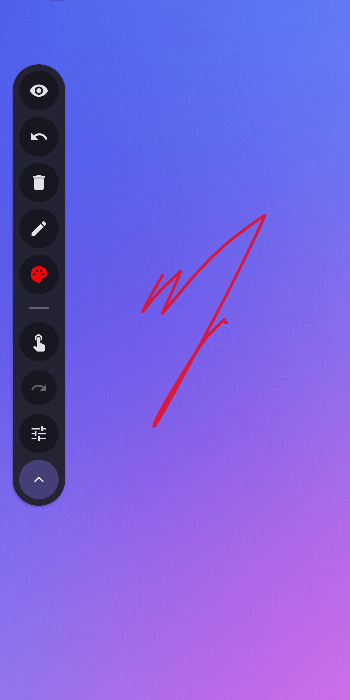
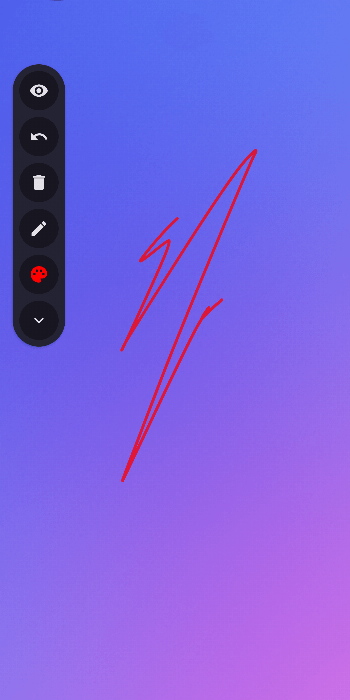
DrawAnywhere lets you sketch, annotate, and highlight directly on top of any screen — great for video courses, tutorials, and presentations.
Drawing tools
- Freehand pen, rectangle, ellipse, and laser pointer
- Pixel eraser; stroke eraser via stylus button
- 50-step undo/redo
- HSV color wheel, 18 presets, recent colors, hex input
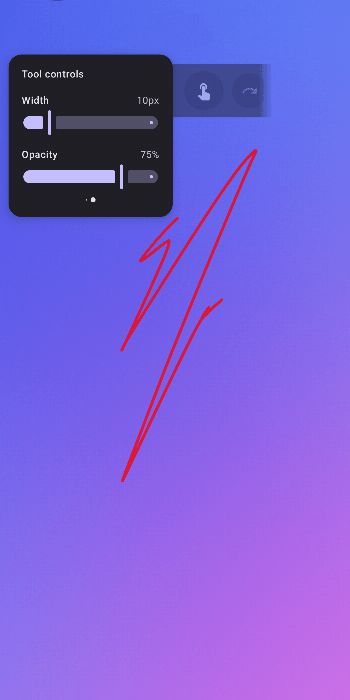
- Stroke width and opacity sliders
Canvas and gestures
- Infinite canvas — pan and pinch-to-zoom freely
- Three-level lock (none, zoom only, all) with HUD indicator
- Two-finger pinch: zoom | double-tap: reset zoom | triple-tap: reset position
- Three-finger double-tap: toggle passthrough | triple-tap: hide canvas
Toolbar
- Horizontal and vertical layout, draggable anywhere via long‑press
- Auto-dims after 3 seconds of inactivity
- Hide canvas or pass touch events through to the app below
- Finger-drawing toggle for stylus-only mode
Convenience
- Quick Settings tile to toggle the service
- Drag the toolbar to the bottom of the screen to close the app
- Second-launch closes the service
- Brush hover preview while drawing
Tips
- Turn on Clear canvas on hide to auto-clear when hiding the canvas (passthrough is also disabled).
- Turn off Open canvas on start to hide the canvas on startup.
Source: https://github.com/DrawAnywhere/DrawAnywhere
WhatsNew:
Drag toolbar to the bottom of the screen to close the app — a red X circle appears when you enter the dismiss zone.
Laser pointer fade now measured from last stroke movement, staying bright while the pen is held down.
Internal cleanup — merged tiny files, removed dead code, streamlined architecture.
Hint: This app is available in both, F-Droid Main and IzzyOnDroid repos.
While you can download the APKs here directly, you should preferably use an F-Droid client so the app stays up-to-date on your device. Some clients have this repo enabled by default, e.g. Neo Store, Droid-ify, or, of course, the IzzyOnDroid client by Sunil. With others (like the official client) you'll have to add this repo manually (see the hint on top of the package list for how to do that).