Rubber Ring
A looper for practicing song parts.
| AppID: | de.singular.looper |
| Author: | Kreuder |
| License: | GPL-3.0-only |
| Donation: | Webpage |
| InRepoSince: | 2026-07-11 |
| LastRepoUpdate: | 2026-08-11 |
| LastAppUpdate: | Unknown |
| LastVersion: | 0.10 |
| Categories: | Local Media Player, Multimedia, Music Practice Tool |
| Google Play: | Check if it's there |
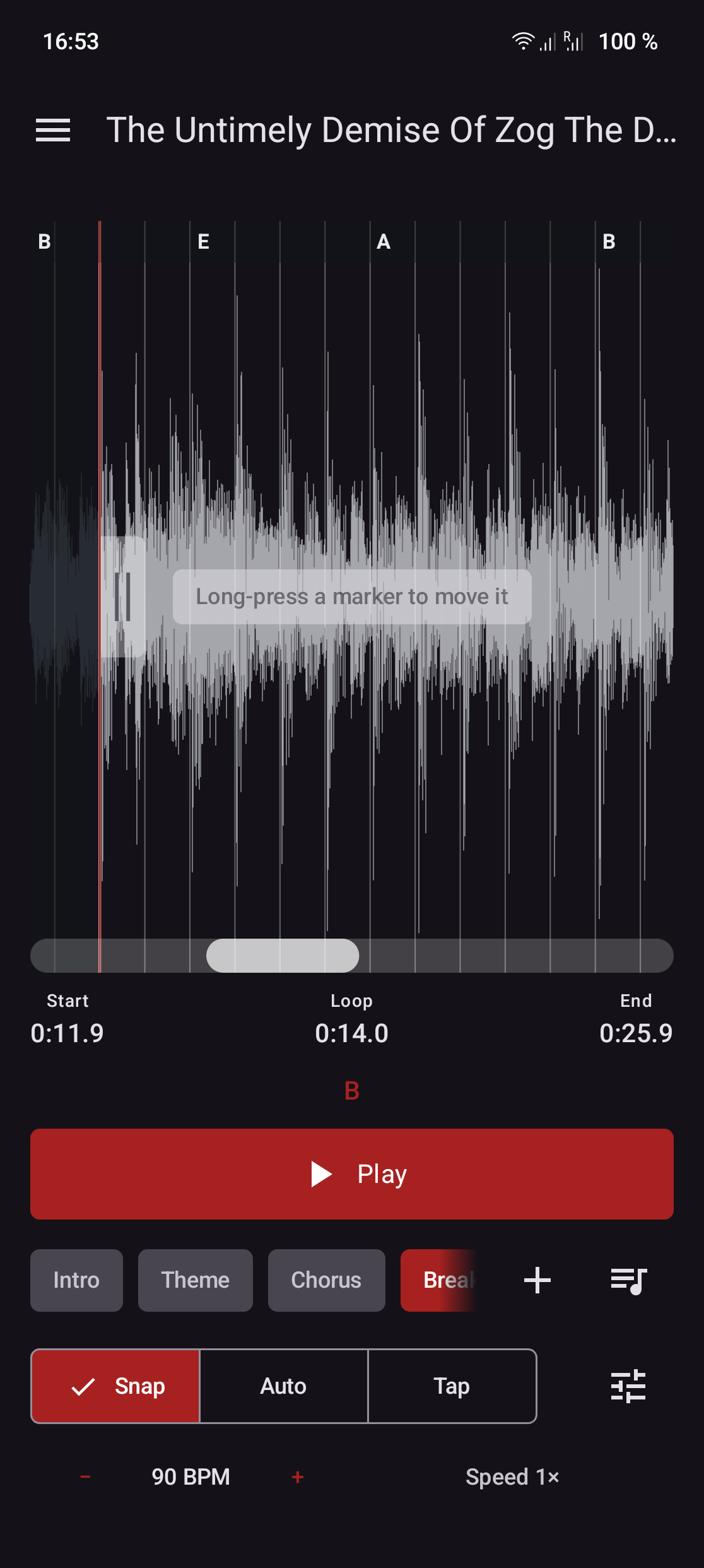
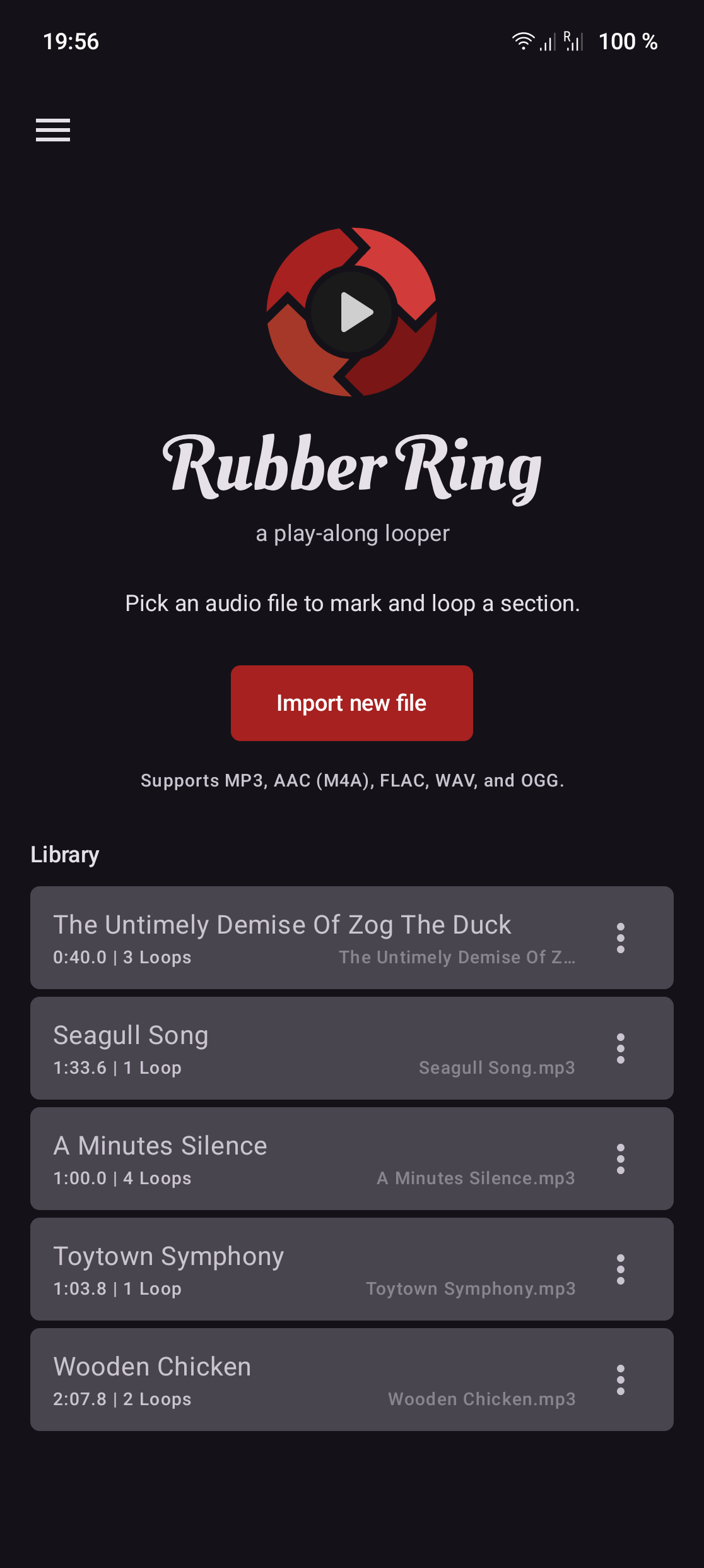
 Rubber Ring is a tool for practicing song parts. Pick an audio file, mark a start/stop region on its waveform, and play it back in a seamless, gapless loop. It auto-detects tempo and beats to snap the loop markers to a beat grid, with full manual override.
Early-stage release — expect rough edges. Feedback and bug reports welcome via Issues.
Features:
* Import-and-own library — picked files are copied into app-private storage, so loops never break when the original is moved, renamed, or deleted.
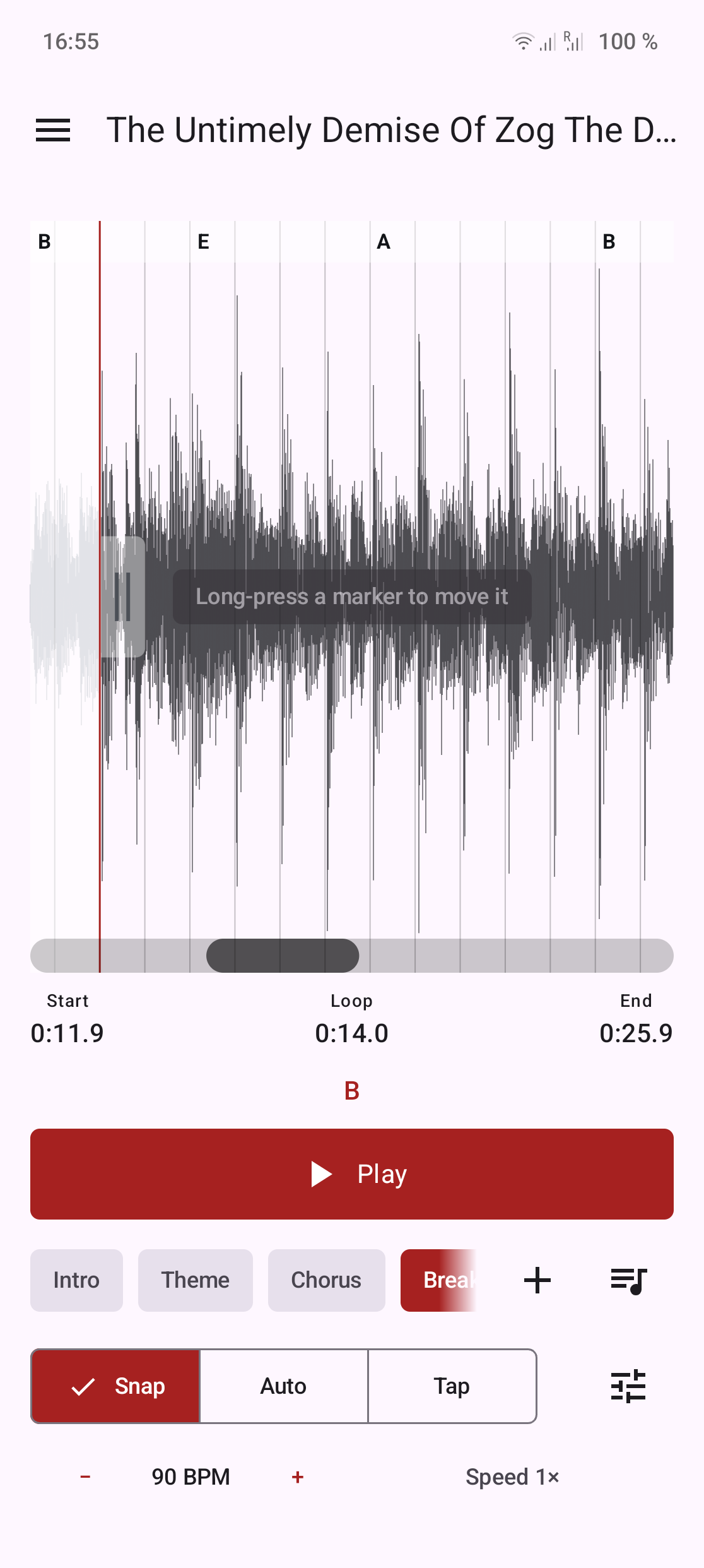
* Waveform region selection with gapless looping — drag start/stop handles to mark a section; the loop boundary wraps with zero audible gap or click.
* Automatic, hand-editable beat grid — a dependency-free estimator finds BPM and a downbeat, and handles snap to the beat grid.
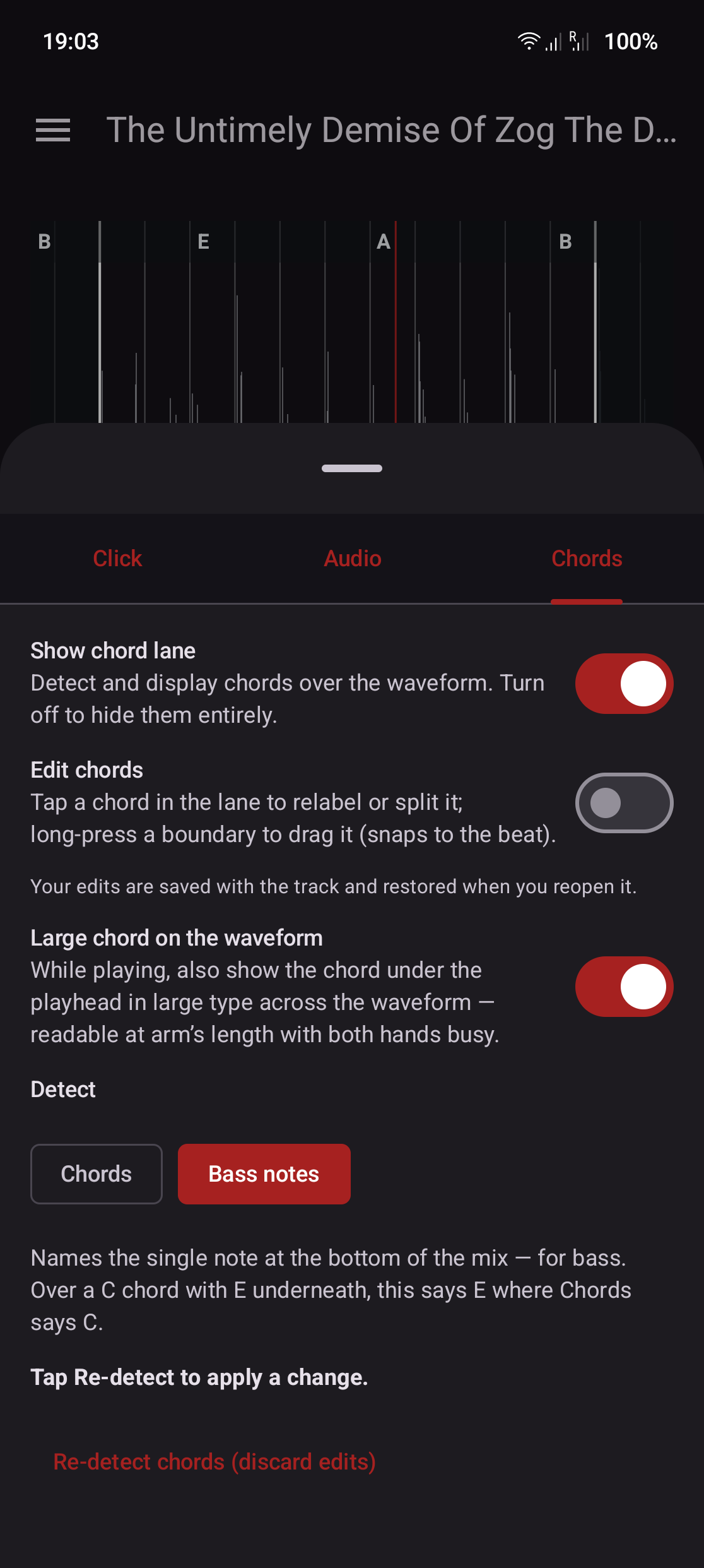
* Chord detection with a hand-editable chord lane — chords are labelled over the waveform; tap to relabel, split or merge. Detection is tuned to the author's own material, so the lane is there to correct by hand, and can be turned off.
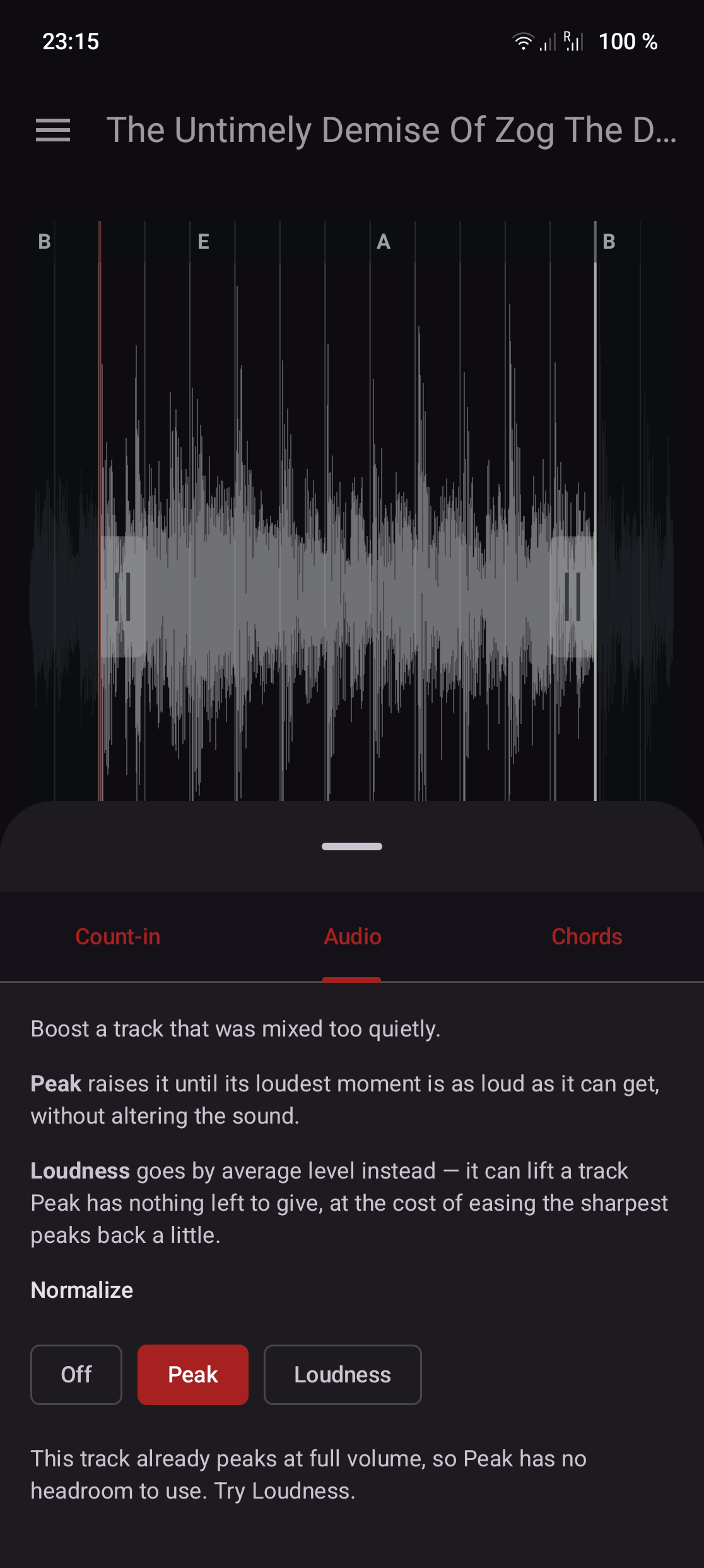
* Per-track audio normalization — boost a track that was mixed too quietly, by peak or by loudness; your original file is never altered.
* Adjustable playback speed — slow a tricky passage down (or speed it up) without changing pitch.
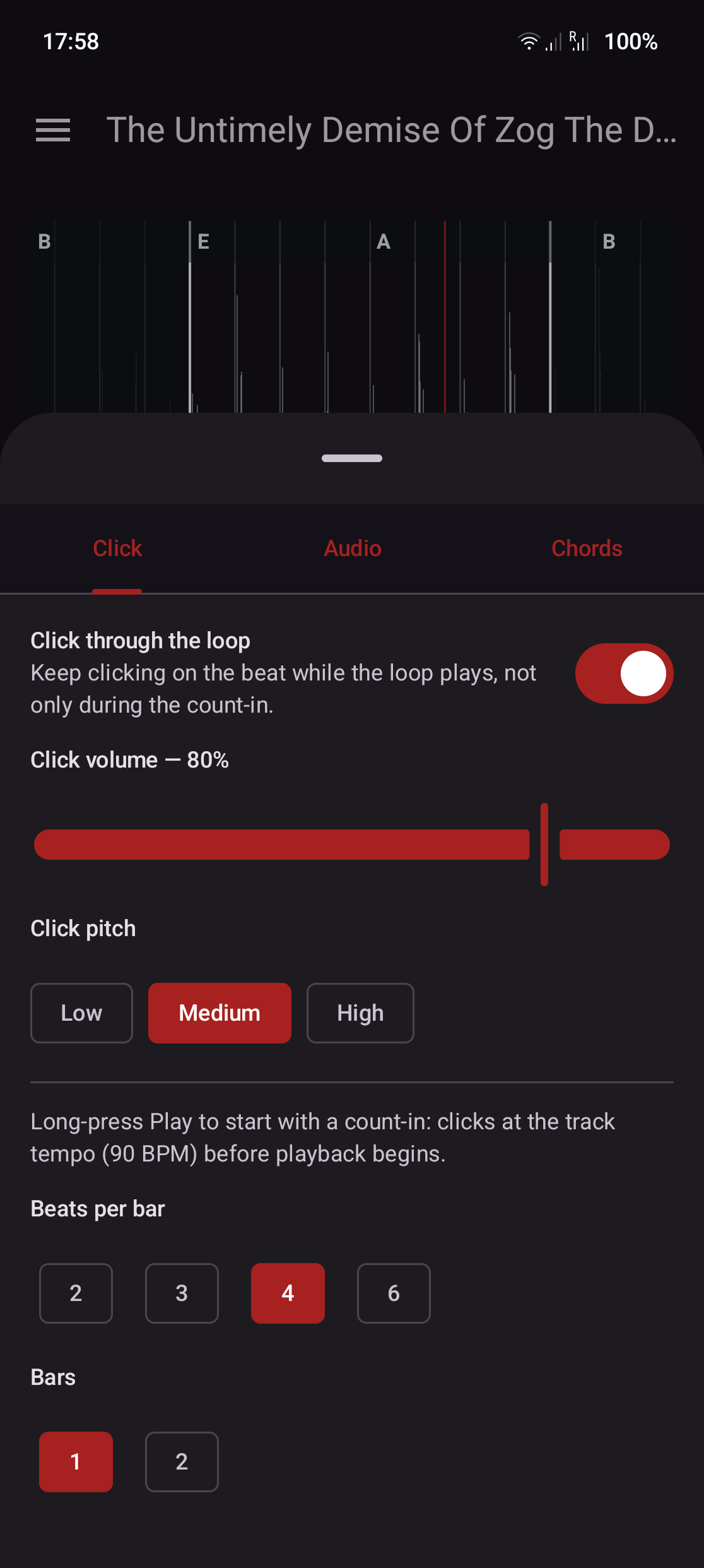
* Count-in — long-press Play to start after a metronome counts you in at the track's tempo.
* Saved loops and practice arrangements — capture named sections per track and chain them into a sequence, each repeated as many times as you set.
* Backup & restore — export your whole library to a file and restore it after a reinstall.
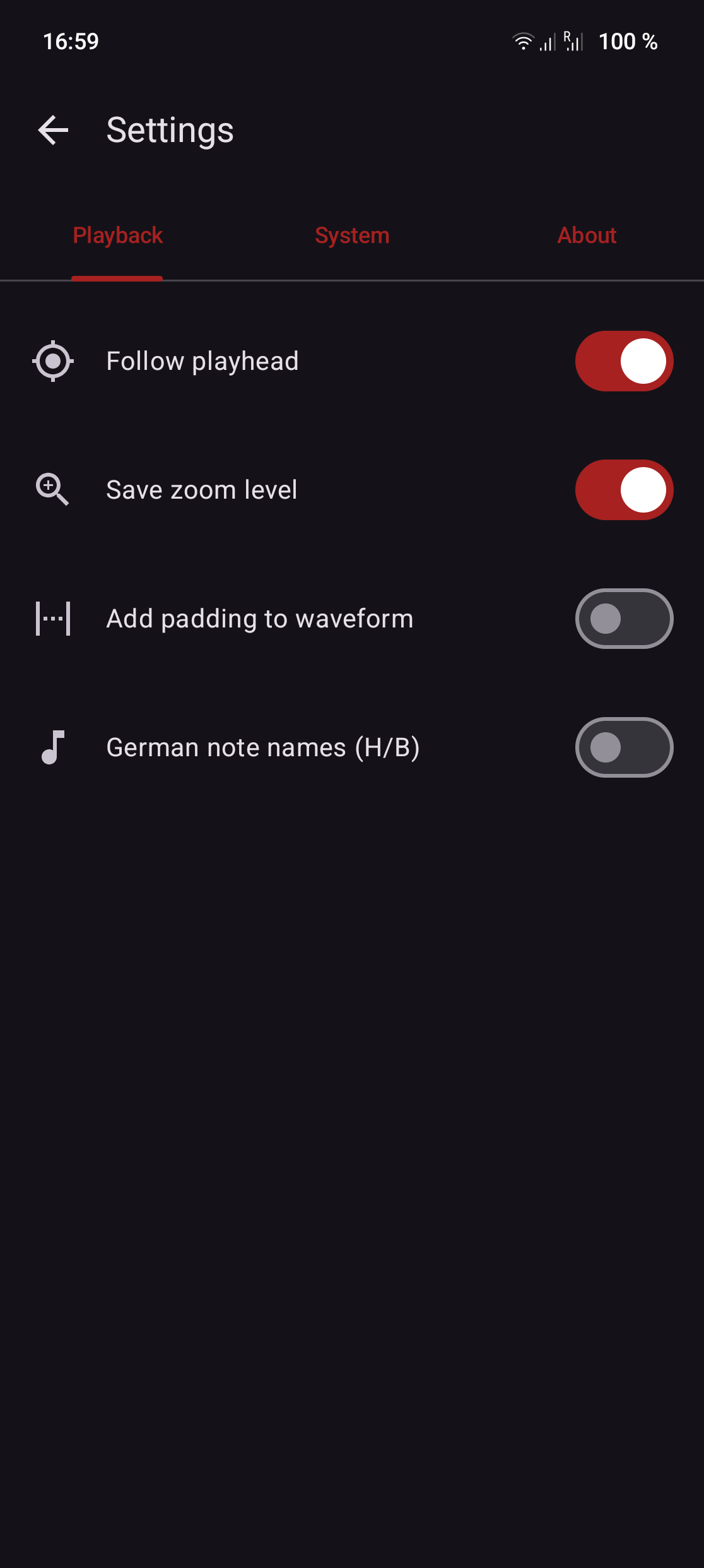
* English and German, with optional German note names (H and B) for chords.
* Opens audio shared from other apps.
No ads, no trackers, no network access.
WhatsNew:
• The click can keep going through the whole loop, not only during the count-in — with its own volume and a low, medium or high pitch, under Options → Click.
• The count-in now lands exactly on the beat the audio comes in on, on any device: it plays on the same stream as the track instead of a separate one.
• The chord lane can name bass notes instead of chords — the lowest note rather than the harmony over it, which is what a bassist plays when the chord sits on an inversion. Options → Chords.
While you can download the APKs here directly, you should preferably use an F-Droid client so the app stays up-to-date on your device.
Packages
Version 0.10 (2026-08-11) 

Android Versions:
- Target: 16.0
- MinVer: 8.0
- ABIs: arm64-v8a, armeabi-v7a, x86, x86_64
Permissions:
Malware-Check:
Download (13.1 M)