DuressUltimate
Robust implementation of the Duress Password trigger
| Repo: | F-Droid Main |
| AppID: | duress.ultimate |
| Author: | pofesk0 |
| License: | Unlicense |
| InRepoSince: | 2026-09-15 |
| LastRepoUpdate: | 2026-09-22 |
| LastAppUpdate: | Unknown |
| LastVersion: | 18.0 |
| Categories: | Emergency Action, Security |
| Google Play: | Check if it's there |
 Duress Ultimate - A tool for digital self-defense, implementing a data wipe on sending any code of a specific length into the system screen unlock password input field.
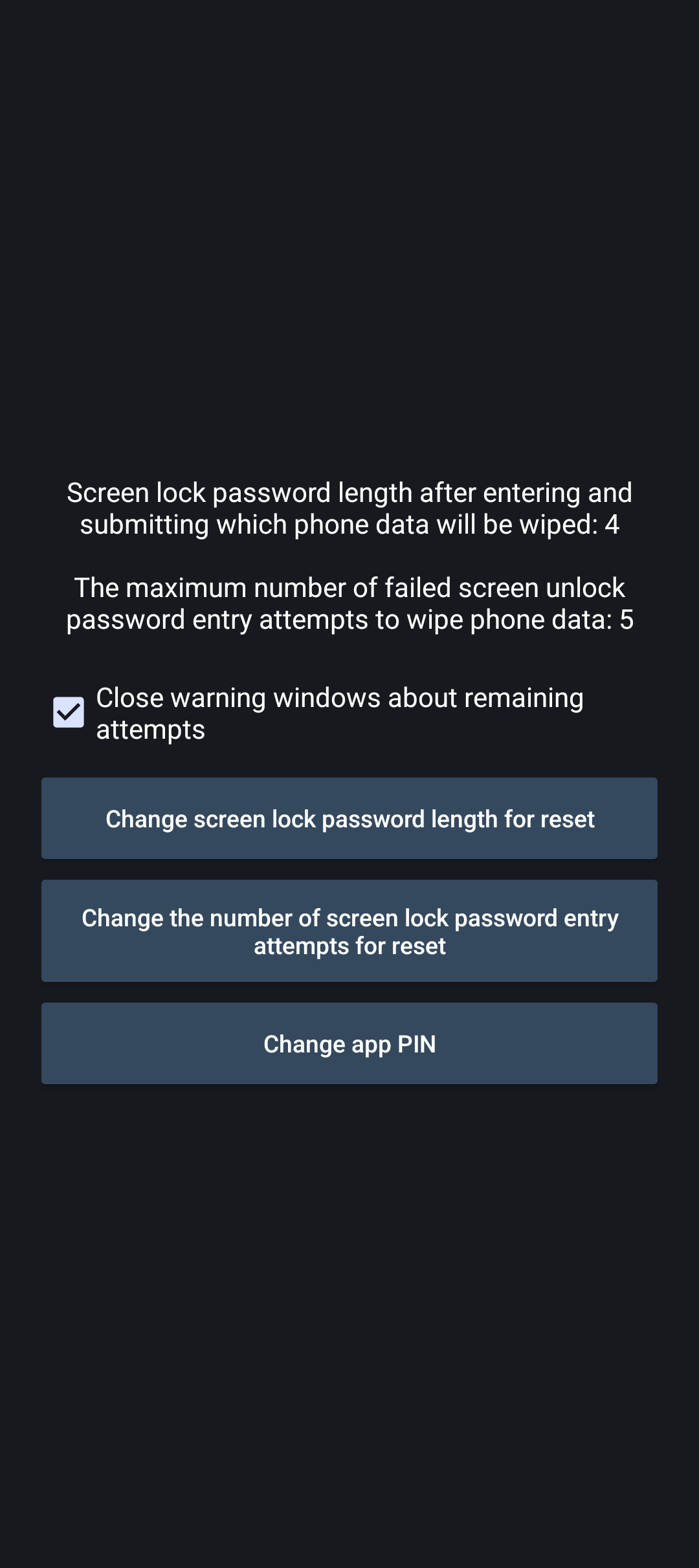
The wipe is performed by setting an attempts limit. There is also an upper ceiling, you can set it from 1 to 5.
Requirements: Your screen lock type — password. You must not have other unlocking methods, in particular biometrics and trust agents must be disabled. The length for the wipe must differ from the length of the main password. An incorrect attempt is counted only if more than 4 characters are entered.
Requested permissions:
Device Admin, Accessibility permissions
Optional: Device Owner permissions for additional features to work, you can grant it via the command: adb shell dpm set-device-owner duress.ultimate/.MyDeviceAdminReceiver
*Before execution, remove all accounts and profiles from the device, or simply factory reset it to achieve the same result.
Advantage: in the time free from input, as well as when entering the length for the wipe, the attempts limit is set to 1, which keeps the protection active in case the process stops or switches to safe mode.
While entering a password of a different length, this limit temporarily becomes +2 from the current attempts up to the attempts ceiling. This moment lasts until the window state changes.
What is the difference between DuressUltimate and the Duress project? The original Duress project does not set an attempts limit in the free time, but reacts post-factum. In case of a sudden process stop, the protection is completely lost.
What is the difference between DuressUltimate and the Sentry project? Sentry does not have a dynamic limit. It does not change when entering a specific length and is set as fixed. For example if you set a limit of 3 attempts, this is not the upper ceiling, but the limit itself. You need to make a mistake 3 times to wipe the data. Here, you only need to enter a code of a specific length, and you don't need to lower the upper ceiling.
What is the DuressUltimate project for? To protect data from access by third parties demanding you to enter the password. When walking on the street, especially near forest areas, and when visiting airports, it is recommended to keep this application turned on, especially if you are in regions where human rights are not protected. Coercion can affect everyone. It’s no joke.
While you can download the APKs here directly, you should preferably use an F-Droid client so the app stays up-to-date on your device.