Script Runner for Termux
| Repo: | IzzyOnDroid |
| AppID: | io.github.swiftstagrime.termuxrunner |
| Author: | SwiftStagRime |
| License: | GPL-3.0-only |
| InRepoSince: | 2026-02-15 |
| LastRepoUpdate: | 2026-10-01 |
| LastAppUpdate: | 2026-09-20 |
| LastVersion: | 1.8.2 |
| Categories: | System |
| APK source: | Github |
| Google Play: | Check if it's there |
Requires Termux to be installed to execute scripts.
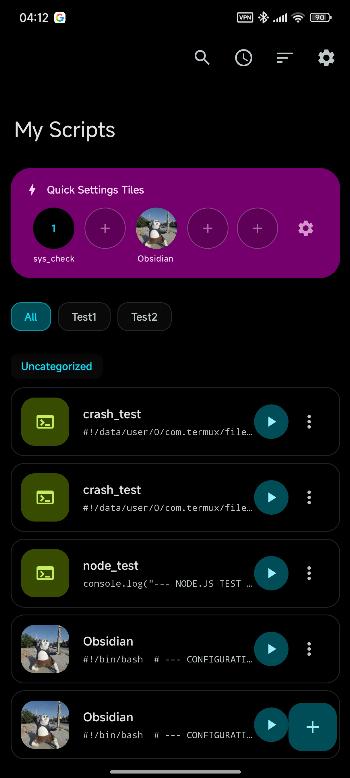
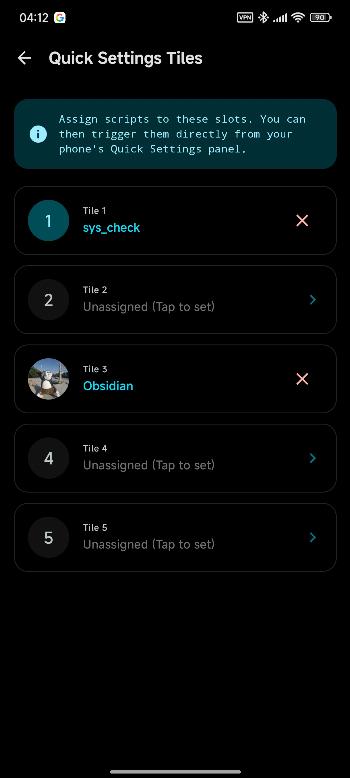
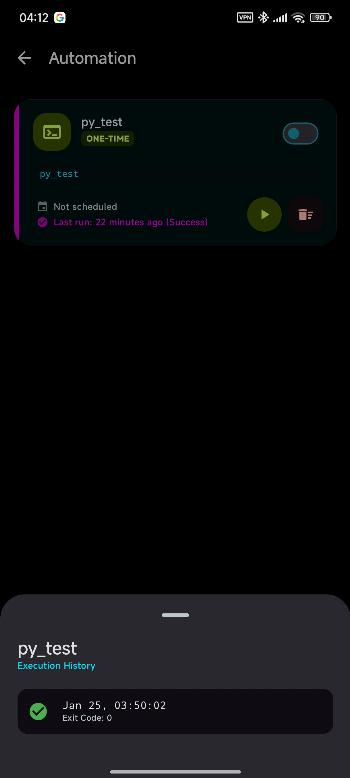
A secure Android bridge for managing and executing scripts via Termux. This app allows you to automate tasks, manage environment variables, and create home screen shortcuts for your favorite scripts with a focus on security and ease of use.
Features:
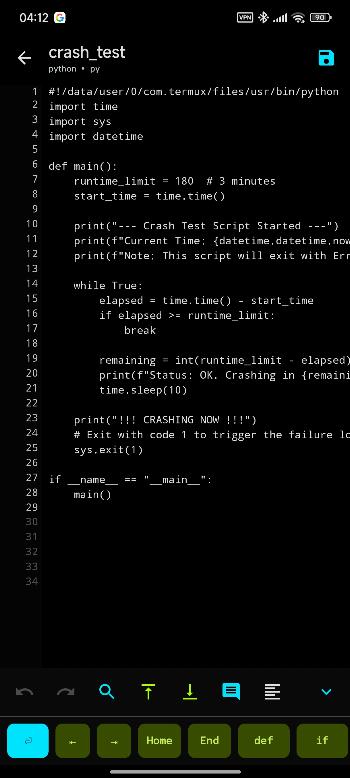
- Integrated Script Editor: Write and modify scripts directly within the app.
- Flexible Execution: Support for background execution or interactive Termux sessions.
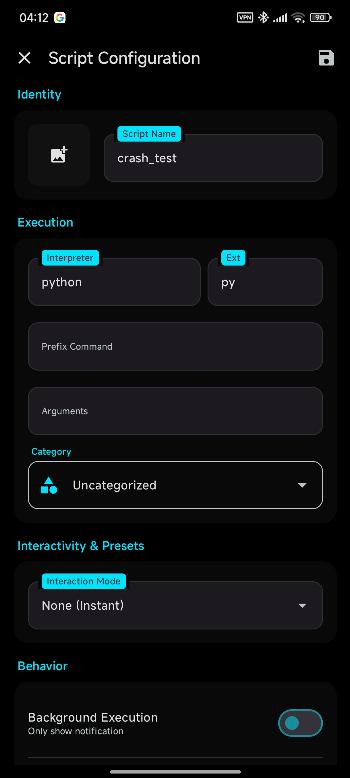
- Highly Configurable:
- Support for any file extension.
- Custom prefix commands and arguments.
- Environment variable management.
- Addition of runtime parameters, either with text, or you own presets
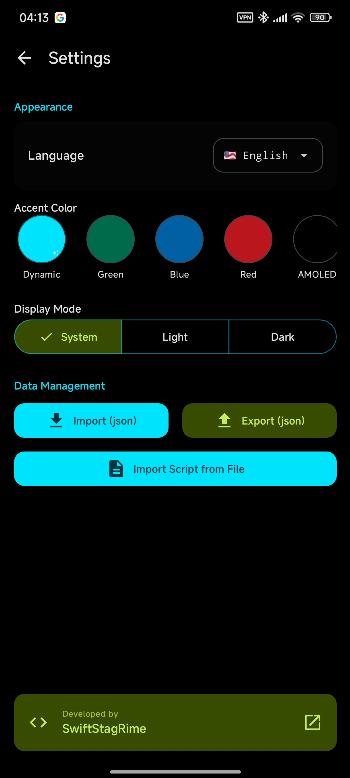
- Can be riced with custom themes
- Customization: Personalize your script shortcuts with custom icons.
- Data Portability: Full support for importing and exporting your script library(now with sripts themself and not just my json DTOs parsing)
ADB and Remote Execution
You can now trigger scripts remotely via ADB or Webhook service. To use this feature, ensure you have set an "ADB Code" in the script settings (this is empty by default). Run command: adb shell am start \ -n io.github.swiftstagrime.termuxrunner/io.github.swiftstagrime.termuxrunner.ui.features.adbtrigger.AdbTriggerActivity \ --es io.github.swiftstagrime.termuxrunner.adb_code "YOUR_CODE_HERE"
YOUR_CODE_HERE is supposed to be the code name of the script, like "test2" for example. Webhook example in settings.
Security First
I know that scripts often handle sensitive information—whether it's API keys in environment variables or private logic. * Encrypted Storage: All script data and configurations are stored in an encrypted database using SQLCipher.
Compatibility
- Minimum SDK: 24 (Android 7.0)
- Target SDK: 36 (Android 16)
- OnePlus doesn't like apps installed from unofficial vendors so it blocks ability of the app to cold start Termux, you may want to try and spoof it using adb: 'adb shell pm install -i "com.android.vending" -r name.apk'.
- Other OEMs: If shortcuts do not appear, please manually check your "Background Start" or "Shortcut" permissions in your system settings, NOTE that some flavour might reject the permission later and not send exception to the app, sadly can't do much here.
Current Status
This project is currently in early development.
- Testing: Tested various extensions, and all works as expected
- Documentation: Detailed code description is currently under construction.
- Translation: En and Ru are made by me, everything else is AI. You can always switch in settings or during onboarding
- Stability: While functional, you may encounter edge cases. I recommend keeping backups of vital scripts using the built-in export feature. Also, BasicTextField starts lagging while typing at around 177K characters on Snapdragon 7s gen2, Snapdragon 8 gen3 does not have the same expirence. I have tested and linenumbergutter has no effect on perfomance, so it might be the internal implementation. I don't want to move to other ways of displaying stuff, because I will loose stylo support on my tablet
WhatsNew:
List sorting, fixes for automation chaining crash, timing fixes, better Termux permission warning