Tokn - MFA / 2FA authenticator
Open-source 2FA authenticator. Encrypted on-device. No accounts.
| AppID: | me.diamondforge.tokn |
| Author: | fthomys |
| License: | GPL-3.0-or-later |
| InRepoSince: | 2026-05-23 |
| LastRepoUpdate: | 2026-06-14 |
| LastAppUpdate: | Unknown |
| LastVersion: | 1.7.0 |
| Categories: | Password & 2FA, Security |
| Google Play: | Check if it's there |
 Tokn is a small, privacy-first 2FA / MFA authenticator. Your one-time codes stay on your device, encrypted. No accounts, no cloud sync, no analytics, no ads.
A simple, open-source TOTP / HOTP authenticator for people who do not want their second factor in someone else's cloud.
WHY TOKN
• Private by design. No sign-up, no telemetry, and no Google Play Services on your device.
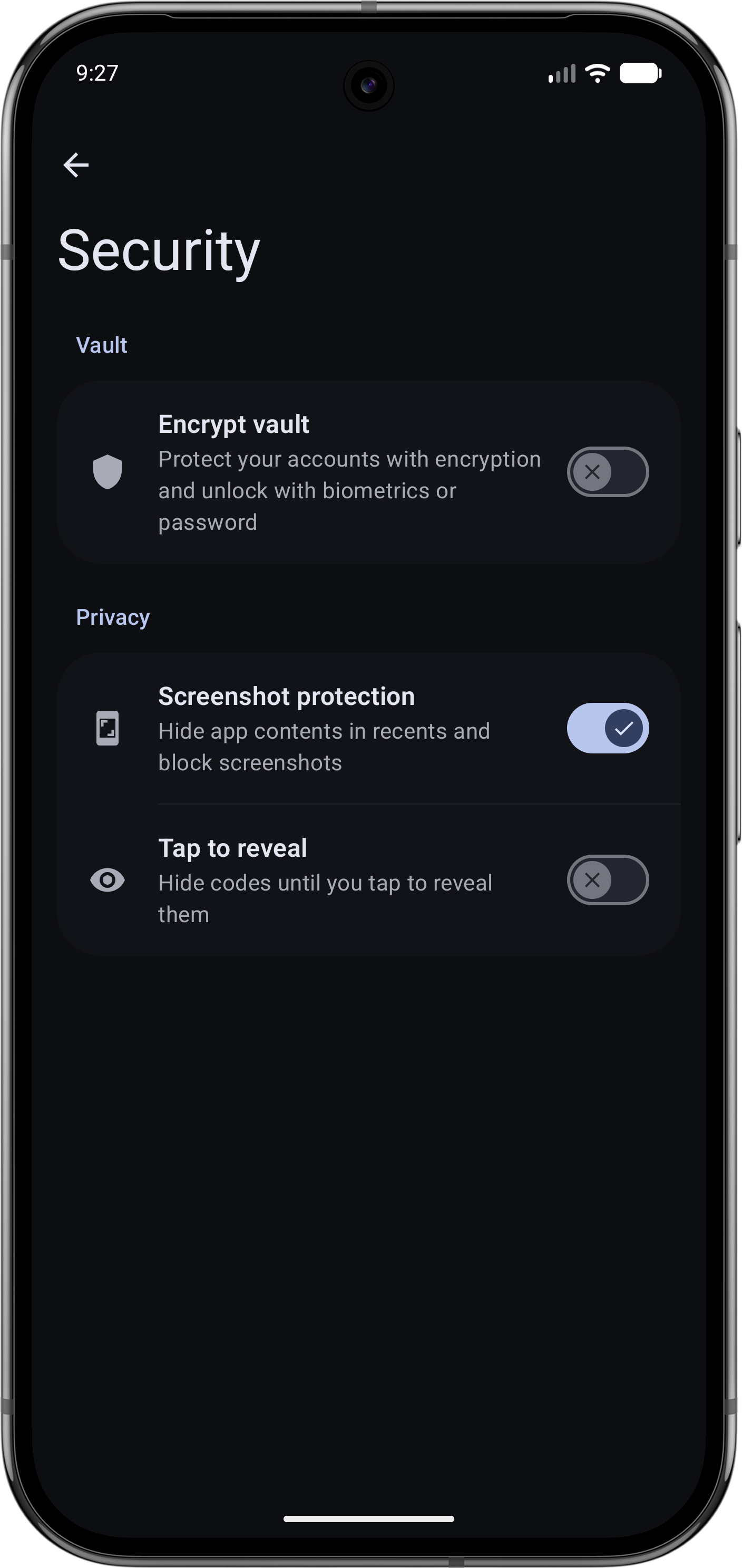
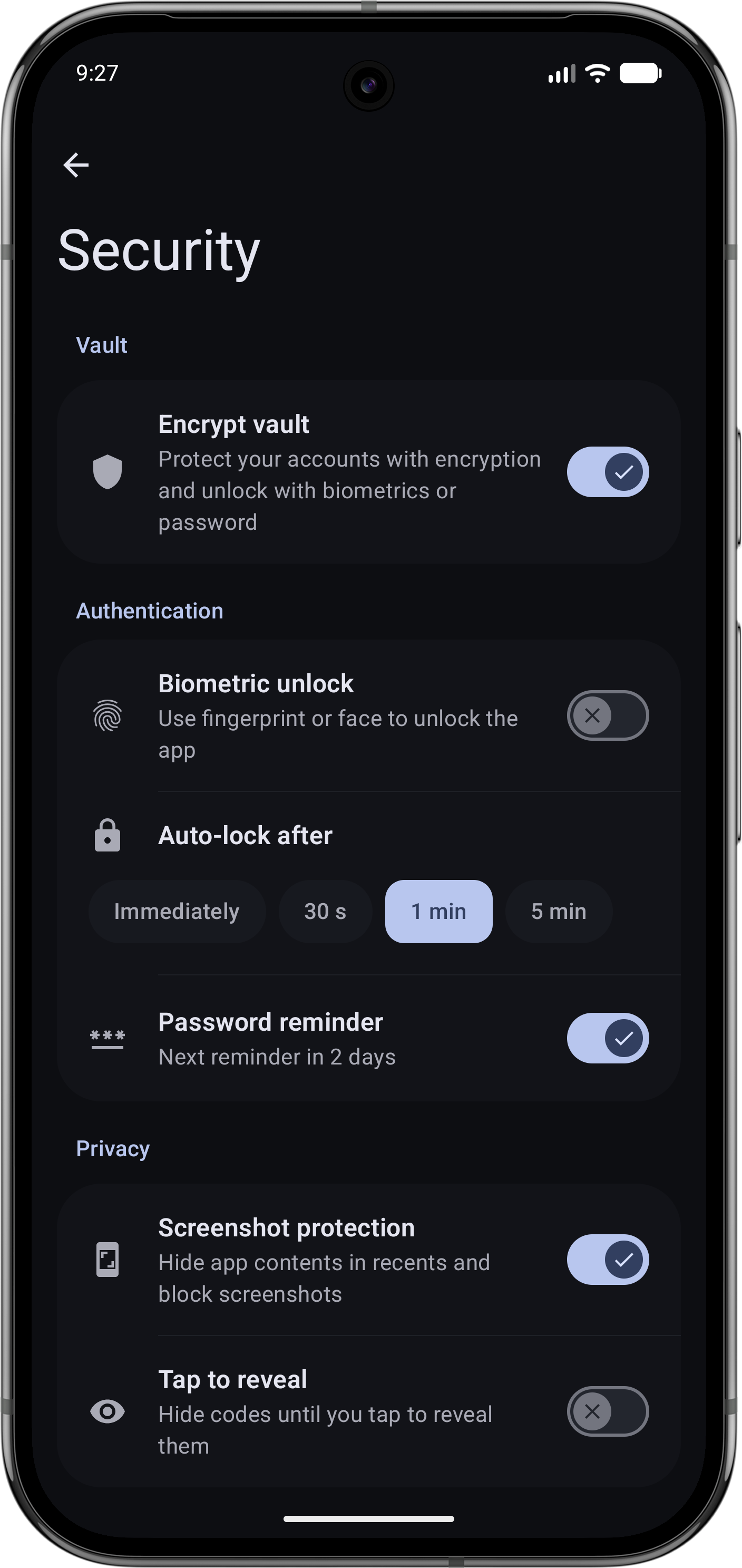
• Encrypted vault. Stored in an SQLCipher database, unlocked with biometrics (fingerprint or face) or a password.
• Works fully offline. Codes are generated locally on your phone.
• Open source. GPL-3.0, source available on GitHub, also published on F-Droid.
FEATURES
• TOTP and HOTP support per RFC 6238 and RFC 4226
• SHA-1, SHA-256 and SHA-512
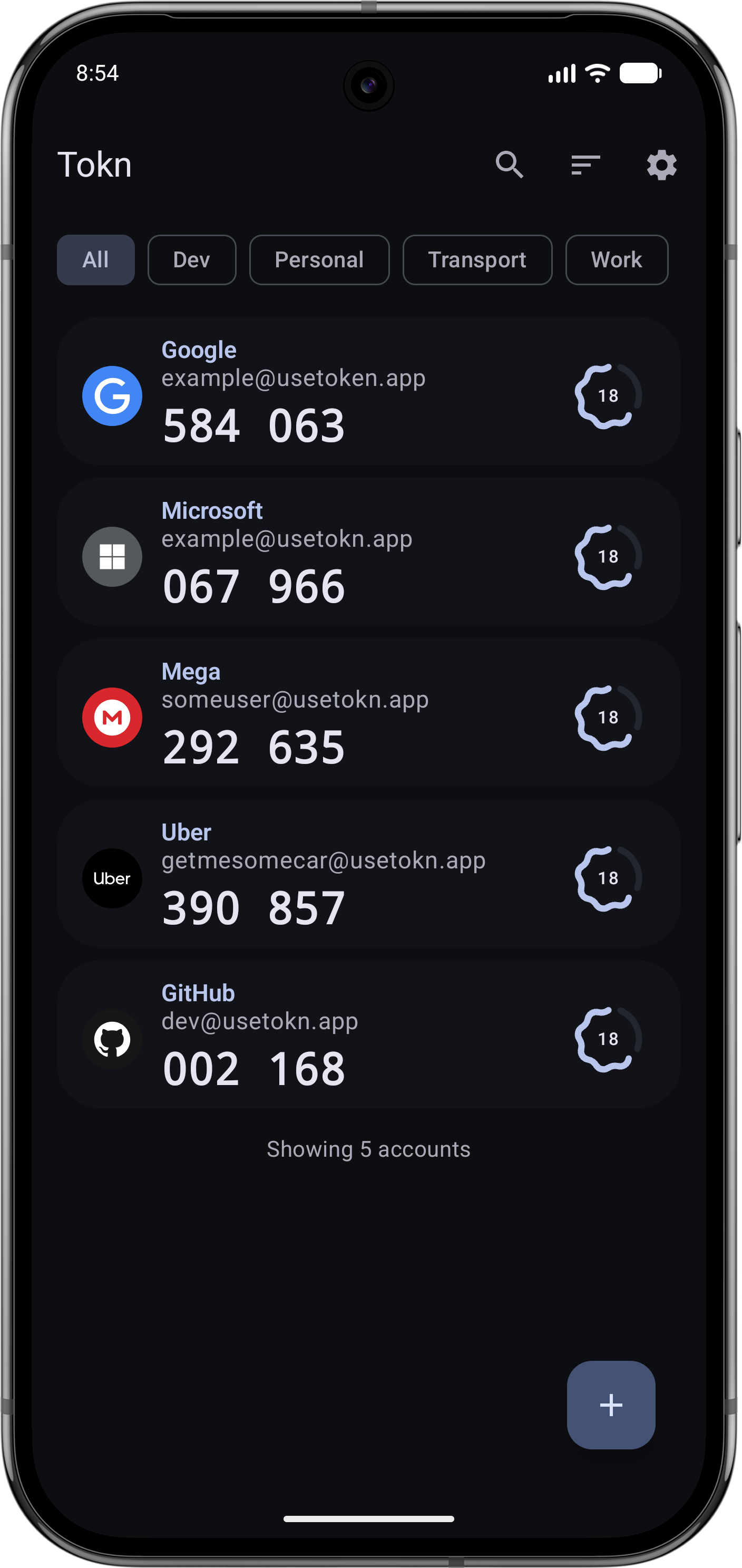
• Add accounts by scanning a QR code with the camera or from a gallery image
• Manual entry for codes you cannot scan
• Biometric unlock with password fallback
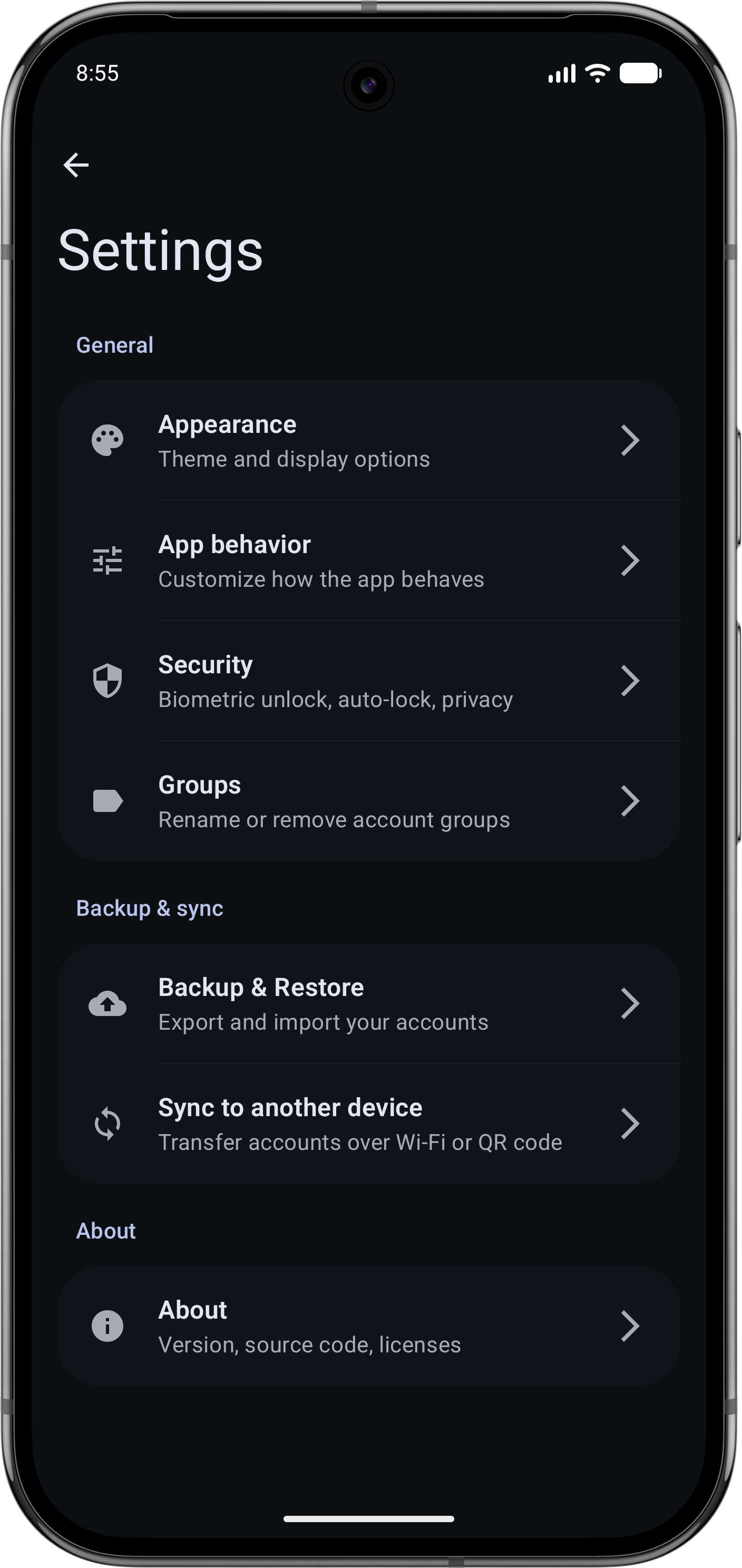
• Encrypted backup and restore for moving to a new phone or keeping a copy
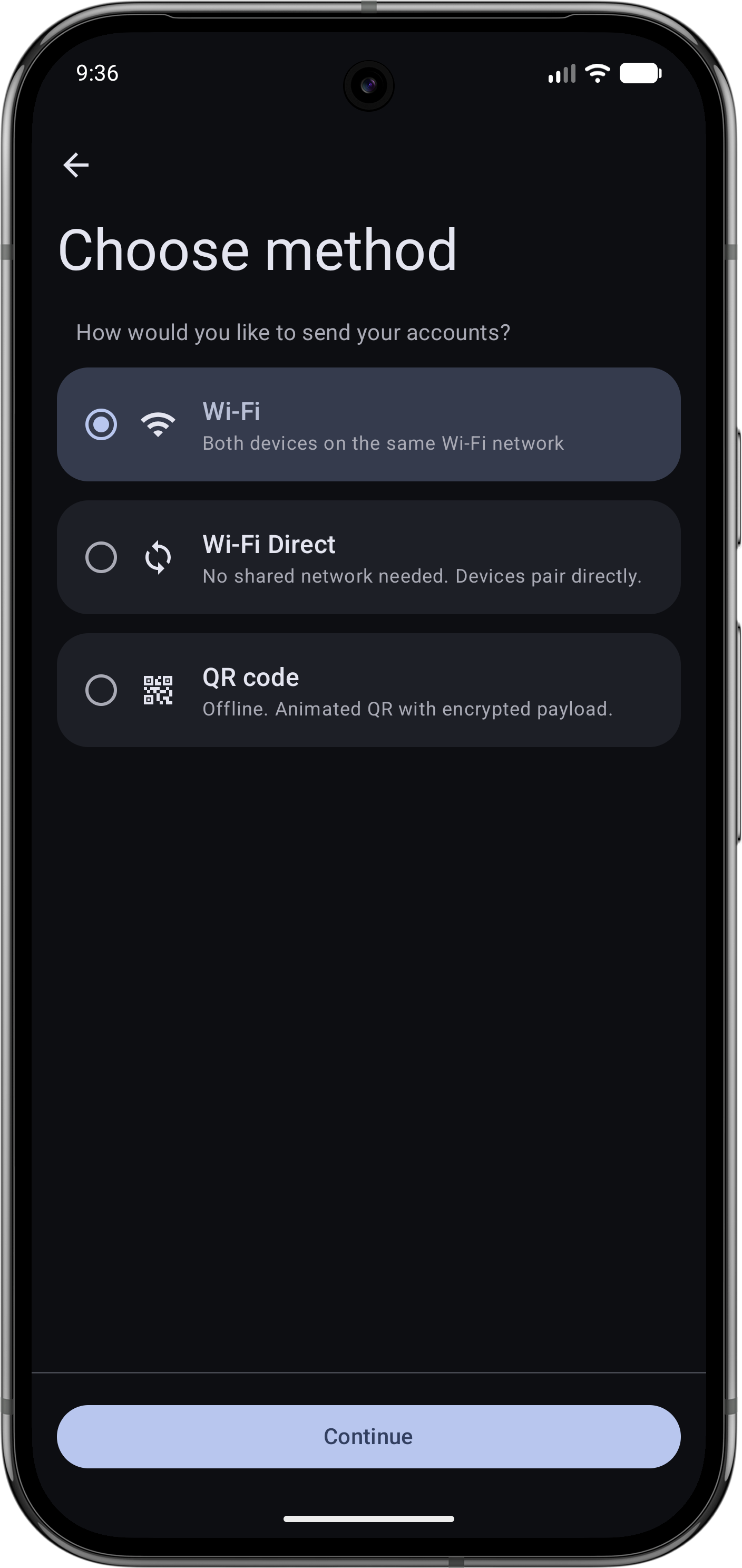
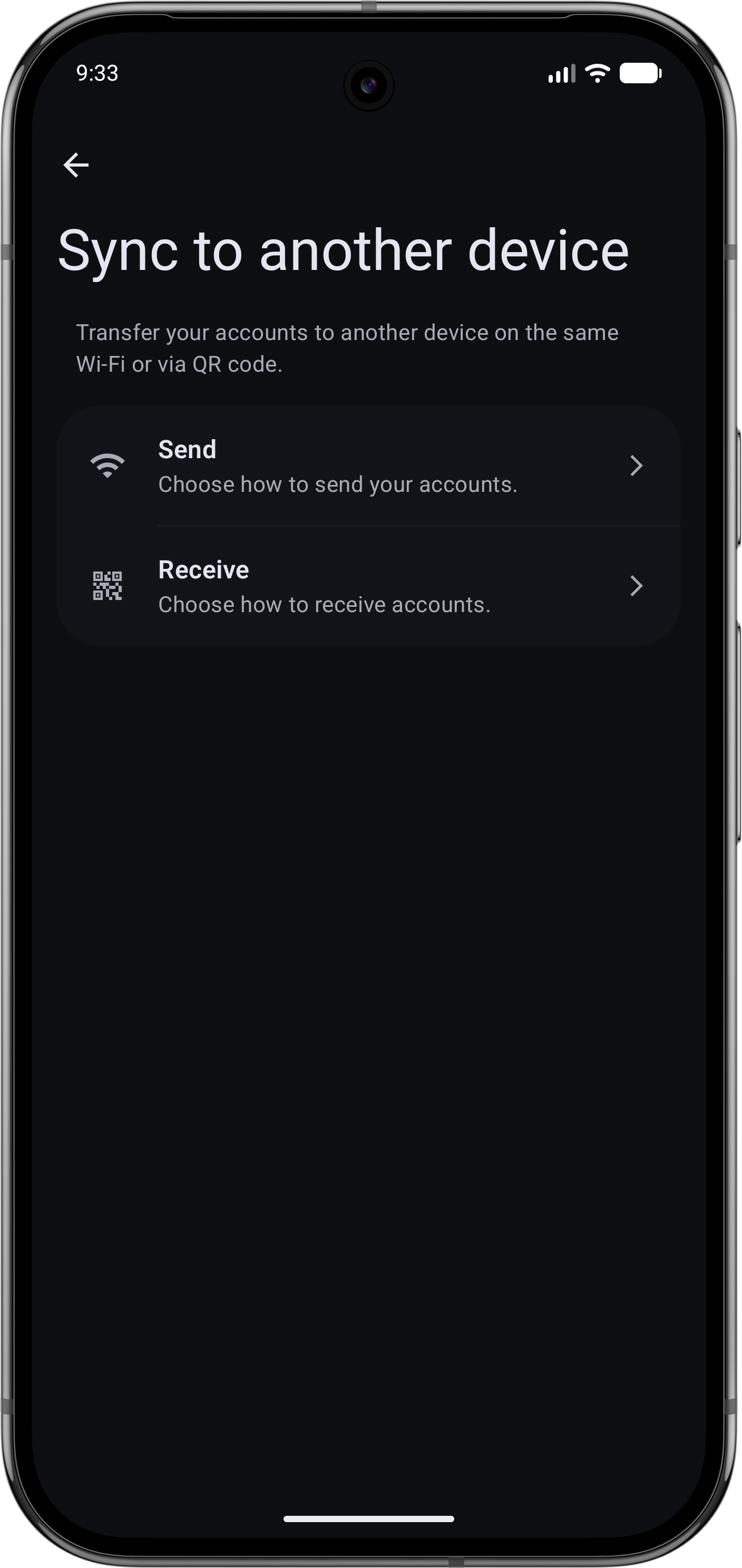
• Device-to-device sync over local Wi-Fi, Wi-Fi Direct or animated QR code. Nothing leaves your network and the handshake is end-to-end encrypted
• Organize accounts with custom groups, multiple groups per account
• Custom icons and importable icon packs (Aegis-compatible)
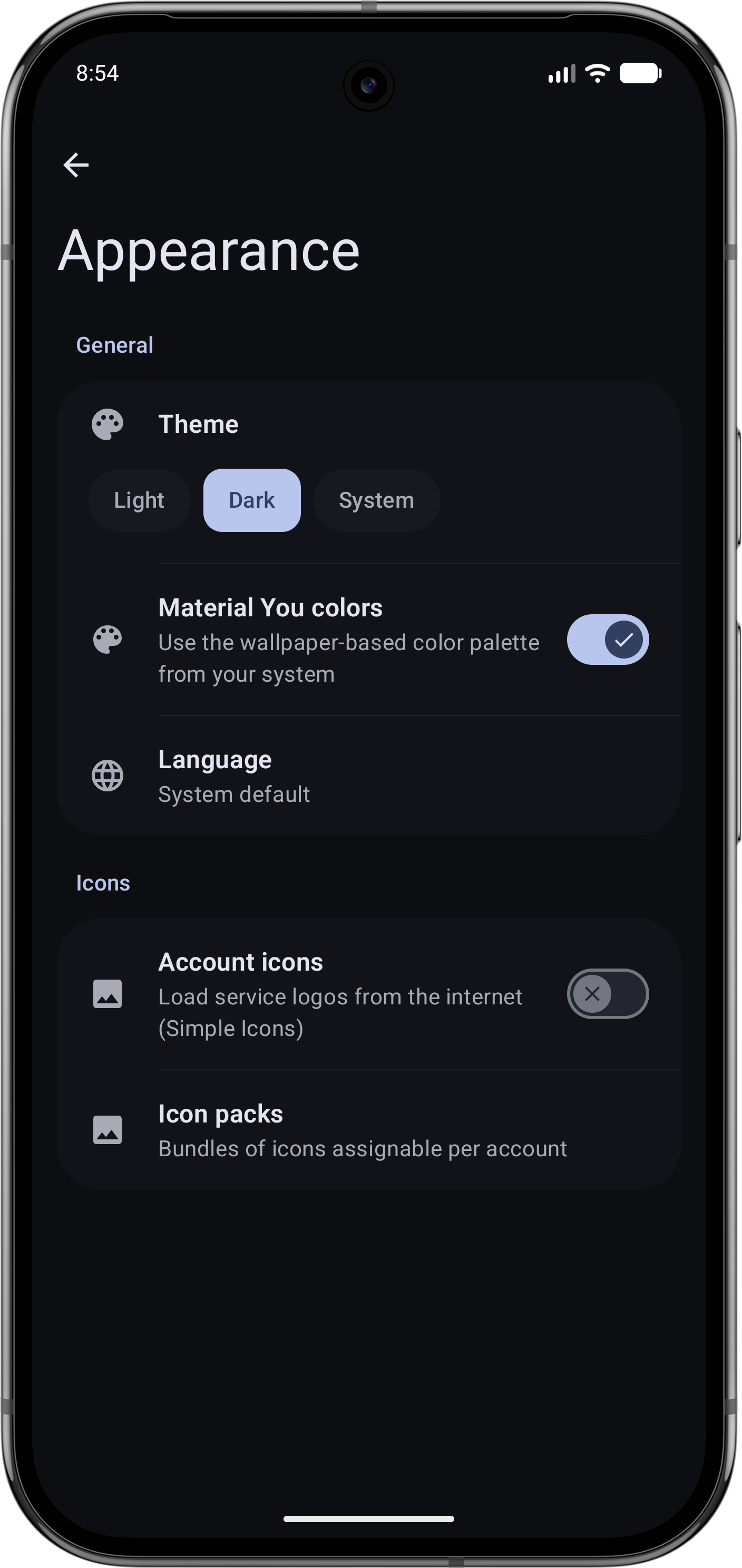
• Material 3 design with light, dark or system theme and optional Material You colors
• Screenshot protection keeps codes out of the recents preview and blocks screen capture
SWITCHING FROM ANOTHER 2FA APP
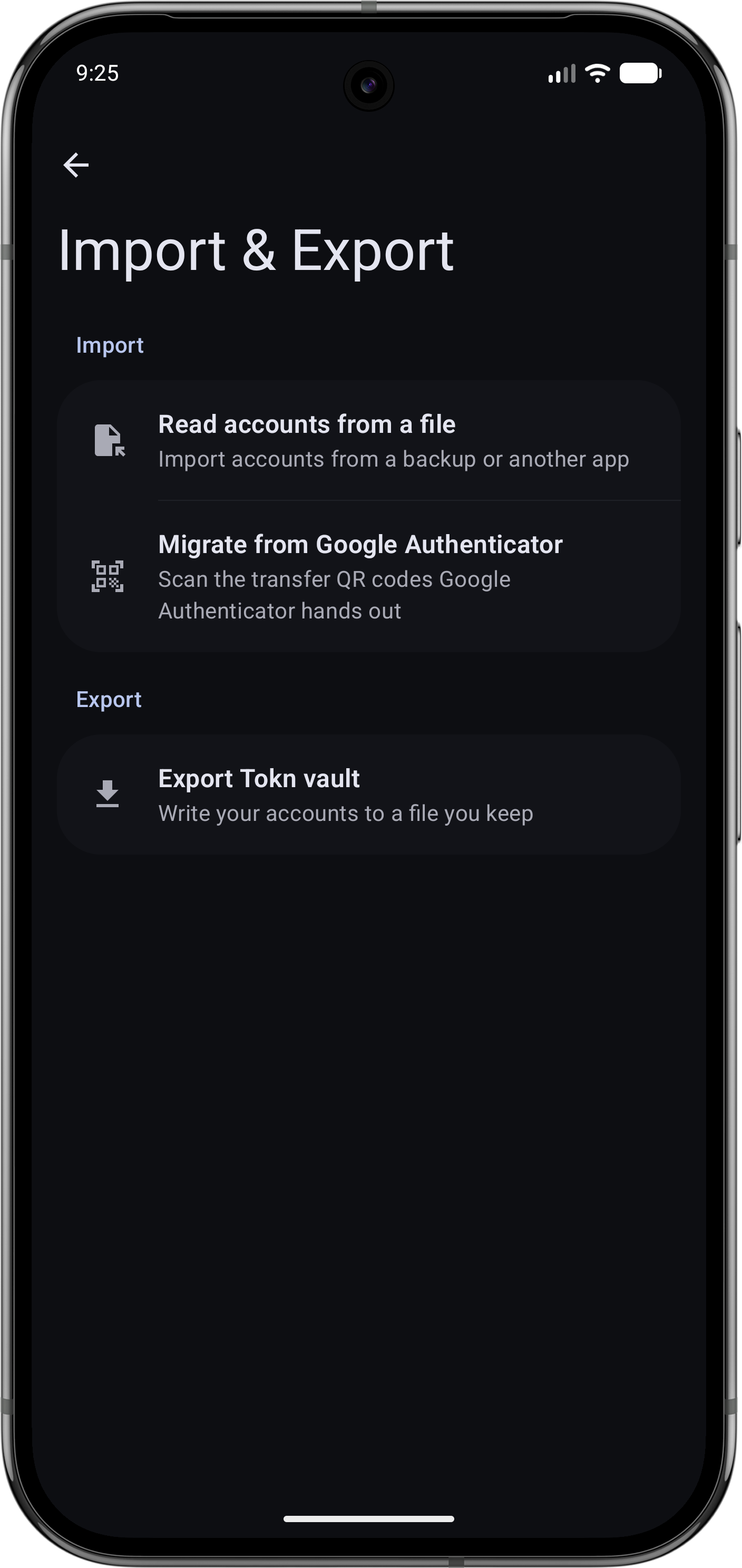
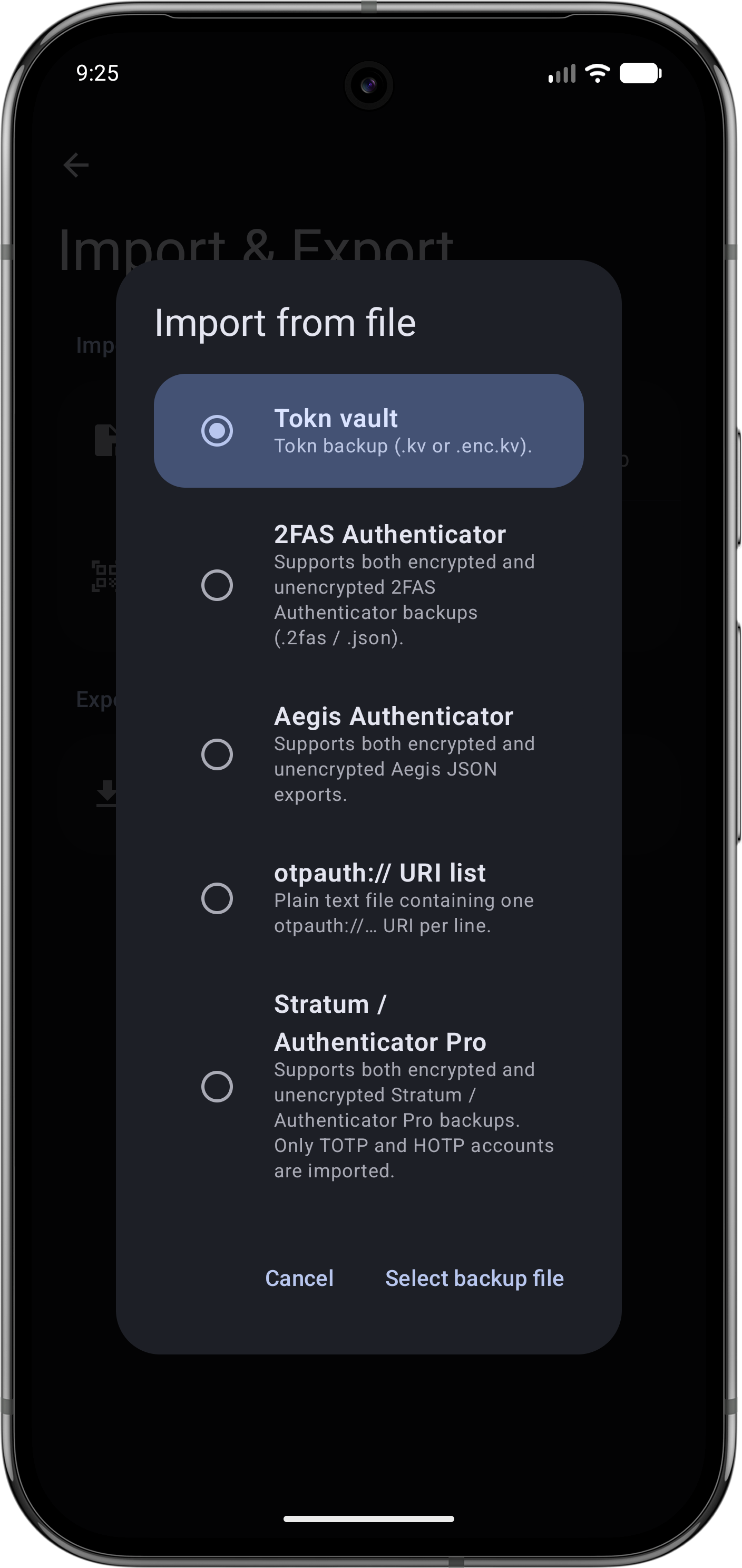
Tokn imports backups from Aegis, 2FAS, Google Authenticator and standard otpauth:// URIs. Bring your existing accounts over in minutes.
WORKS WITH
Any service that supports standard TOTP or HOTP two-factor authentication. Google, GitHub, GitLab, Microsoft, Amazon, Discord, Twitch, Reddit, Dropbox, Proton, and thousands more.
LICENSE
Tokn is free software, released under the GNU General Public License v3.0 or later.
Source code, releases and issue tracker:
https://github.com/fthomys/tokn
WhatsNew:
* New: a redesigned interface built on Material 3 Expressive, with bolder titles, grouped cards, and smoother motion throughout the app.
* New: optional password reminder that asks you to type your vault password now and then so you don't forget it, spacing the prompts further apart over time. Default enabled
* New: Russian support
* Improved: exporting a backup and starting a device transfer now require unlocking the vault first.
* Fixed: navbar in onboarding no longer overlap the system bars.
While you can download the APKs here directly, you should preferably use an F-Droid client so the app stays up-to-date on your device.
Packages
Version 1.7.0 (2026-06-14) 

Android Versions:
- Target: 16.0
- MinVer: 8.0
- ABIs: arm64-v8a, armeabi-v7a, x86, x86_64
Permissions:
Malware-Check:
Download (13.9 M)