droidVNC-NG
VNC server app that does not require root privileges.
| Repo: | F-Droid Main |
| AppID: | net.christianbeier.droidvnc_ng |
| Author: | Christian Beier |
| License: | GPL-2.0-only |
| Donation: | Webpage LiberaPay |
| InRepoSince: | 2021-08-10 |
| LastRepoUpdate: | 2026-09-19 |
| LastAppUpdate: | Unknown |
| LastVersion: | 2.22.0 |
| Categories: | Connectivity, Remote Access |
| Google Play: | Check if it's there |
 Turn your Android device into a remote-controlled workstation with droidVNC-NG, a powerful, open-source VNC server designed for local networks. This app offers a versatile solution for remote access.
💻 Remote Control & Interaction
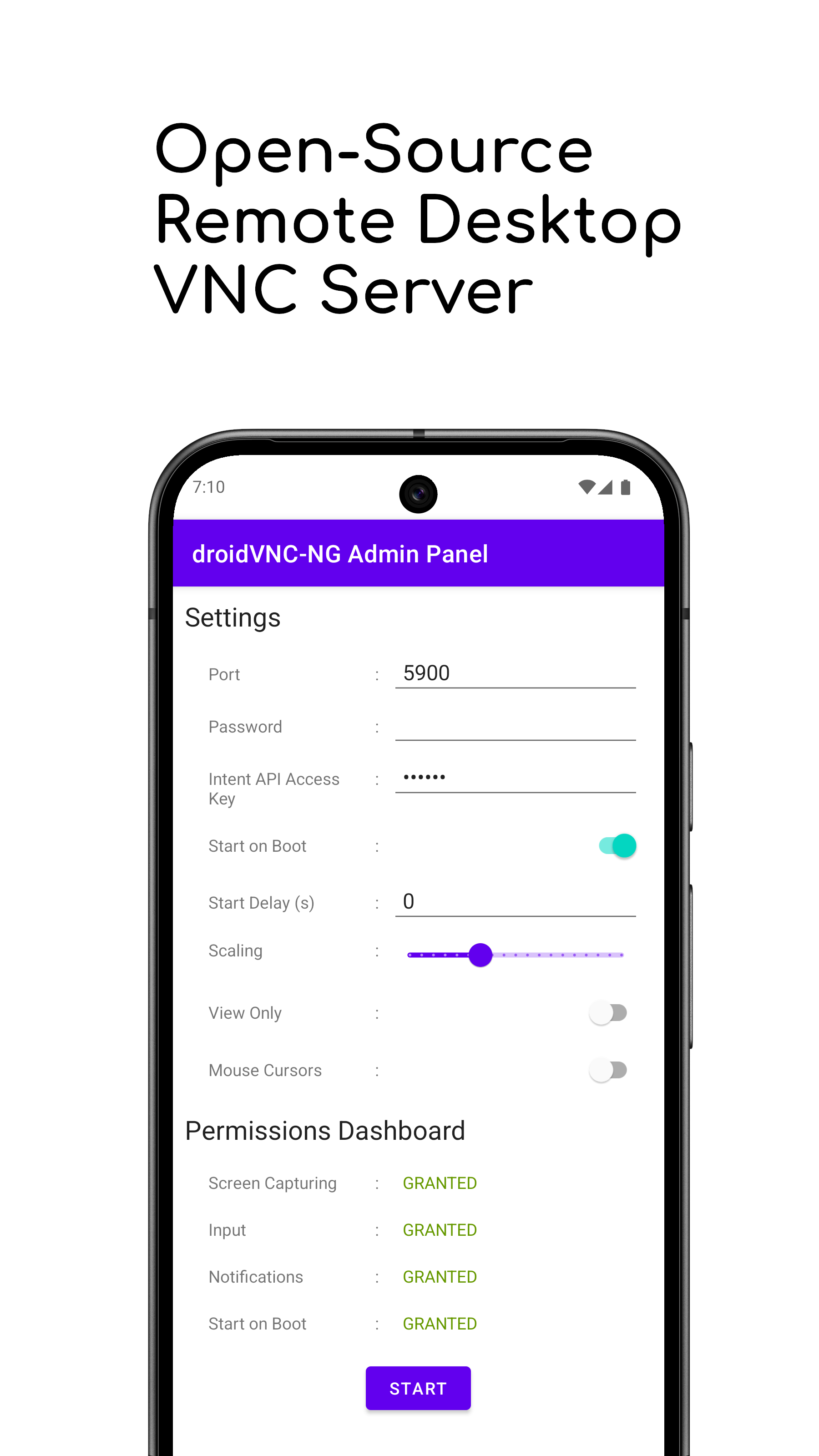
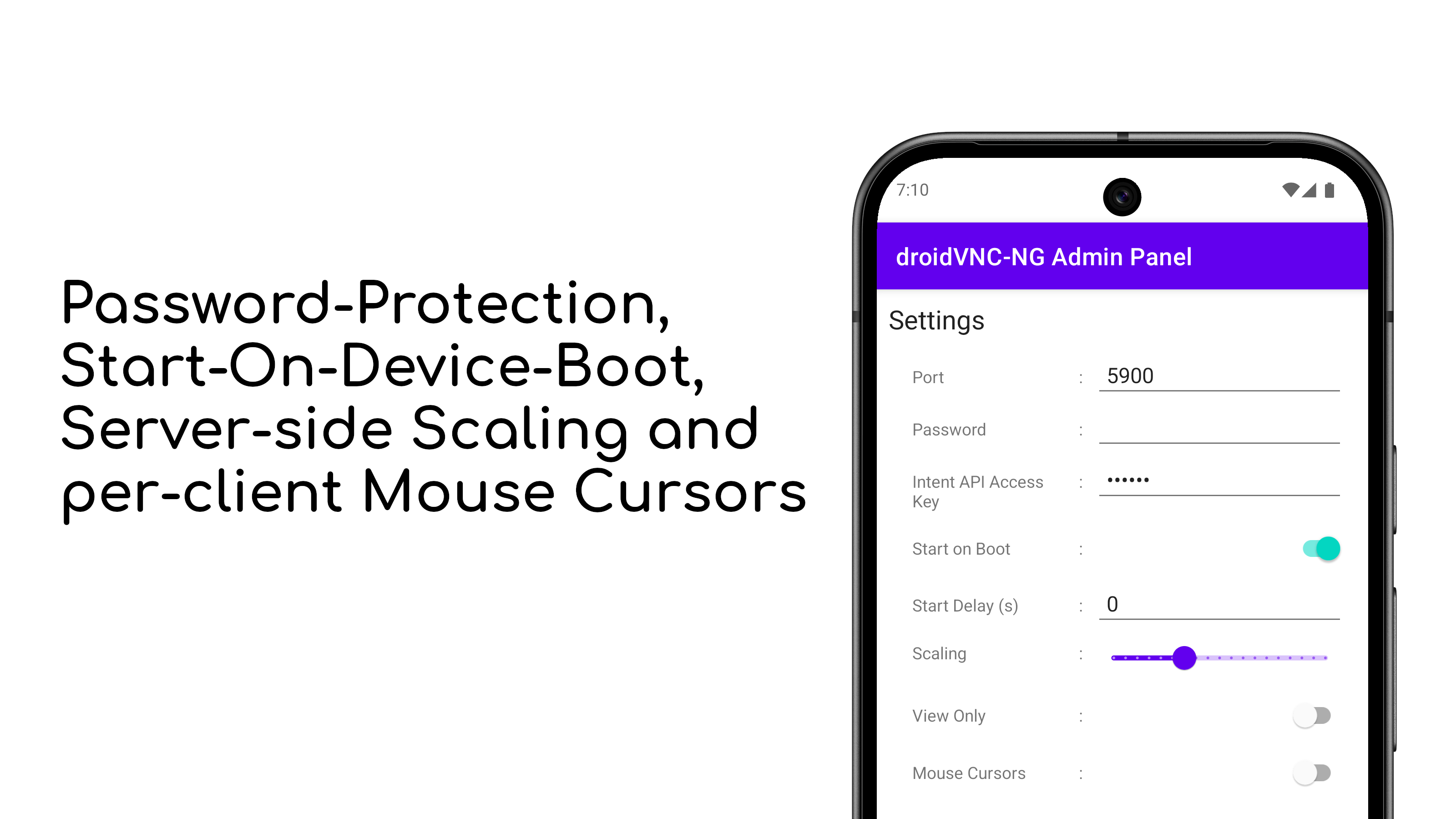
• Screen Sharing: Share your device's screen over the network, with optional scaling on the server side for better performance.
• Remote Control: Use your VNC client to control your device, including mouse and keyboard input. To enable this, you need to activate the AccessibilityService for the app on your device.
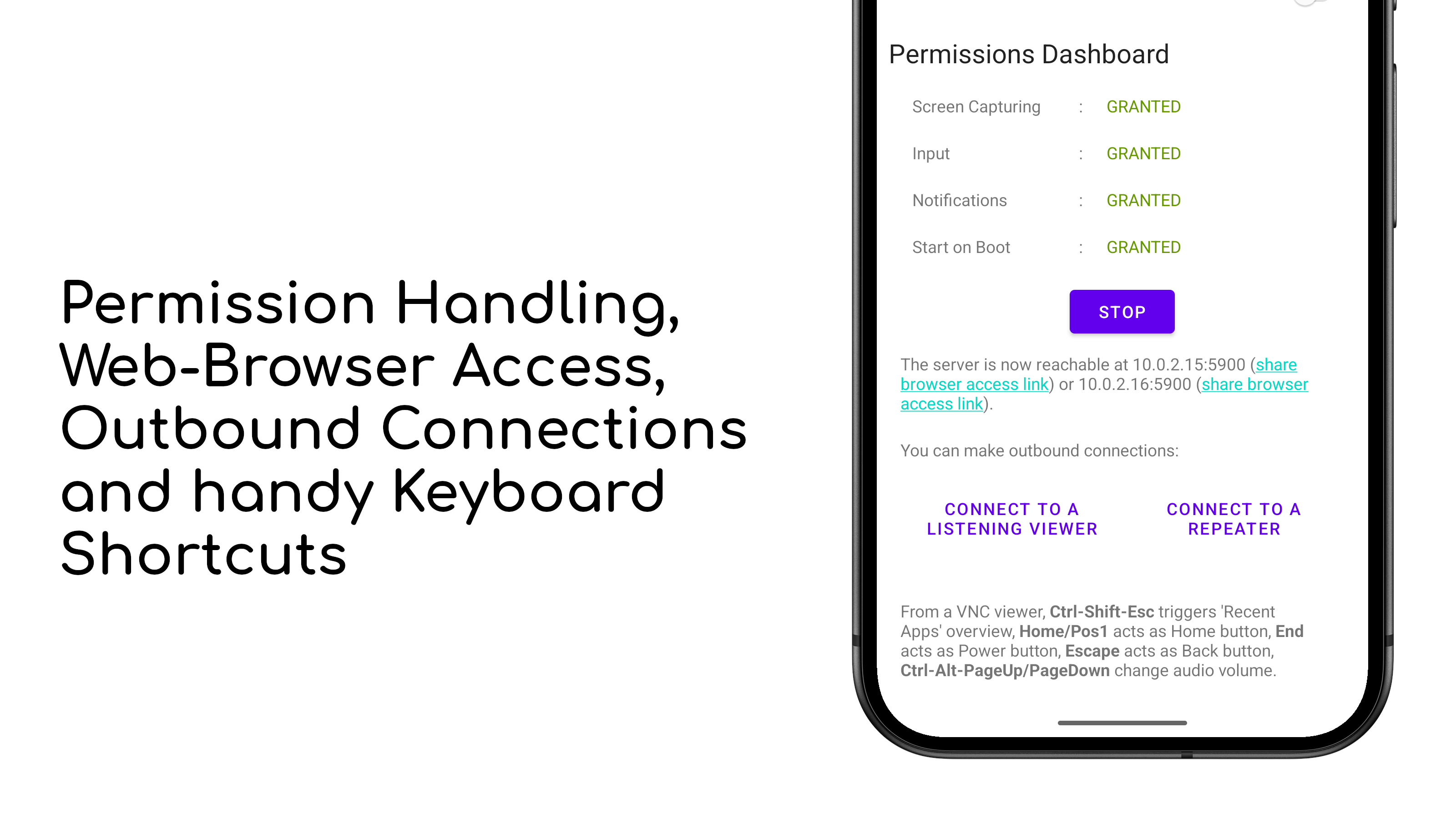
• Special Key Functions: Remotely trigger key functions like 'Recent Apps,' Home button, Back button, Power and volume controls.
• Text Copy & Paste: Support for copying and pasting text from your device to the VNC client. Note that server-to-client copy & paste works automatically for text selected in editable text fields or manually by sharing text to droidVNC-NG via Android's Share-To functionality.
• Multiple Mouse Pointers: Display different mouse pointers for each connected client on your device.
🌴 Comfort Features
• Web Browser Access: Control your device’s shared screen directly from a web browser, without needing a separate VNC client.
• Auto-Discovery: droidVNC-NG uses Zeroconf/Bonjour for easy discovery by native clients.
🔐 Security & Configuration
• Password Protection: Protect your VNC connection with a password. Note that setting a password is mandatory in case you want to access the server using MacOS's built-in Screen Sharing app.
• Custom Port Settings: Choose which port the VNC server uses for connections.
• Startup on Boot: Automatically start the VNC service when your device boots up. On Android 11 and newer this also works with kiosk-mode launchers and lock task mode.
• Default Configuration: Load a default configuration from a JSON file or Mobile Device Management.
🚀 Advanced VNC Features
• Reverse VNC: Allow your device to initiate the VNC connection to a client without opening ports on your router.
• Repeater Support: Connect to a repeater that supports UltraVNC-style Mode-2 for more flexible networking.
Please note that more features are still being added to droidVNC-NG. Please report any issues and feature requests at https://github.com/bk138/droidVNC-NG
While you can download the APKs here directly, you should preferably use an F-Droid client so the app stays up-to-date on your device.
Packages
Version 2.22.0 (2026-09-19) 

Android Versions:
- Target: 16.0
- MinVer: 7.0
- ABIs: arm64-v8a, armeabi-v7a, x86, x86_64
Permissions:
Malware-Check:
Download (6.3 M)