Keep it up
Network monitoring
| Repo: | F-Droid Main |
| AppID: | net.ibbaa.keepitup |
| Author: | Alwin Ibba |
| License: | Apache-2.0 |
| InRepoSince: | 2021-10-15 |
| LastRepoUpdate: | 2026-06-26 |
| LastAppUpdate: | Unknown |
| LastVersion: | 1.12.1 |
| Categories: | Connectivity, Internet, Network Analyzer |
| Google Play: | Check if it's there |
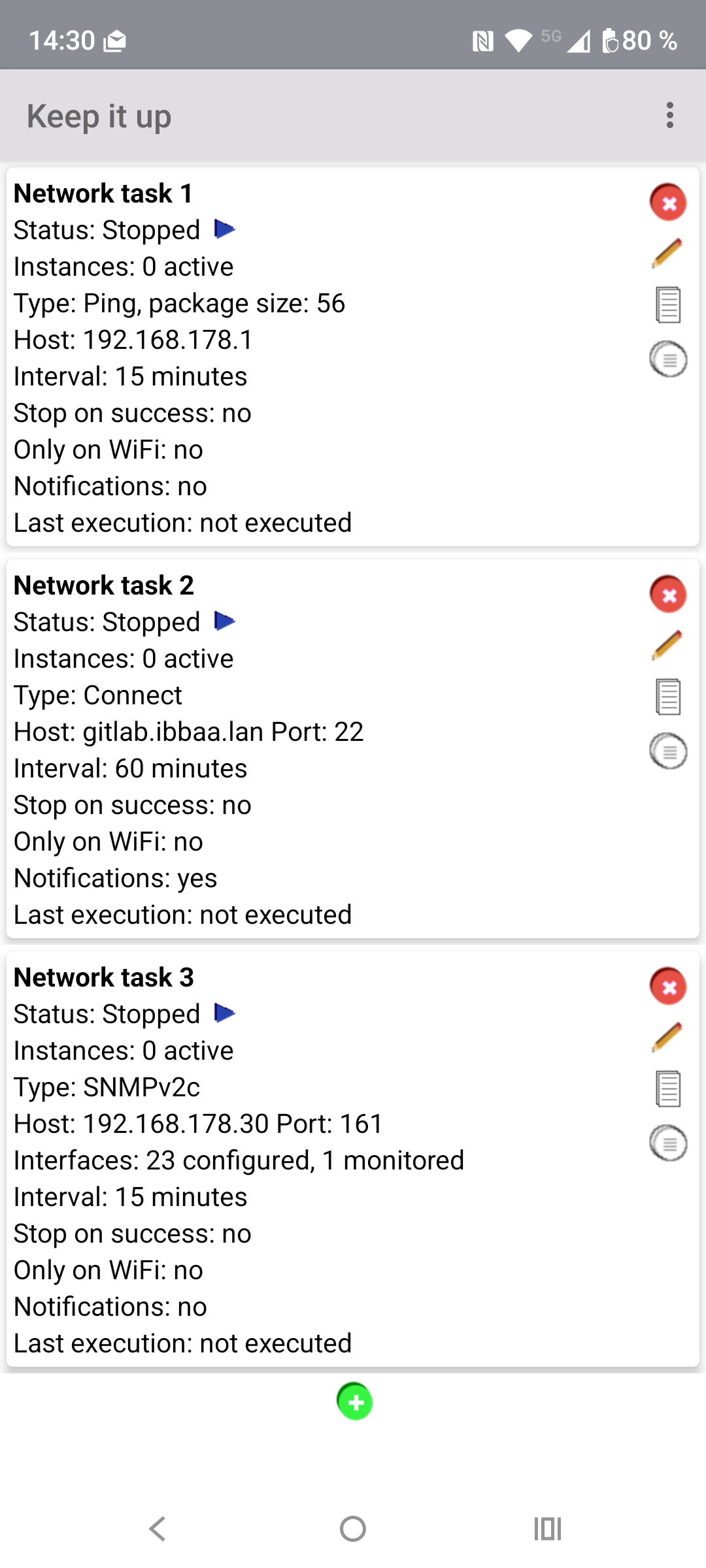
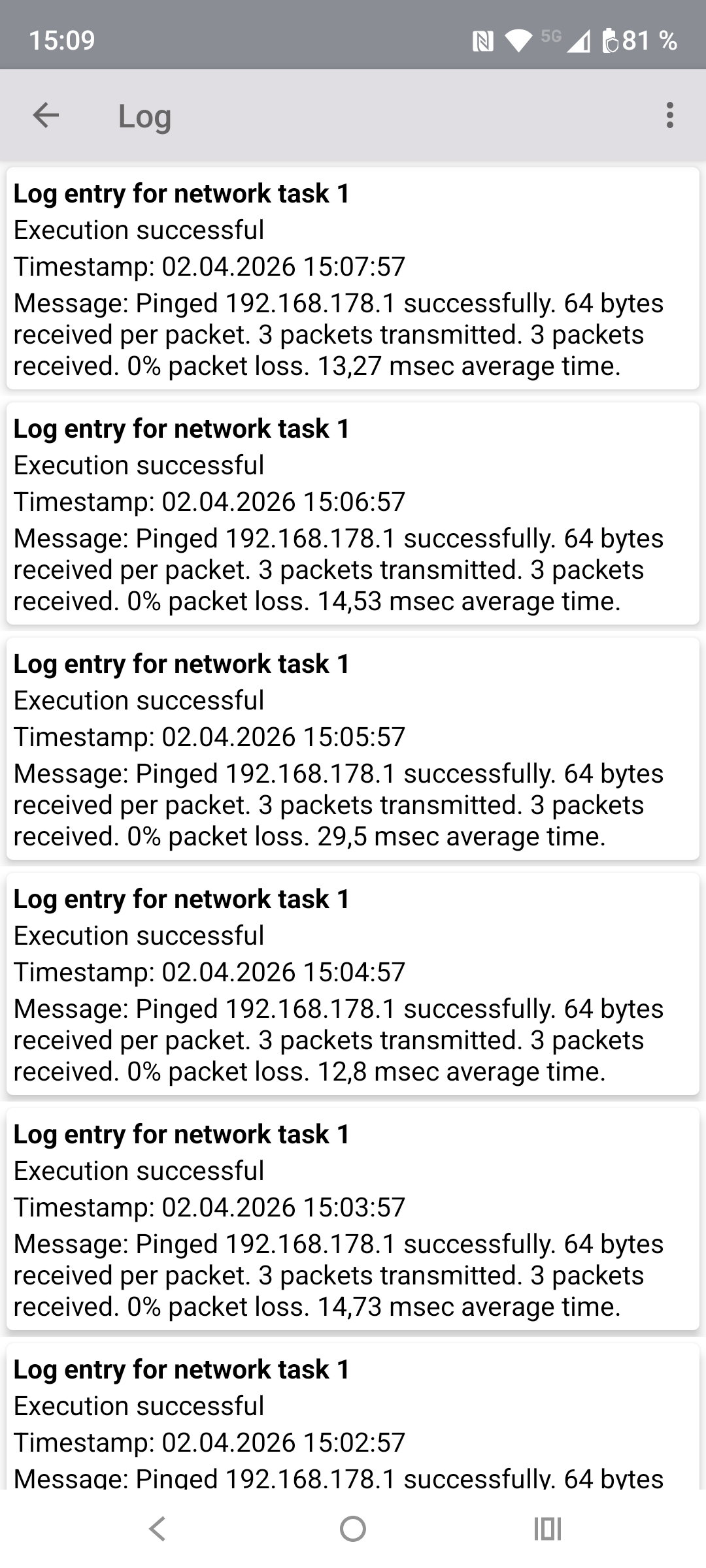
 Keep it up checks the availability and reachability of network services via Ping, TCP Connect, HTTP/HTTPS Download, and SNMP periodically. Each check is logged with its result and duration, and notifications can be sent on failure or on status changes.
Features
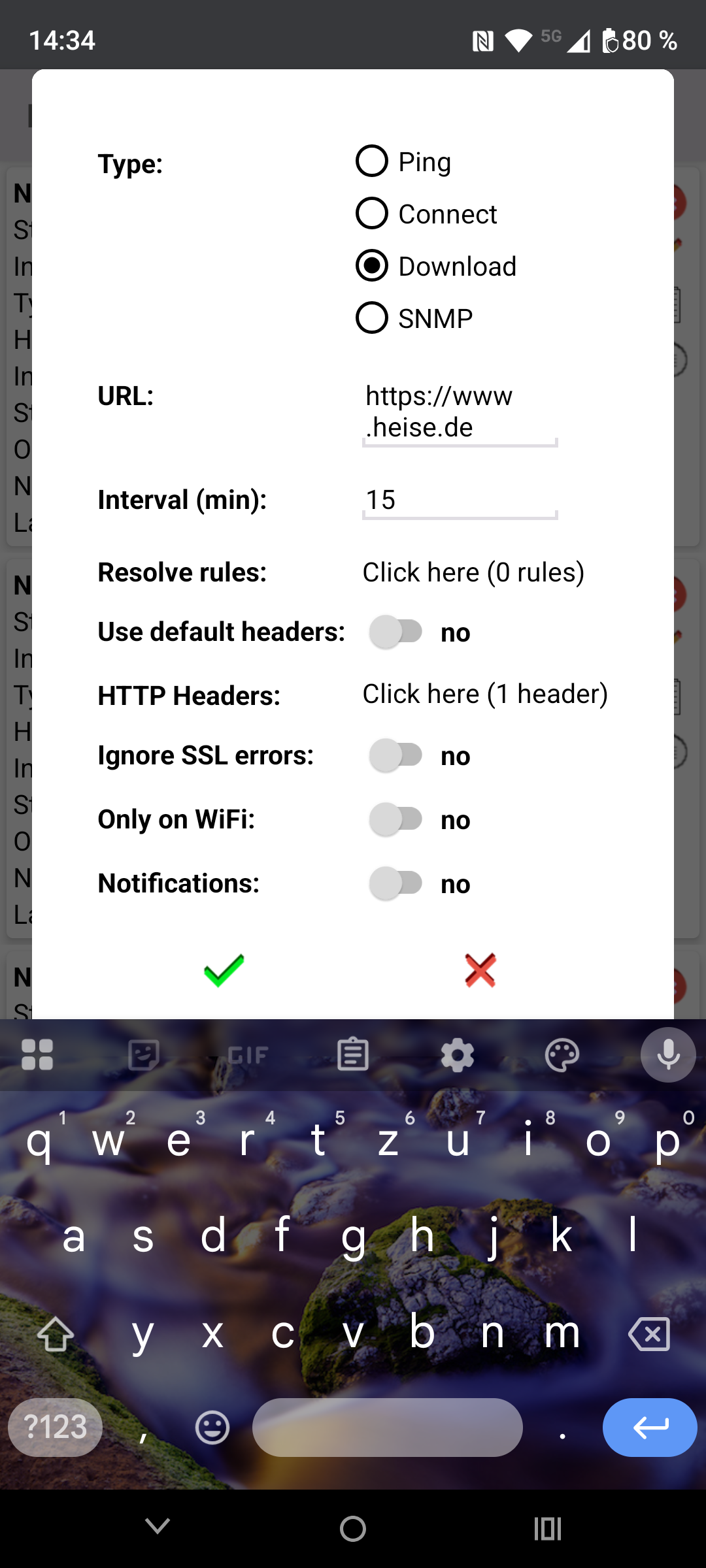
- Create multiple independent network tasks, each monitoring one network service at a configurable interval
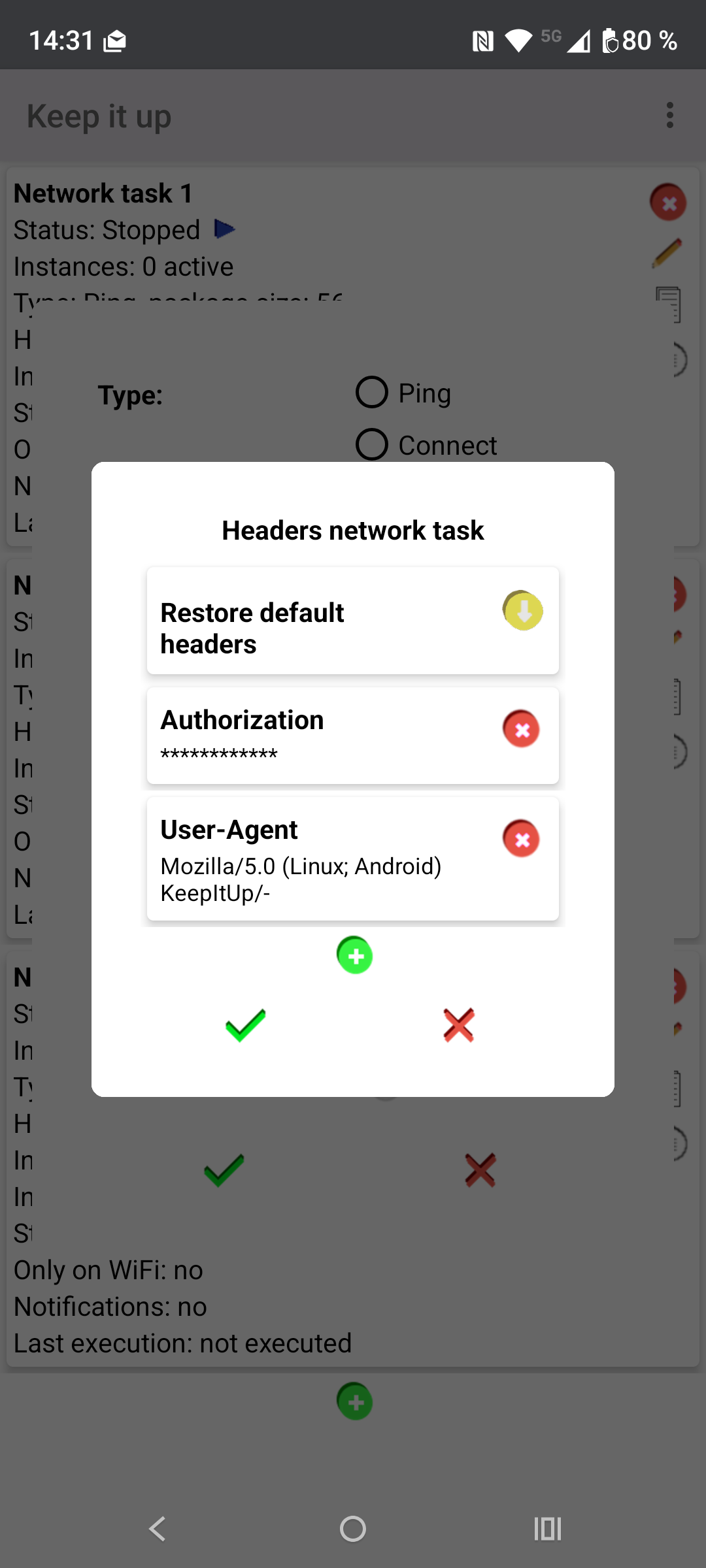
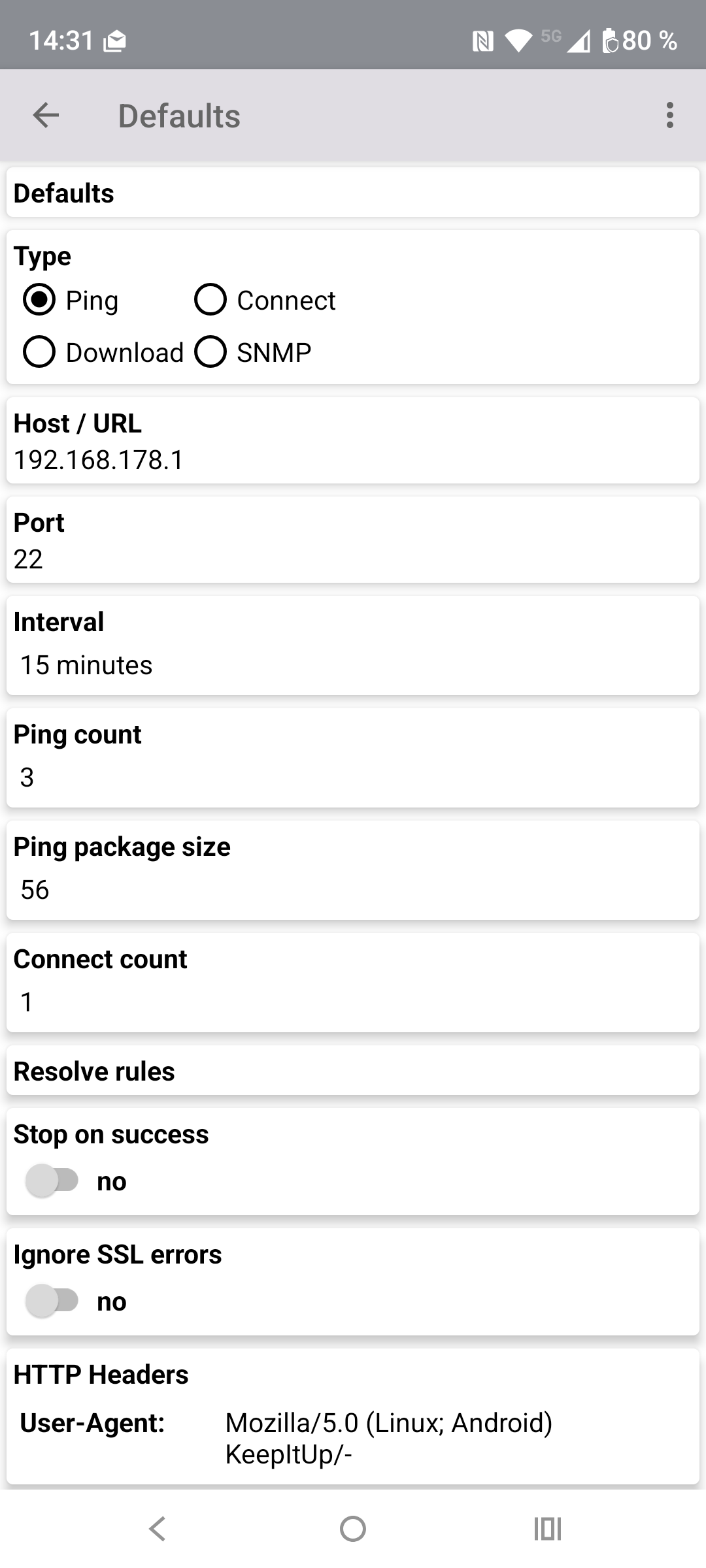
- Supported types: Ping, TCP Connect, HTTP/HTTPS Download, SNMP (v1/v2c)
- A can perform multiple attempts per execution. All results are logged including duration
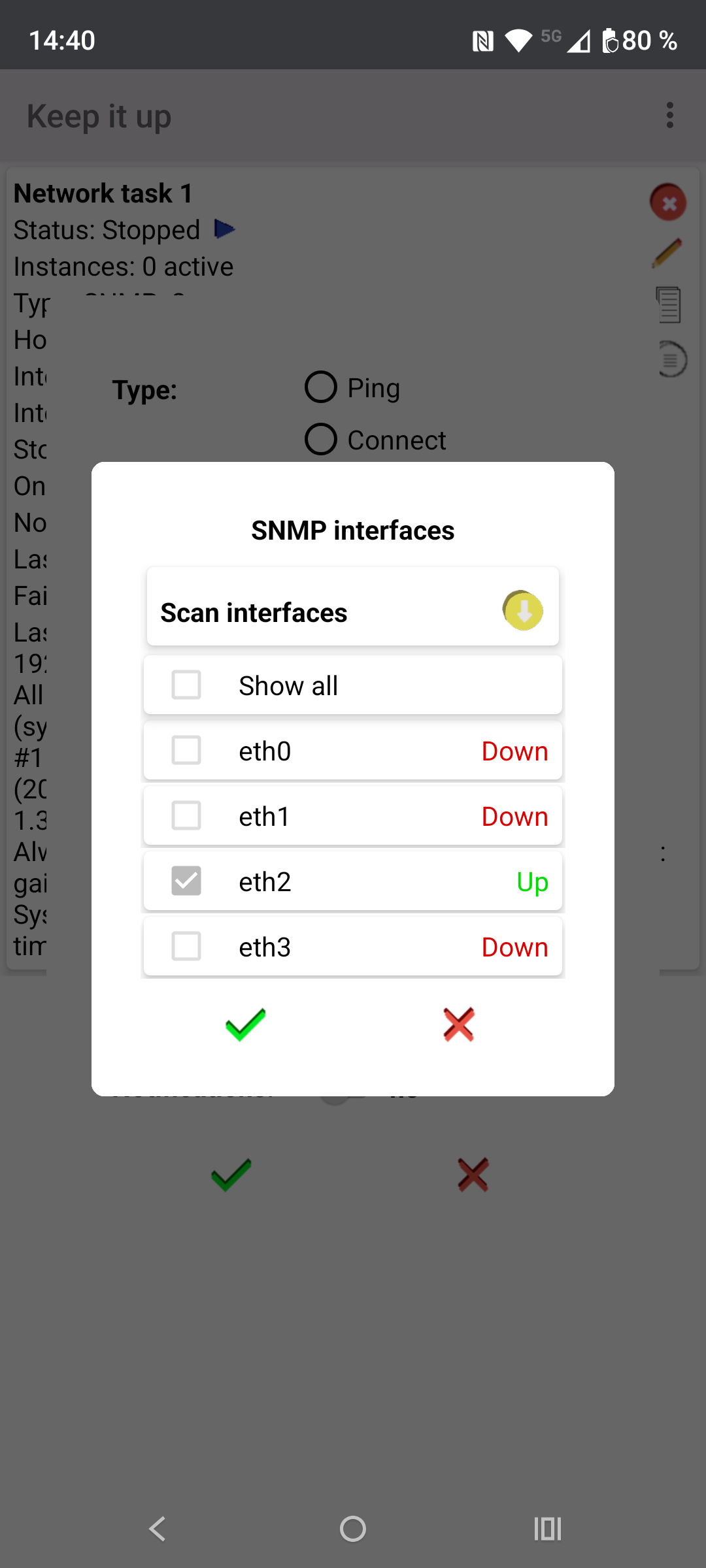
- SNMP queries the system group at each interval and supports per-interface monitoring with alerting on status changes
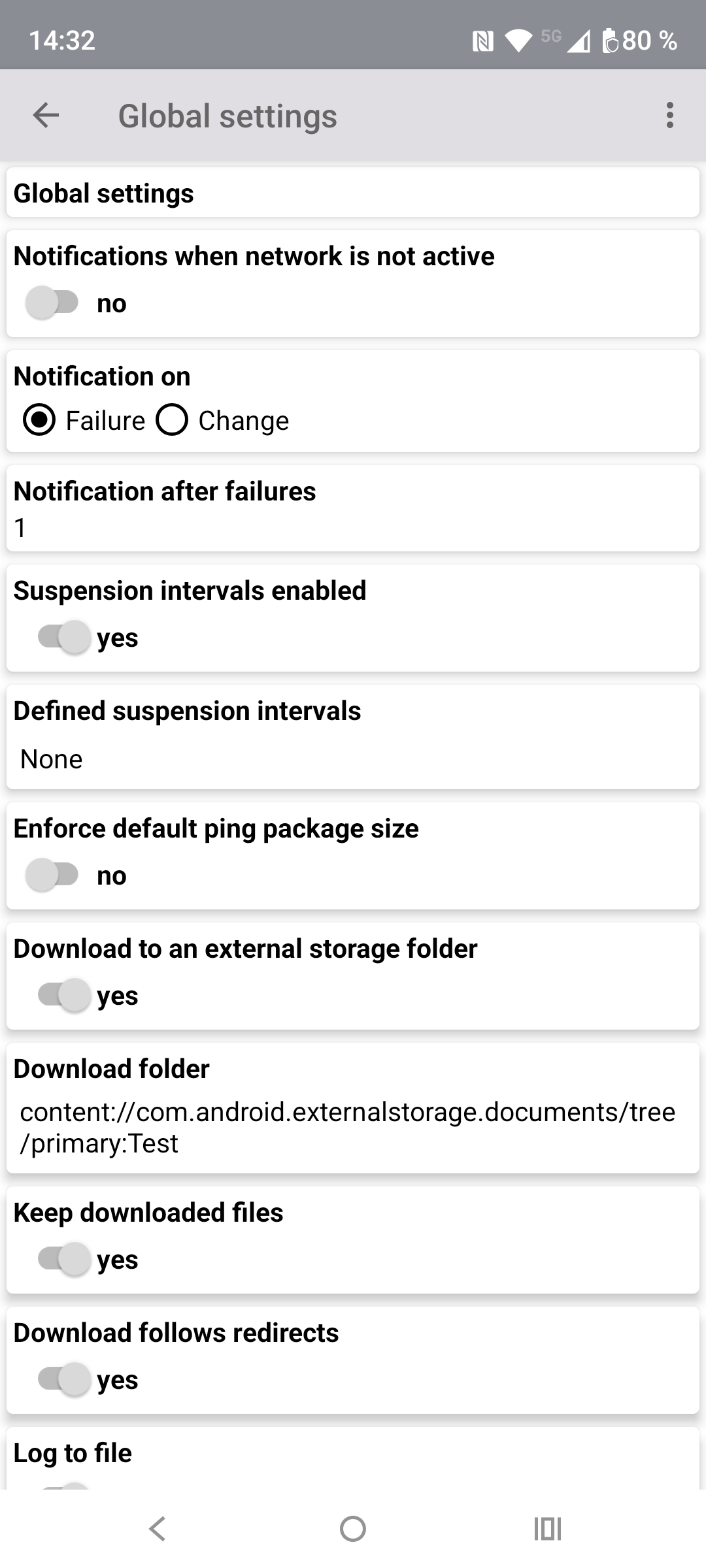
- Downloaded files can automatically be deleted after a successful download or be kept
- Notifications on failure, or when a service goes down or comes back up
- Tasks can be restricted to WiFi connections to avoid unnecessary mobile data usage
- Configurable suspension intervals for battery saving
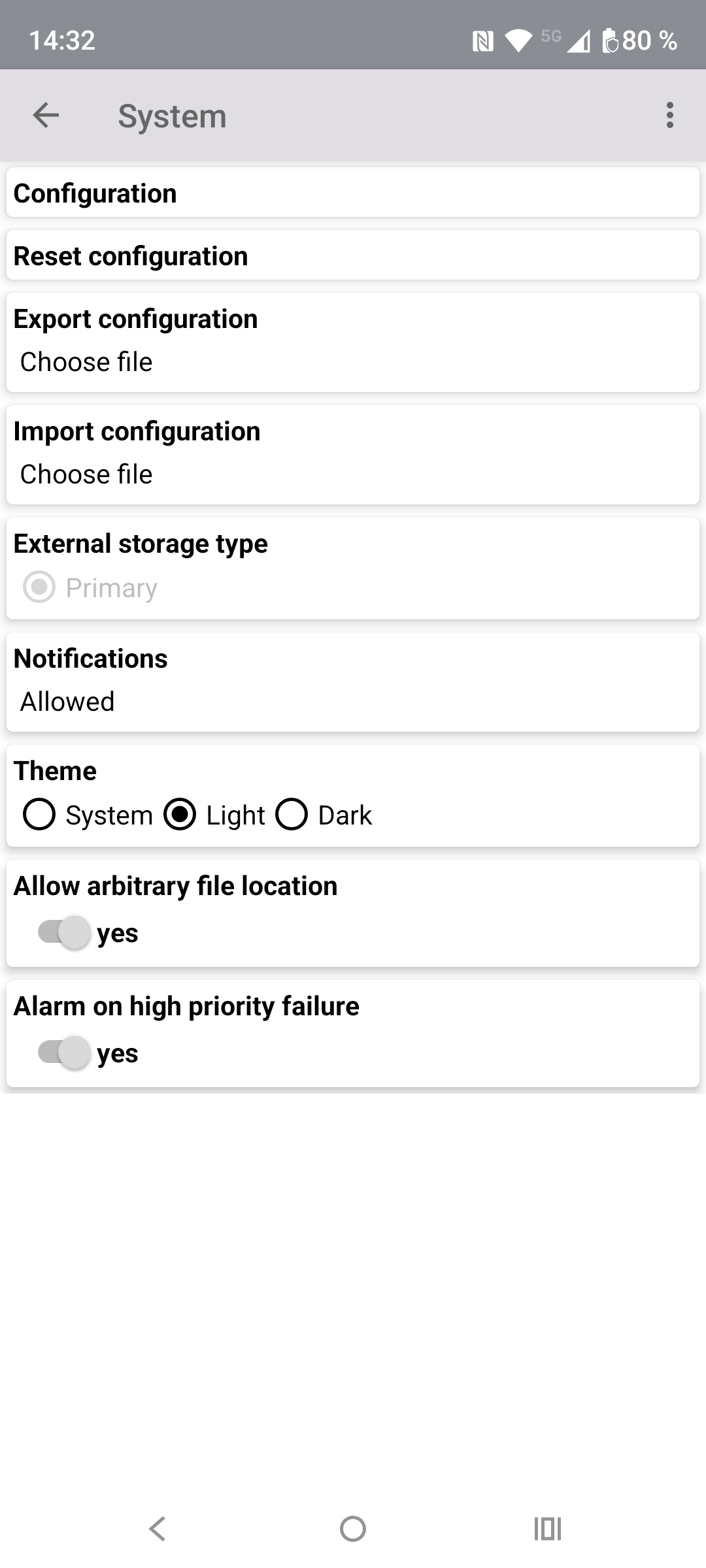
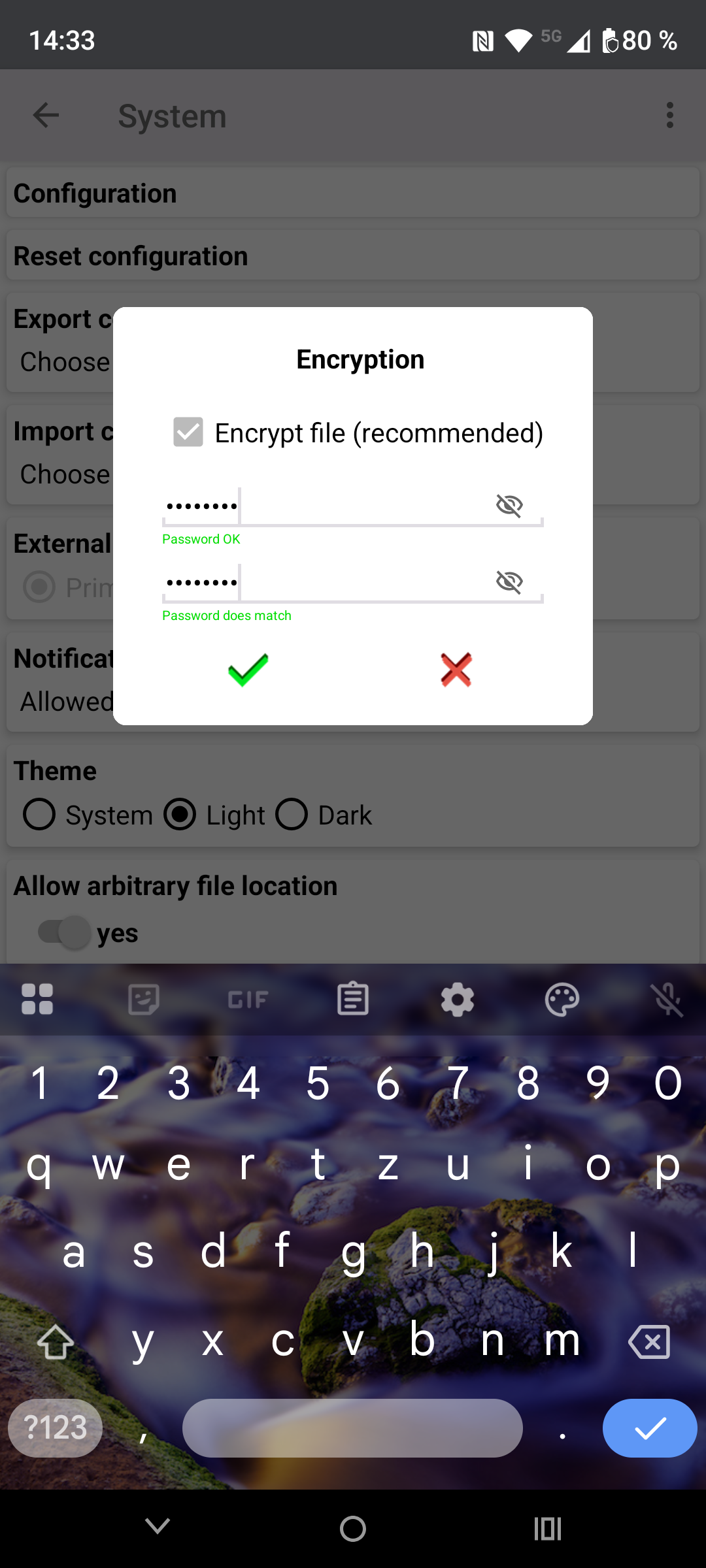
- Configuration can be exported and imported as JSON
Permissions
- RECEIVE_BOOT_COMPLETED for restarting running networks tasks on device boot
- ACCESS_NETWORK_STATE for checking network accessibility
- INTERNET for accessing the internet
- WAKE_LOCK to keep the device awake while executing a task
- FOREGROUND_SERVICE to start the foreground service for running tasks
- FOREGROUND_SERVICE_DATA_SYNC to use the foreground for task scheduling
- FOREGROUND_SERVICE_SPECIAL_USE to use the foreground for task scheduling (Android 14+)
- USE_EXACT_ALARM to start networks tasks after expiry of intervals (Android 13+)
- SCHEDULE_EXACT_ALARM to start networks tasks after expiry of intervals (Android 11 and 12)
- POST_NOTIFICATIONS for sending notifications
WhatsNew:
* Fixed a bug where importing a backup file could incorrectly reset all network task settings if the file was created with an older app version that did not yet include SNMP support
* Fixed a bug where switching a network task to SNMP access type showed V1 instead of the configured default SNMP version when the task was created before SNMP support was introduced
While you can download the APKs here directly, you should preferably use an F-Droid client so the app stays up-to-date on your device.

