Casio G-Shock Smart Sync
Add smart functions to your Casio square BT G-Shock Watch.
| AppID: | org.avmedia.gshockGoogleSync |
| Author: | Ivo Zivkov |
| License: | MIT |
| Donation: | Webpage |
| InRepoSince: | 2022-07-09 |
| LastRepoUpdate: | 2026-08-12 |
| LastAppUpdate: | Unknown |
| LastVersion: | 42.6.7 |
| Categories: | Calendar & Agenda |
| Google Play: | Check if it's there |
 Casio G-Shock Smart Sync
What is it?
-----------
This is an unofficial app for Casio G-Shock, Edifice, and Pro Trek watches. It allows you to control your watch, sync data, and configure settings without a Casio ID. It offers a faster, privacy-focused, and more powerful alternative to the official Casio app.
Key Features check
------------------
- No Account Required: Skip the Casio ID login entirely.
- Calendar Sync: Push your calendar events (Google, Samsung, etc.) to your watch as reminders.
- Auto Timezone: Automatically adjusts watch time when you travel.
- Remote Control: Use your watch buttons to take photos, control music, or launch voice assistants.
- Alarm Sync: Configure watch alarms easily from your phone.
- Phone Finder: Trigger a loud alarm on your phone to find it.
Supported Watches
-----------------
The app works with many Bluetooth-enabled G-Shock, Edifice, and Pro Trek models.
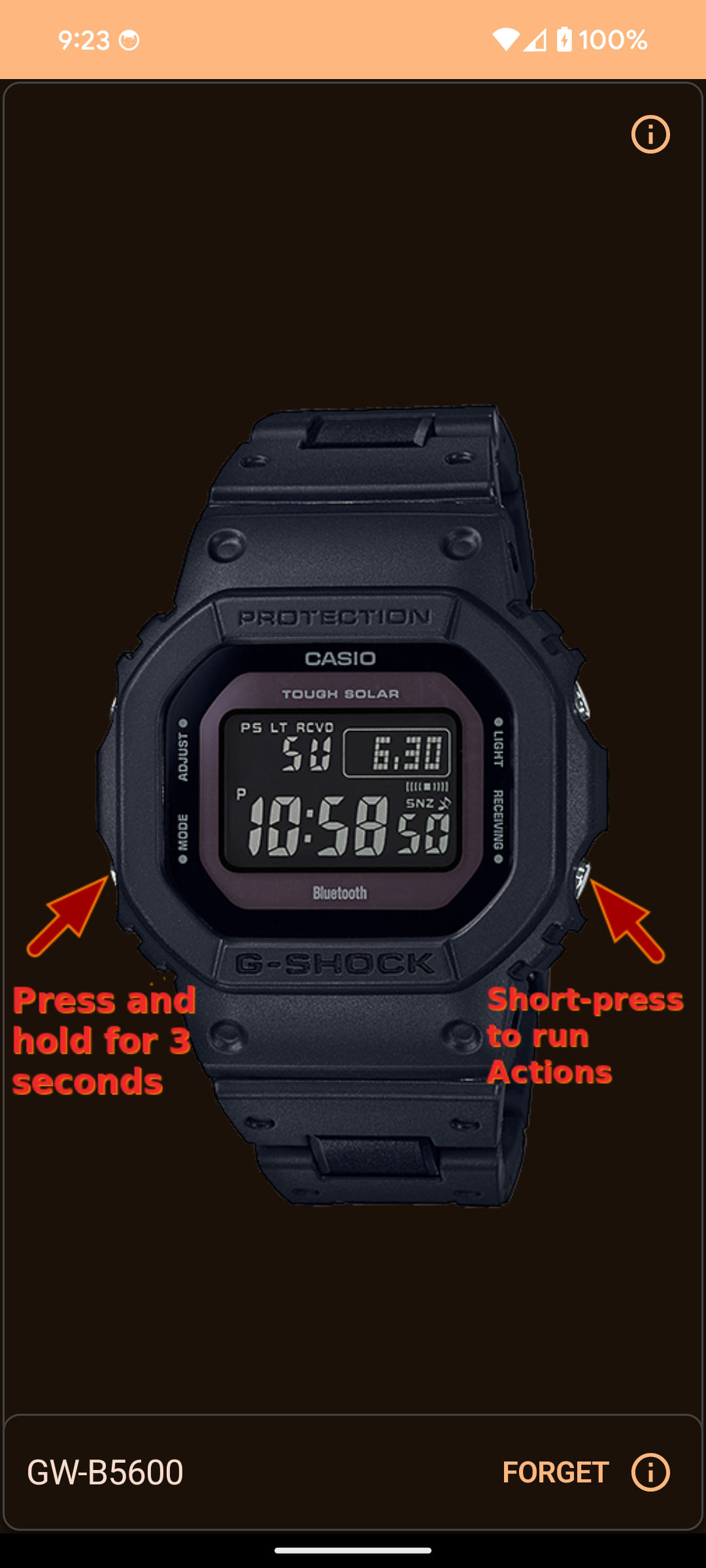
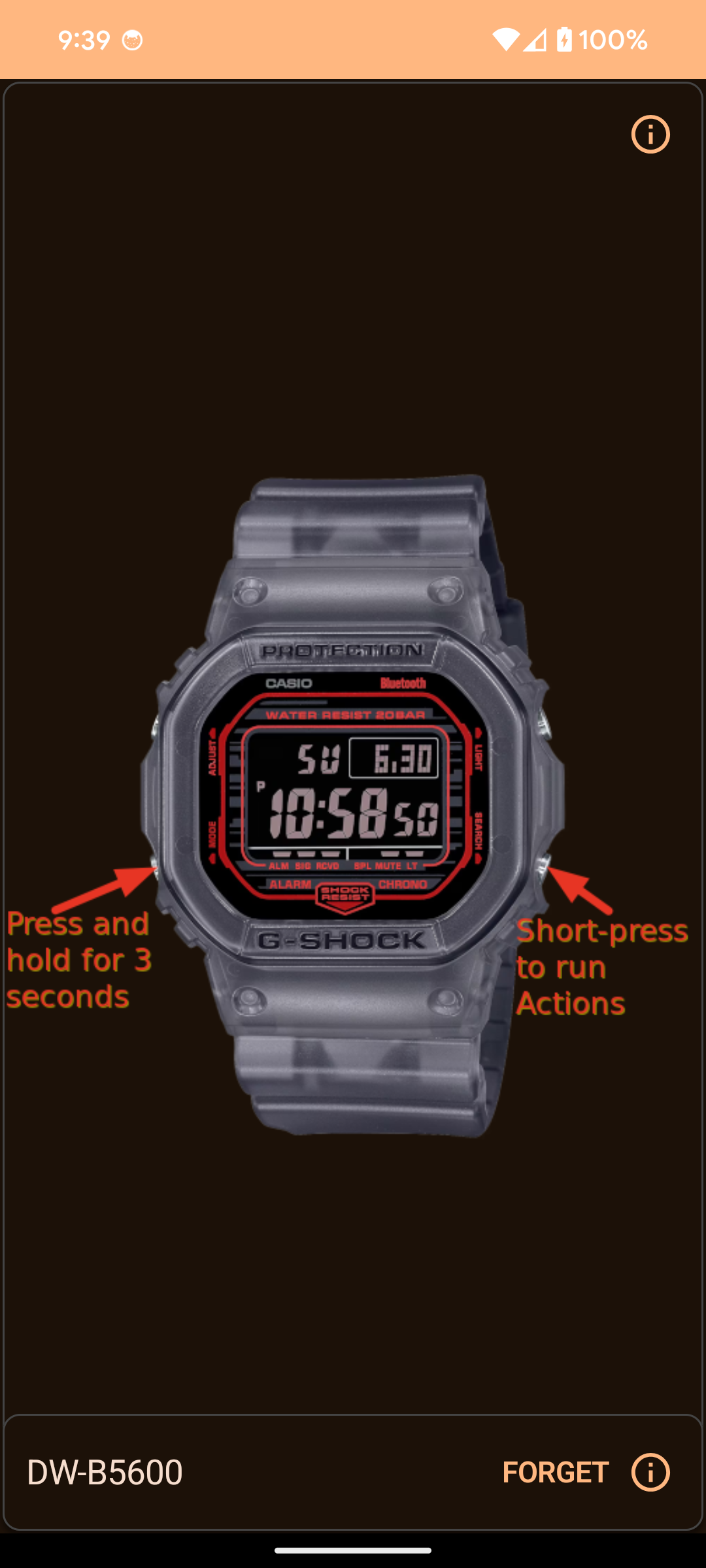
- Square: GW-B5600, GMW-B5000, GW-5000, DW-B5600
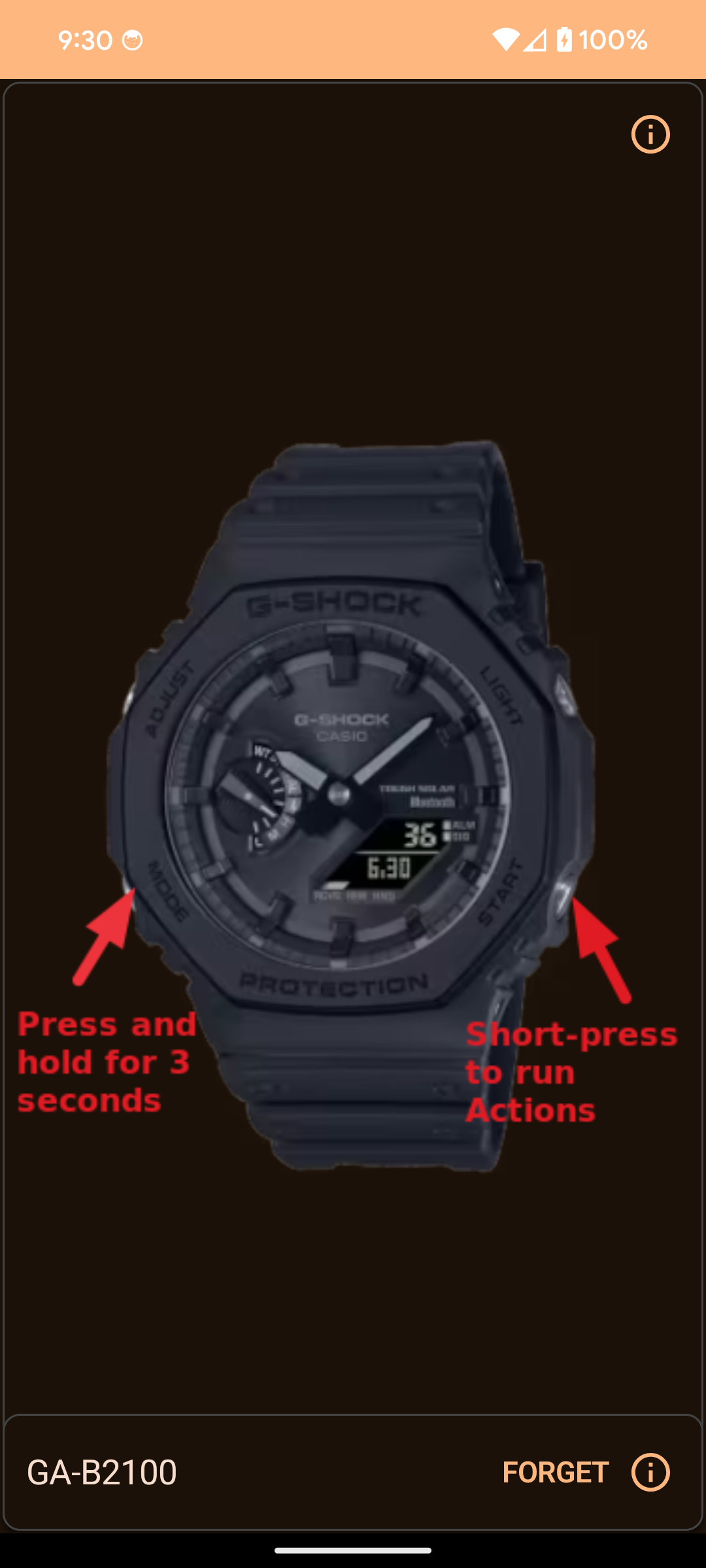
- CasiOak: GA-B2100, GBM-2100
- G-Steel: GST-B500, GST-B400, GST-B200
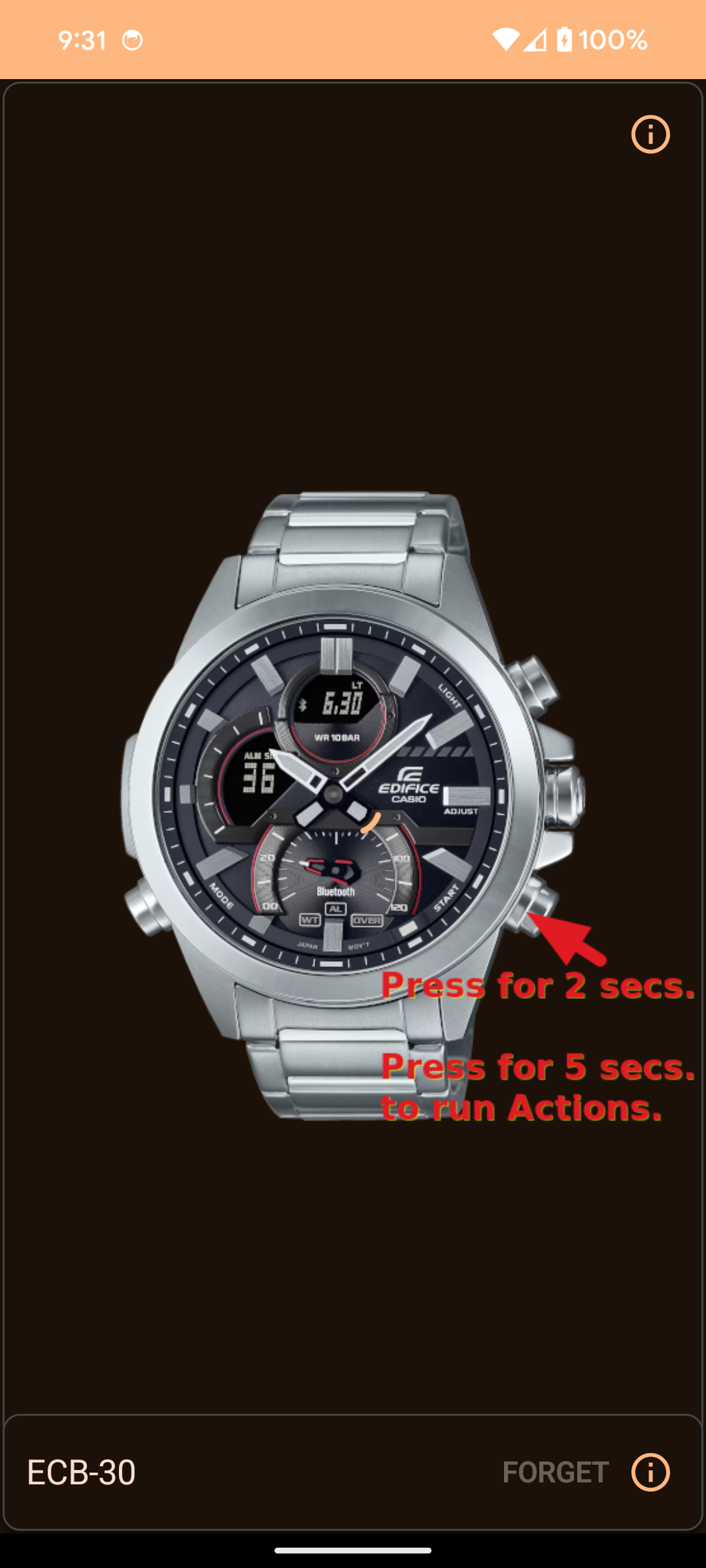
- Edifice: ECB-10, ECB-20, ECB-30
- Others: GBD-800, GBD-H1000, GG-B100
Note: While these watches connect, not all specific hardware features (like fitness tracking steps on GBD models) may be fully supported yet.
App Walkthrough
---------------
1. Connection Screen
This is the first screen you see. It handles the Bluetooth connection to your watch.
- Status: Shows generic connection status.
- Scan/Connect: Automatically scans for your watch.
- Paired Devices: Lists your previously connected watches for quick access.
Connection is typically much faster than the official app (~3.5s vs 12s).
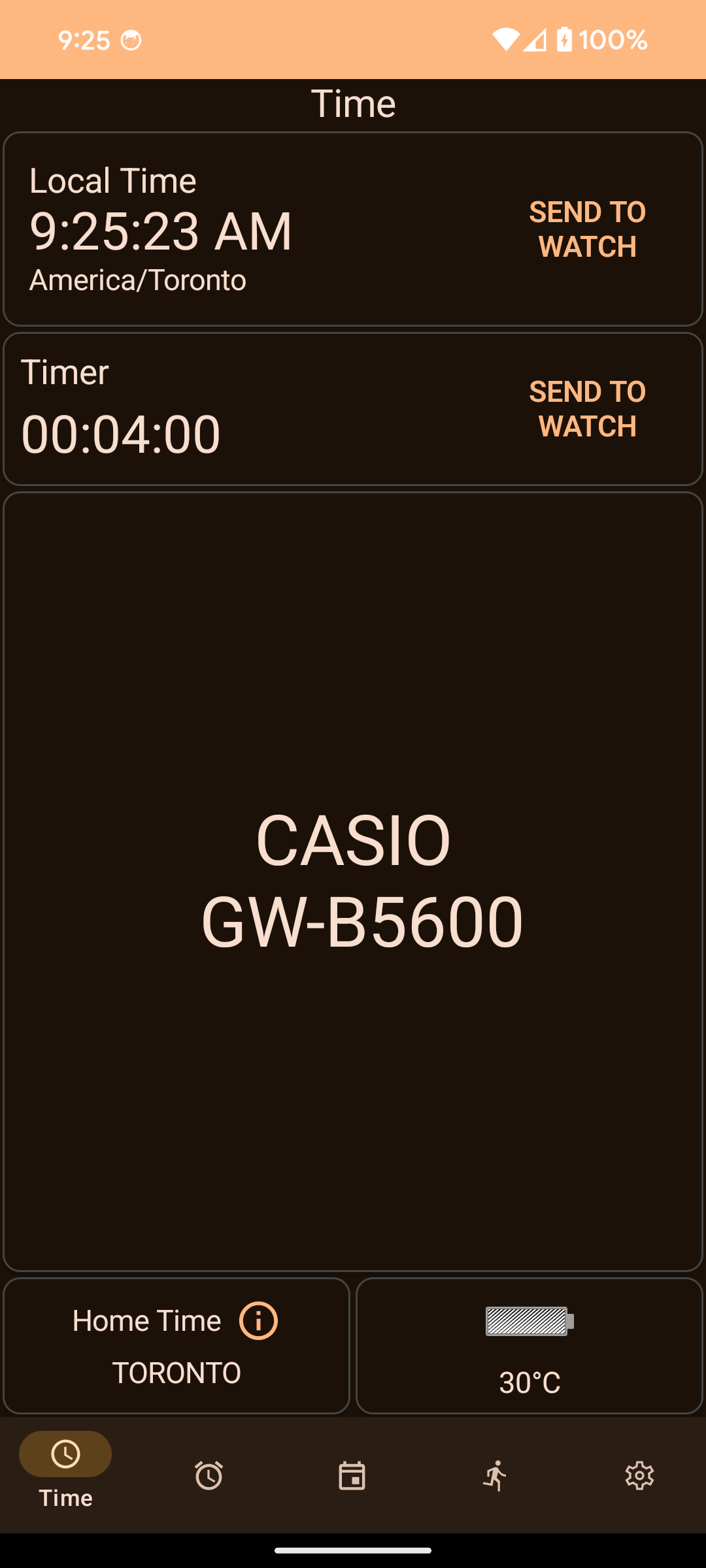
2. Time Setting
Manage your watch's timekeeping effortlessly.
- Local Time: Displays the current time from your phone.
- Send to Watch: Tap the button to sync your phone's time, timezone, and DST settings to the watch immediately.
- Home Time: Shows the 'Home' city configured on the watch.
- Battery: Displays the current battery level of the watch.
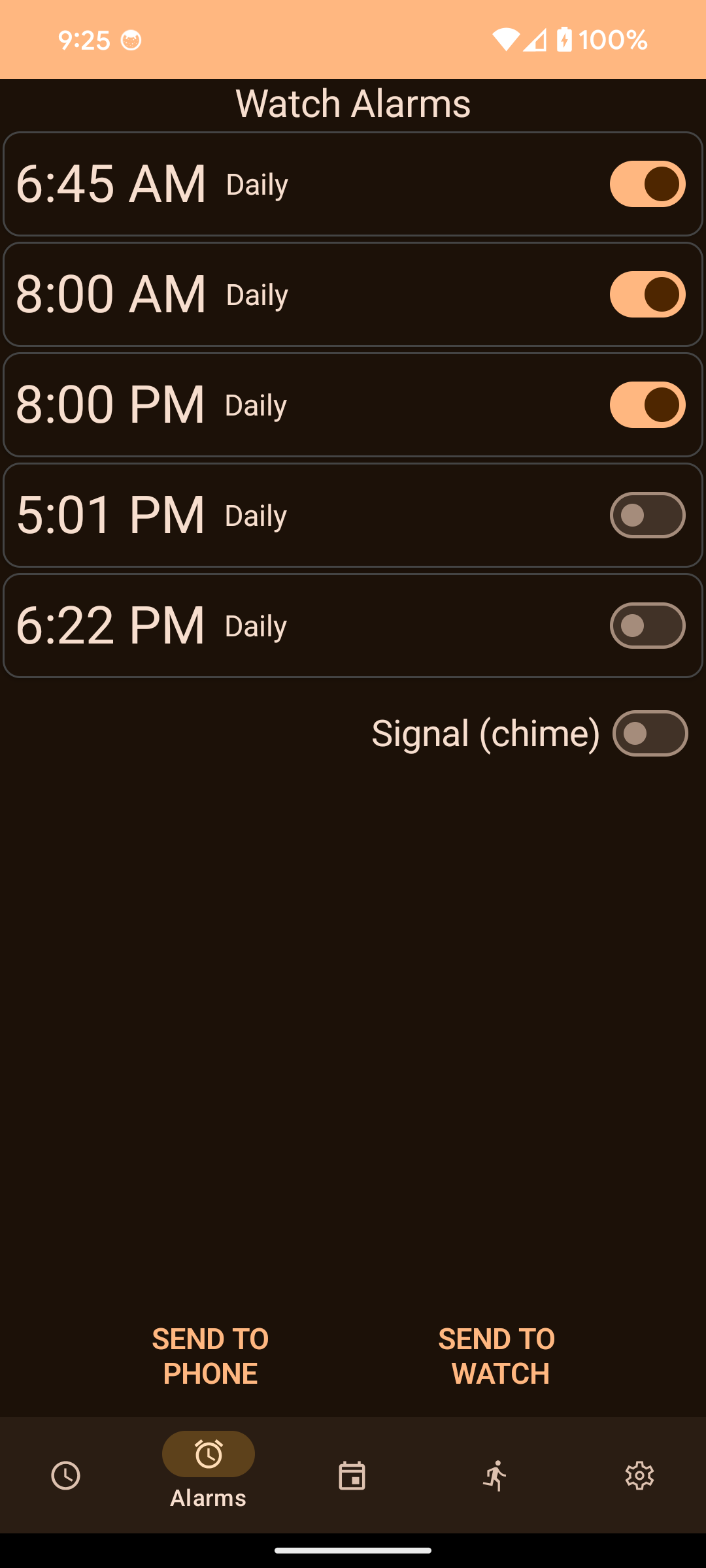
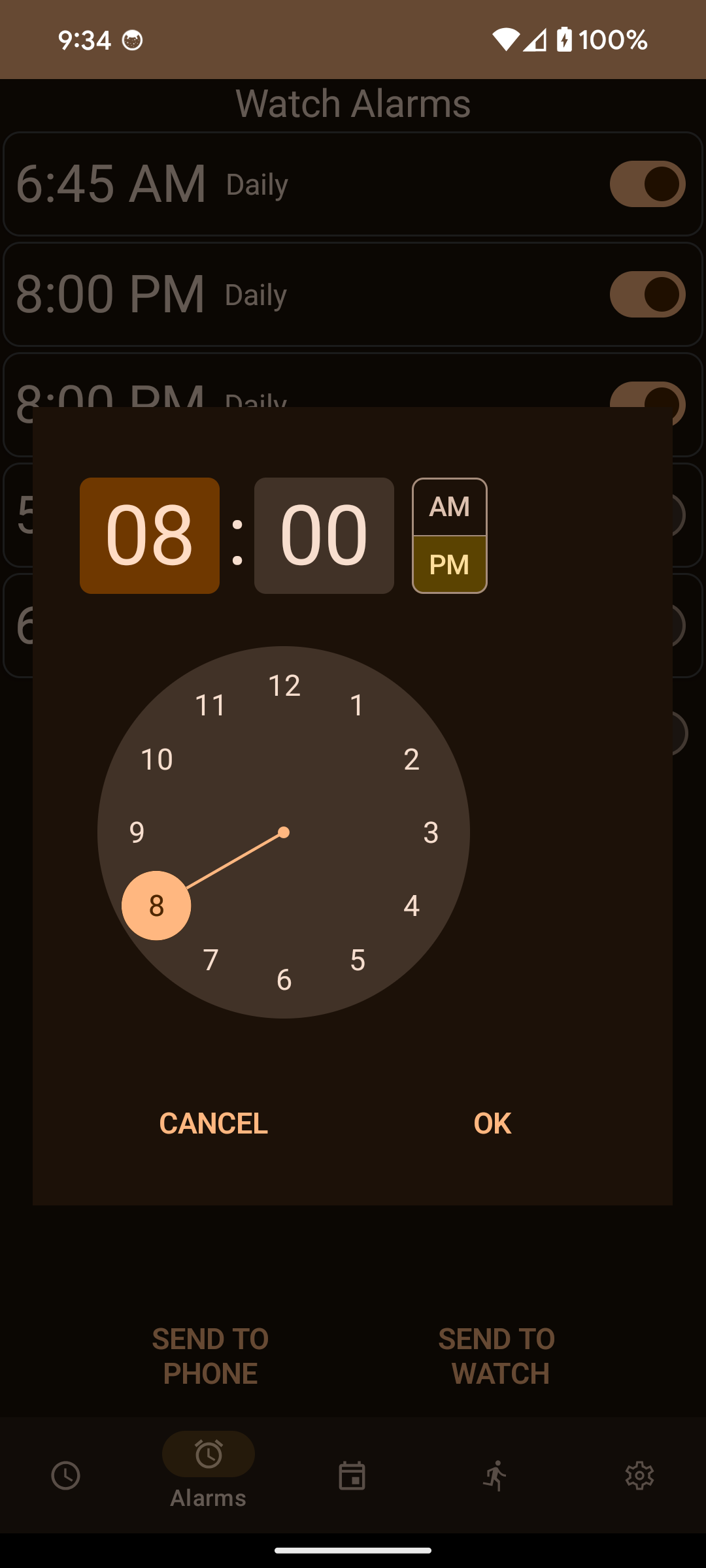
3. Alarms
Read and configure the alarms stored on your watch.
- View Alarms: See the current settings for all 5 alarms and the hourly signal (Chime).
- Edit: Tap any alarm to change its time.
- Sync: You can send these alarm settings to the watch.
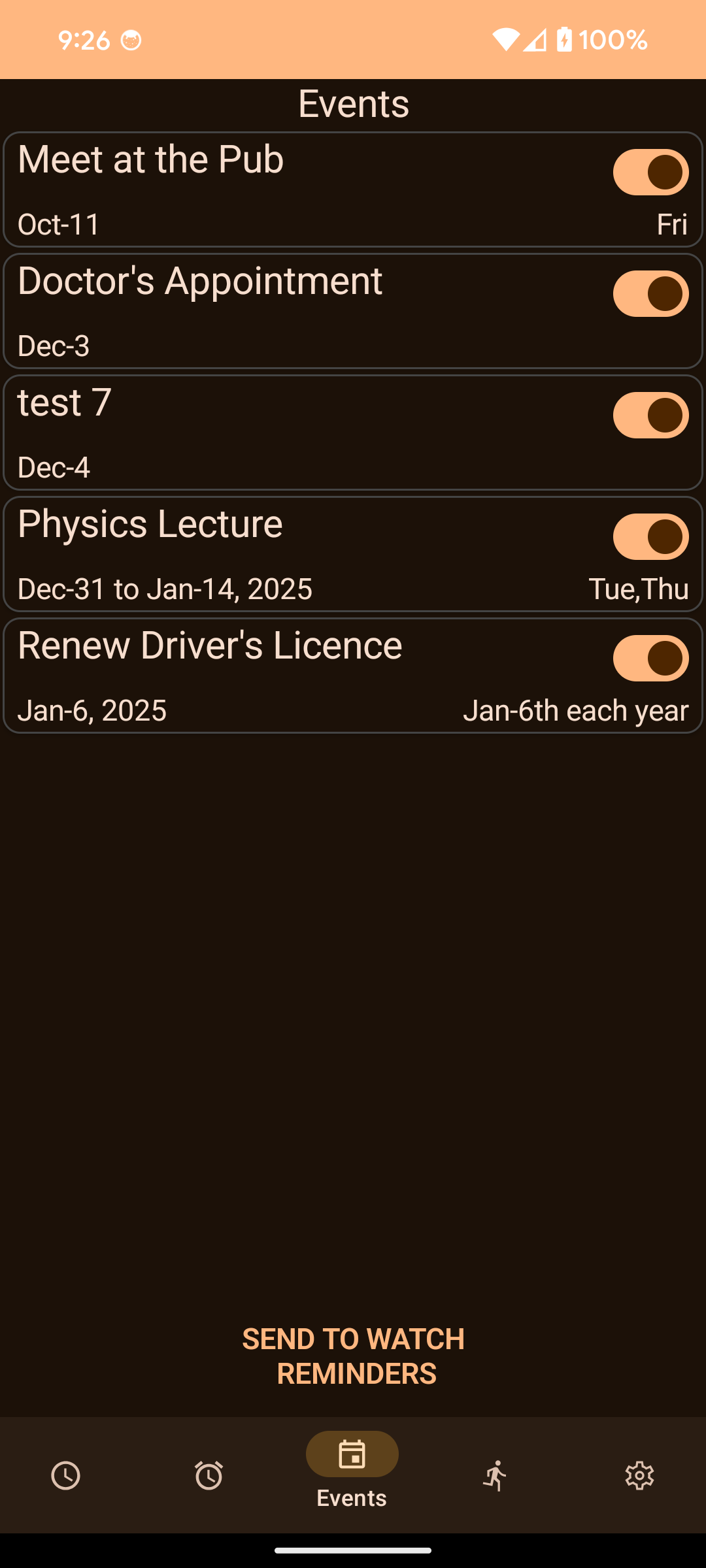
4. Events (Calendar Sync)
Sync your phone's calendar to your watch!
- Upcoming Events: Lists future events from your phone's calendar.
- Send to Watch: Pushes these events to the watch's Reminder feature.
- Compatibility: Supports one-time and simple recurring events. Complex recurrence rules might show as "Incompatible".
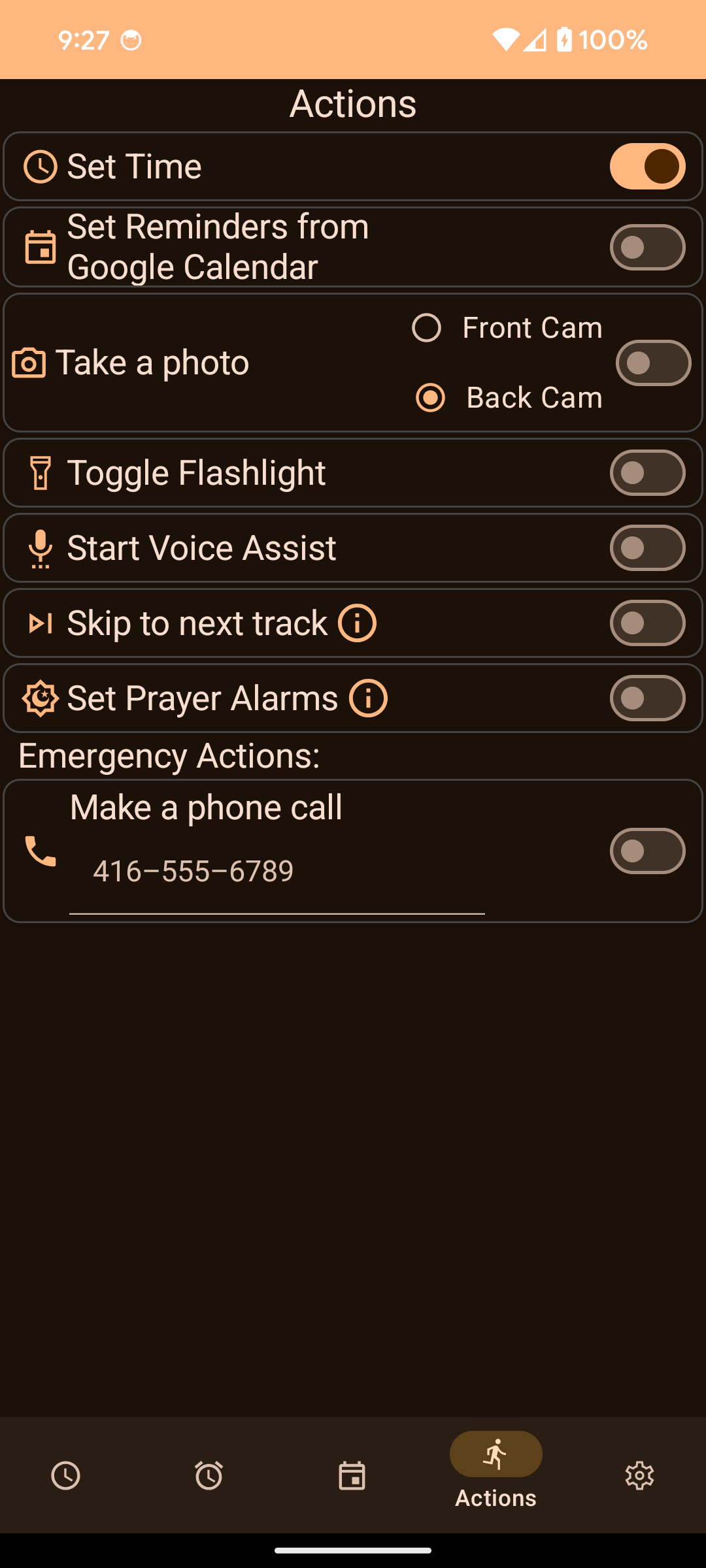
5. Actions (Remote Control)
Turn your watch into a remote control. Assign actions to button presses on the watch.
- Find Phone: Make your phone ring loudly.
- Take Photo: Snap a picture with your phone's camera.
- Next Track: Skip music tracks on your phone.
- Voice Assist: Launch Google Assistant.
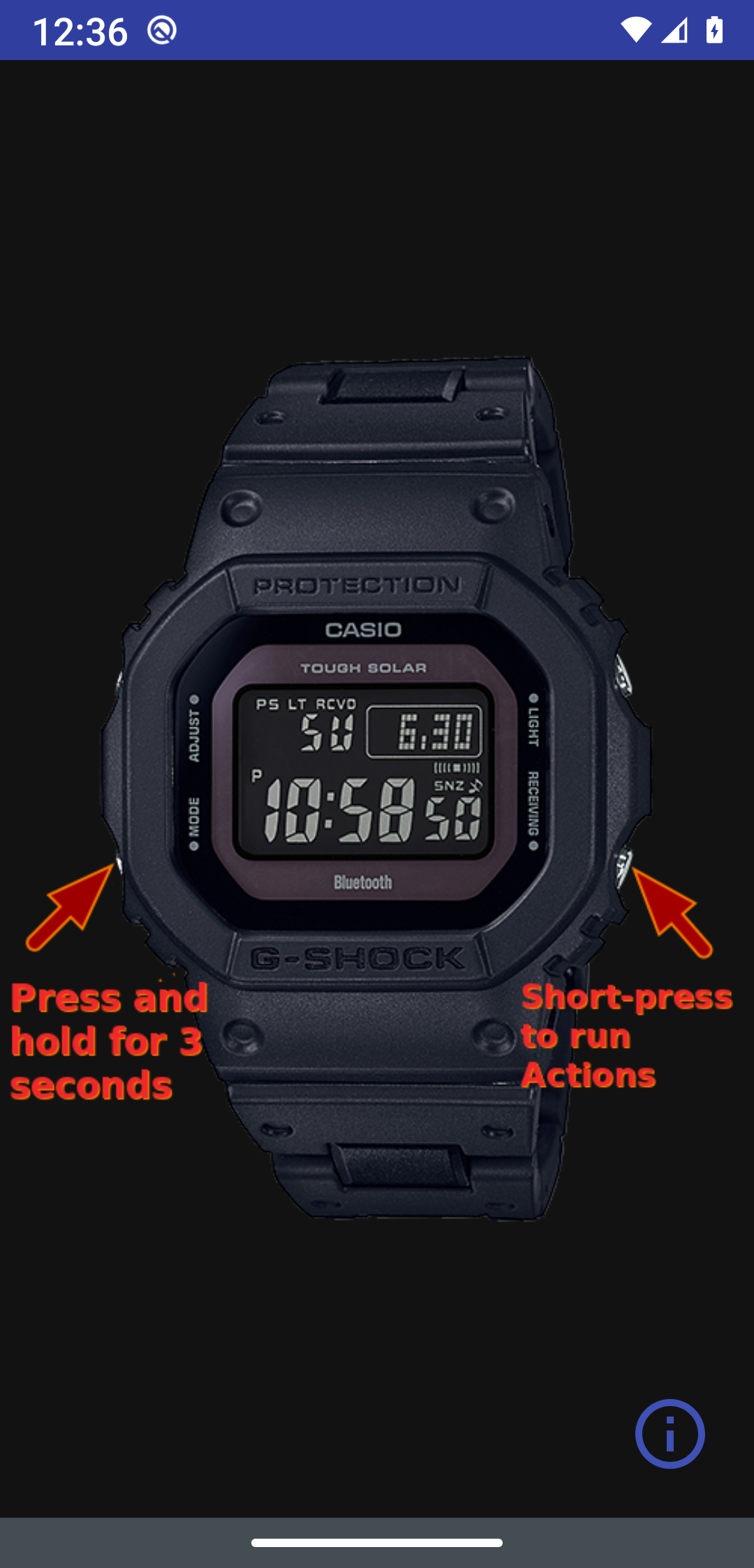
How to use: Short-press the lower-right button on the watch (when in Time mode) to trigger the selected action.
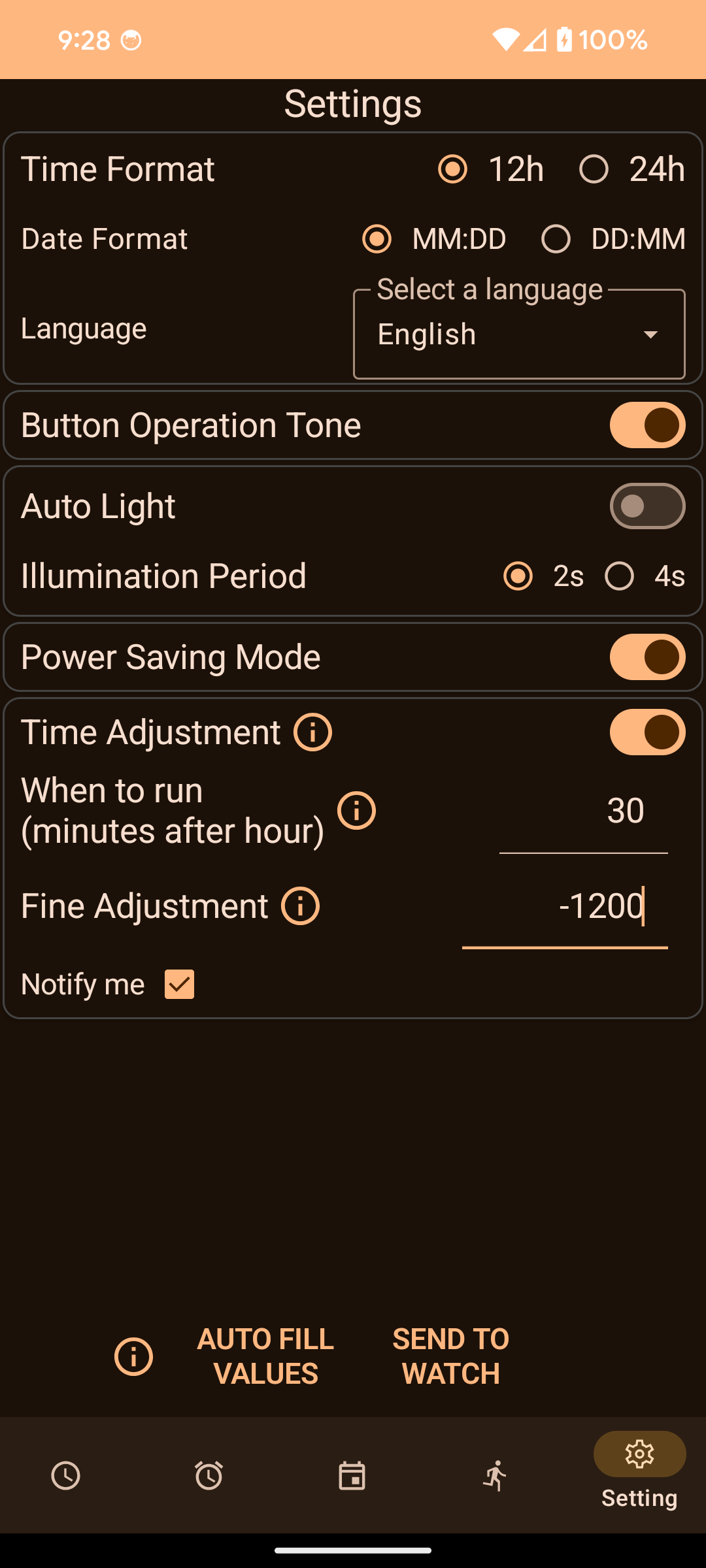
6. Settings
Configure app and watch preferences.
- Watch Settings: Adjust specific watch configurations (light duration, power saving, etc.).
- App Settings: Configure theme, behavior, and advanced options.
Where are my World Cities?
--------------------------
Using an app to manually swap between Home Time and World Time is a bit silly. Your phone already knows where you are. When setting time, this app will also set the Home Time, Timezone, and DST state to your current location. So when travelling to another timezone, just set time and you are good to go.
Build Your Own App
------------------
For those who want to build their own Android app for interfacing with the G-Shock 5000/5600 watches, I have also created an API (library) project here: https://github.com/izivkov/GShockAPI.
Similar Project
---------------
If you'd prefer not to use a mobile app but still want to set the correct time on your G-Shock, check out this Python project which can run as a server on a PC or Raspberry Pi: https://github.com/iziv
While you can download the APKs here directly, you should preferably use an F-Droid client so the app stays up-to-date on your device.
Packages
Version 42.6.7 (2026-08-12) 

Android Versions:
- Target: 17.0
- MinVer: 8.0
- ABIs: arm64-v8a, armeabi-v7a, x86, x86_64
Permissions:
Features:
Malware-Check:
Download (20.2 M)