sub rosa by naiveHA
| Repo: | IzzyOnDroid |
| AppID: | acab.naiveha.subrosa |
| Author: | naive-HA |
| License: | Apache-2.0 |
| Donation: | Bitcoin |
| InRepoSince: | 2026-03-11 |
| LastRepoUpdate: | 2026-10-03 |
| LastAppUpdate: | 2026-10-03 |
| LastVersion: | 2.3.3 |
| Categories: | Security |
| APK source: | Github |
| Google Play: | Check if it's there |
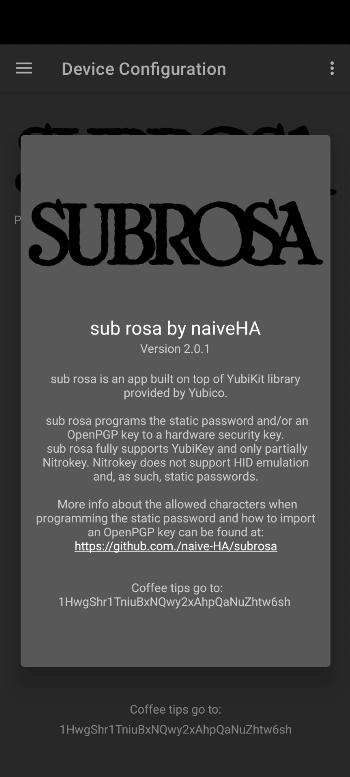
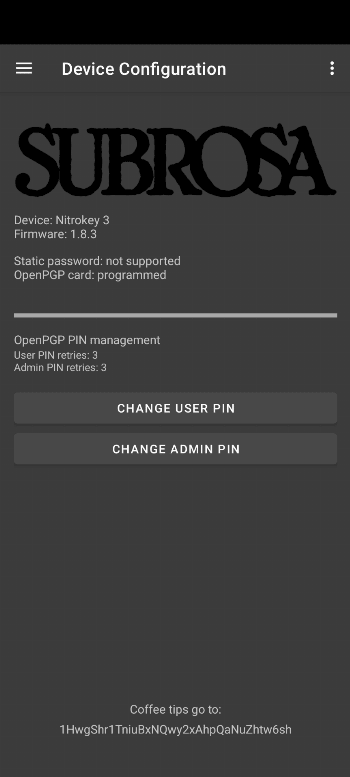
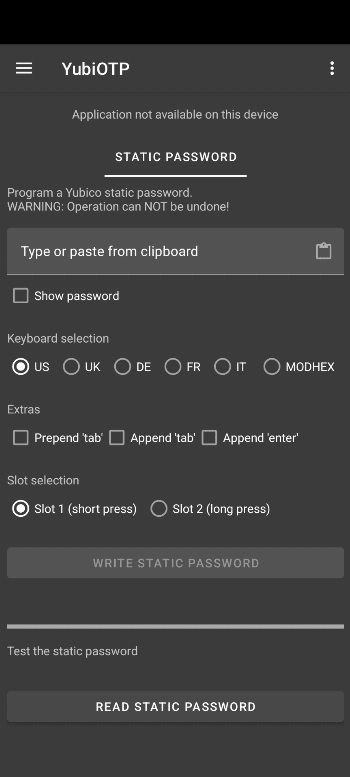
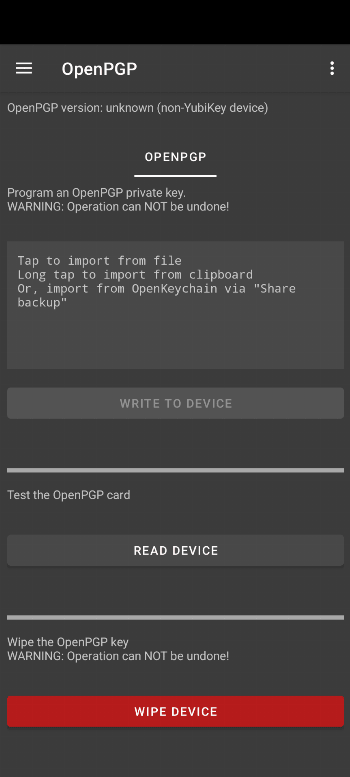
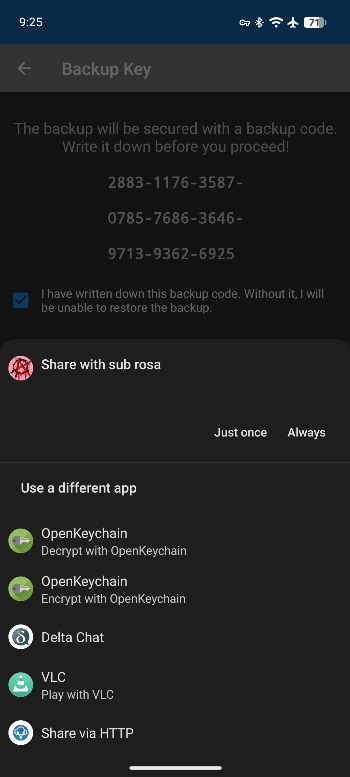
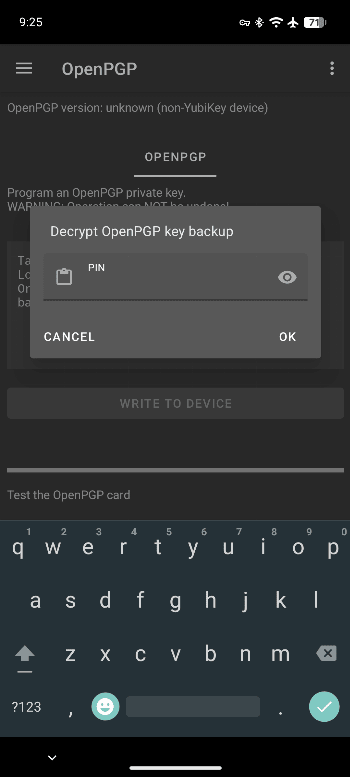
"What does this app do?" Well, actually, the first question to ask is "why?" Why is there a need for this app? The answer is "passwords." We all have a "password problem." Passwords are the weakest link in digital security. Life is complicated enough without overloading your mind trying to remember long, complex passwords that need to be changed frequently. A password manager app (like KeePassDroid) on your phone helps to manage your passwords. But how do you log into your accounts on work laptops, tablets, or other devices, and type passwords securely without worrying about surveillance cameras or shoulder surfers? Introducing sub rosa. Effortlessly simple. sub rosa allows you to program a static password onto a hardware security key, which can act as a keyboard when touched. Plug it into your phone, tablet, or laptop, touch it, and it automatically types out a sequence of characters. Simple: no need to memorize multiple complex passwords. You can program a hardware security key with a password, use it, and program it with a different password whenever needed. Security keys come in various form factors: from models small enough to remain in your phone's USB-C port to larger NFC-enabled keys. Hardware security keys solve part of the "password problem": you no longer need to memorize passwords, and you can log into accounts across multiple devices while your password stays safe on your phone (protected by PIN or fingerprint). However, if you lose your hardware security key, anyone who finds it could touch it and output your password. No worries, sub rosa helps with this too: once you finish typing your complex password, you can de-program (wipe) the device. If you lose the key later, your security remains uncompromised. Hardware security keys (like YubiKey, Nitrokey, or Librem Key) can do much more than act as USB keyboards. sub rosa can program an OpenPGP key onto your hardware key, allowing you to encrypt, decrypt, cryptographically sign documents, or authenticate to remote servers via SSH as your digital identity. subrosa comes to the rescue again: you can program an OpenPGP key onto your security key, sign a document, and then program a different OpenPGP key to decrypt confidential messages. Once finished, you can erase everything so losing the physical device never compromises your digital identity. Just like KeePassDroid managing passwords, OpenKeychain or PGPony manage OpenPGP keys. You can easily import OpenPGP keys generated or stored by these apps in sub rosa and program them onto your hardware security key.
sub rosa has its roots in the YubiKit library provided by Yubico.