Universal Installer
APK/XAPK installer with silent installs via Shizuku, Root or Dhizuku.
| Repo: | IzzyOnDroid |
| AppID: | app.pwhs.universalinstaller |
| Author: | Pass With High Score |
| License: | GPL-3.0-only |
| Donation: | Webpage |
| InRepoSince: | 2026-04-20 |
| LastRepoUpdate: | 2026-10-19 |
| LastAppUpdate: | 2026-10-19 |
| LastVersion: | 1.19.0 |
| Categories: | System |
| APK source: | Github |
| Google Play: | Check if it's there |
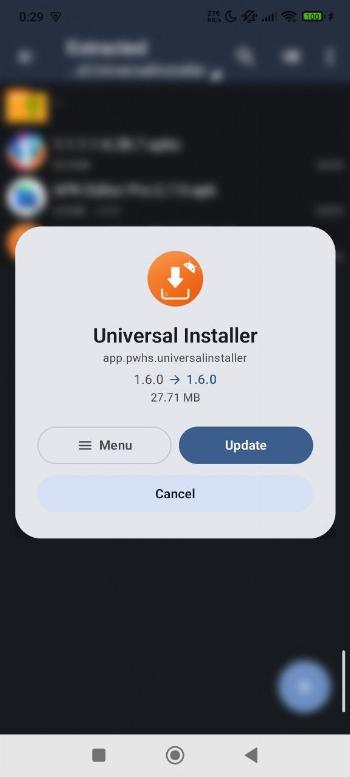
 Universal Installer is a modern Android package manager and Split APK Installer built to sideload split APKs, bundled archives with OBB data, and install silently with Material 3 UI.
Expressive & Customizable
- Fluid animations: Living dialogs with bouncy spring physics.
- Theme: High-contrast Orange theme by default with dynamic color support.
- Installer Profiles: Save and reuse install flags, spoofed installers, and target users.
Supported Formats
- APK, APK+, APKS, XAPK, and APKM split bundles.
- Zip archives containing Android packages.
Install From Anywhere
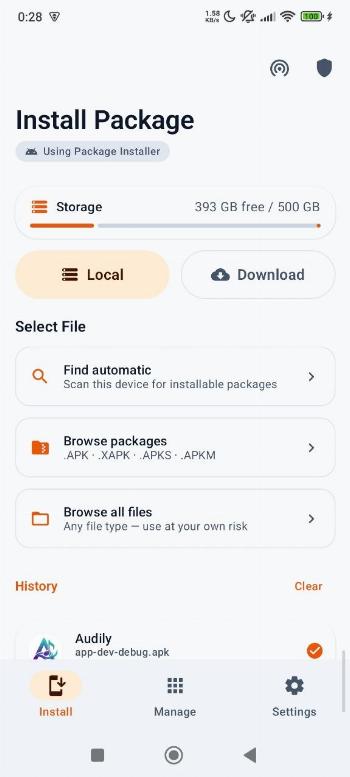
- Local file picker: Auto-scan storage, browse packages, or full filesystem browser.
- Remote download: Paste a direct URL to download and install packages.
- App integration: Open APKs from browsers, file managers, and messaging apps.
Preview Before Installing
- Inspect app name, icon, version, package ID, file size, target SDK, CPU architectures, permissions, and split/OBB details before installing.
OBB Support
- Automatic extraction and copying of bundled OBB files in XAPK/APKM.
- Manual Attachment: Attach standalone .obb files via the preview sheet.
- Background worker with persistent copy notifications.
Silent Installs: Shizuku, Root & Dhizuku
- Shizuku: Silent installs via wireless debugging without root.
- Root: Silent installs with advanced flags on rooted devices.
- Dhizuku: Device Owner installation without root or ADB.
- Targeted User Installs: Install to Work profile, cloned spaces, or all users.
- Custom installer spoofing and downgrade flags.
App Manager & Extractor
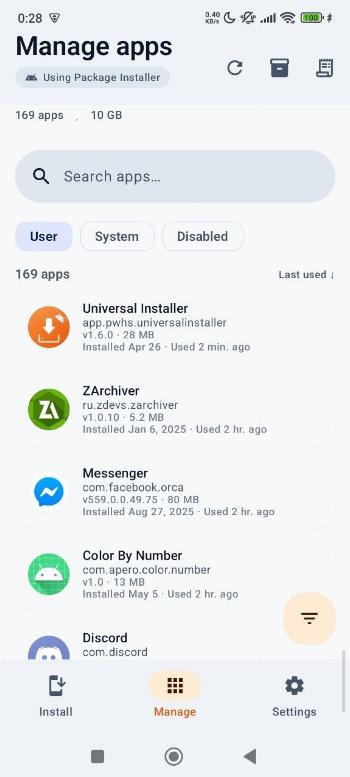
- Detailed list with APK size, install date, and usage stats.
- APK Backup: Extract and export installed apps to local storage.
- Batch operations: Multi-select for batch uninstall.
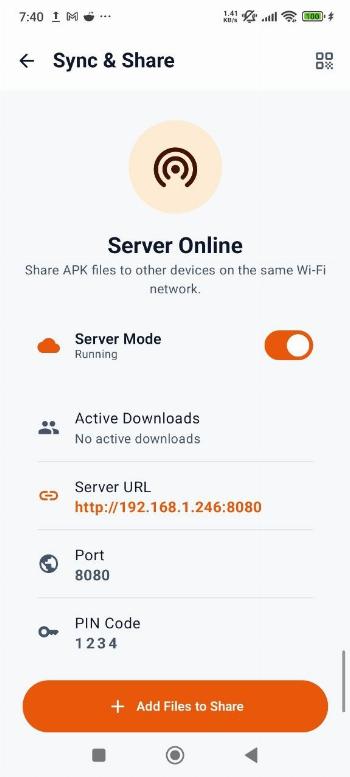
Sync & Share (LAN File Server)
- Built-in HTTP server: Share packages across local Wi-Fi.
- Web Dashboard: Transfer APKs between PC and phone without cables.
- PIN protection for local file transfer sessions.
Security & Privacy
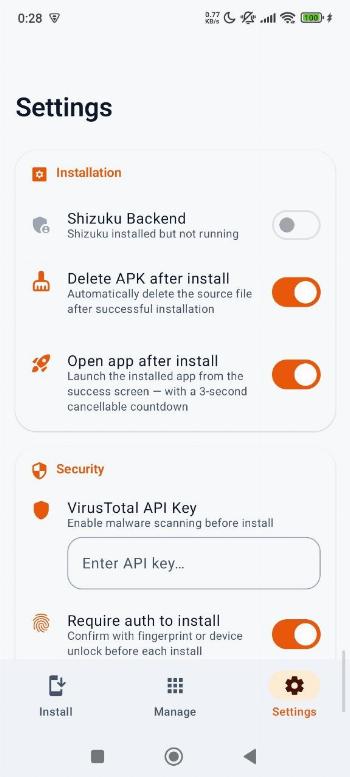
- VirusTotal integration: Hash lookup and scan reports with your free API key.
- Offline-first: No internet required for core operations.
- 100% open source: No ads, no account requirement, and privacy respecting.
Device Utilities
- Storage overview and comprehensive install history logs.
- Multi-language support for 15+ languages.
While you can download the APKs here directly, you should preferably use an F-Droid client so the app stays up-to-date on your device. Some clients have this repo enabled by default, e.g. Neo Store, Droid-ify, or, of course, the IzzyOnDroid client by Sunil. With others (like the official client) you'll have to add this repo manually (see the hint on top of the package list for how to do that).