Slate
Minimal customisable launcher. A blank slate where your apps go anywhere.
| Repo: | F-Droid.Org |
| AppID: | com.braniik.slate |
| Author: | braniik |
| License: | MIT |
| InRepoSince: | 2026-09-03 |
| LastRepoUpdate: | 2026-11-01 |
| LastAppUpdate: | Unknown |
| LastVersion: | 1.2 |
| Categories: | Launcher |
| Google Play: | Check if it's there |
 Slate is a minimal launcher built on one idea: you just launch apps. No widgets, news feeds, AI, or any other bloat.
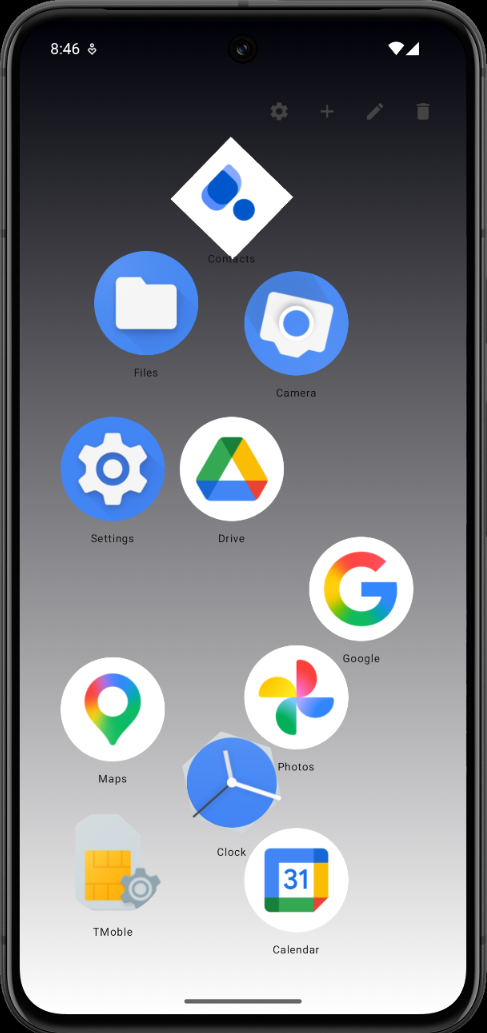
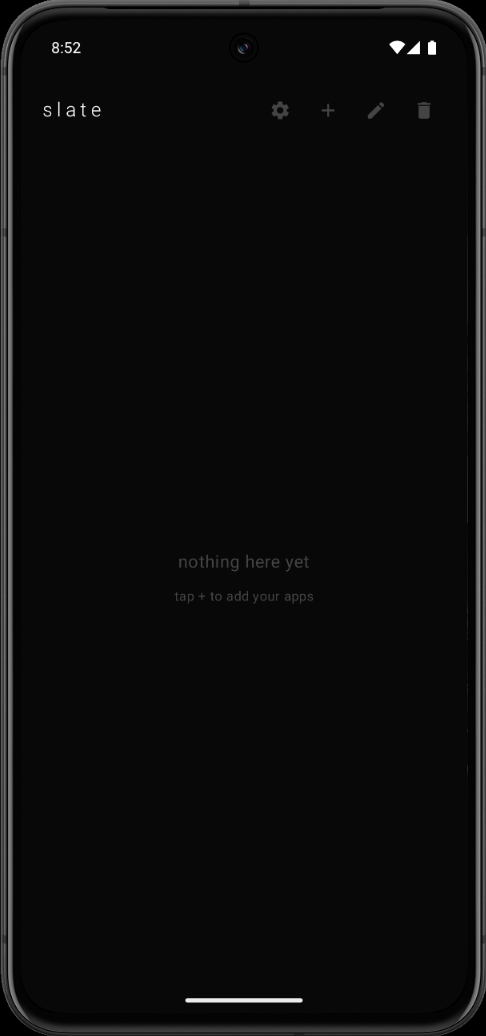
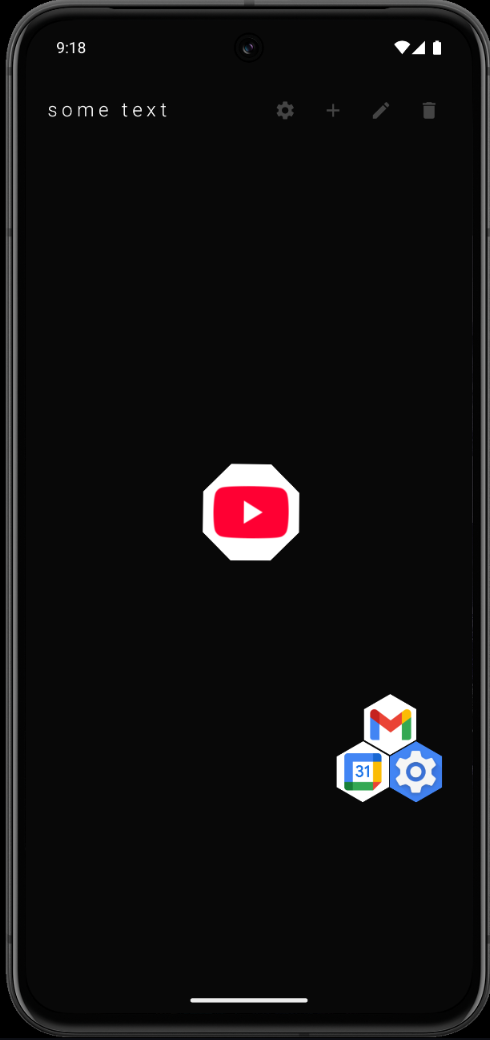
Freescreen mode is the centerpiece: your home screen is a blank slate where icons live at any coordinate, not in a grid.
Pull guide lines from the screen edges when you want structure, icons snap to them and slide along them.
Prefer ordered rows? List mode gives you a vertical or horizontal scrolling list with drag-to-reorder.
Features:
- Freescreen: drag icons to any position, no grid
- Guide lines with snapping for optional structure
- List mode, vertical or horizontal, drag-to-reorder
- Optional swipe-up search: type part of a name, the app opens once it is the only match
- Work profile support: apps from Shelter/Island profiles show up badged
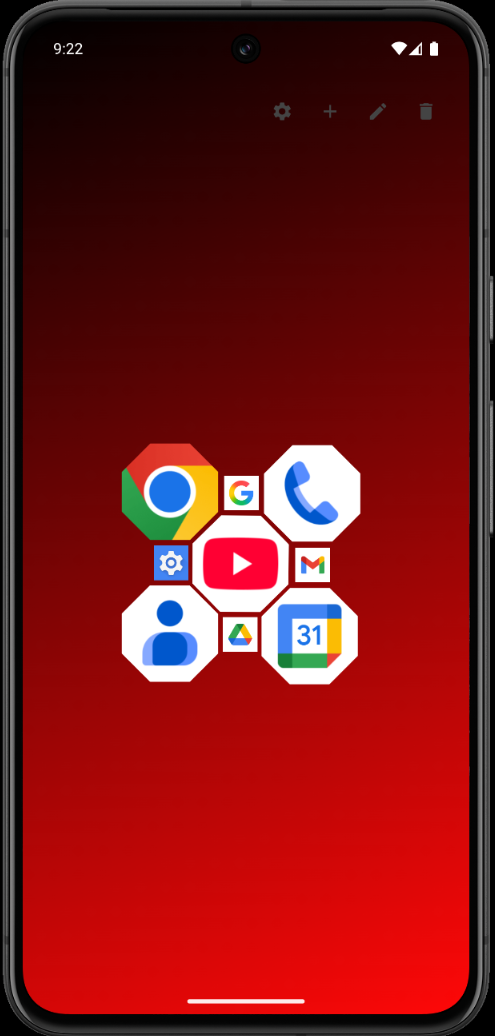
- Wallpapers: solid color, gradient (8 directions), image, or your system wallpaper, with auto-contrast text
- Toolbar snaps to any screen edge; custom or hidden title
- Per-app customization: icon size, shape (round, square, squircle, hexagon, octagon), rotation, labels
- Icon pack support (ADW, Nova, Apex, GO, Tesla formats)
- Blanket-set or multi-select to restyle and move many icons at once
Everything is stored on-device. Free and open source under the MIT license.
WhatsNew:
1.2 brings swipe-up search, system wallpaper, and group drag.
- Swipe up to search (turn on in settings): type part of an app's name and it opens once only one app matches.
- System wallpaper mode: Slate shows the wallpaper Android already has.
- Group drag: drag a multi-selection and it moves as one.
- Settings is now an opaque card.
- The add-apps picker matches fuzzily too.
While you can download the APKs here directly, you should preferably use an F-Droid client so the app stays up-to-date on your device.
Packages
Version 1.2 (2026-11-01) 

Android Versions:
- Target: 16.0
- MinVer: 10.0
- ABIs: arm64-v8a, armeabi-v7a, x86, x86_64
Permissions:
Malware-Check:
Download (2.7 M)