Notes Tech
Encrypted Markdown notes, 100% local. No Internet permission.
| Repo: | F-Droid.Org |
| AppID: | com.filestech.notes_tech |
| Author: | Patrice Haltaya |
| License: | Apache-2.0 |
| Donation: | Webpage |
| InRepoSince: | 2026-09-15 |
| LastRepoUpdate: | 2026-11-13 |
| LastAppUpdate: | Unknown |
| LastVersion: | 3.3.0 |
| Categories: | Note |
| Google Play: | Check if it's there |
 Notes Tech: 100% local Markdown note-taking, encrypted at rest. Written in Kotlin.
Radical privacy
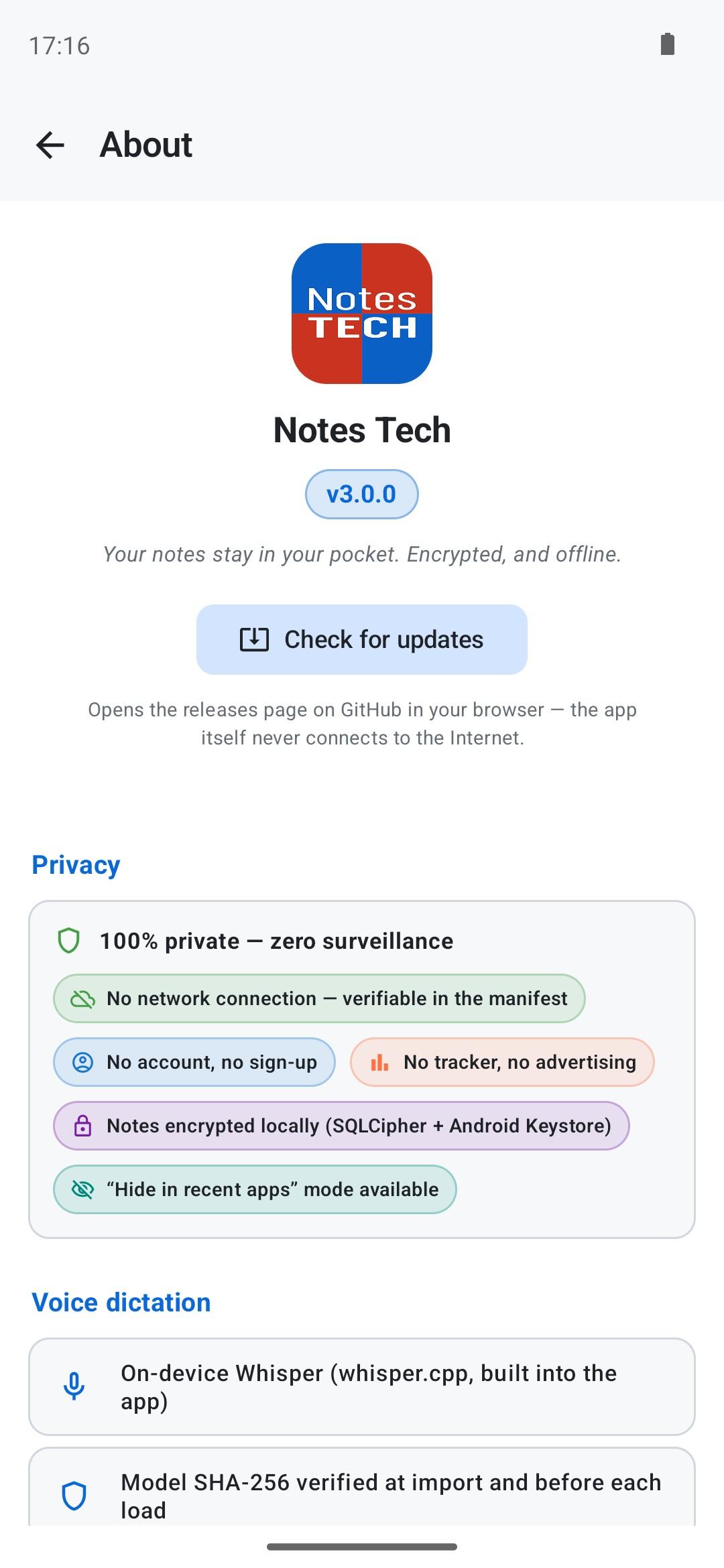
• No INTERNET permission — verifiable with
aapt dump permissions app.apk• No account, no telemetry, no tracker, no advertising
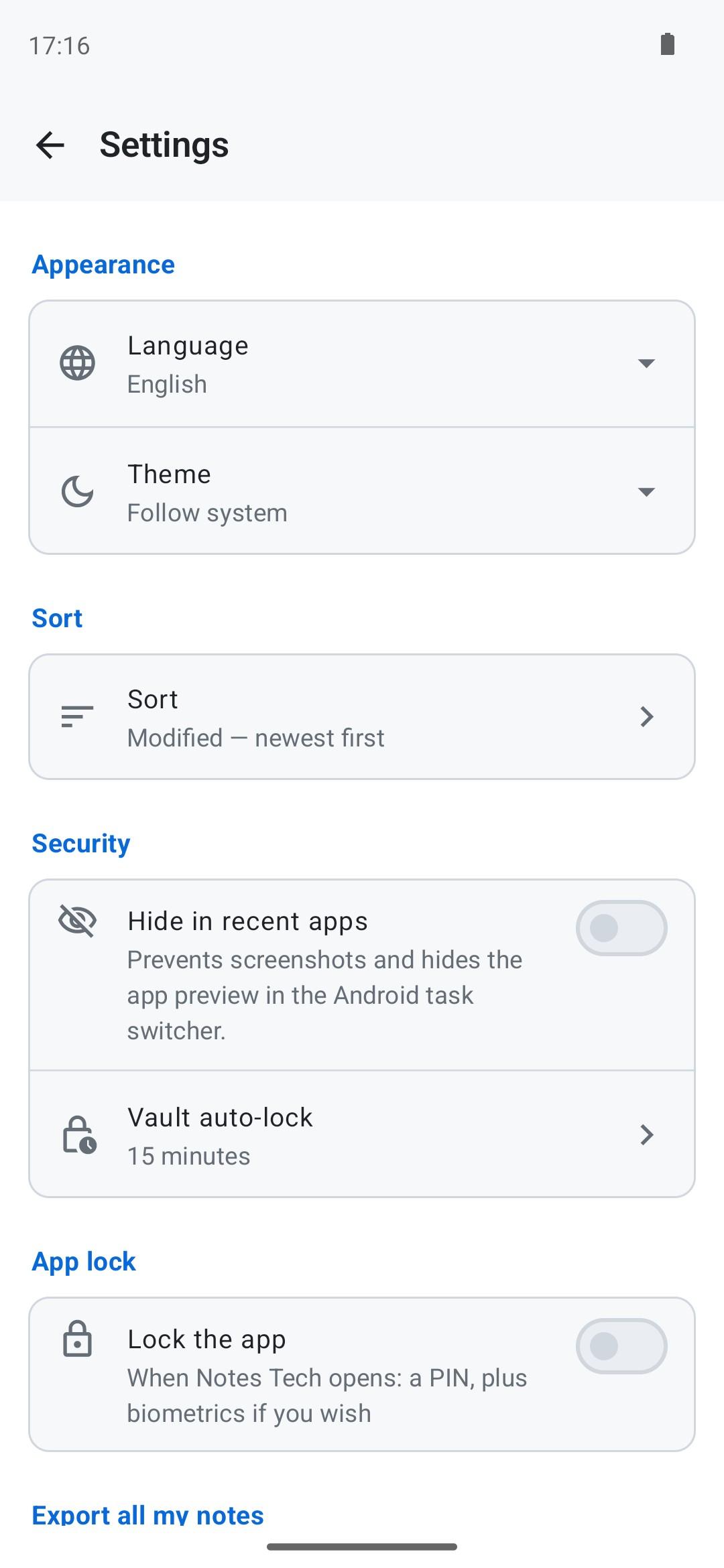
• SQLCipher AES-256 database, key sealed by the Android Keystore
• Multi-step panic mode: wipes keys, database and dictation model in seconds
• Optional app lock: a PIN, plus strong biometrics if you wish
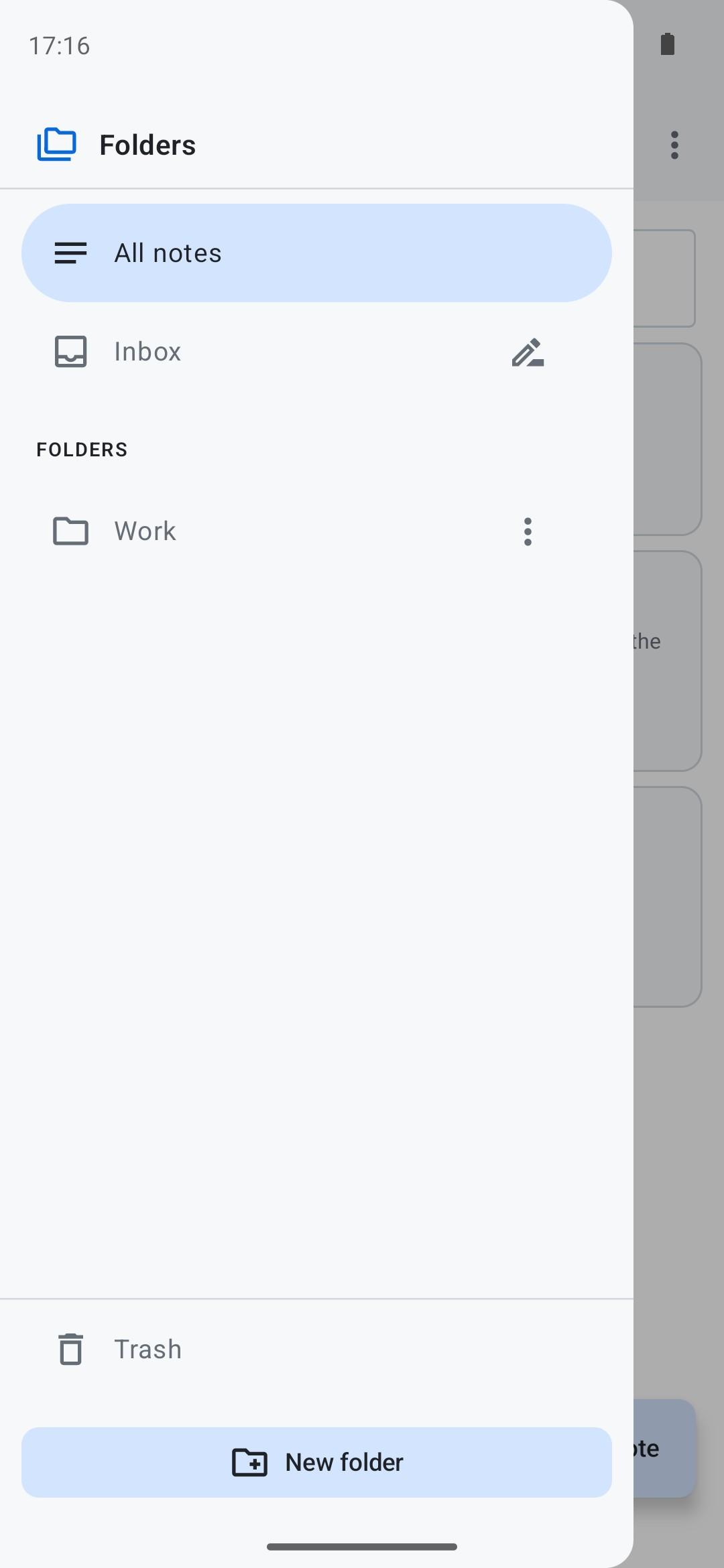
Per-folder vaults
• Argon2id passphrase (m=64MB, t=3) or Keystore-bound PIN (Android 9+)
• AES-256-GCM per note, bound to its note (anti-swap)
• PIN auto-wipe after 5 failures
• Configurable auto-lock (5 min to never)
On-device voice dictation
• whisper.cpp built into the app; Whisper model imported manually
• SHA-256 verified at import and before loading
• Recordings deleted after transcription
Editing
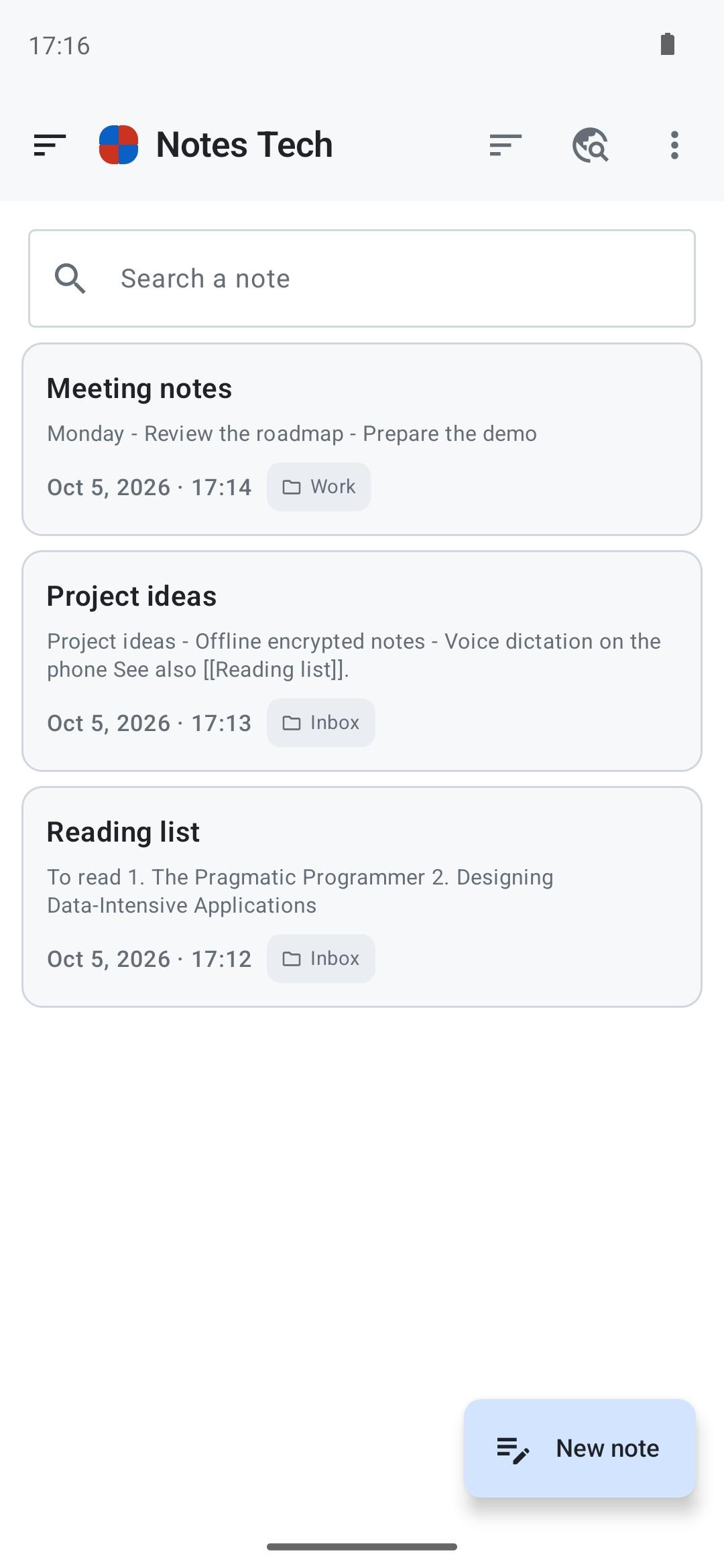
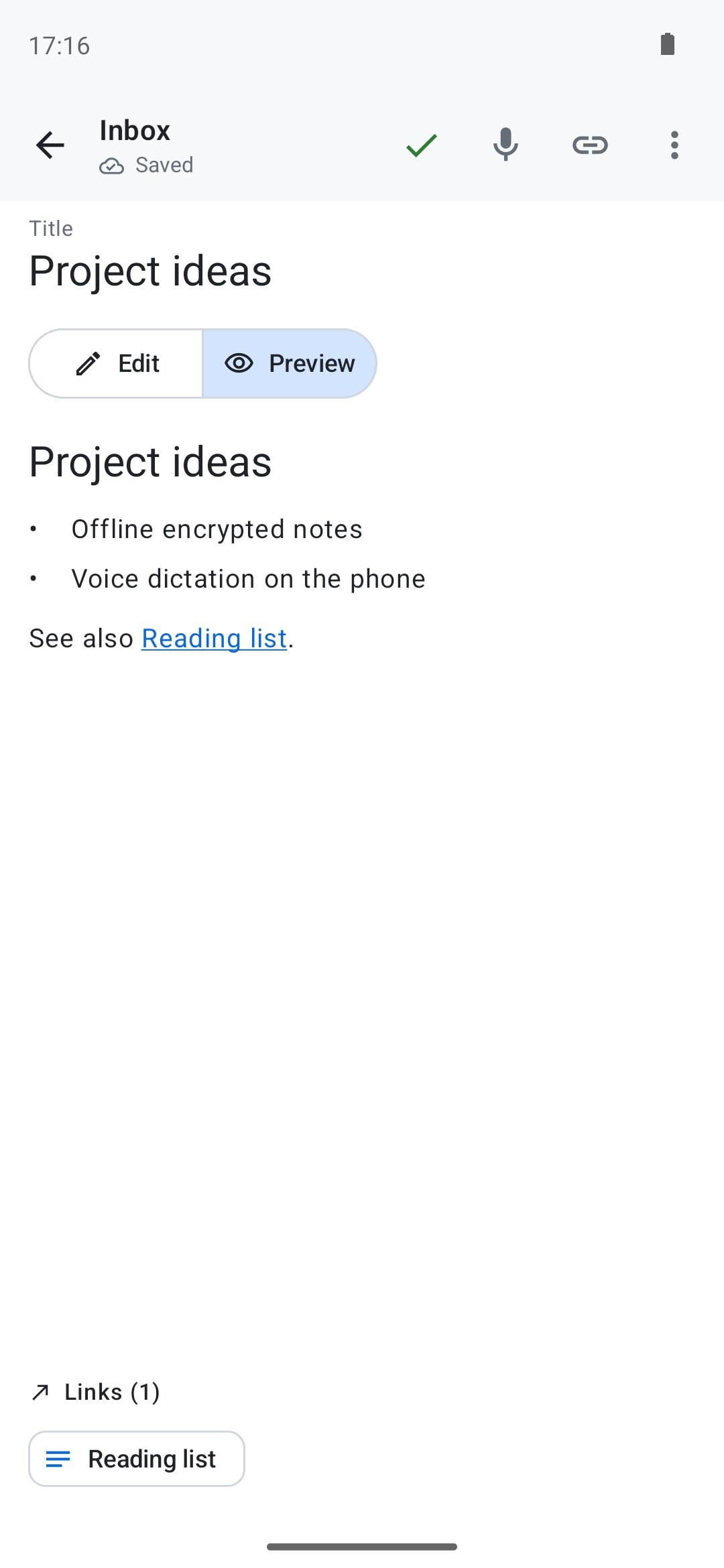
• Notes open to be read (Markdown: headings, lists, links); “Edit” to write, autosave
• Long press to select notes, then archive, move, trash with Undo, pin, color or delete them at once
• An Archive for the notes you keep out of your lists
• A pastel colour per note in the lists (a vault note's only while its vault is open)
•
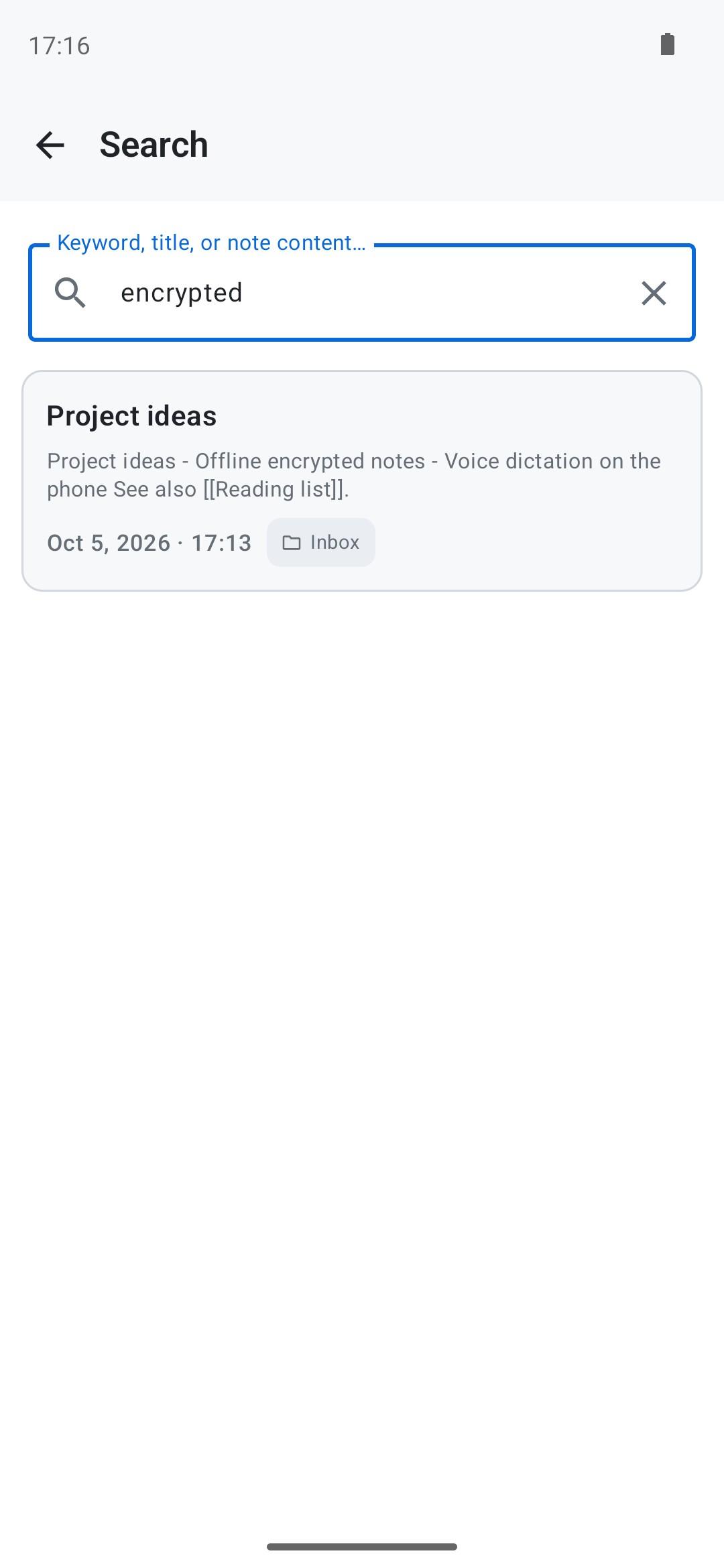
[[Title]] backlinks with autocomplete + "notes linking here" panel• Instant FTS5 search, find in note with highlighted matches, configurable sort
• Markdown export, one note or a ZIP (YAML frontmatter, Obsidian/Logseq compatible)
• Import of Markdown, text and ZIP files; share text or files from other apps
• Encrypted backup of your notes and vaults, restored without overwriting anything
Five languages
• English, French, German, Italian, Spanish — chosen in Settings
• Light / dark / system theme
• Privacy policy and terms in the five languages
Permissions
• Microphone: dictation only, asked when you turn it on
• Biometrics: app lock only, gives access to no data
Open source Apache 2.0
Full and verifiable source code on GitHub: gitubpatrice/notes_tech
For thinkers, therapists, students, researchers, writers and journalists who want to take sensitive or dense notes without them ever leaving their phone.
WhatsNew:
New: an Archive, grouped by month, in the menu next to the Trash. Archived notes leave your lists and the search, and stay one tap away. Hold a note down to select it, then others: archive, move, trash, pin, favorite, color or delete them all at once (a locked vault must be opened first). Archive is also in a note's ⋮ menu. A new note, or one opened with Edit, now gets the cursor and the keyboard at once.
While you can download the APKs here directly, you should preferably use an F-Droid client so the app stays up-to-date on your device.
Packages
Version 3.3.0 (2026-11-13) 

Android Versions:
- Target: 16.0
- MinVer: 7.0
- ABIs: x86_64
Permissions:
Malware-Check:
Download (7.3 M)