MinkLauncher OpenSource
A minimal, keyboard-first Android home-screen launcher
| Repo: | F-Droid.Org |
| AppID: | com.katoaapps.openminilaunch |
| Author: | Katoa Apps |
| License: | Apache-2.0 |
| InRepoSince: | 2026-08-16 |
| LastRepoUpdate: | 2026-11-13 |
| LastAppUpdate: | Unknown |
| LastVersion: | 3.2.1 |
| Categories: | Launcher |
| Google Play: | Check if it's there |
 MinkLauncher OpenSource is a keyboard-first Android launcher built for fast input and low visual noise.
HOME THAT FITS YOUR PHONE
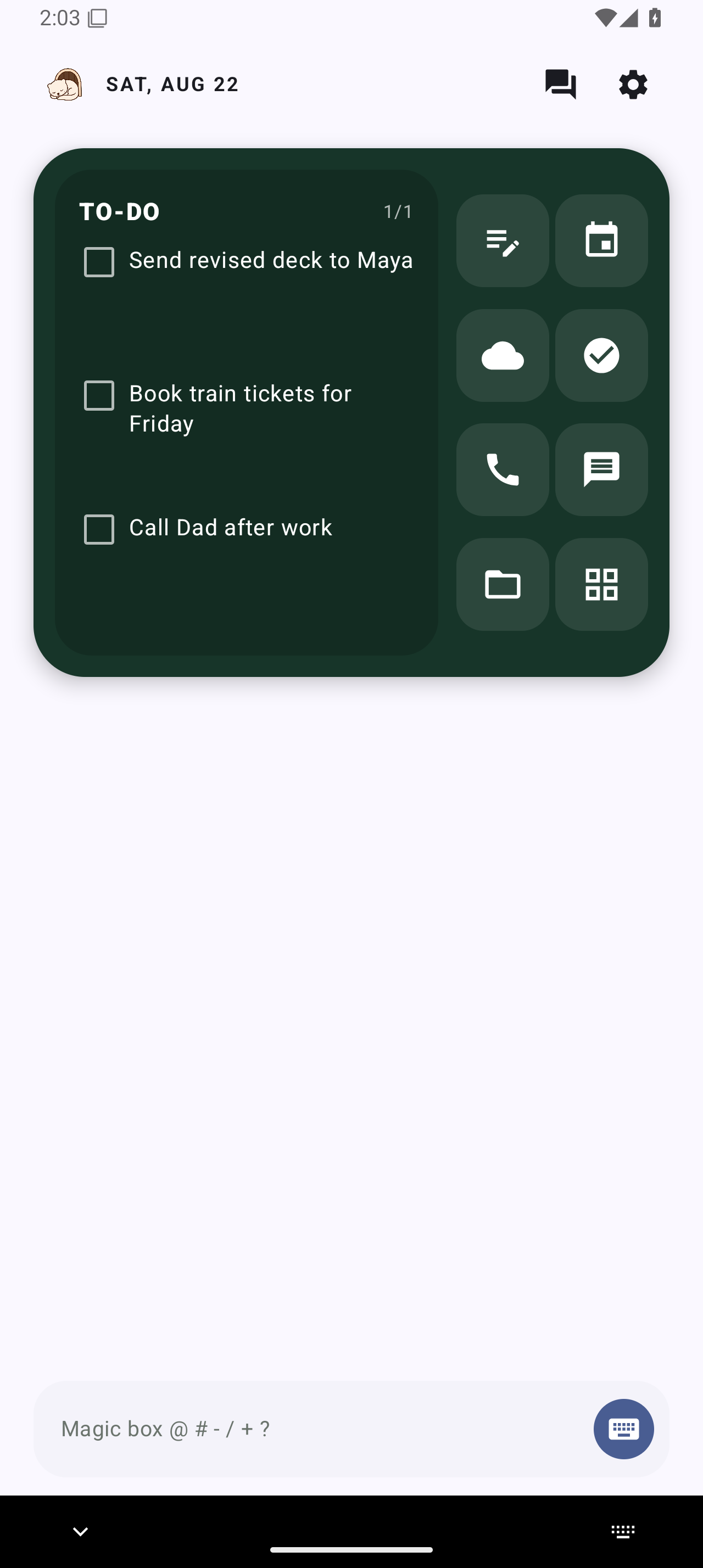
MinkSpace Mini-Apps and the eight-position App Grid share one responsive Home panel. Seven slots can hold an app, app shortcut, or folder. The eighth opens Quick Drawer for MinkPad Lite, All Apps, Private Space, and Work Space. Its saved Quick Apps appear when Mink Assistant opens.
Swipe through enabled To-dos, Calculator, Memories, Music, Quick Widget, and your Virtual Contact Card. The Widgets page supports up to 64 Android widgets with responsive sizing, drag reordering, and portable restore placeholders.
TYPE TO ACT
On a physical-keyboard phone, start typing from Home. Magic Box opens with the first character preserved. Touch-only phones can use MinkLauncher’s native Home keyboard with eight layouts, six visual styles, adjustable height, optional haptics, and split mode on wide screens.
Magic Box hot keys:
• @: message a contact
• #: call a contact
• -: add a to-do
• /: create a note
• +: create a calendar event
• ?: find and launch an app
• *: send a prompt to your selected AI app
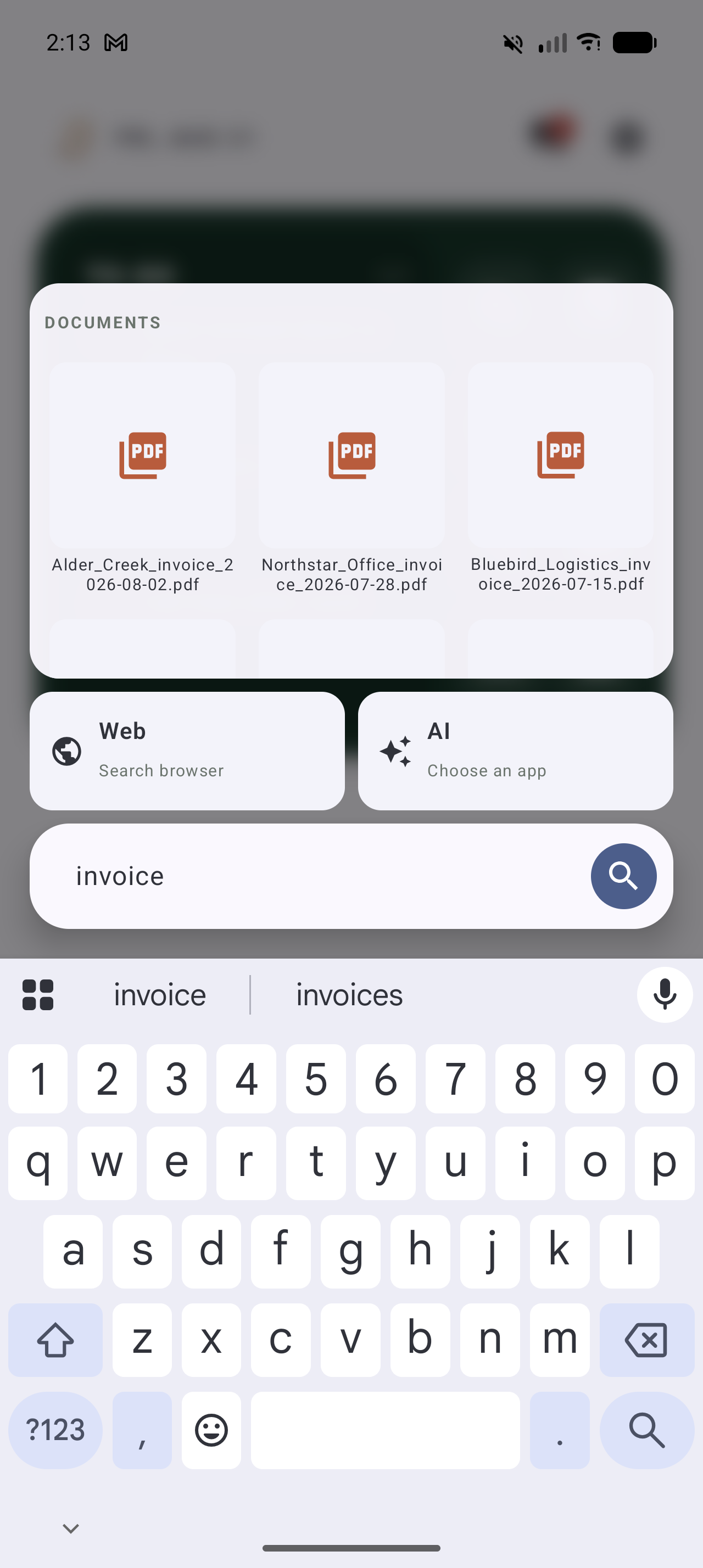
• Plain text: search files, search the web, or use a compatible AI app
PEOPLE AND CONVERSATIONS
Conversations groups active Android message and email notifications into compact threads. Inline reply appears only when the originating app supplies Android’s reply action.
Favorites combines starred Android Contacts with Mink-created integrated contacts. Reorder your people and choose a messaging or calling route for each one. If a provider is unavailable, MinkLauncher offers a clear reinstall or reconnect path.
MORE BUILT IN
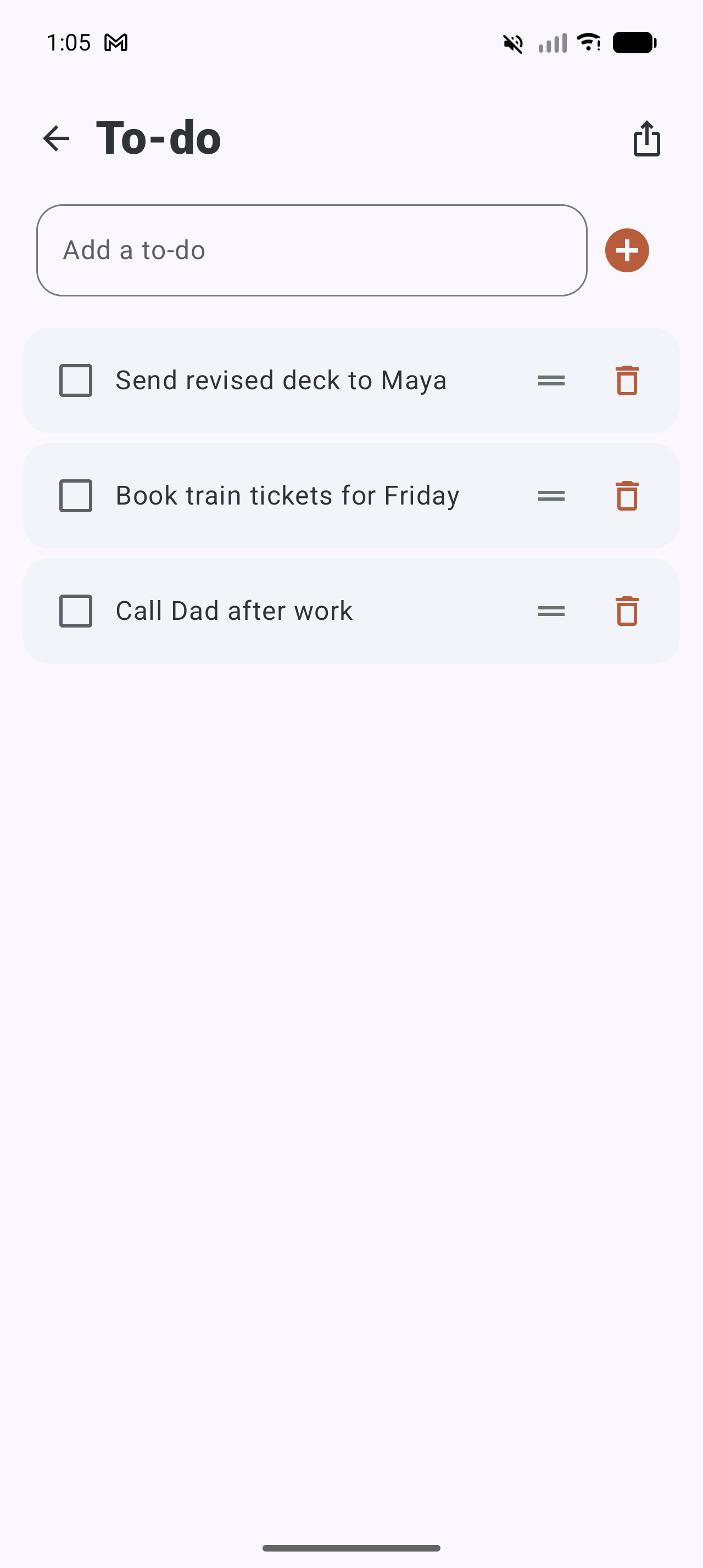
• To-dos support editing, confirmation before deletion, and drag reordering.
• File search groups photos, videos, documents, and audio from folders you explicitly select through Android’s system picker.
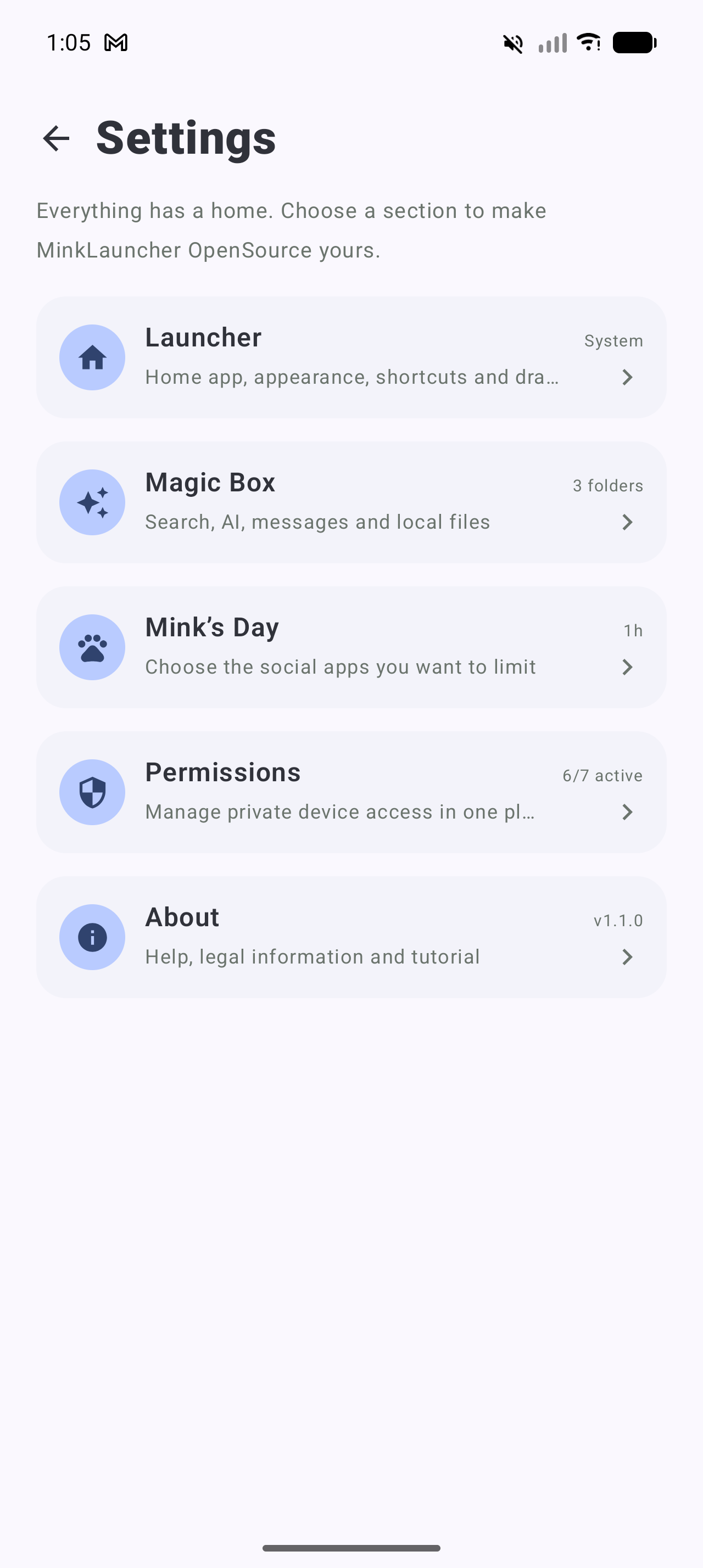
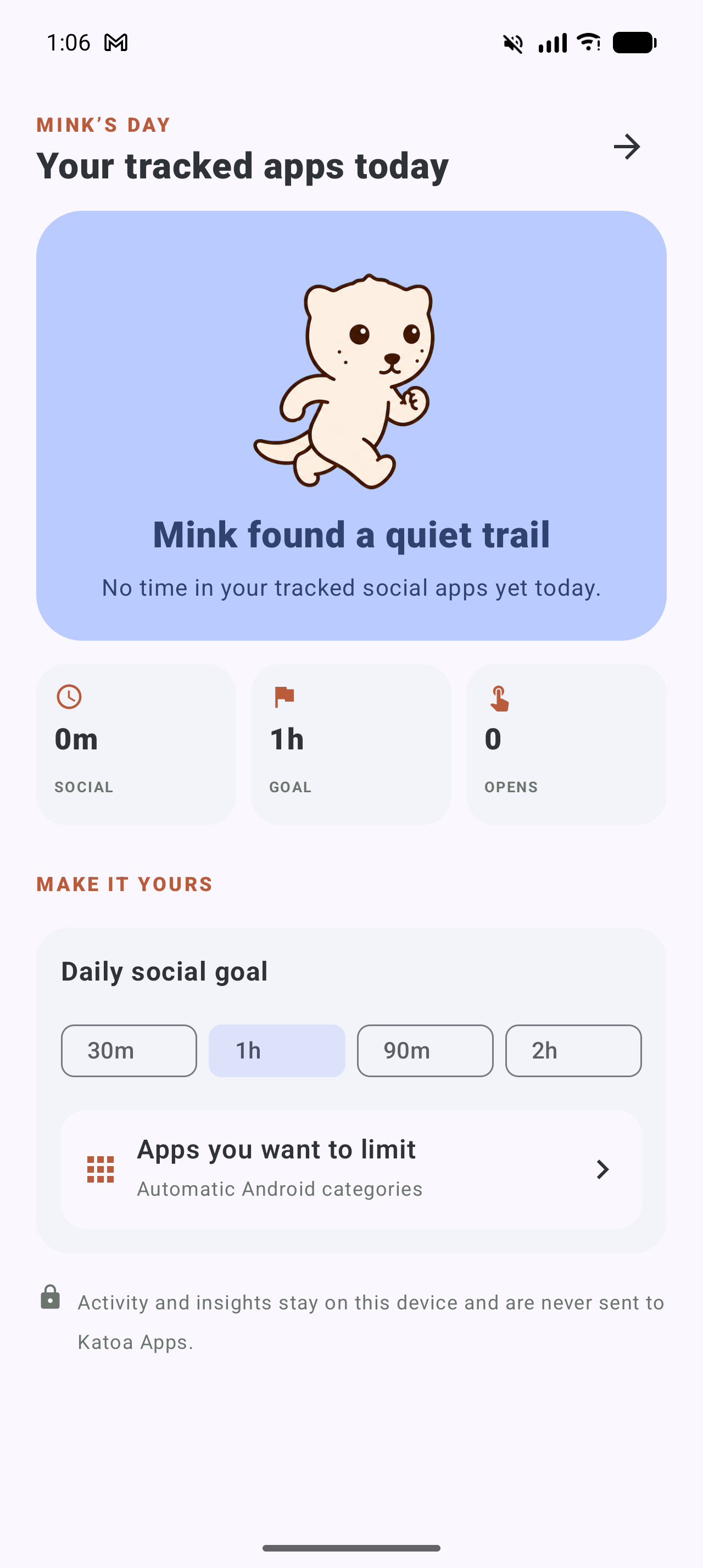
• Mink’s Day measures foreground time for selected apps and can add a launcher-level pause after a collective daily limit.
• Memories displays files selected through Android’s picker without copying or uploading them.
• Music reads Android’s active media session through optional Notification access and sends only the controls supplied by the provider.
• Work Apps use a separate badged drawer. Android 15 Private Space apps remain in Android’s locked container.
• Add to Home requests use a full-page picker that can create or extend an App Grid folder or add the item to Quick Drawer.
MAKE IT YOURS
Choose a Mink theme or customize your wallpaper, colors, icons, font, and layout. Use Mink icons, original app icons, or an installed Nova/ADW-compatible icon pack.
BACKUP AND RESTORE
Export a versioned local JSON backup with launcher settings, folders, app choices, appearance, keyboard preferences, MinkSpace, Mink’s Day, to-dos, your Virtual Contact Card, Mink-created Favorites, and widget restore recipes.
Readable exports may contain names, phone numbers, usernames, provider routes, and vCard details. Android Contacts, photos, live widget data, selected media, permissions, roles, and document-folder grants stay device-bound. Importing a backup preserves widgets already configured on the receiving device.
PRIVACY BY DEFAULT
• No accounts, ads, analytics, trackers, or application server
• Android cloud backup is disabled
• Queries, to-dos, settings, calculator history, media references, conversations, usage analysis, and filename indexing stay on the device
• Portable backups are created only when requested and remain in the location you select
• Optional Notification, Usage, Accessibility, and Assistant access is explained before Android Settings opens
• The lock Accessibility Service performs only Android’s Lock screen action and cannot inspect window content
• An optional GitHub version check sends no launcher content and never downloads or installs APKs
MinkLauncher OpenSource is released under the Apache License 2.0.
WhatsNew:
Open 3.2.1 adds Adrift, an immersive ambient collage for Memories photos and GIFs; a true brown-and-green Mink Theme; readable colors derived from the visible Home background; cutout-aware header placement; and stronger notification reconciliation to prevent old Favorite alerts from returning.
Favorite attention colors can now restore through opaque, export-scoped matching tokens without copying contact details. No new permissions or data collection. Backup schema 3 remains compatible.
While you can download the APKs here directly, you should preferably use an F-Droid client so the app stays up-to-date on your device.
Packages
Version 3.2.1 (2026-11-13) 

Android Versions:
- Target: 15.0
- MinVer: 8.0
- ABIs: arm64-v8a, armeabi-v7a, x86, x86_64
Permissions:
Malware-Check:
Download (8.1 M)