Keycard Pal
Sign Ethereum and Bitcoin by QR code with a Keycard NFC smart card
| Repo: | F-Droid.Org |
| AppID: | com.keycardpal |
| Author: | Mladen Milankovic |
| License: | MIT |
| Donation: | Webpage Bitcoin |
| InRepoSince: | 2026-10-27 |
| LastRepoUpdate: | 2026-11-13 |
| LastAppUpdate: | Unknown |
| LastVersion: | 1.17.0 |
| Categories: | Security, Wallet |
| Google Play: | Check if it's there |
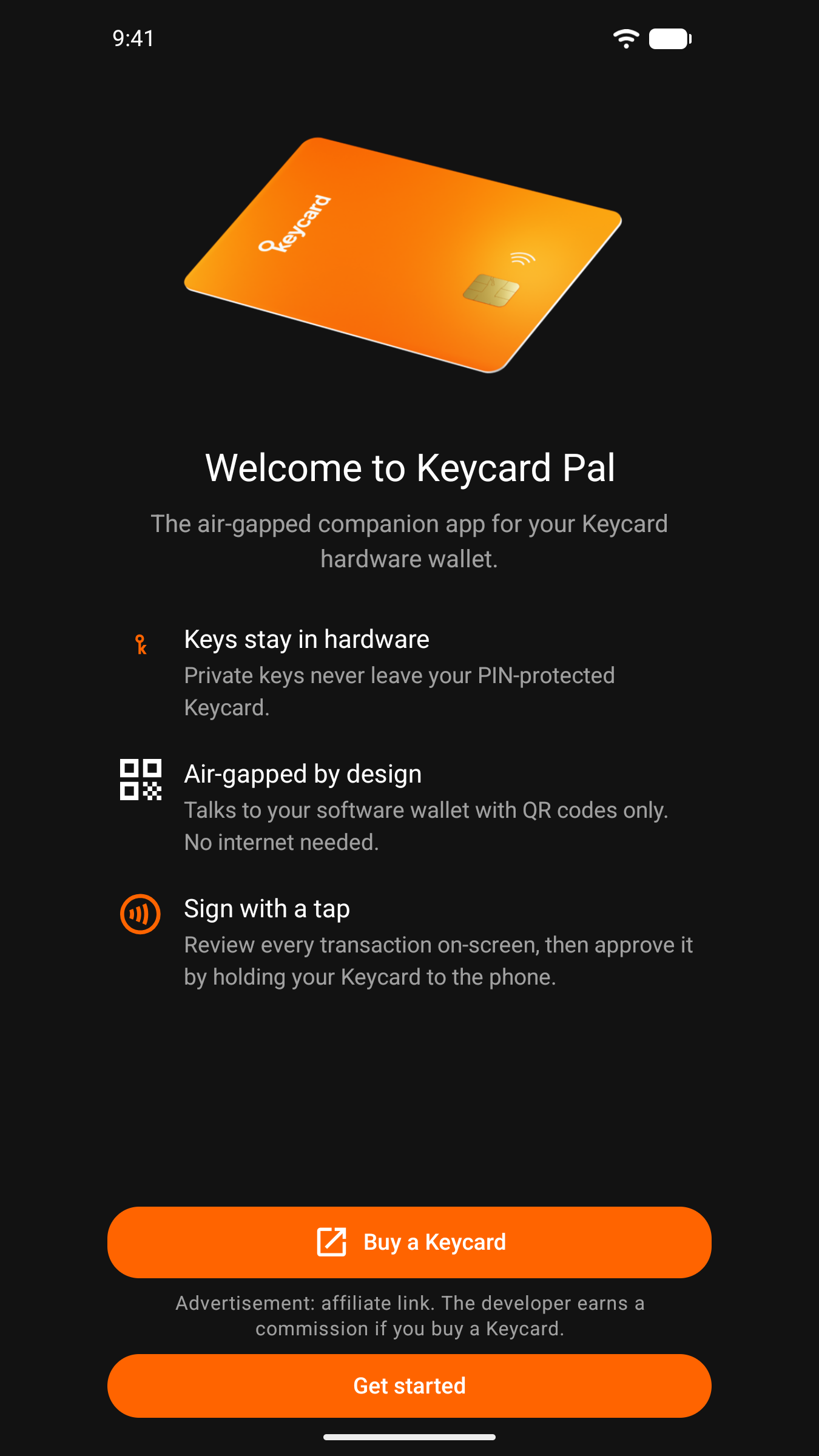
 Keycard Pal is a hardware wallet companion app. It works with a Keycard NFC smart card to sign Ethereum and Bitcoin transactions, and the key on the card never leaves it.
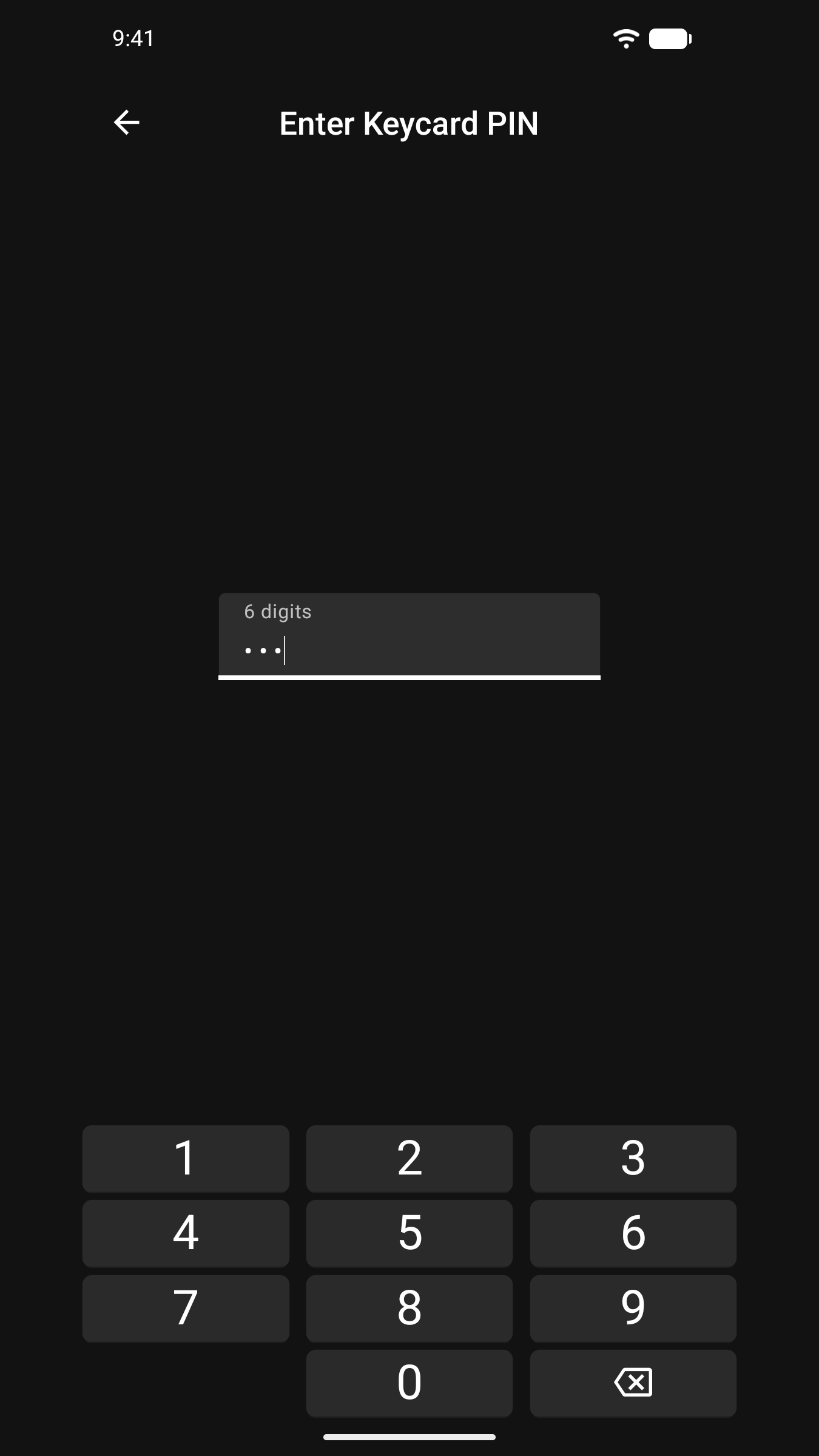
Requires a Keycard hardware smart card (keycard.tech). The app talks to the card over NFC: no USB, no Bluetooth.
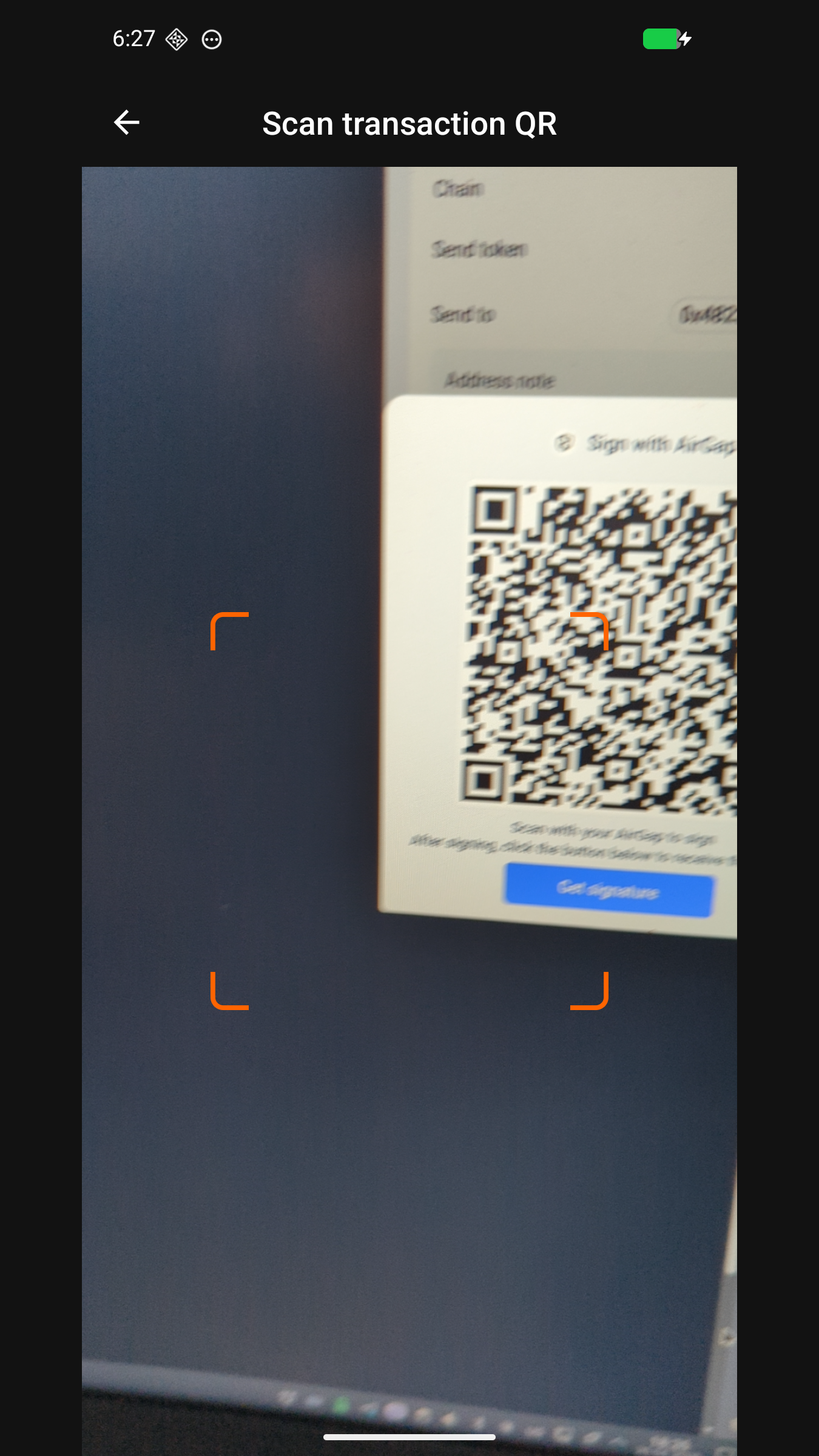
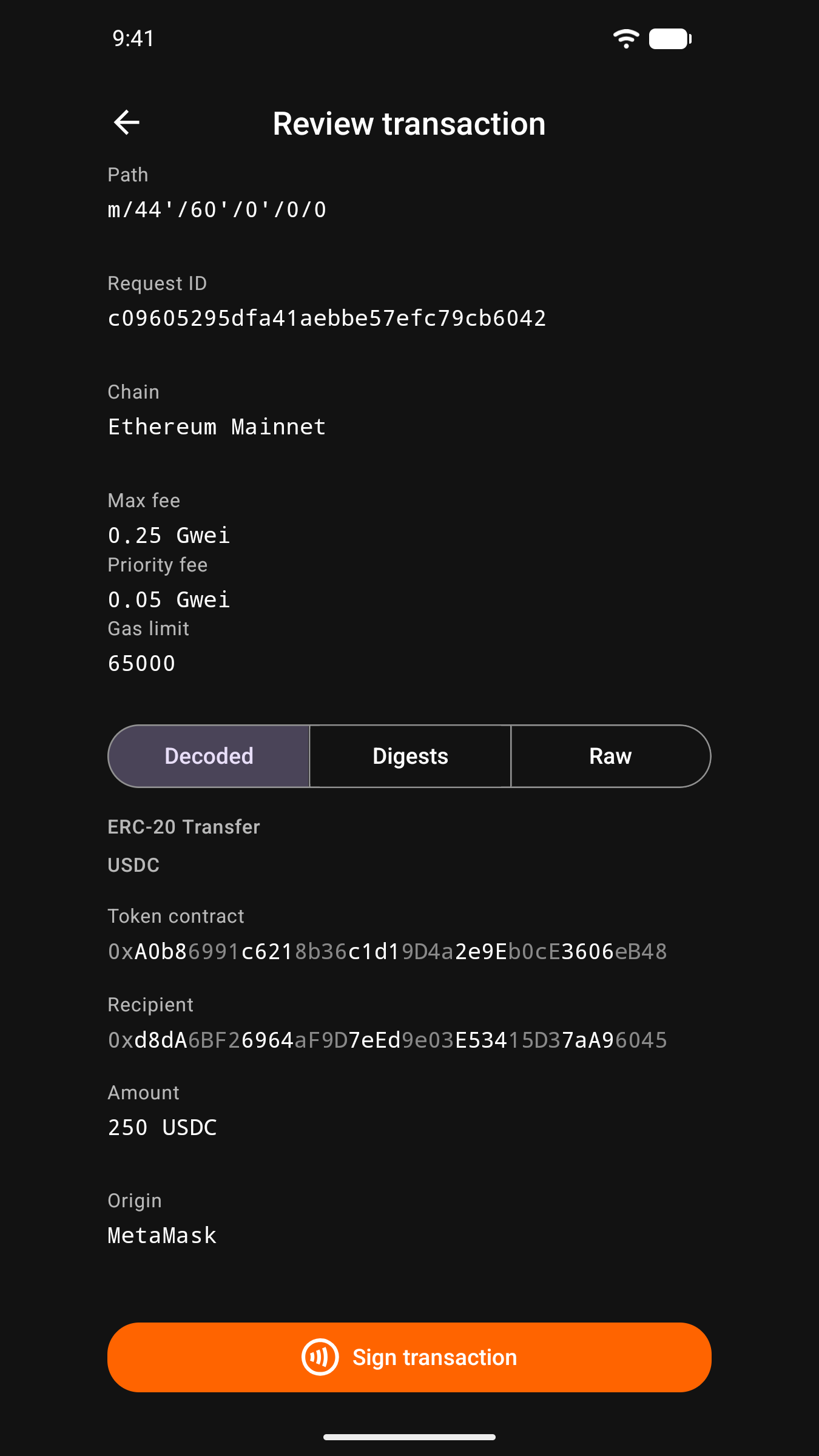
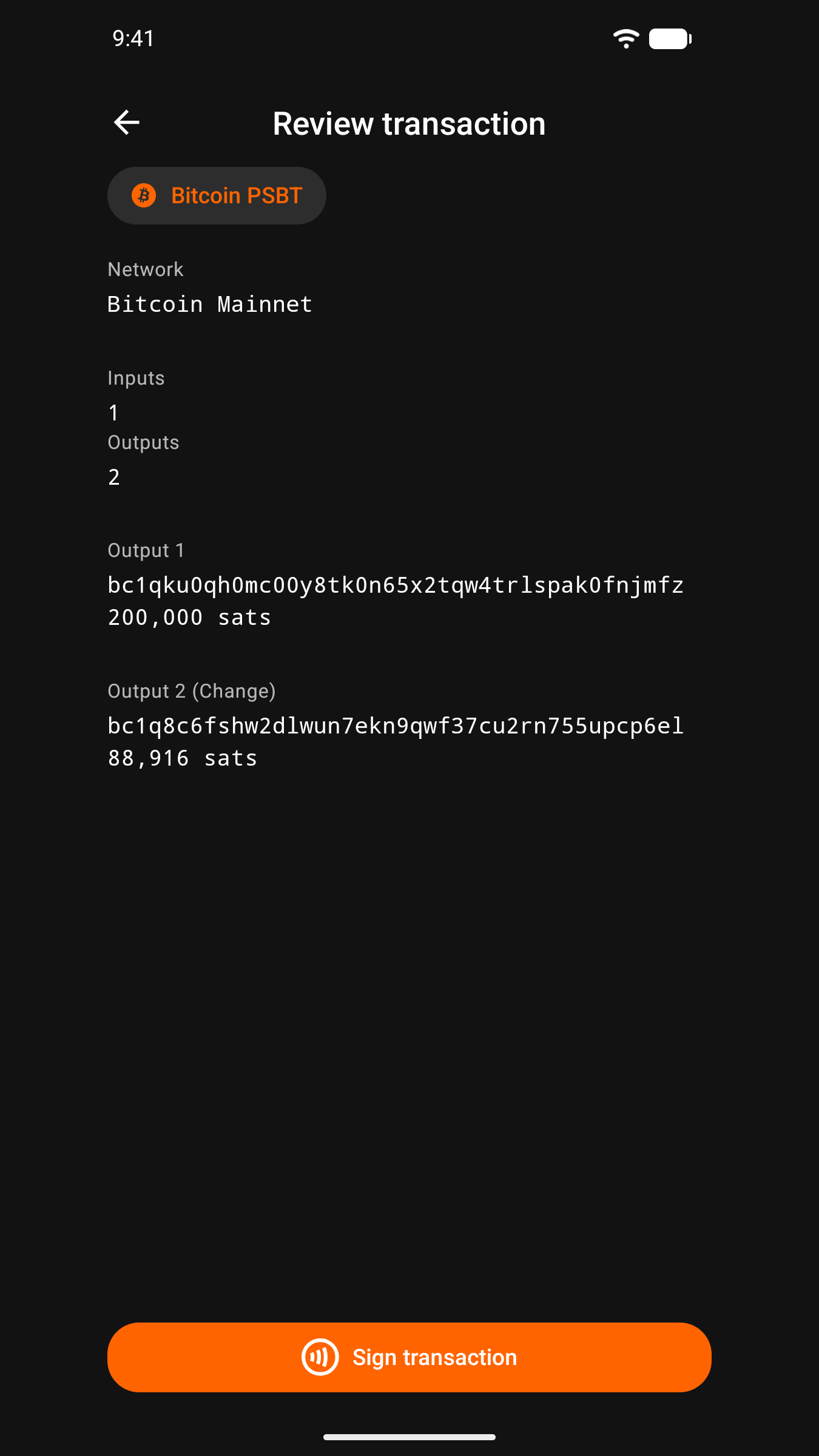
Your wallet and Keycard Pal talk through animated QR codes. The wallet shows a request, you review it in Keycard Pal, tap your card, and show the signature back. No network connection is needed for any of it.
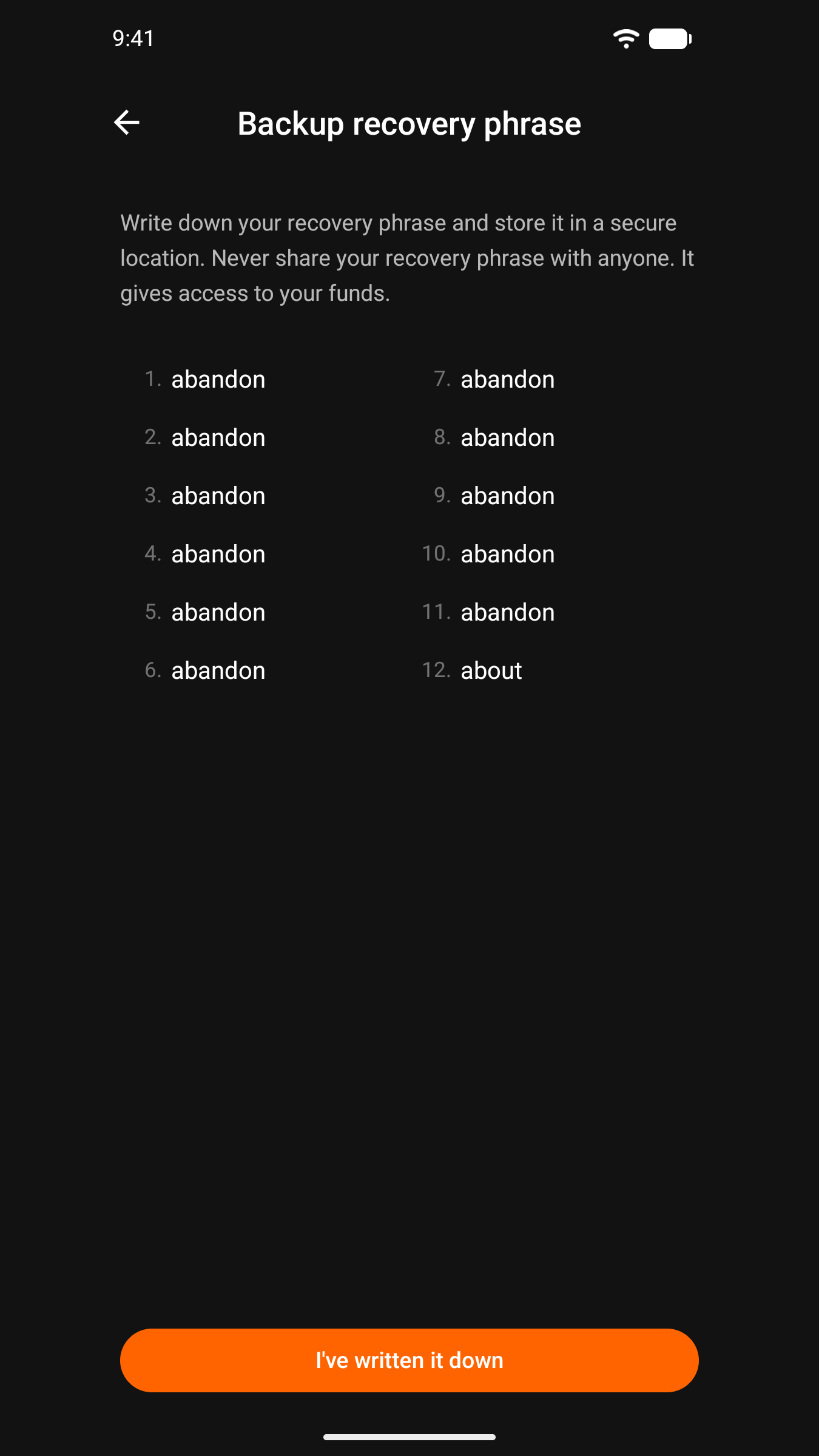
The phone handles key material only when you ask it to: a recovery phrase or SLIP-39 shares while you generate, import or verify them, and secrets you derive with BIP-85.
Features:
- Sign Ethereum transactions (legacy, EIP-1559, EIP-2930)
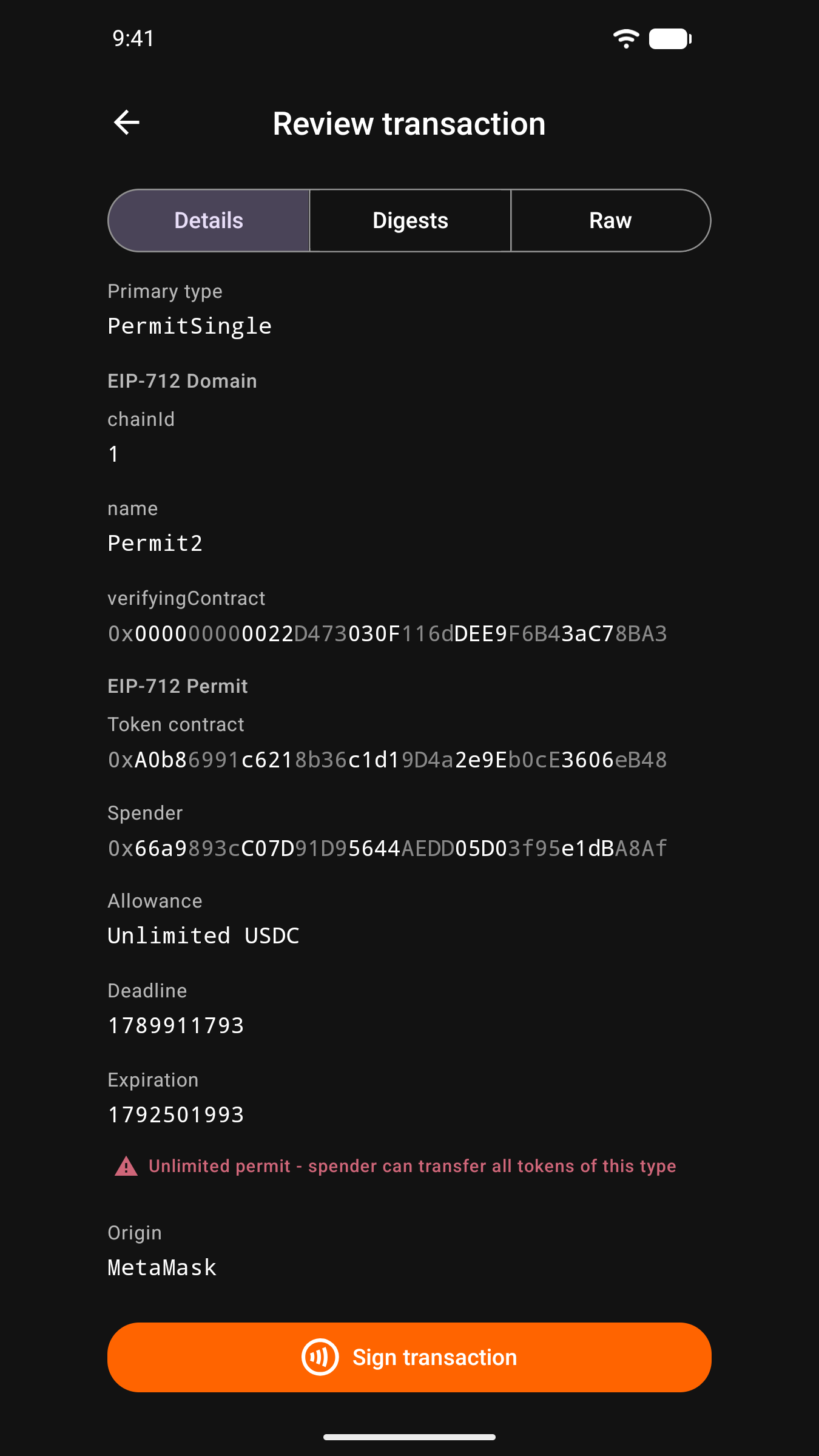
- Sign EIP-712 typed data with decoded preview before approval
- Sign personal messages (EIP-191 / SIWE)
- Sign Bitcoin transactions via PSBT
- Sign Bitcoin messages (BIP-322)
- Export wallet keys to MetaMask, Rabby, Ledger Live, Sparrow, BlueWallet, and Bitget via UR QR codes
- Generate a key pair on the card, or import a recovery phrase (BIP-39) or SLIP-39 shares
- Derive BIP-85 secrets from the card's key and show them on the phone: recovery phrases, WIF and XPRV keys, hex entropy and passwords (needs a Keycard with applet 4 or later)
- Genuine Keycard check
- No telemetry, no analytics, no account
Keycard Pal comes in two builds:
- Keycard Pal Offline (com.keycardpal.offline) has no internet permission. It cannot make a network connection.
- Keycard Pal (com.keycardpal) has the internet permission for optional features: WalletConnect, ENS names, transaction simulation with Tenderly, token images, and downloading the clear-signing descriptor registry. Each one is off until you turn it on in Settings. WalletConnect needs your own Reown Project ID and simulation needs your own Tenderly API key.
Keycard Pal is free and open-source software.
Keycard Pal is made by an independent developer, not by Keycard. The Keycard team has provided equipment for its development.
WhatsNew:
An ERC-20 token the app does not know can be added in Settings or from the review, so its amounts show with a symbol. Token amounts are exact instead of rounded. The affiliate link and its Advertisement labels are gone, and the Keycard entries open keycard.tech. The About screen says the Keycard team has provided equipment for the app's development. Secrets prepared for the card are cleared from memory once used. A Bitcoin export imports as mainnet in wallets such as Bitcoin Safe.
 Anti-Features:
NonFreeNet(this application promotes/depends a non-Free network service):
⇒ Optional features, all disabled by default, connect to network services that are not free software. WalletConnect uses the Reown relay with a project ID you provide yourself, transaction simulation uses Tenderly with an API key you provide yourself, ENS names are looked up through a public Ethereum RPC endpoint you can change, token images are downloaded from CoinGecko, GitHub and CoinMarketCap, and clear-signing descriptors are downloaded from a GitHub address you can change. Signing by QR code works without any of them.

While you can download the APKs here directly, you should preferably use an F-Droid client so the app stays up-to-date on your device.
Packages
Version 1.17.0 (2026-11-13) 

Android Versions:
- Target: 16.0
- MinVer: 7.0
- ABIs: arm64-v8a
Permissions:
Features:
Malware-Check:
Download (34.9 M)