QuickTile Settings
Manage Private DNS & USB Debugging via Quick Tile Settings tiles & Auto-revert.
| Repo: | F-Droid.Org |
| AppID: | com.rbn.qtsettings |
| Author: | RBN-Apps |
| License: | GPL-3.0-only |
| InRepoSince: | 2025-06-02 |
| LastRepoUpdate: | 2026-09-22 |
| LastAppUpdate: | Unknown |
| LastVersion: | 1.5.1 |
| Categories: | System |
| APK source: | Github |
| Google Play: | Check if it's there |

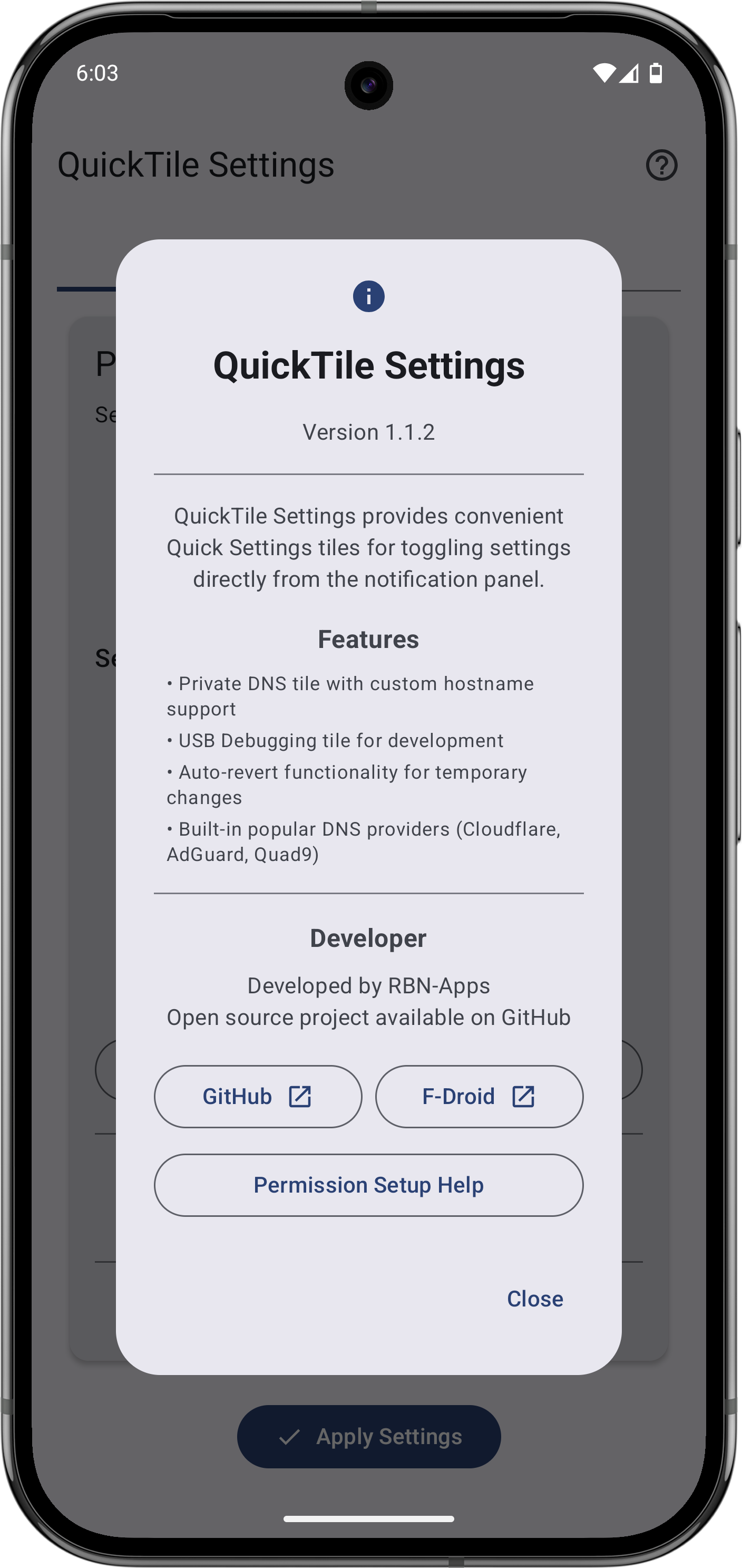
Quick-Tile Settings offers customizable Quick Settings tiles for Private DNS and
USB debugging. Quickly toggle settings and auto-revert when needed.
Features:
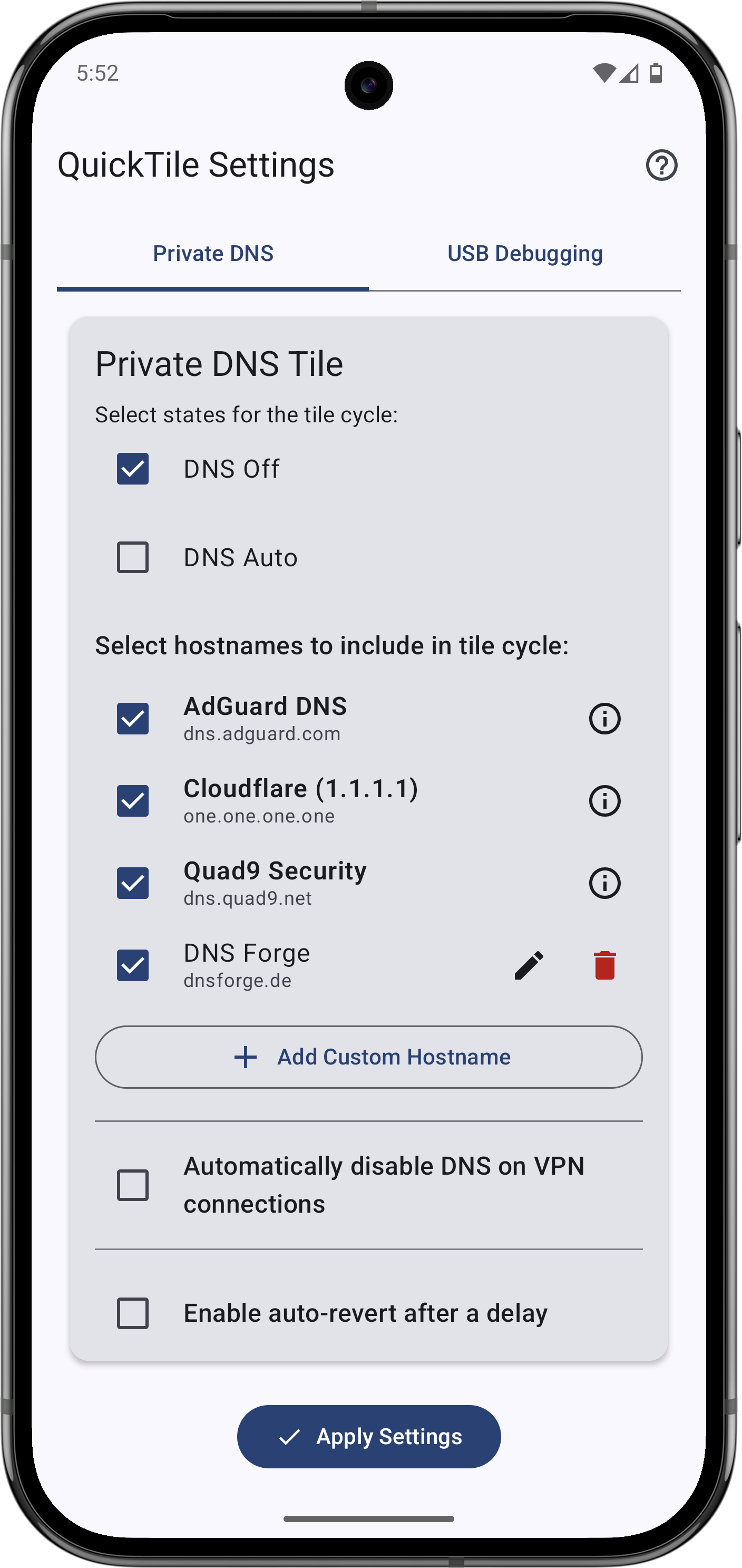
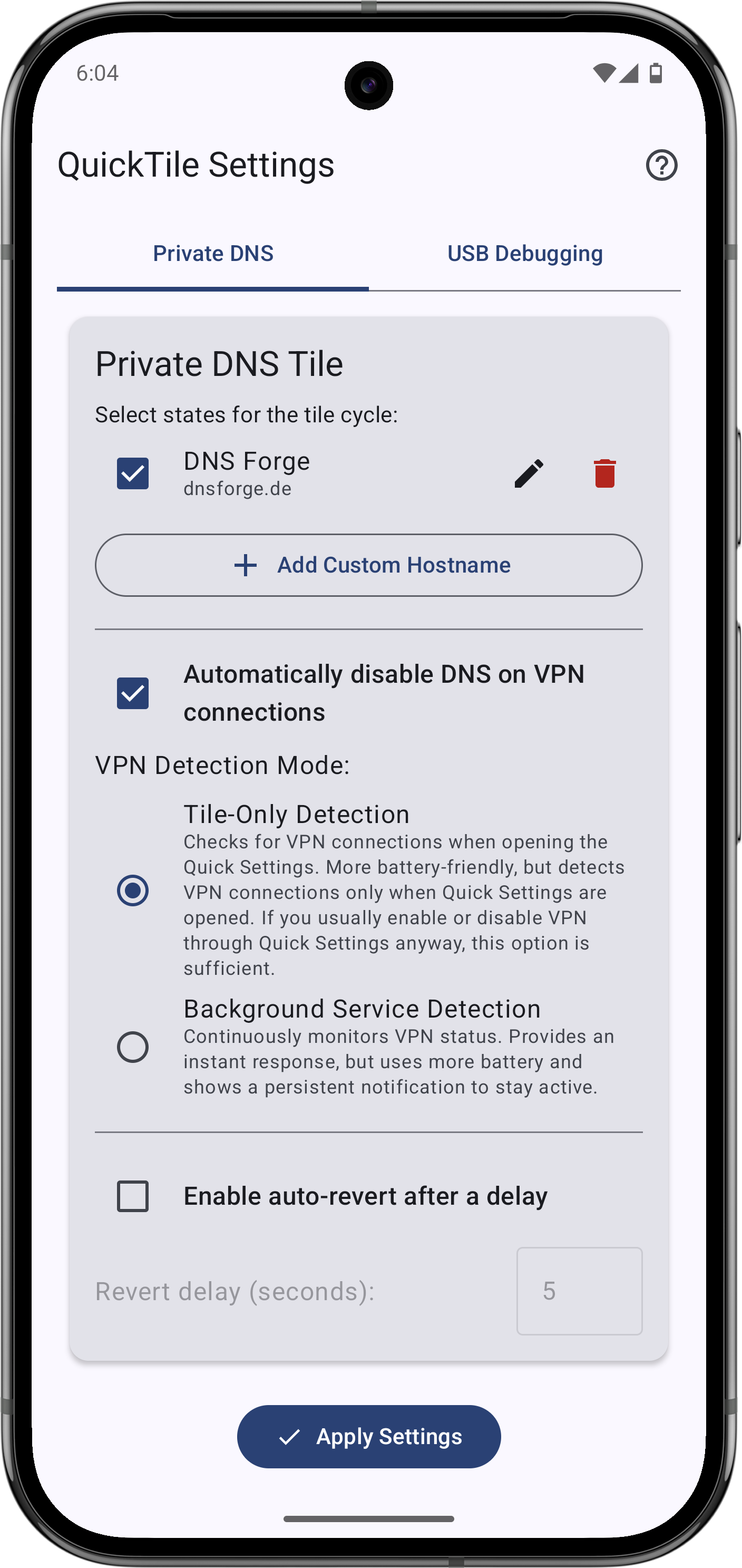
- Private DNS Tile
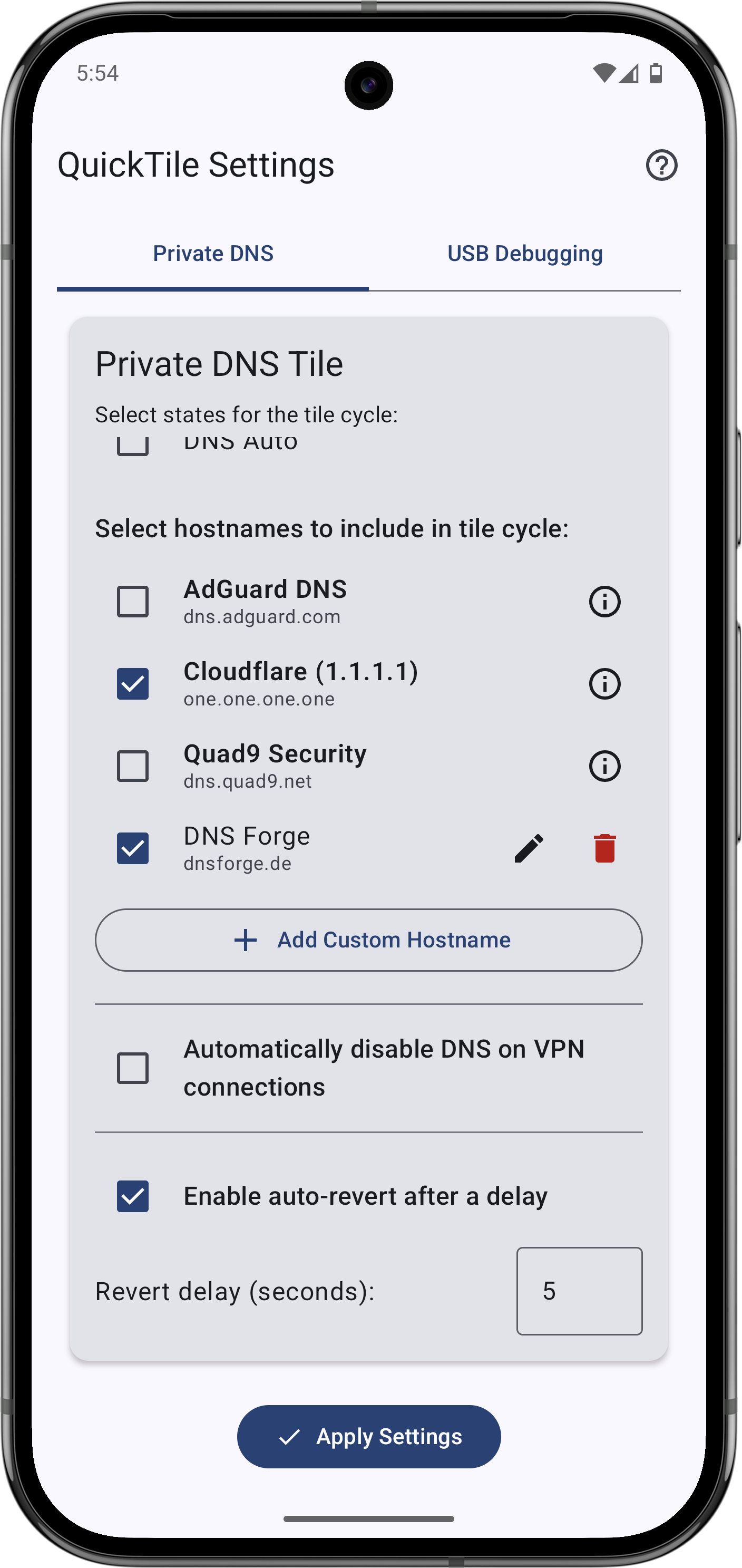
- Cycle: Off, Auto, custom hostnames
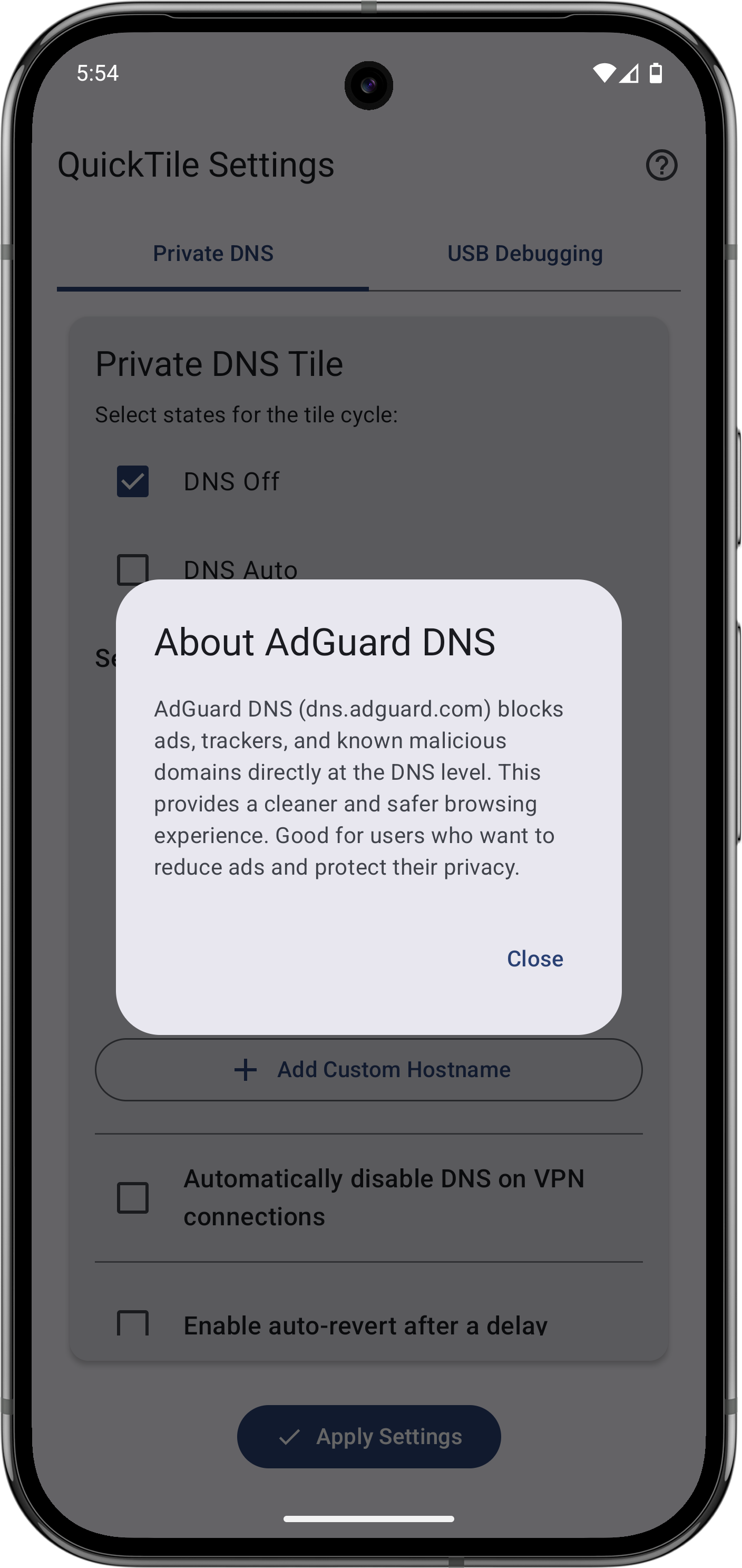
- Predefined providers: Cloudflare (Performance & Privacy), AdGuard (Ad/Tracker
Blocking), Quad9 (Security) - Add, edit, or delete custom DNS entries
- Select which entries appear in the cycle
- Optional auto-revert after a configurable delay
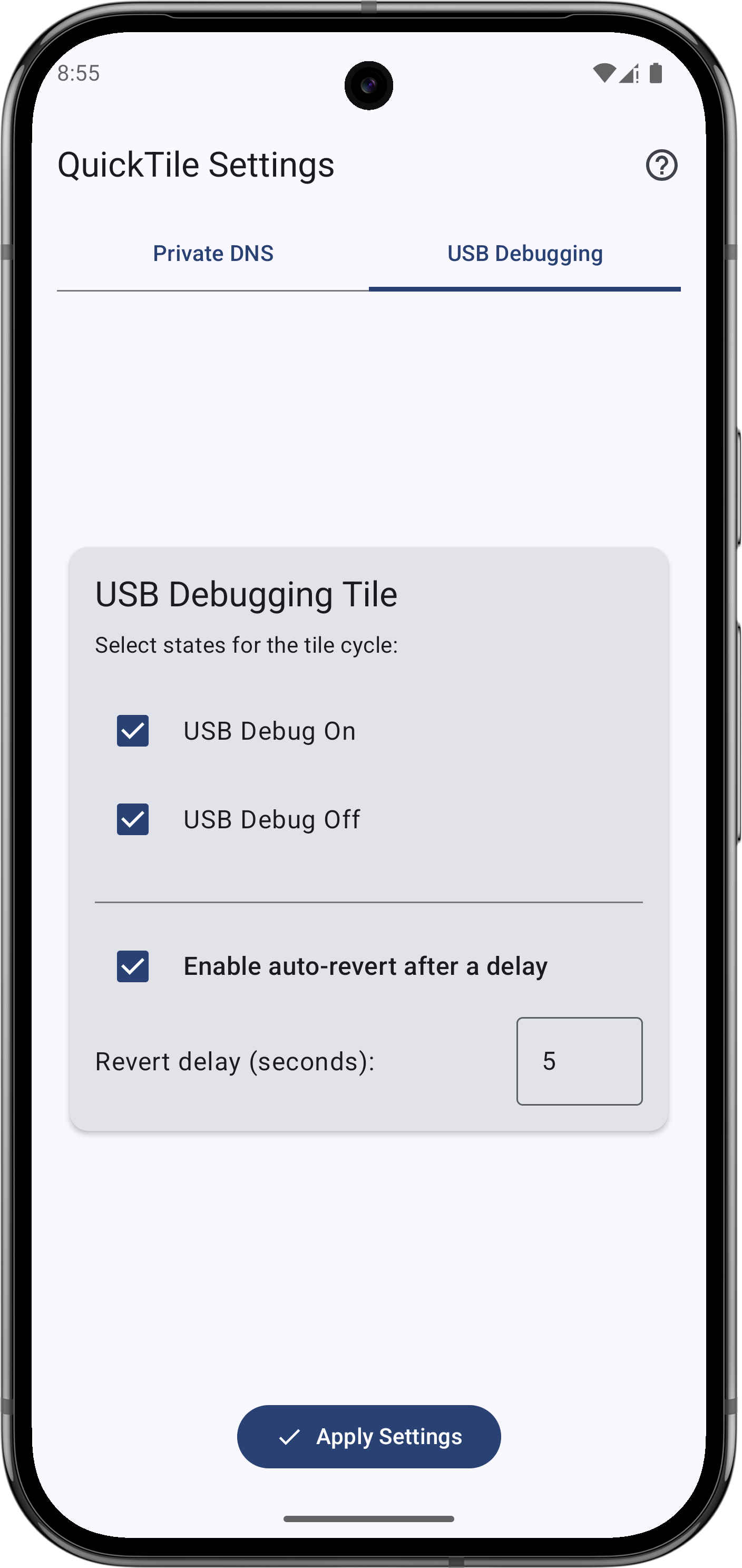
- USB Debugging Tile
- Toggle: On ↔ Off
- Configurable cycle or fixed states
- Optional auto-revert
- User-Friendly Configuration
- In-app settings with tab navigation
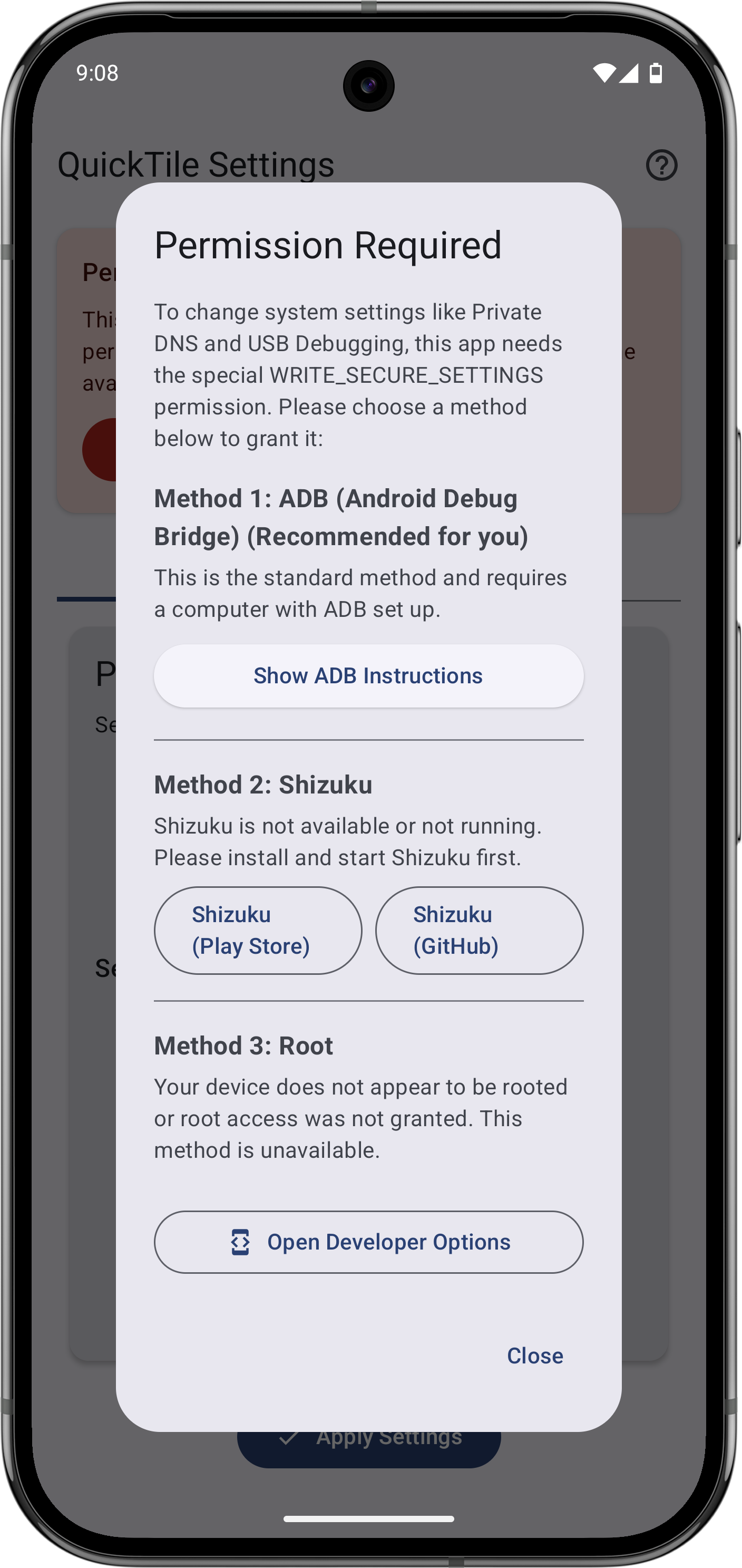
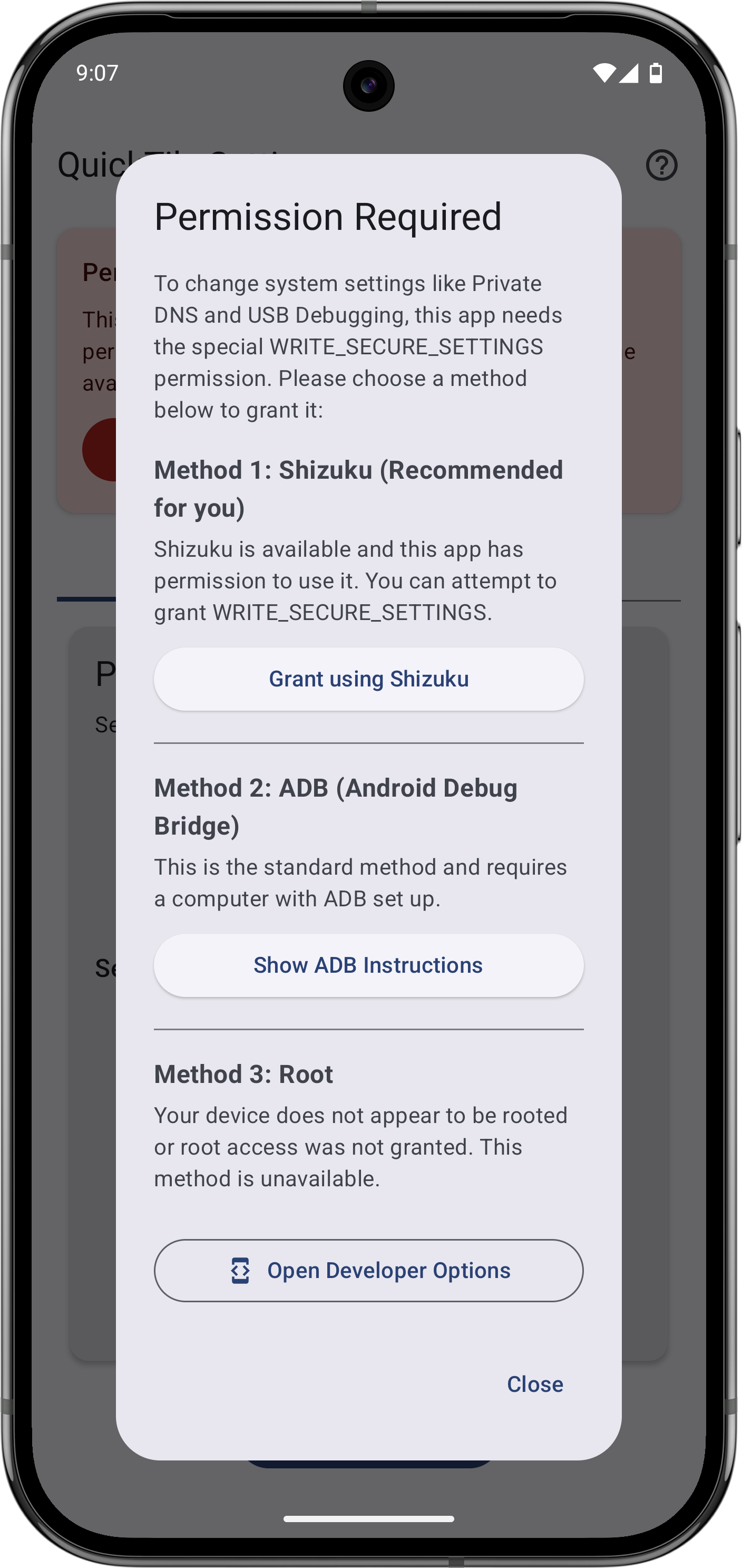
- Clear ADB guidance for granting
WRITE_SECURE_SETTINGS
- Modern UI: Jetpack Compose, Material You (Android 12+)
Requirements:
- Android 9 (API 29) or higher
WRITE_SECURE_SETTINGSpermission via ADB (one-time setup)
Setup & Usage:
- Grant ADB permission: Follow the in-app instructions for a one-time setup.
- Configure tiles:
- DNS: select Off/Auto and manage hostnames.
- USB Debugging: select On/Off.
- Set auto-revert delays as desired.
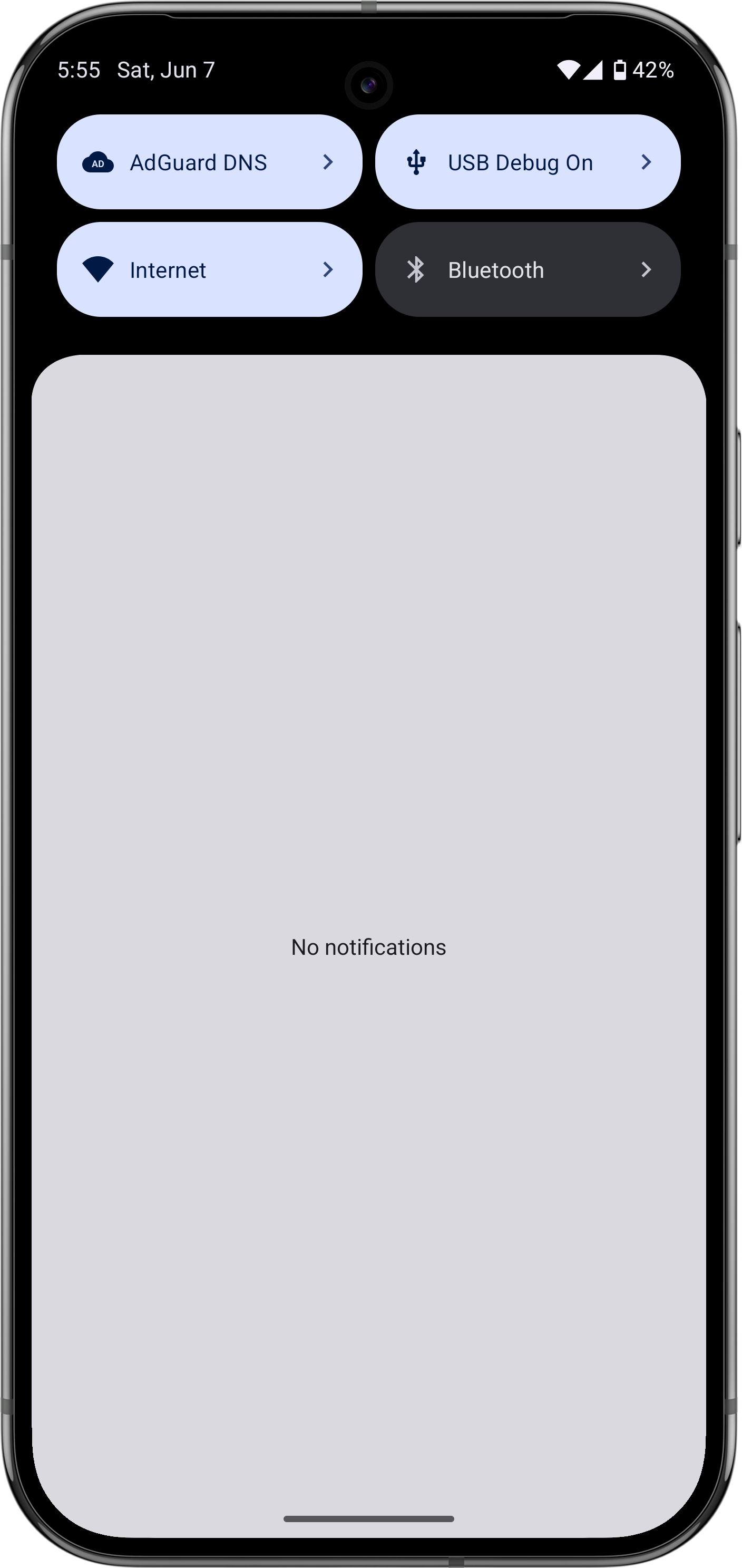
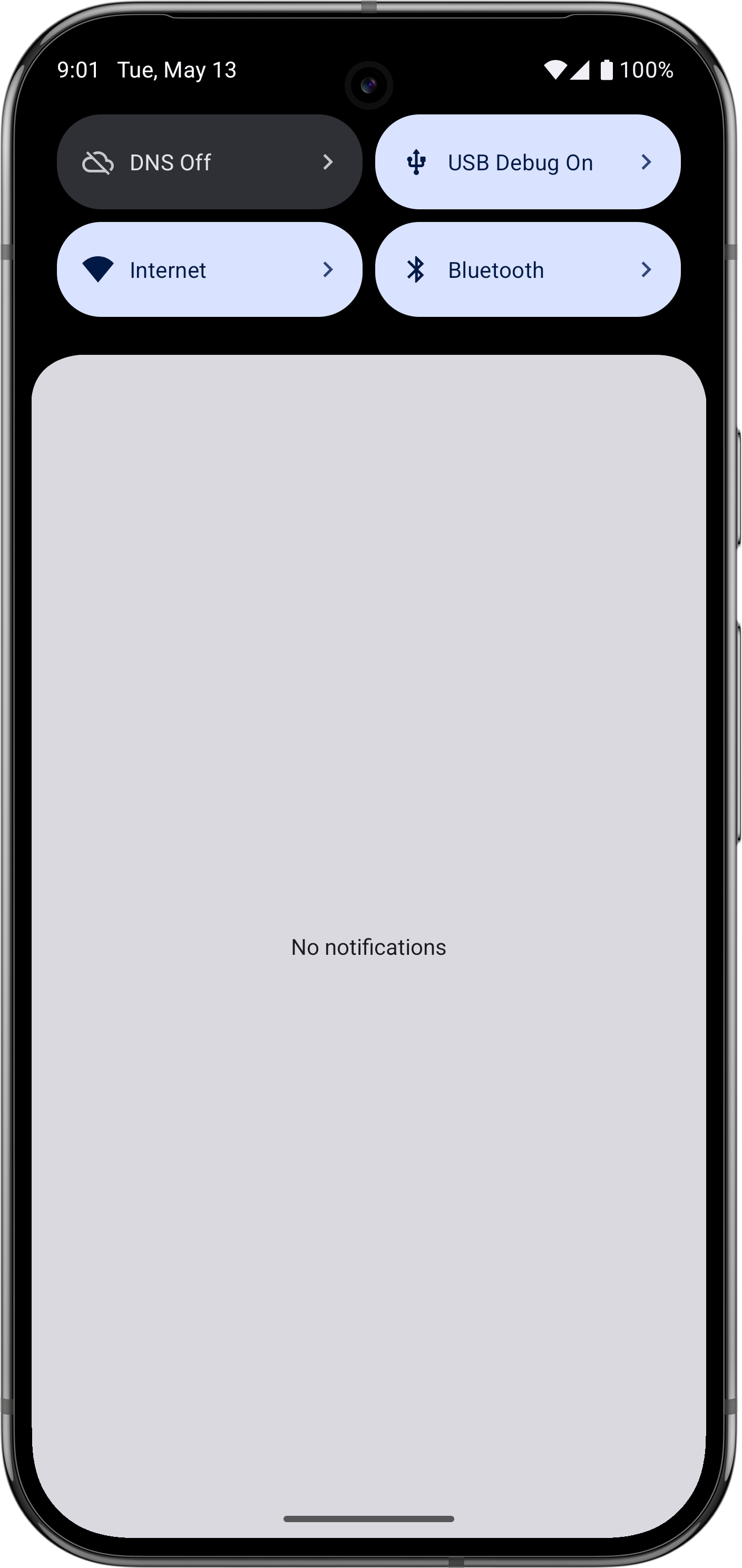
- Add tiles: Add "DNS" and "USB Debugging" to your Quick Settings panel.
- Use: Tap to toggle; long-press to open settings.
WhatsNew:
Version 1.5.1
- Fixed USB debugging and developer options detection on affected Android 17 devices.
Hint: This app is available in both, F-Droid Main and IzzyOnDroid repos.
While you can download the APKs here directly, you should preferably use an F-Droid client so the app stays up-to-date on your device.

