Chroma Launcher
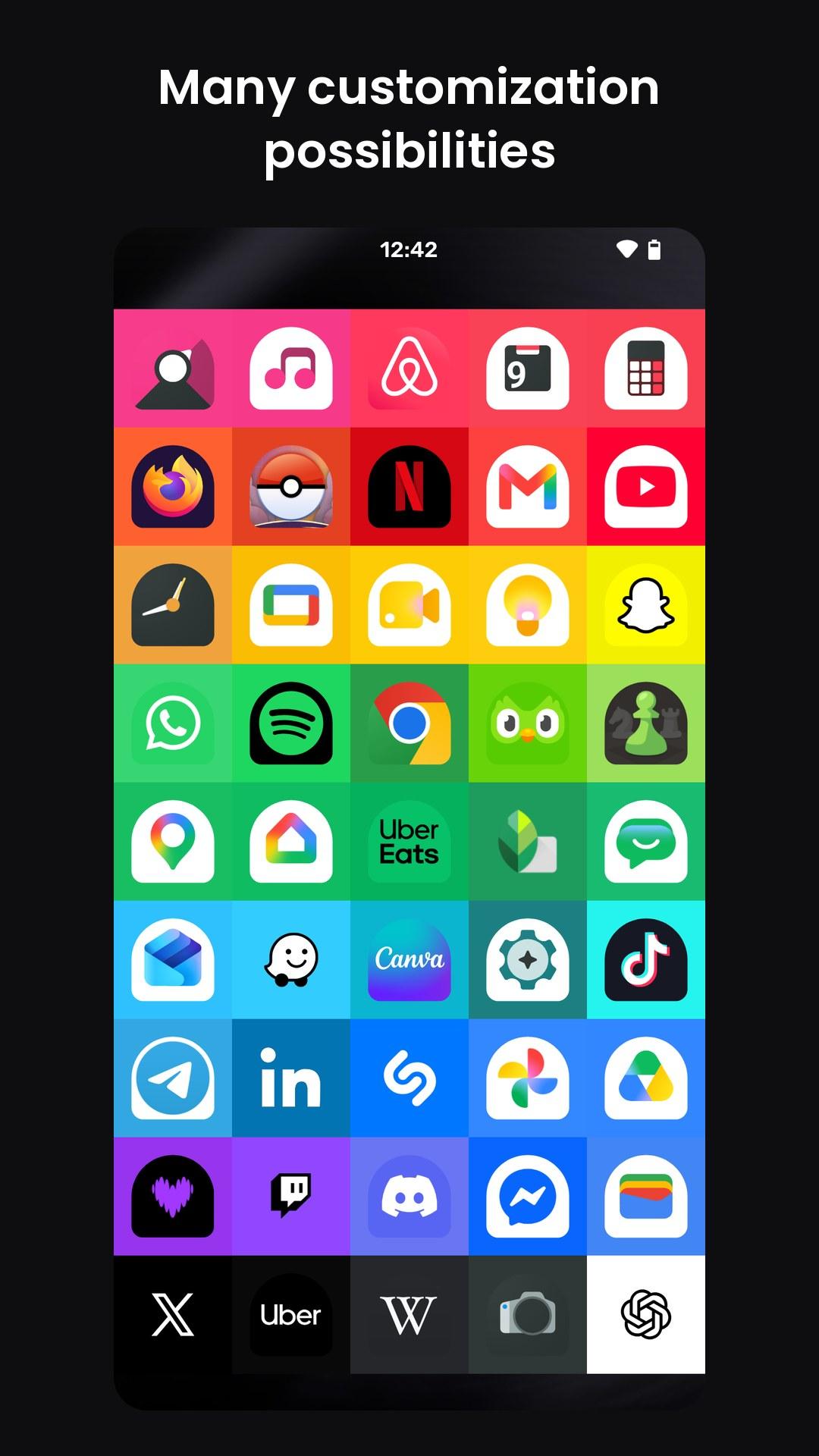
Your home screen, sorted by color. Find any app at a glance.
| Repo: | F-Droid.Org |
| AppID: | com.rcmz.chromalauncher |
| Author: | Antoine Richermoz |
| License: | MIT |
| Donation: | Webpage LiberaPay |
| InRepoSince: | 2026-10-03 |
| LastRepoUpdate: | 2026-11-13 |
| LastAppUpdate: | Unknown |
| LastVersion: | 2.17.0 |
| Categories: | Launcher, Theming |
| Google Play: | Check if it's there |
 Your home screen, sorted by color.
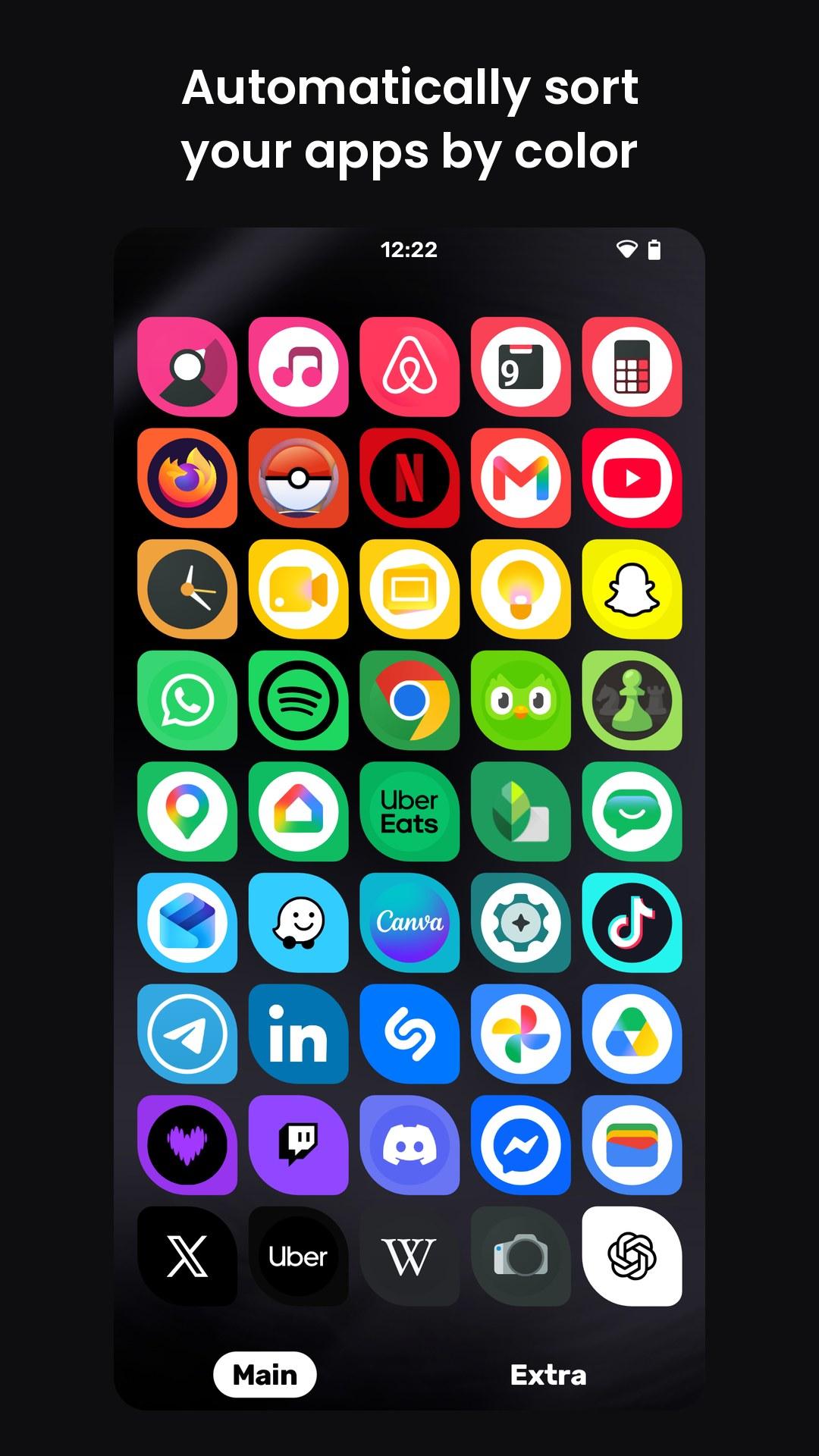
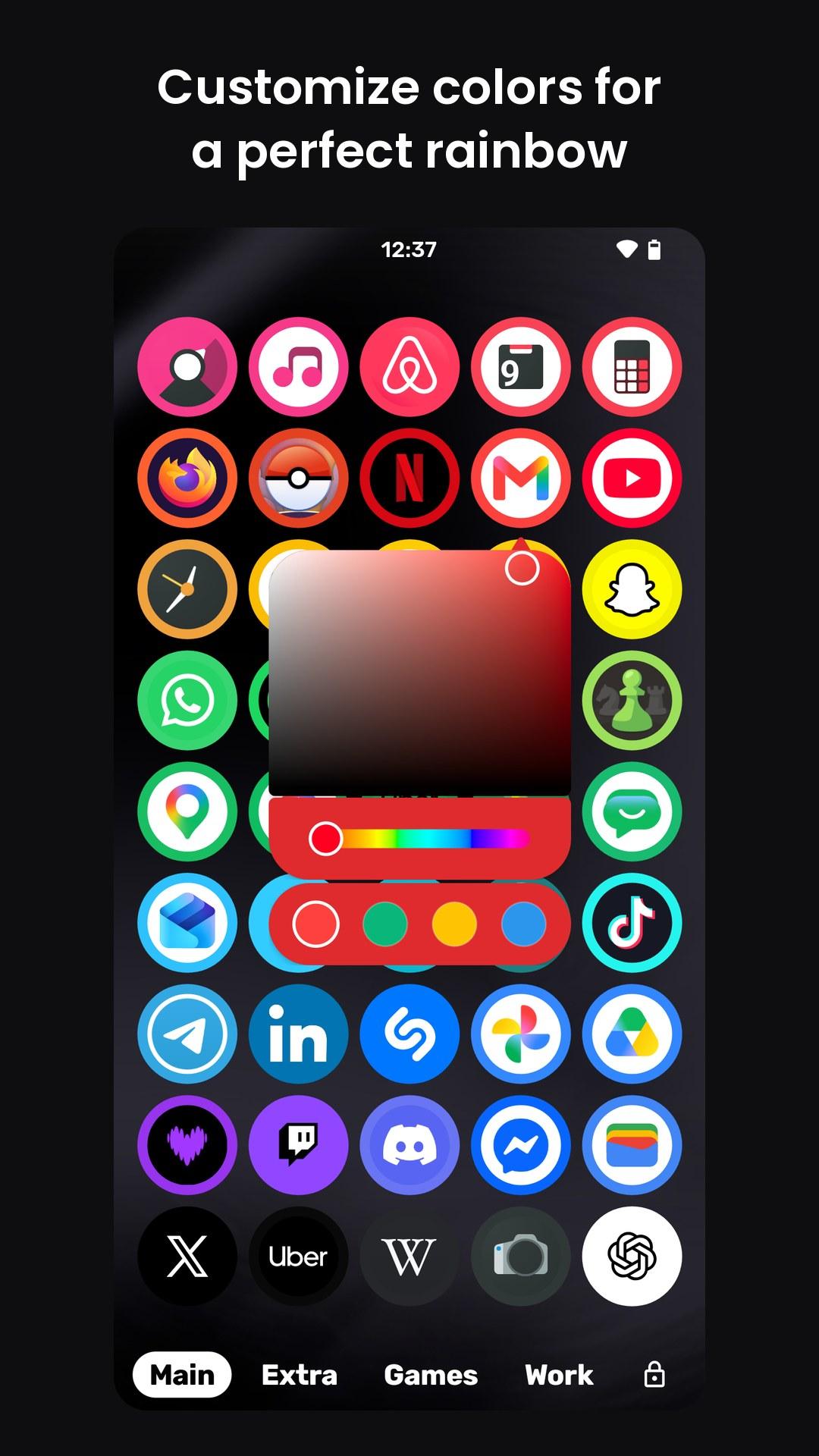
Look for the red apps: your eyes have already found them. Chroma Launcher sorts every app by the color of its icon, so you find apps by color instead of reading names.
• Find apps at a glance. YouTube is red, WhatsApp is green, Facebook is blue: brands already taught you their colors.
• Always tidy. New apps drop into their place automatically, with nothing to arrange.
• Your color, your call. Pick another color from the icon, or any color at all.
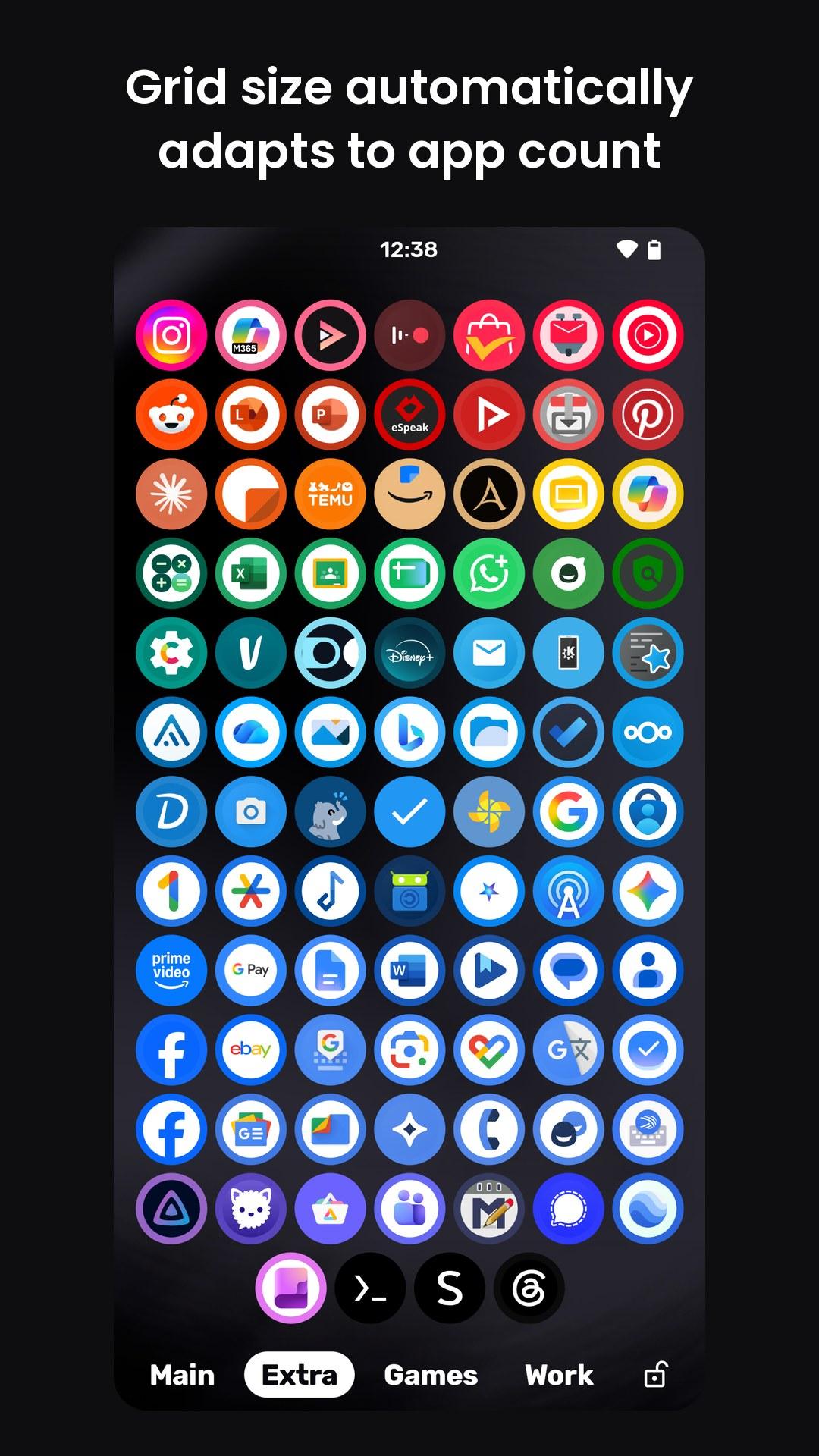
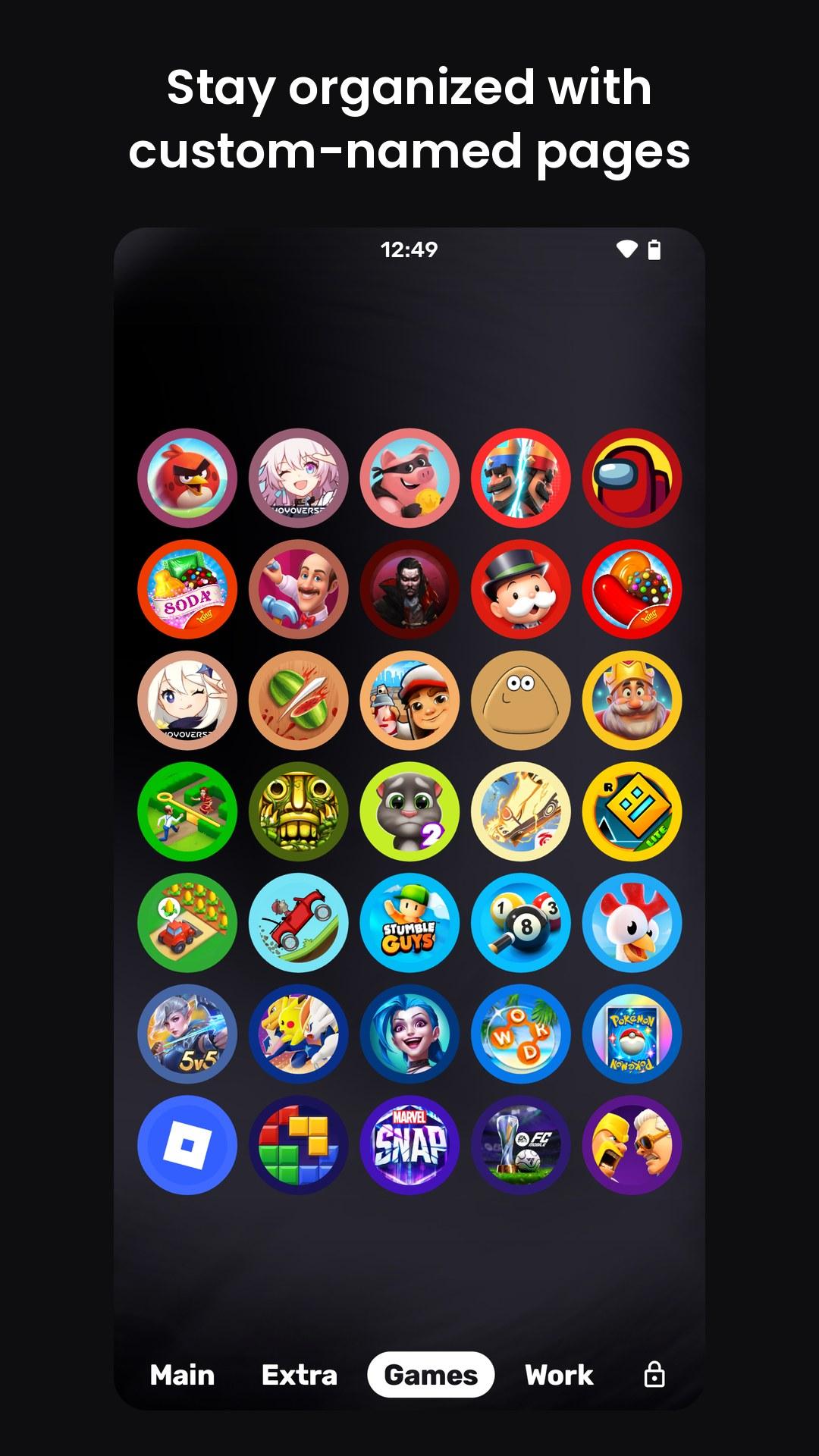
• Pages, not folders. Everything starts on Main; move rarely used apps to Extra, or name your own pages.
• Grid size that fits. Each page picks the column count that fits its apps.
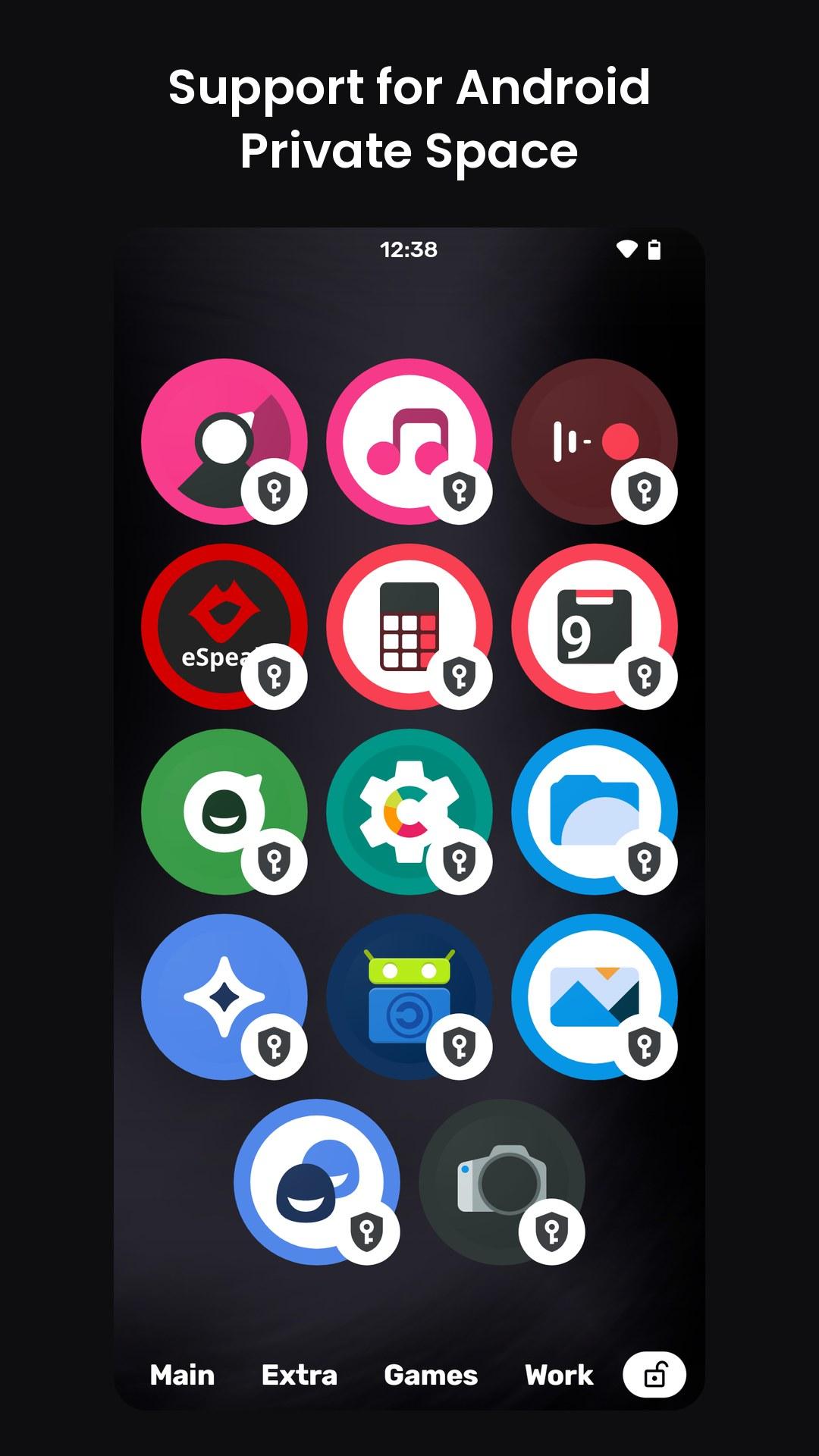
• Private space. Android's private space gets a page of its own, unlocked right from your home screen.
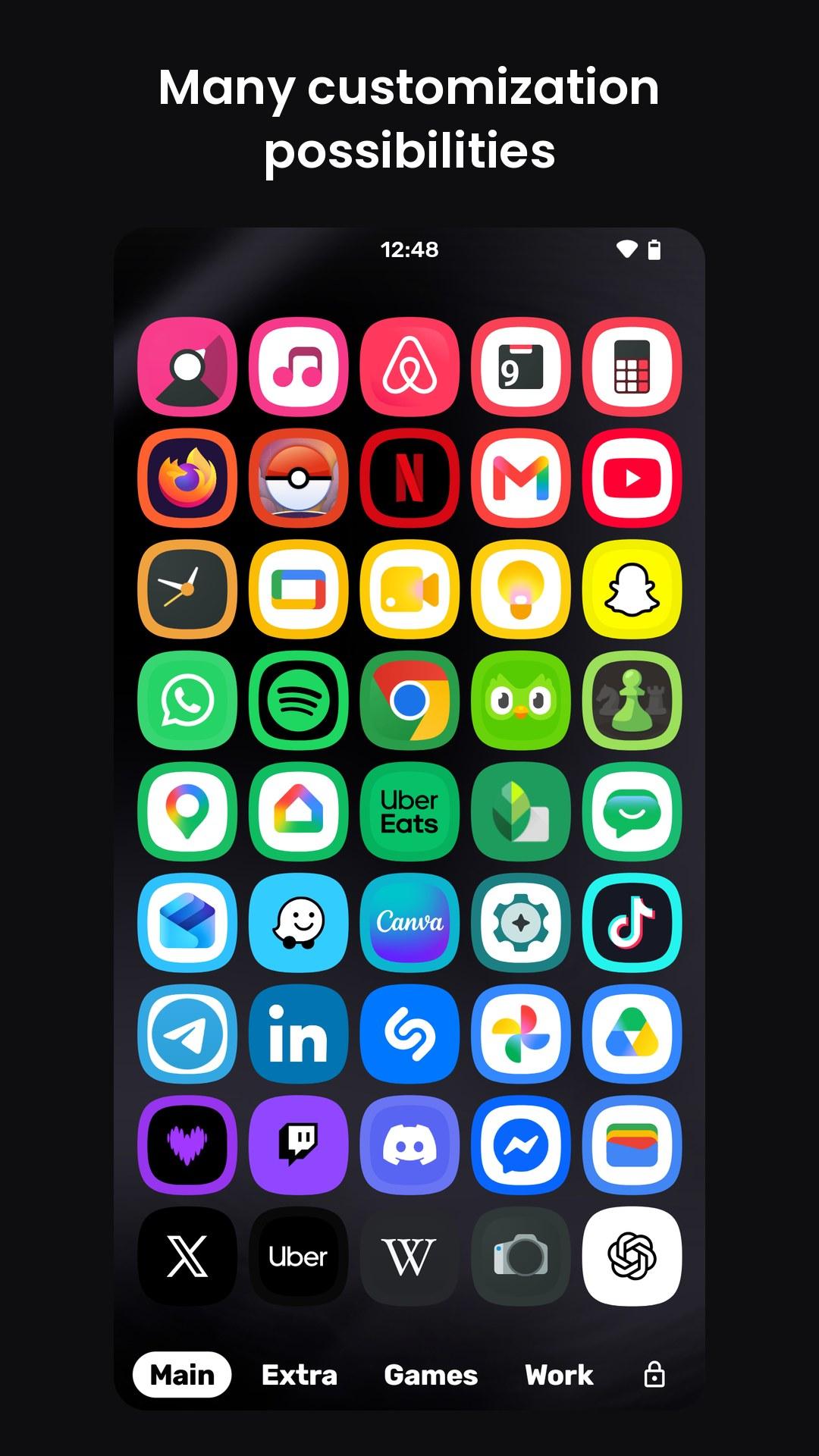
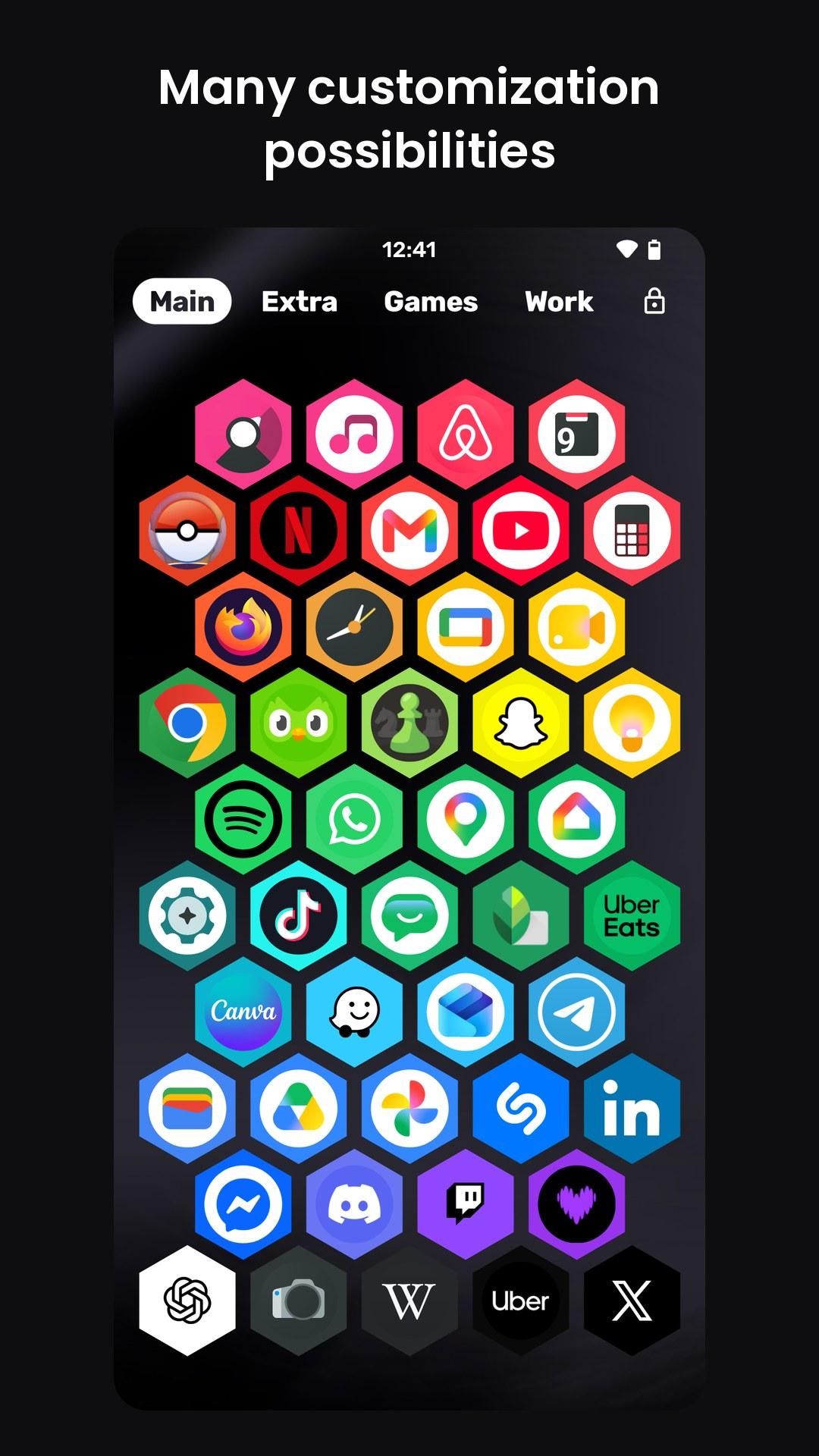
• Make it yours. Circle, squircle, hexagon, teardrop and more icon shapes, square or hexagon grid, joined icons, sizes and borders.
• Live icons. Calendar and clock icons show today's date and the time.
• In your language. 26 languages, right to left included, with TalkBack support.
• Fast and private. Opens in a blink and works fully offline.
• Free and open source: gitlab.com/rcmz/chromalauncherreborn
WhatsNew:
• Added support for Android Private Space
• Now in 26 languages, with right-to-left layouts
• Better TalkBack support
• New pages are added next to the current one
• Redesigned app menu, with the app's name and actions in a row
• Hexagon icons now point up, like the hexagon grid
• Whole icons are tinted, not only their greys
• Auto grid size fills the width better
• Fixed icons appearing late when flicking pages
While you can download the APKs here directly, you should preferably use an F-Droid client so the app stays up-to-date on your device.

