1Key Password Manager
Offline password manager. 2FA + notes. No account, no network, no telemetry.
| Repo: | F-Droid.Org |
| AppID: | com.roufsyed.onekey |
| Author: | Rouf Syed |
| License: | GPL-3.0-only |
| InRepoSince: | 2026-07-18 |
| LastRepoUpdate: | 2026-10-15 |
| LastAppUpdate: | Unknown |
| LastVersion: | 1.1.2 |
| Categories: | Password & 2FA, Security |
| Google Play: | Check if it's there |
 1Key is a local-first password manager for Android. Your vault lives on your device, encrypted with a key only you hold, and never moves unless you export it yourself. There is no account to create, no server to breach, and no network connection of any kind — the INTERNET permission is stripped from the manifest, so the operating system itself enforces the offline guarantee.
Security
• Vault key derived from your master password with Argon2id (m=64 MiB, t=3, p=1 by default; configurable up to m=256 MiB, t=16)
• Every credential field encrypted separately with AES-256-GCM, bound to its row and column via additional authenticated data — an attacker with raw database write access cannot swap ciphertexts between rows
• Master-password verifier stored in EncryptedSharedPreferences, itself wrapped by an Android Keystore-bound key (TEE or StrongBox where available), so offline brute-force of a leaked device image is not possible
• Optional 128-bit Secret Key mixed into the KDF for defense-in-depth against a compromised master password
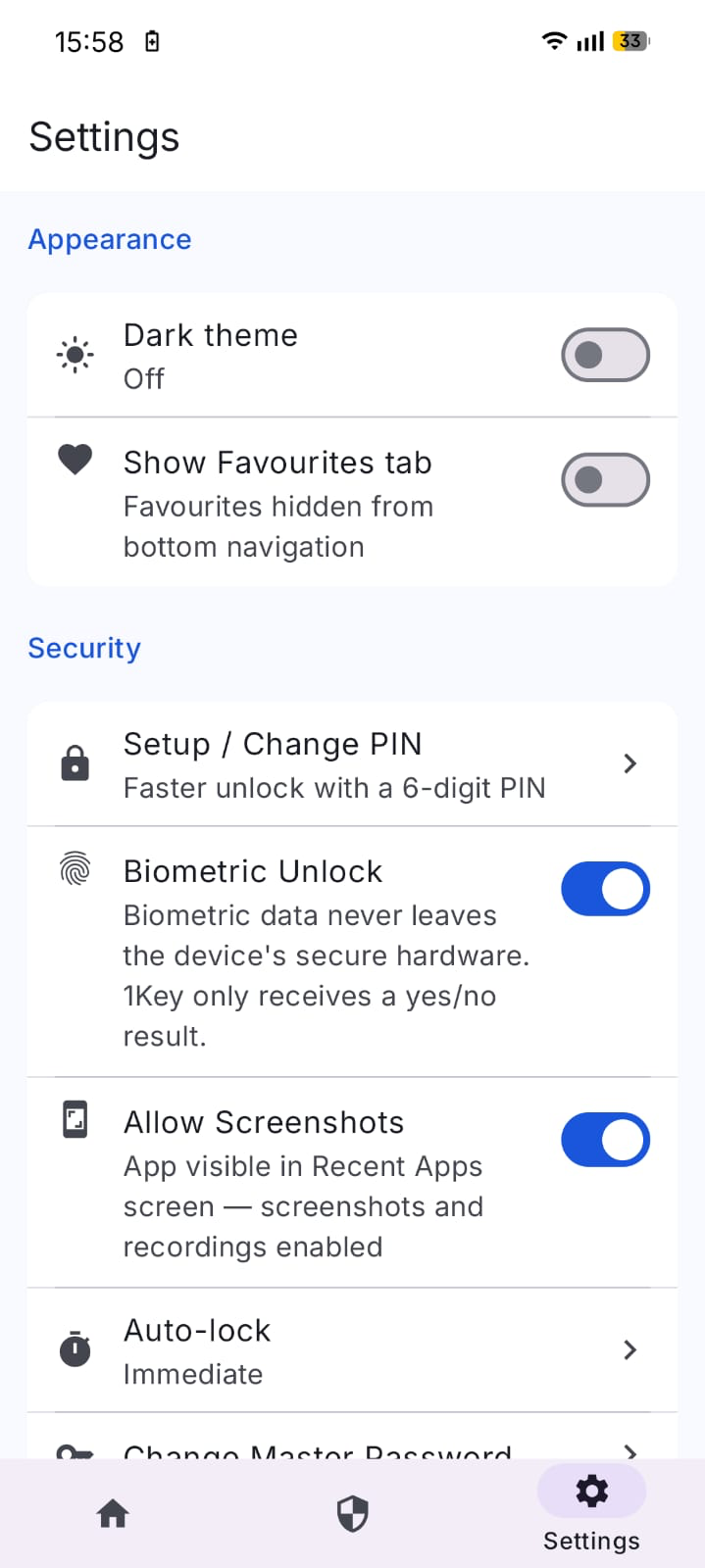
• Biometric unlock backed by hardware-secure key; requires master-password confirmation to enable
• Tiered attempt limiting: 3, 5, and 10 wrong attempts trigger 30-second, 5-minute, and 1-hour cooldowns; counters survive process kills
Vault
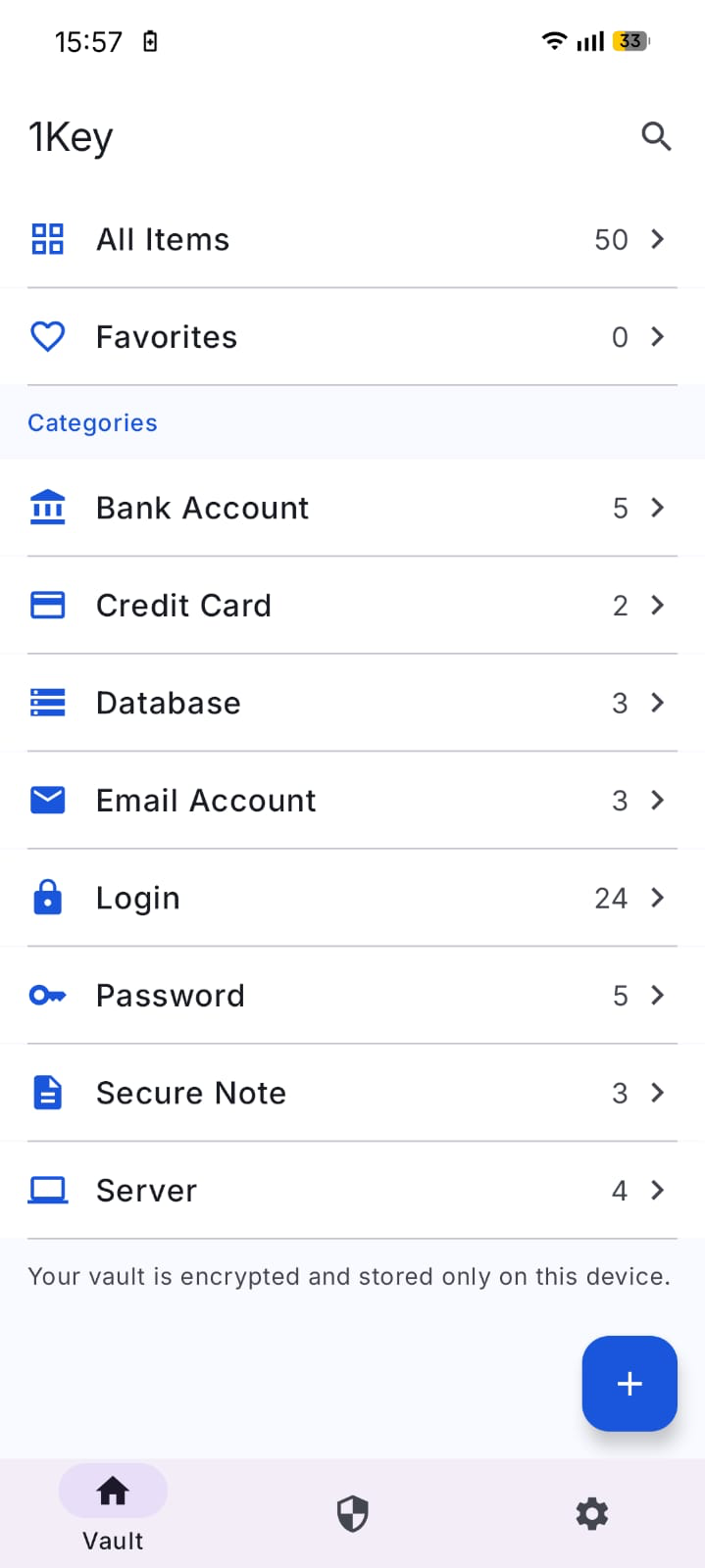
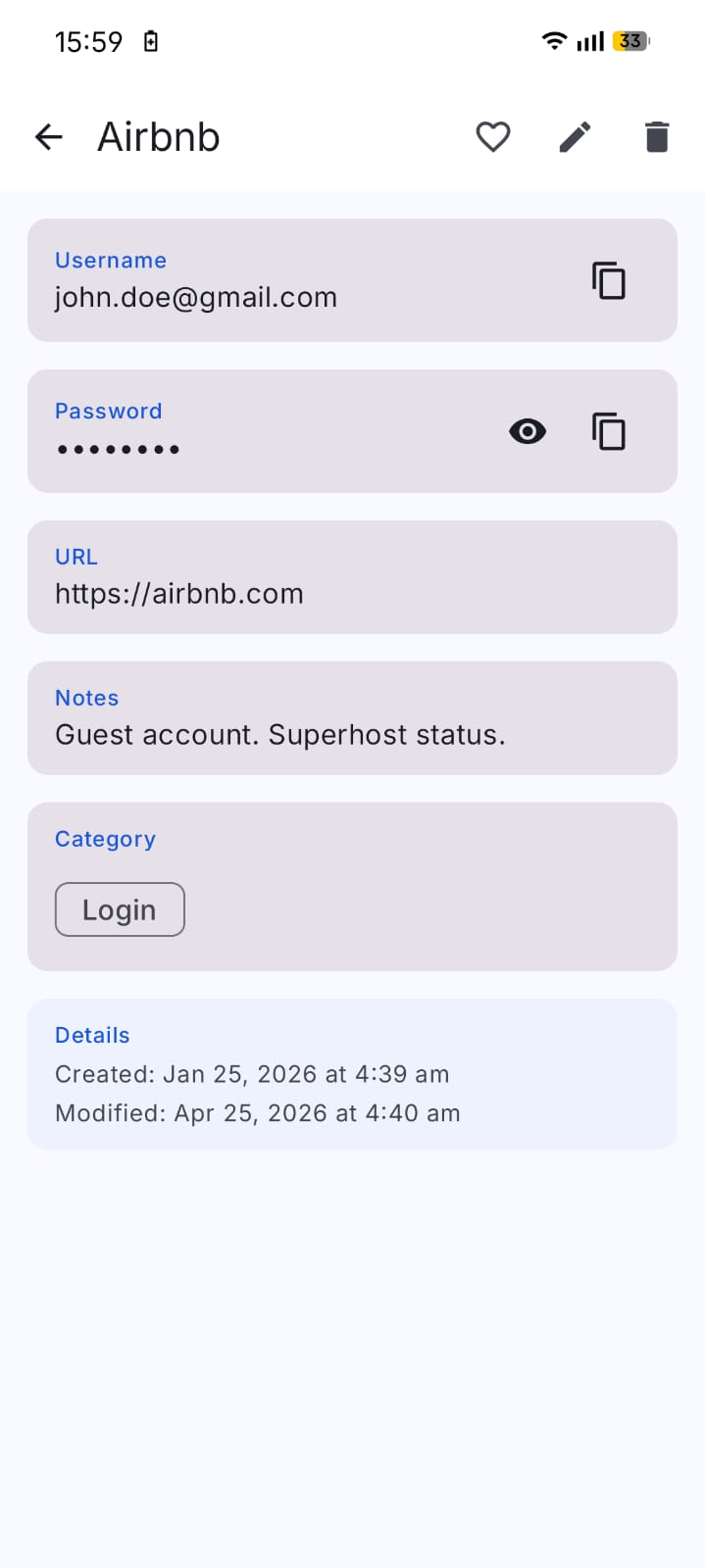
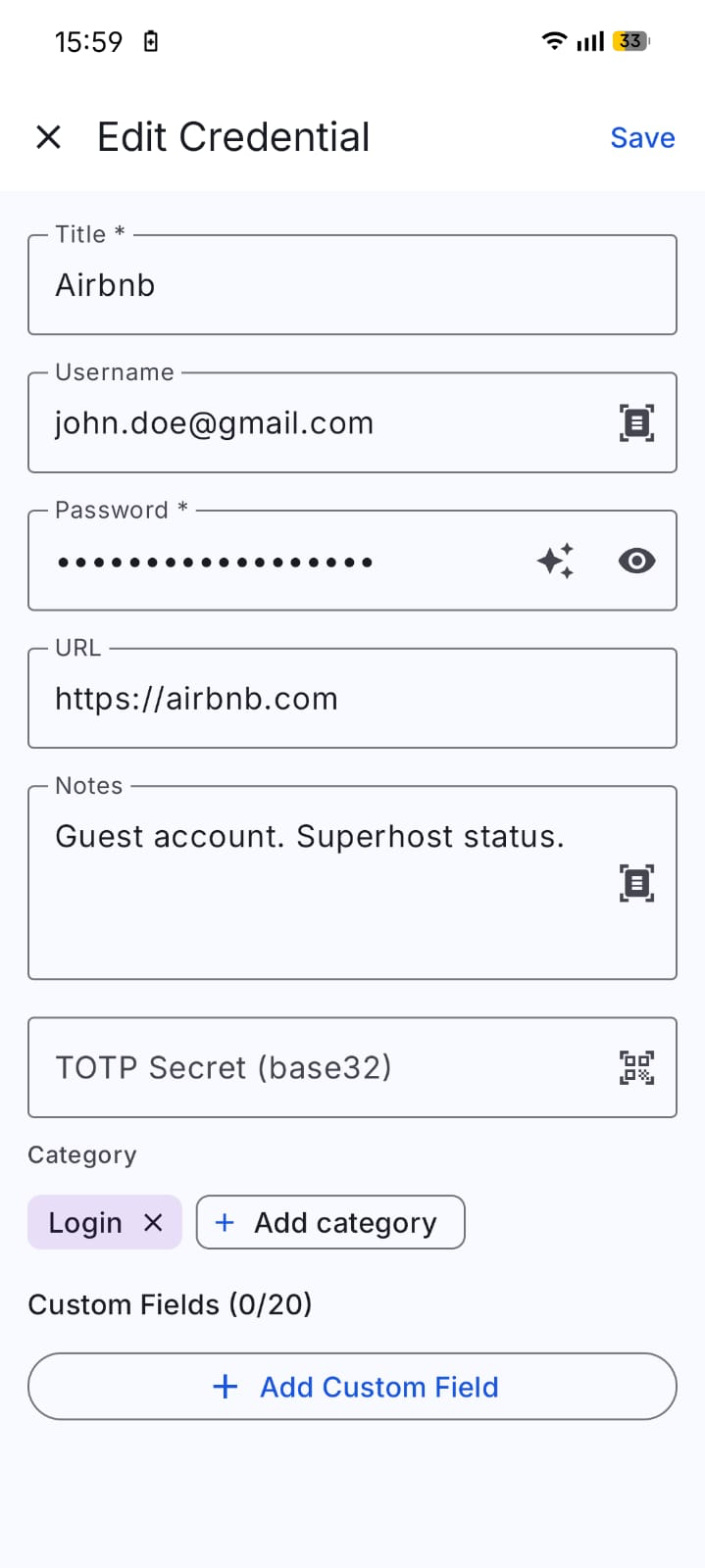
• Store credentials with title, username, password, URL, notes, and custom fields
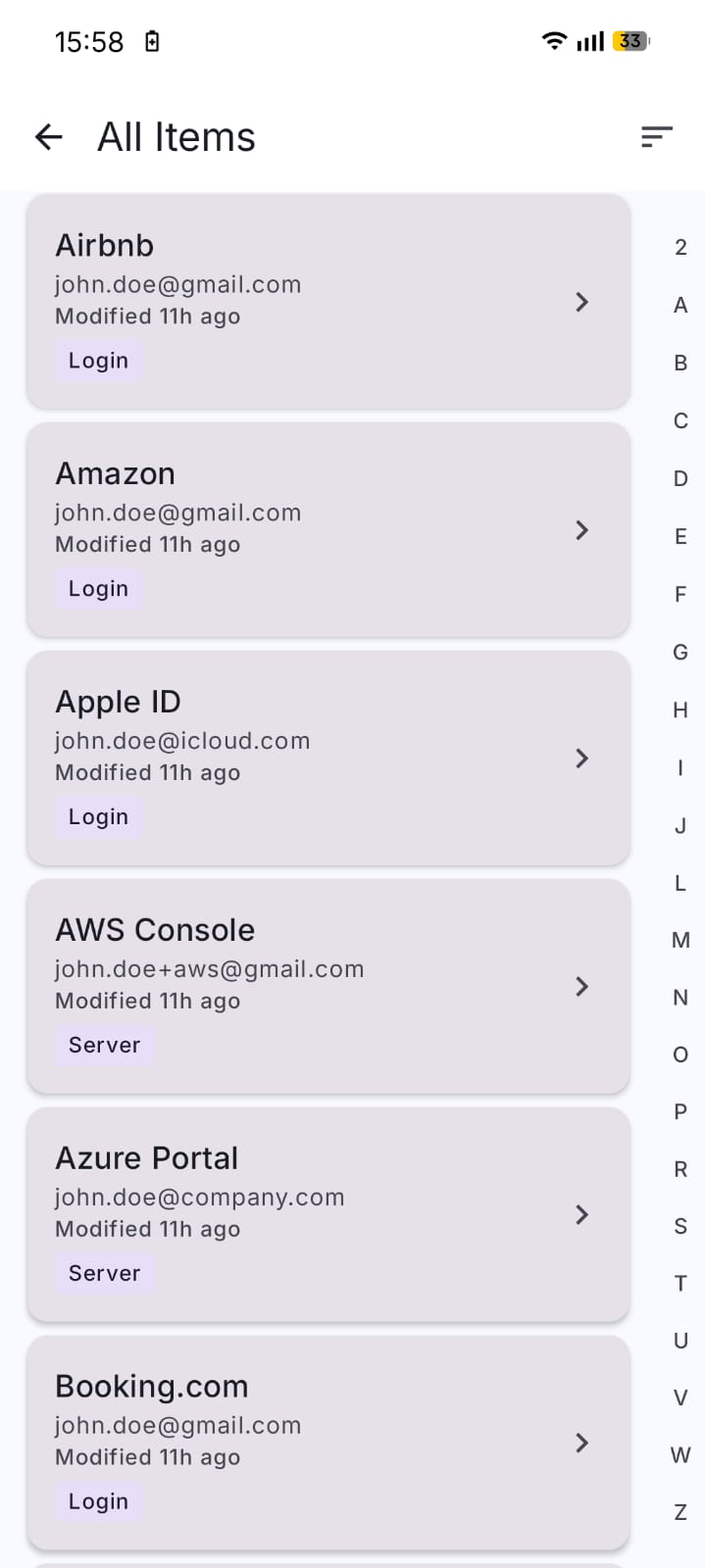
• Tag-based organisation, favourites, full-text search
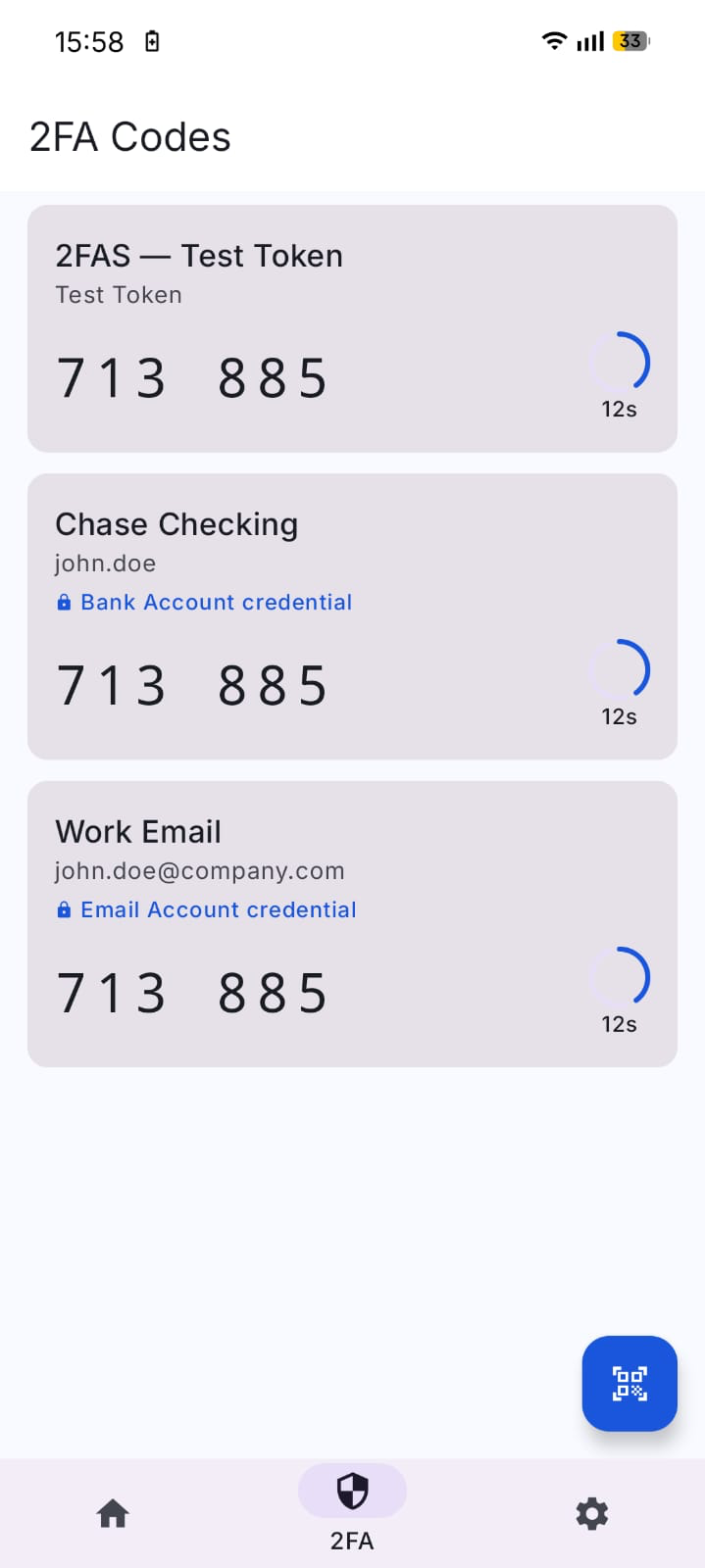
• TOTP / 2FA codes stored in the same entry as the password they protect — no app switching
• Live-preview Markdown in notes with a helper bar; disable in Settings if you prefer plain text
• Soft-delete recycle bin (toggle off if you prefer immediate deletion)
• Credential history preserves previous values on edit
Autofill
• System-level Autofill Service — fill logins into any app or browser without leaving them
• URL-only matching by default (no fuzzy suggestions) to keep phishing risk down
• Save prompt on submit; per-action confirmation for cross-host URL saves
Backup and import
• Encrypted backup as a .1key file (AES-256-GCM with Argon2id key derivation)
• Plain CSV / JSON export for interoperability
• Direct import from Google Passwords, LastPass, KeePass, 1Password, Dashlane, NordPass, Safari / iCloud Keychain — auto-detects format, no manual column mapping
Unlock options
• Master password (always available)
• 6-digit PIN
• Biometric (fingerprint / face)
• Background auto-lock: immediate / 30s / 1m / 5m
• Inactivity auto-lock: never / 30s / 1m / 5m / 15m
• Optional periodic master-password recheck (48h / 3d / 1w / 3w)
What 1Key does NOT do
• No accounts, no email, no signup
• No analytics, crash reporting, or telemetry
• No cloud sync (backup files go to a folder you choose — local, USB, Drive, Dropbox, NAS — never through us)
• No device identifiers, IP logging, or advertising IDs
• No network connection at all — INTERNET permission is stripped
Anti-features
The QR-scanning and OCR features use Google's ML Kit library, which contains proprietary code. All ML Kit processing happens on-device with the INTERNET permission stripped, so no data can leave the phone even if the library tried to phone home — but F-Droid still flags the dependency as NonFreeDep. If you want a fully libre build, you can build from source without ML Kit.
Open source
Source: https://github.com/roufsyed/1Key
Licence: GPL-3.0-or-later
Reproducible builds: yes
Built because paying /year to autofill a password should not be a thing.
WhatsNew:
Card credentials, wider search and fixes.
• Flip card for credit cards and bank accounts: 16 colour themes, scheme picker, long-press to copy
• Search covers username, URL and notes
• Reveal eye on sensitive custom fields
• Imported card numbers and CVVs come masked
• Slimmer field editor, scan icon in the top bar, blank fields not saved
• Gold star favourites, bottom bar now blue, capitalised titles
• Fix crash adding a suggested custom field
• Advisory Keystore attestation check
While you can download the APKs here directly, you should preferably use an F-Droid client so the app stays up-to-date on your device.
Packages
Version 1.1.2 (2026-10-15) 

Android Versions:
- Target: 16.0
- MinVer: 8.0
- ABIs: arm64-v8a, armeabi-v7a, x86, x86_64
Permissions:
Malware-Check:
Download (5.8 M)