32steps
| AppID: | com.thirtytwo.steps |
| Author: | nulldio |
| License: | MIT |
| InRepoSince: | 2026-03-23 |
| LastRepoUpdate: | 2026-03-29 |
| LastAppUpdate: | 2026-03-28 |
| LastVersion: | 2.2.0 |
| Categories: | System, Multimedia |
| APK source: | Github |
| Google Play: | Check if it's there |

Override Android's default volume steps. Set your own custom step count from 1 to 1000. No root required.
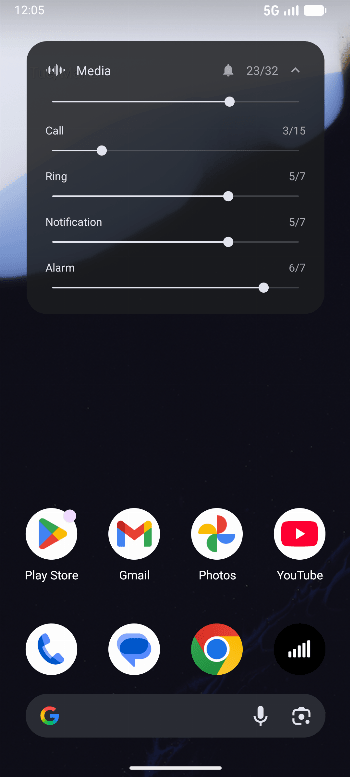
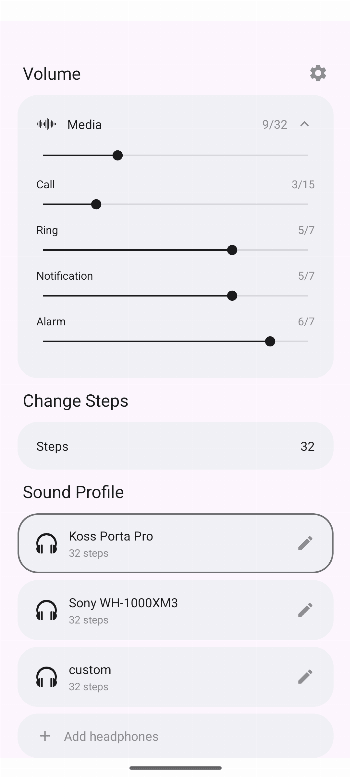
32steps splits each system volume gap into smaller sub-steps by applying a gain offset through DynamicsProcessing (or Equalizer on older devices). An accessibility service intercepts volume buttons and a foreground service keeps it running in the background. Works across all apps. No root, no internet.
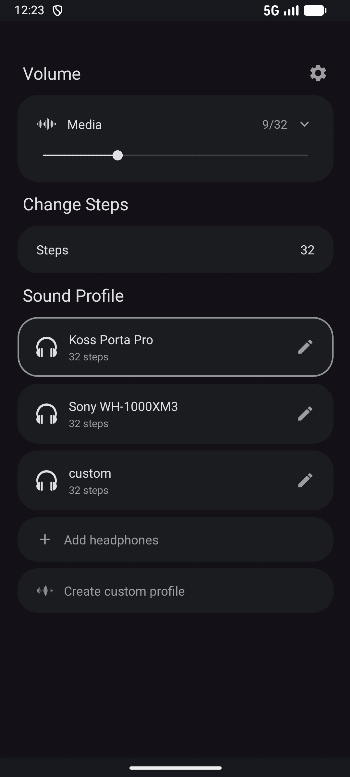
Sound profiles: select your headphones from 6000+ models and the app applies an EQ correction based on measured frequency response data from AutoEQ. Save multiple presets with different headphones and step counts. The database is updated automatically.
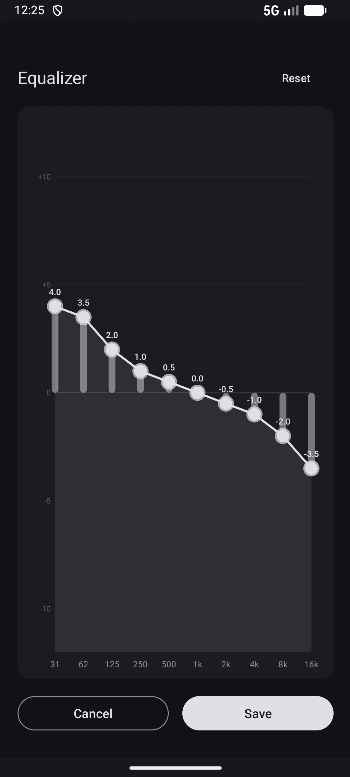
Graphic equalizer: 10-band graphic EQ to create custom headphone profiles or fine-tune existing AutoEQ profiles. Reset to original AutoEQ defaults anytime.
Features:
- Custom volume step count (1-1000)
- 6000+ headphone sound profiles from AutoEQ
- 10-band graphic equalizer
- Create, edit, and save custom headphone profiles
- Channel balance control
- Save presets per headphone
- Works with hardware volume buttons
- System-wide audio control
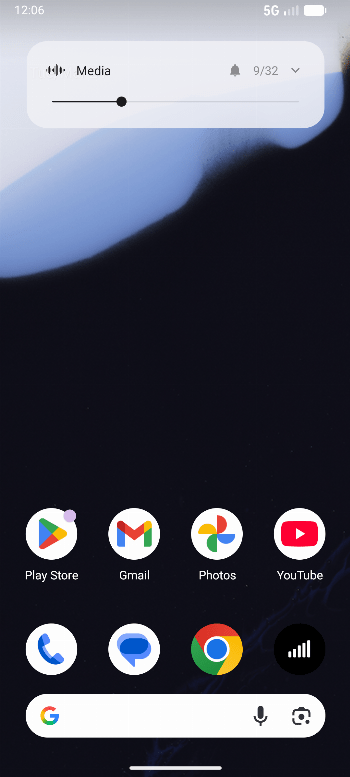
- Volume overlay with progress bar
- Haptic feedback on all controls
- Android TV support (sound profiles and EQ, custom steps not supported)
- Survives reboots
- No root required
- No internet permission
- No ads, no tracking
Requires Android 8+.
Note: On Android 13+, you may need to allow restricted settings first. Go to Settings > Apps > 32steps, tap the three dots, then tap Allow restricted settings.
WhatsNew:
- Android TV support (sound profiles and graphic EQ, custom steps not supported)
- Two-column TV layout with D-pad navigation
- Landscape graphic EQ editor
- D-pad controls for EQ bands (left/right select, up/down adjust)
- Various bug fixes and stability improvements