5G Proxy Client
Routes device traffic through a remote SOCKS5 proxy via TUN. No root, TCP/UDP.
| Repo: | F-Droid.Org |
| AppID: | com.tokyoxpa3.socksclient |
| Author: | tokyoxpa3 |
| License: | MIT |
| InRepoSince: | 2026-10-07 |
| LastRepoUpdate: | 2026-11-09 |
| LastAppUpdate: | Unknown |
| LastVersion: | 1.6.8 |
| Categories: | VPN & Proxy |
| Google Play: | Check if it's there |
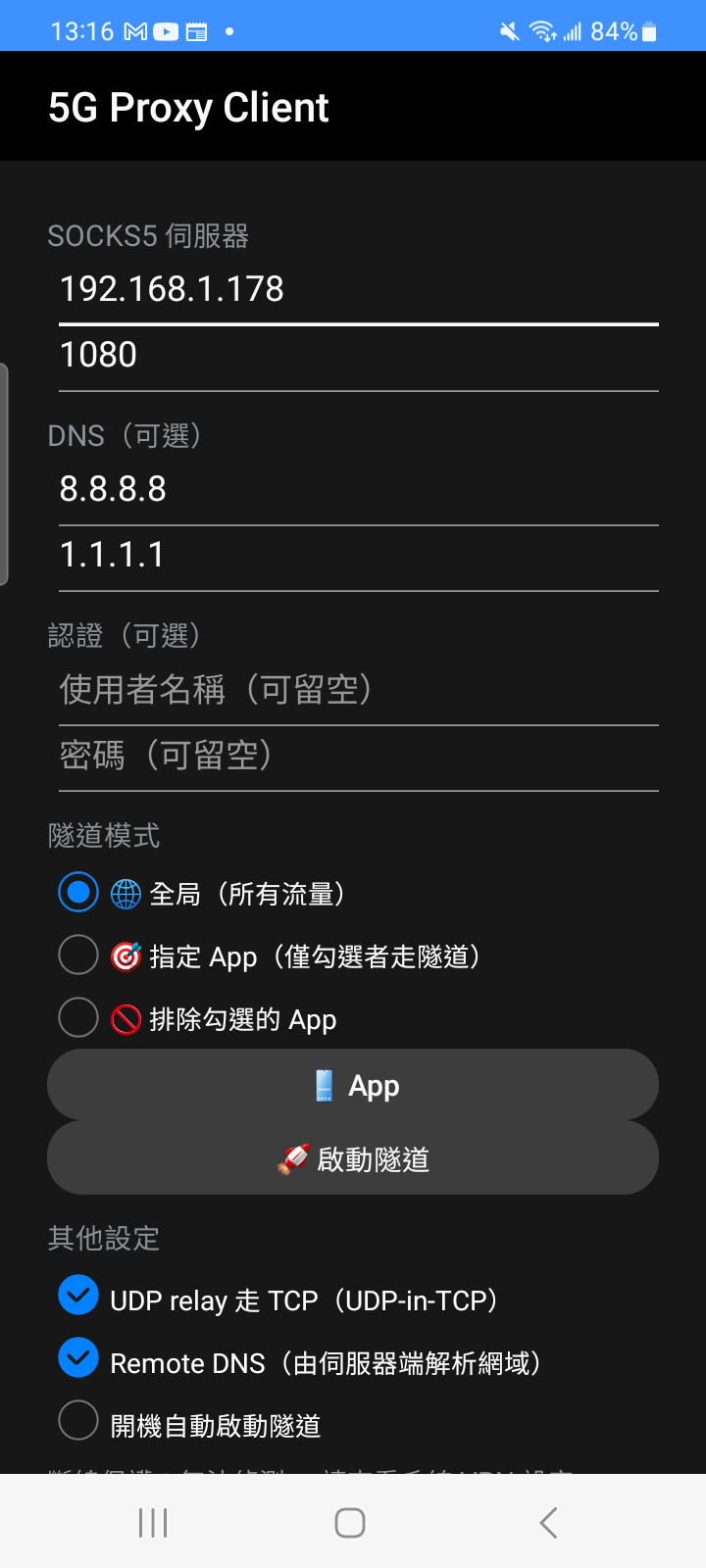
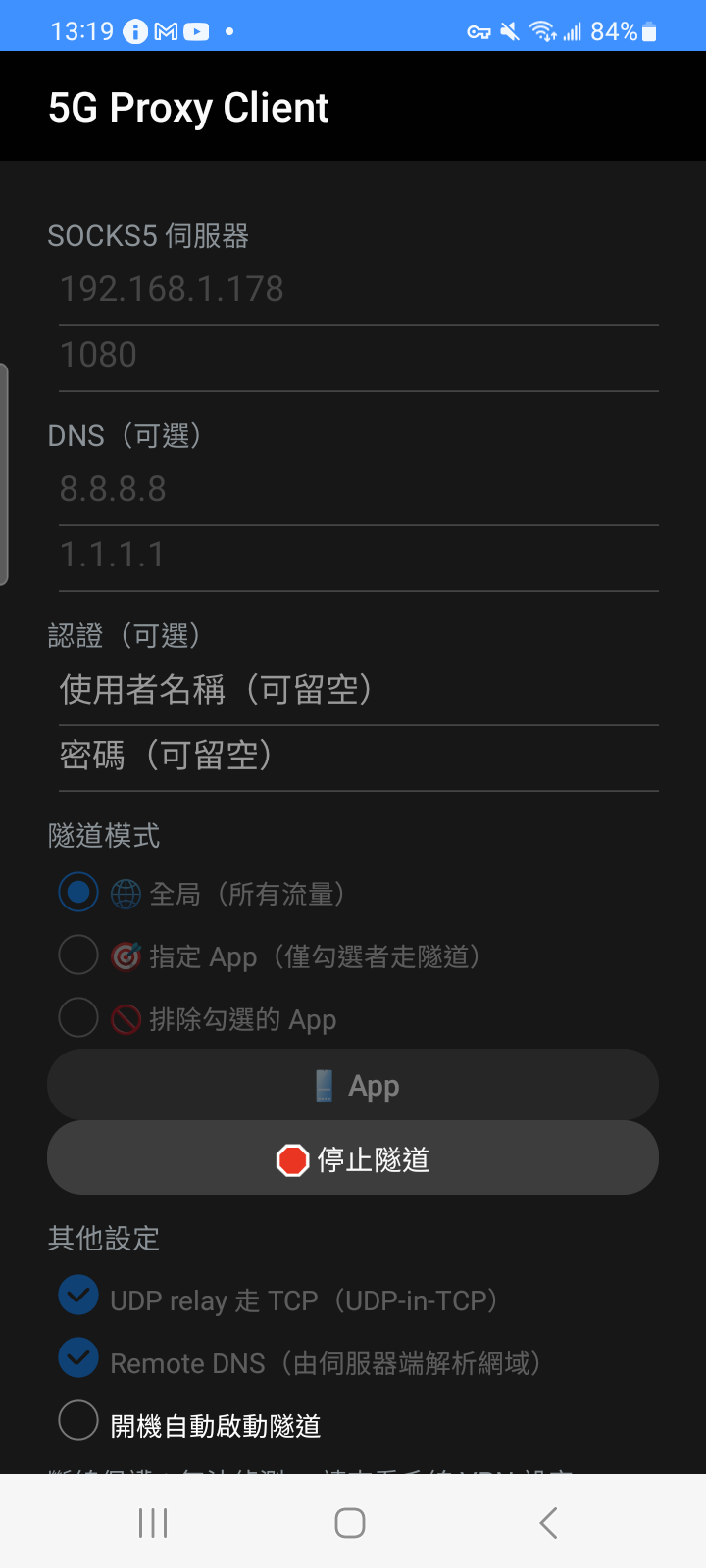
 Android SOCKS5 TUN tunnel client — routes the device's entire network traffic through a remote SOCKS5 server using a TUN virtual interface. No root required.
Features:
- User-space TCP state machine forwarded via SOCKS5 CONNECT
- UDP / DNS / QUIC relay via SOCKS5 UDP ASSOCIATE (UDP-in-UDP or UDP-in-TCP 0x04)
- Remote DNS (fakedns) with fake IPv4 (198.18.0.0/15) and fake IPv6
- IPv4 + IPv6 dual-stack support
- Per-App routing modes: Global, Allowlist, or Exclusion
- Auto-reconnect with exponential backoff on connection drop
- Live traffic statistics (up/down bytes & session count) in persistent notification
- Custom primary & secondary DNS servers
- Start tunnel on boot
- Quick Settings tile for one-tap tunnel toggle
- Multiple profile management with JSON export/import via clipboard
- Native C (epoll) engine + JNI + Kotlin UI
Privacy notes:
- While the tunnel is up, the proxy server's hostname is re-resolved outside the tunnel (needed to follow DDNS / IP changes without tearing the TUN interface down). That lookup is sent to the DNS servers of the network the tunnel actually runs over. The custom DNS servers above are used only as a fallback when that resolver gives no answer, and the fallback is written to the log.
- With Remote DNS enabled, DNS queries from apps are relayed to the proxy exit instead of being answered locally.
Open source (MIT), reproducible builds.
WhatsNew:
- Fixed: rotating the screen no longer reconnects the tunnel. The main screen used to rebuild itself on a rotation and re-run "connect on open", so after you pressed Stop, turning the device brought the tunnel back up. A rebuilt screen is now treated as the same session and no longer auto-connects
- Fixed: "start tunnel on boot" now also requires that the tunnel was still running when you shut down. Previously it only checked the checkbox, so a Stop you pressed was silently undone at the next bo
While you can download the APKs here directly, you should preferably use an F-Droid client so the app stays up-to-date on your device.
Packages
Version 1.6.8 (2026-11-09) 

Android Versions:
- Target: 15.0
- MinVer: 8.0
- ABIs: arm64-v8a, armeabi-v7a, x86_64
Permissions:
Malware-Check:
Download (2 M)