Screenshot Assistant
An assistant app for creating, cropping and sharing screenshots
| Repo: | F-Droid.Org |
| AppID: | de.paradox.screenshotassistant |
| Author: | catch-26 |
| License: | Apache-2.0 |
| InRepoSince: | 2026-11-04 |
| LastRepoUpdate: | 2026-11-11 |
| LastAppUpdate: | Unknown |
| LastVersion: | v26.11.0 |
| Categories: | Graphics, System |
| Google Play: | Check if it's there |
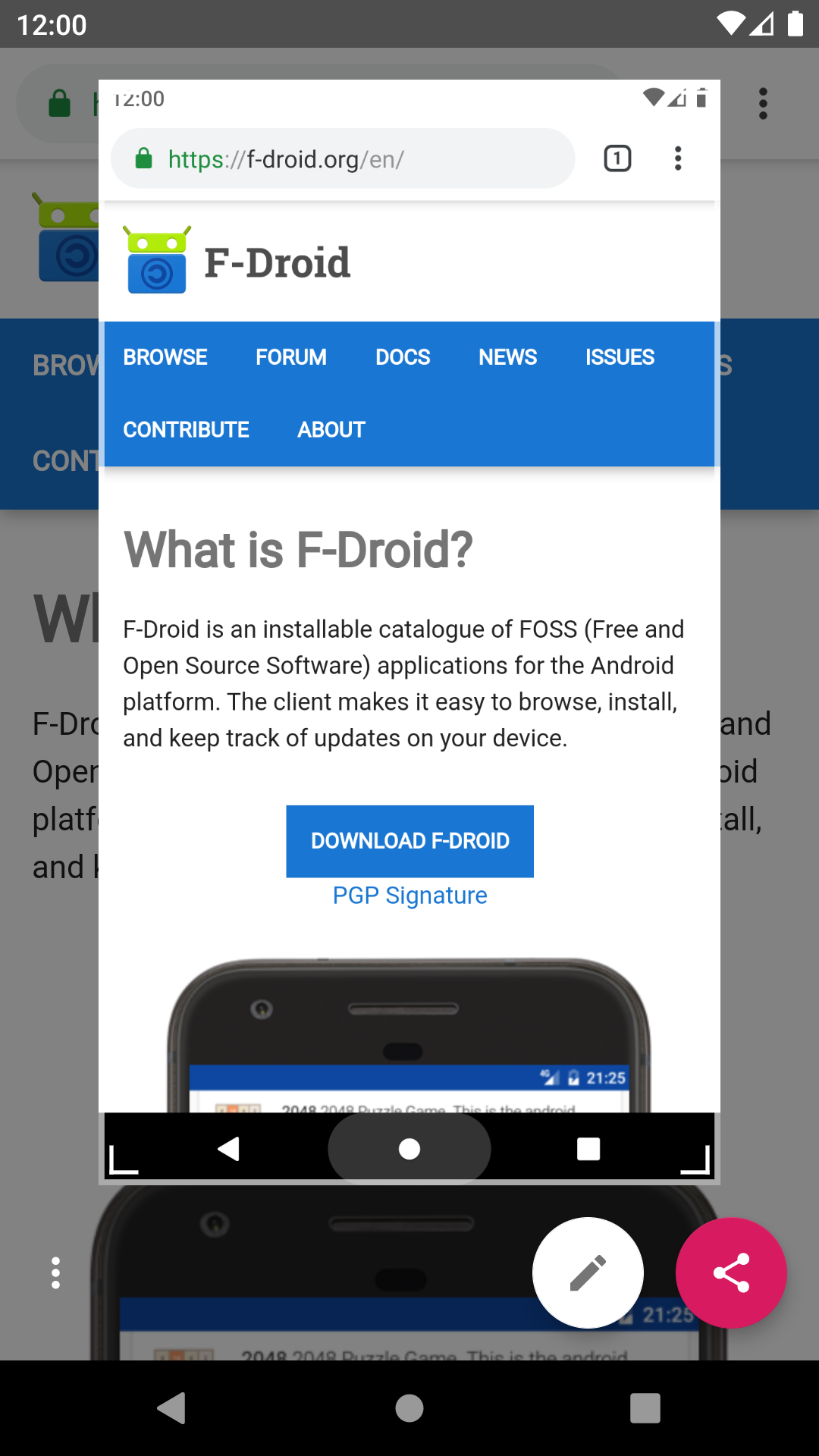
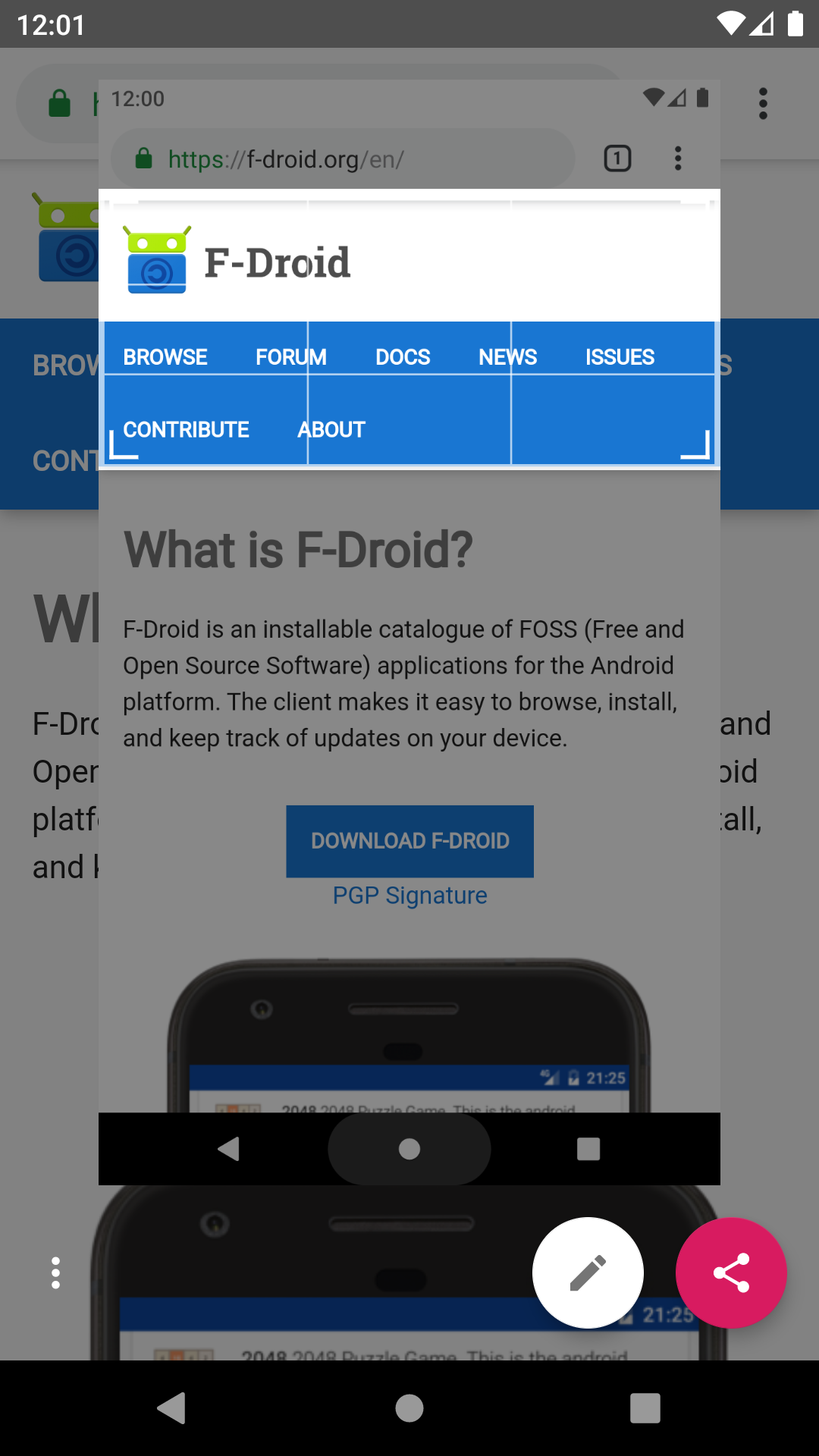
 Screenshot Assistant replaces the digital assistant app with one job: take a screenshot when you use the assist gesture, then let you crop, draw on and share it.
Setup:
1. Install the app and open it.
2. Pick it under Settings > Apps > Default apps > Digital assistant app, and turn on "Use screenshot" there.
3. Use the assist gesture (for example, long-press the home button or swipe up from a bottom corner).
Features:
- Screenshot through the Android Assist API, no screen recording permission
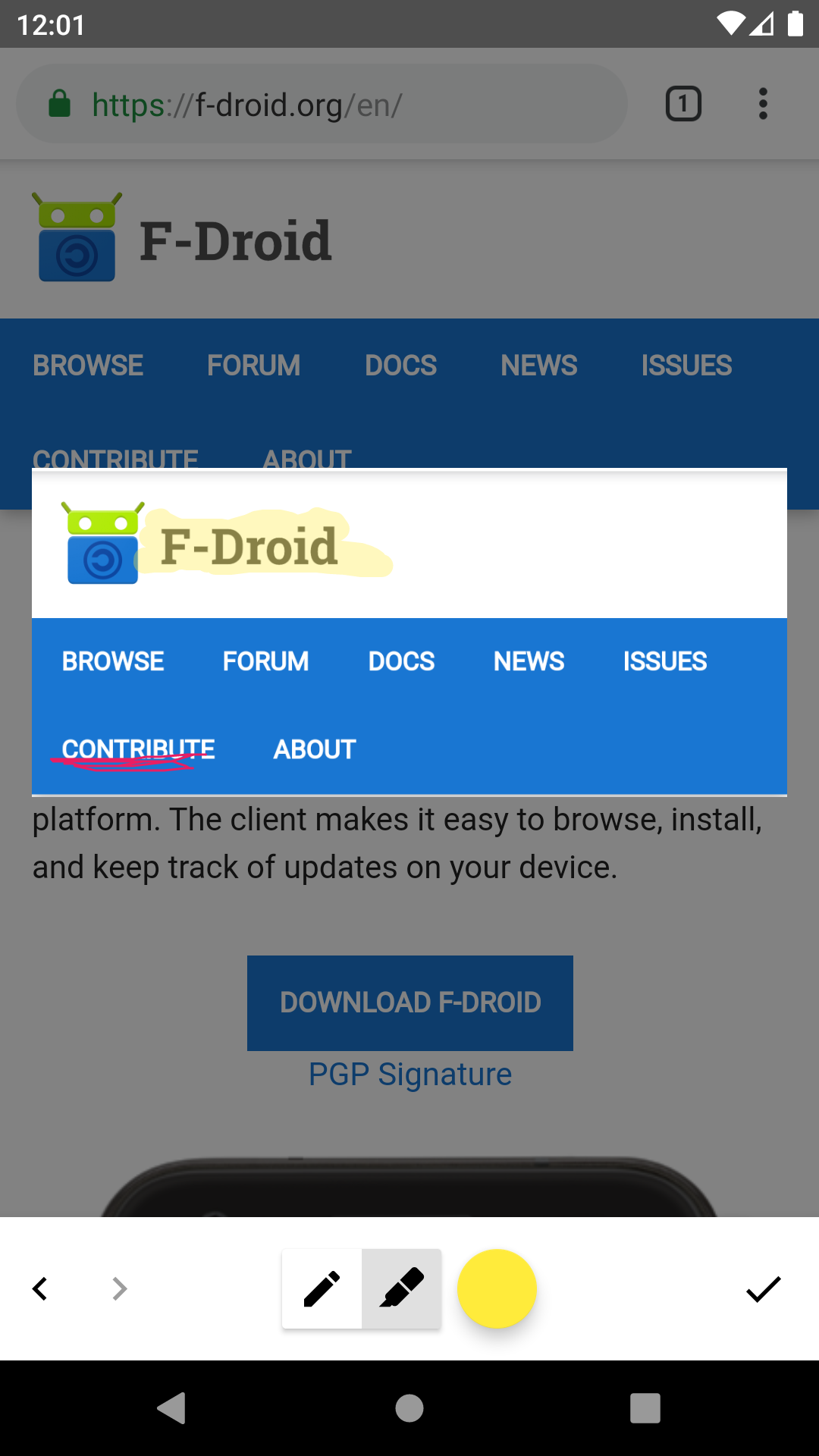
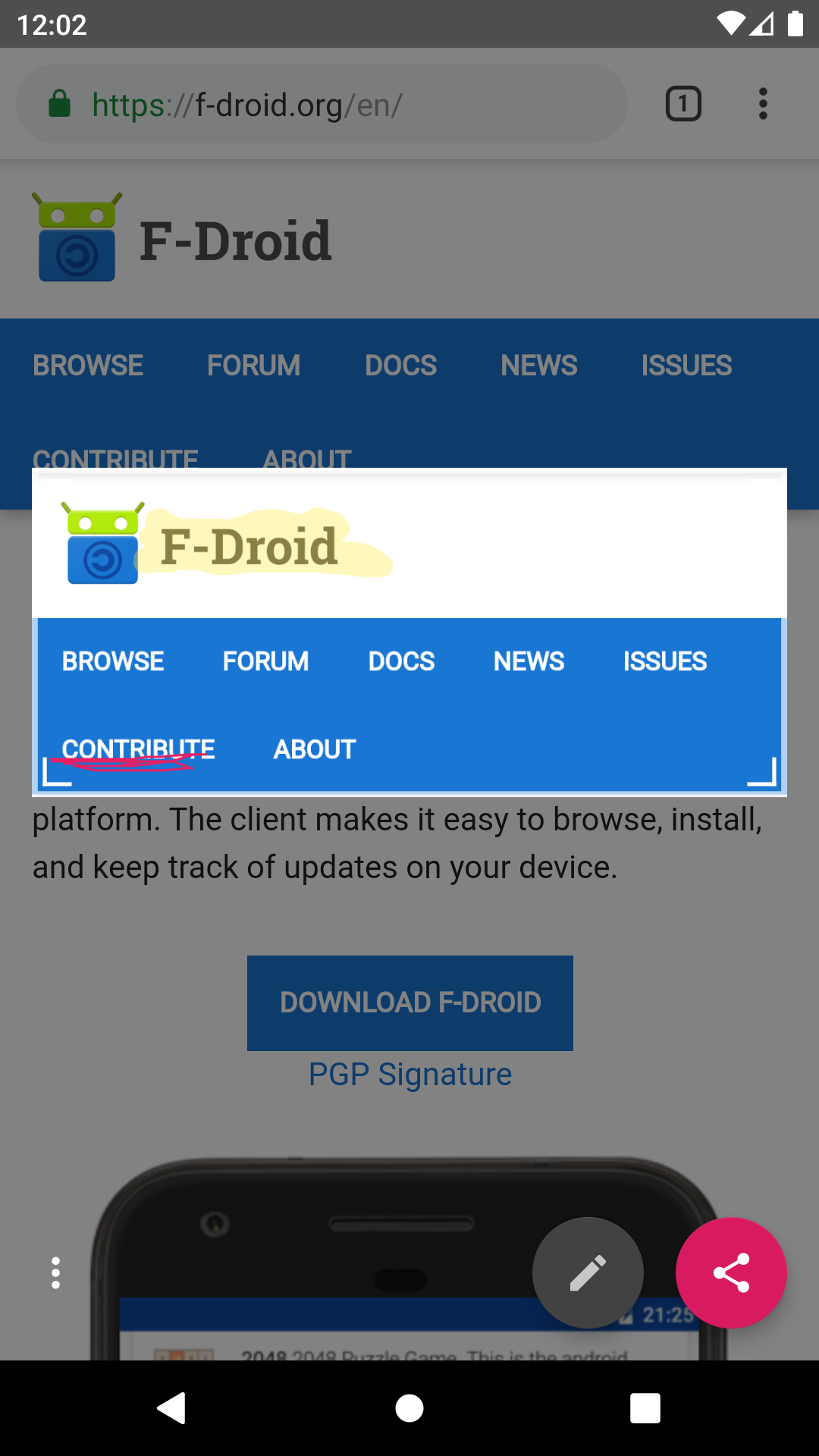
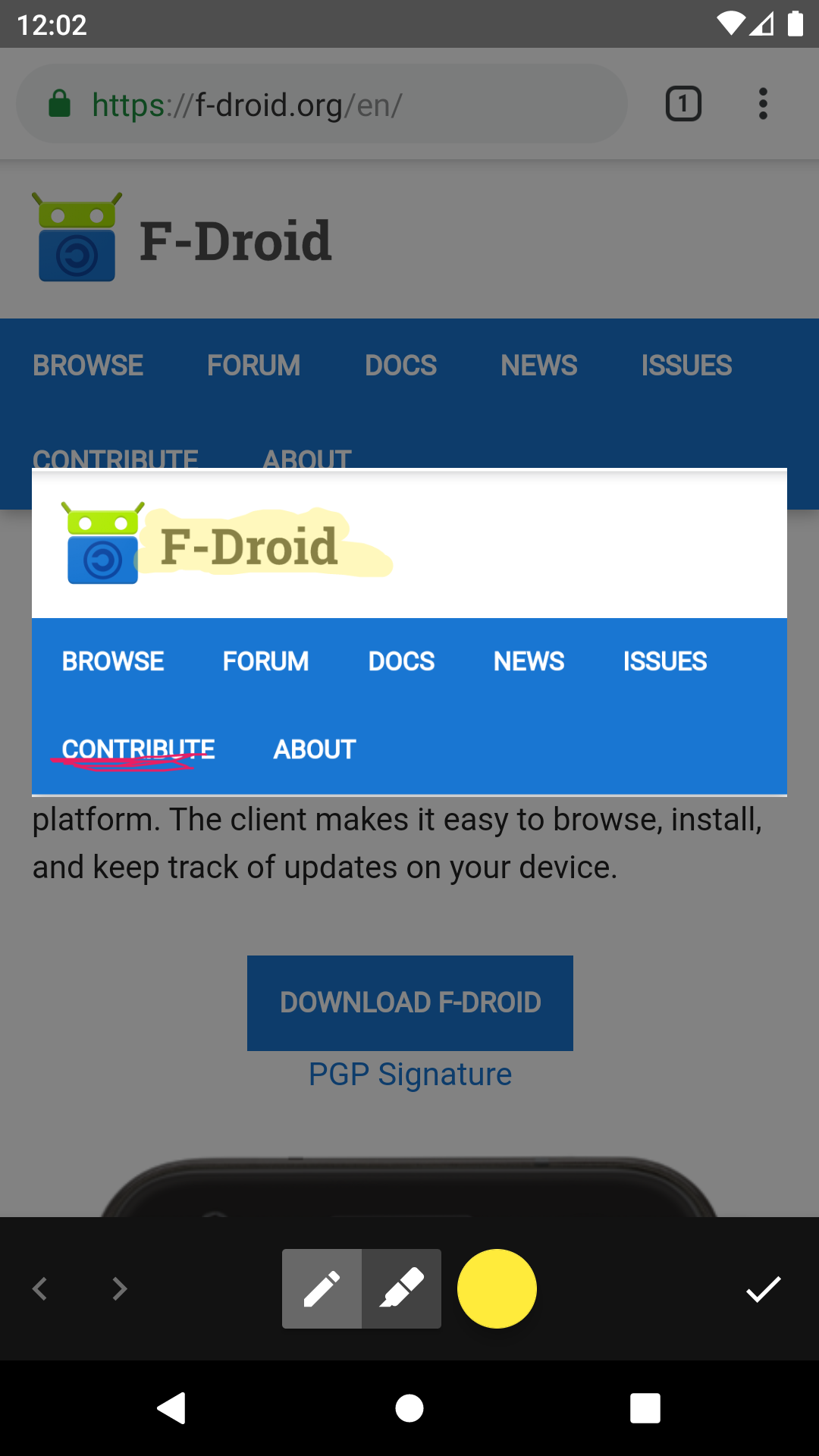
- Crop, draw with a pen or highlighter, undo and redo
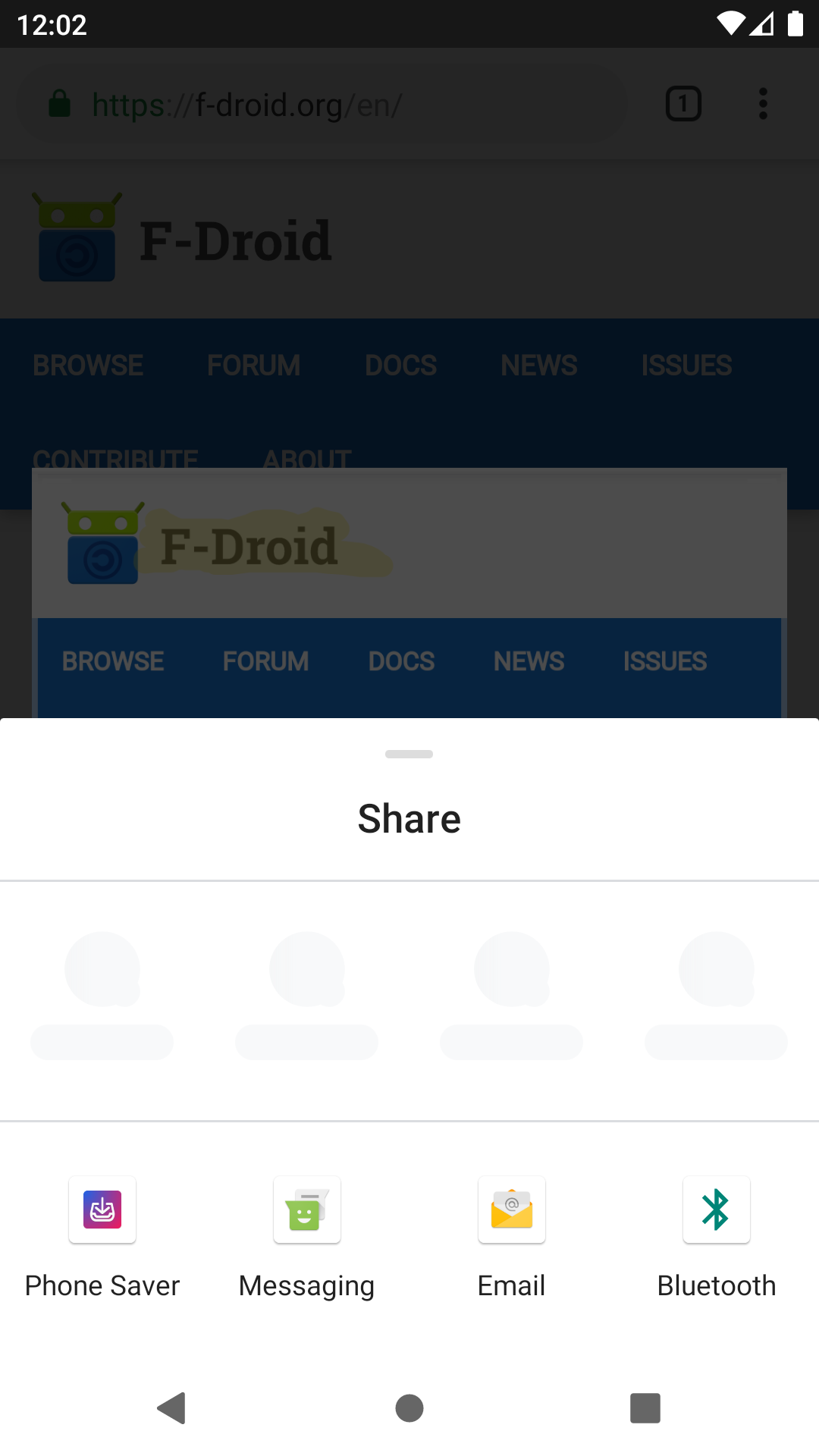
- Share straight to any app, with a choice of PNG, JPG or WEBP
- Nothing is saved to storage, so old screenshots don't pile up
- Optional reminder after a restart or app update if Android reset the digital assistant app (needs the notification permission)
- No internet access, no ads, no tracking
Requires Android 14 or newer.
WhatsNew:
- The screenshot shows once loaded; first crop view no longer empty.
- Pen or marker choice kept on rotation.
- Share no longer reopens after rotation.
- Android Gradle Plugin 9.5.0.
While you can download the APKs here directly, you should preferably use an F-Droid client so the app stays up-to-date on your device.

