Nudge
Privacy-first app blocker with breathing exercises and delay-to-open
| Repo: | F-Droid.Org |
| AppID: | dev.astraedus.nudge |
| Author: | Astraedus |
| License: | GPL-3.0-only |
| InRepoSince: | 2026-11-13 |
| LastRepoUpdate: | 2026-11-13 |
| LastAppUpdate: | Unknown |
| LastVersion: | 1.30.0 |
| Categories: | Digital Wellbeing |
| Google Play: | Check if it's there |
 App blockers ask for Accessibility Service permissions — the most powerful permission on Android. It can see everything on your screen. Most app blockers are closed-source with vague privacy policies. Nudge is different.
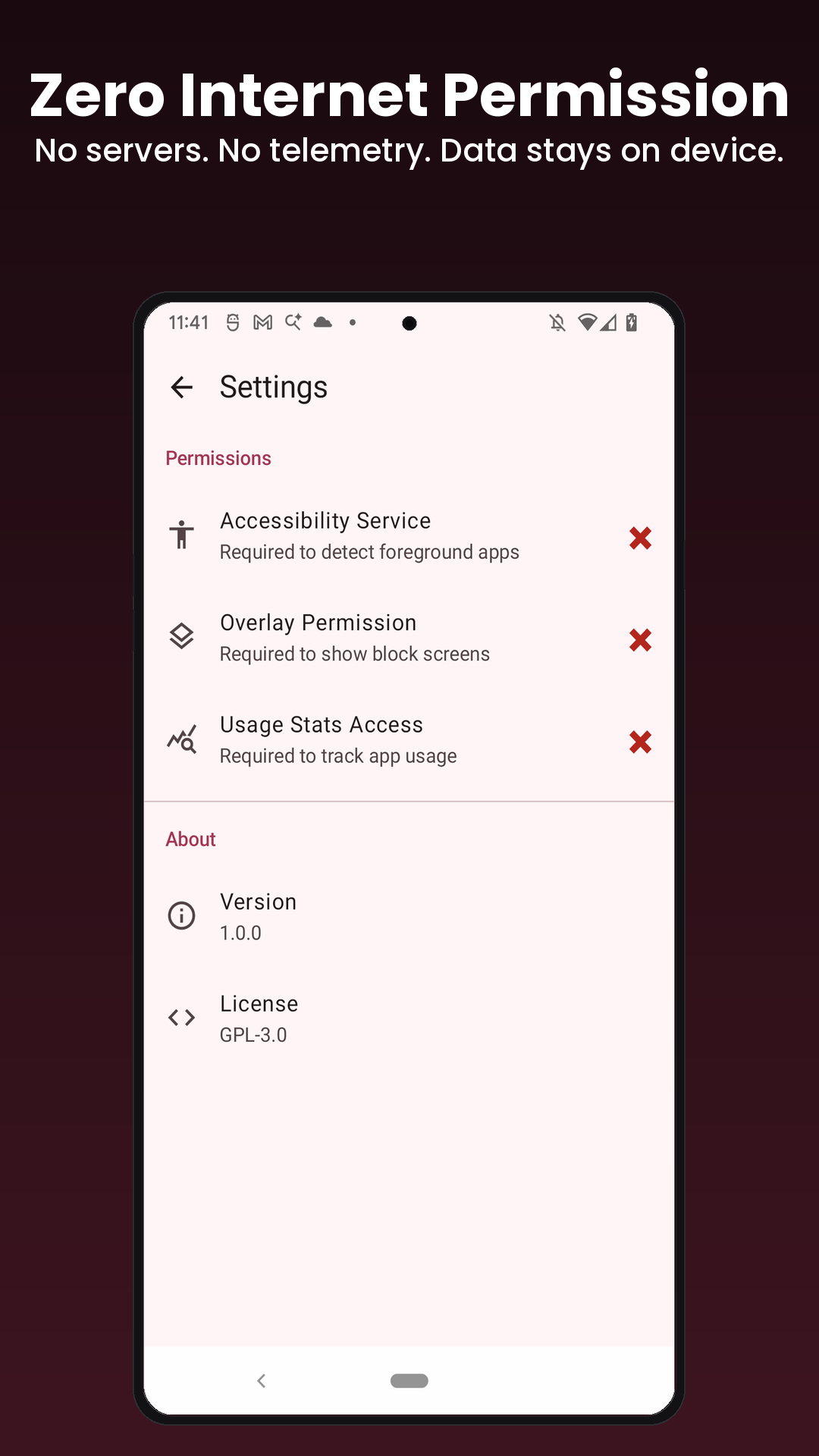
Nudge is open source, requests zero internet permissions, and keeps all your data on your device. No analytics. No telemetry. No data leaving your phone. Ever.
Features:
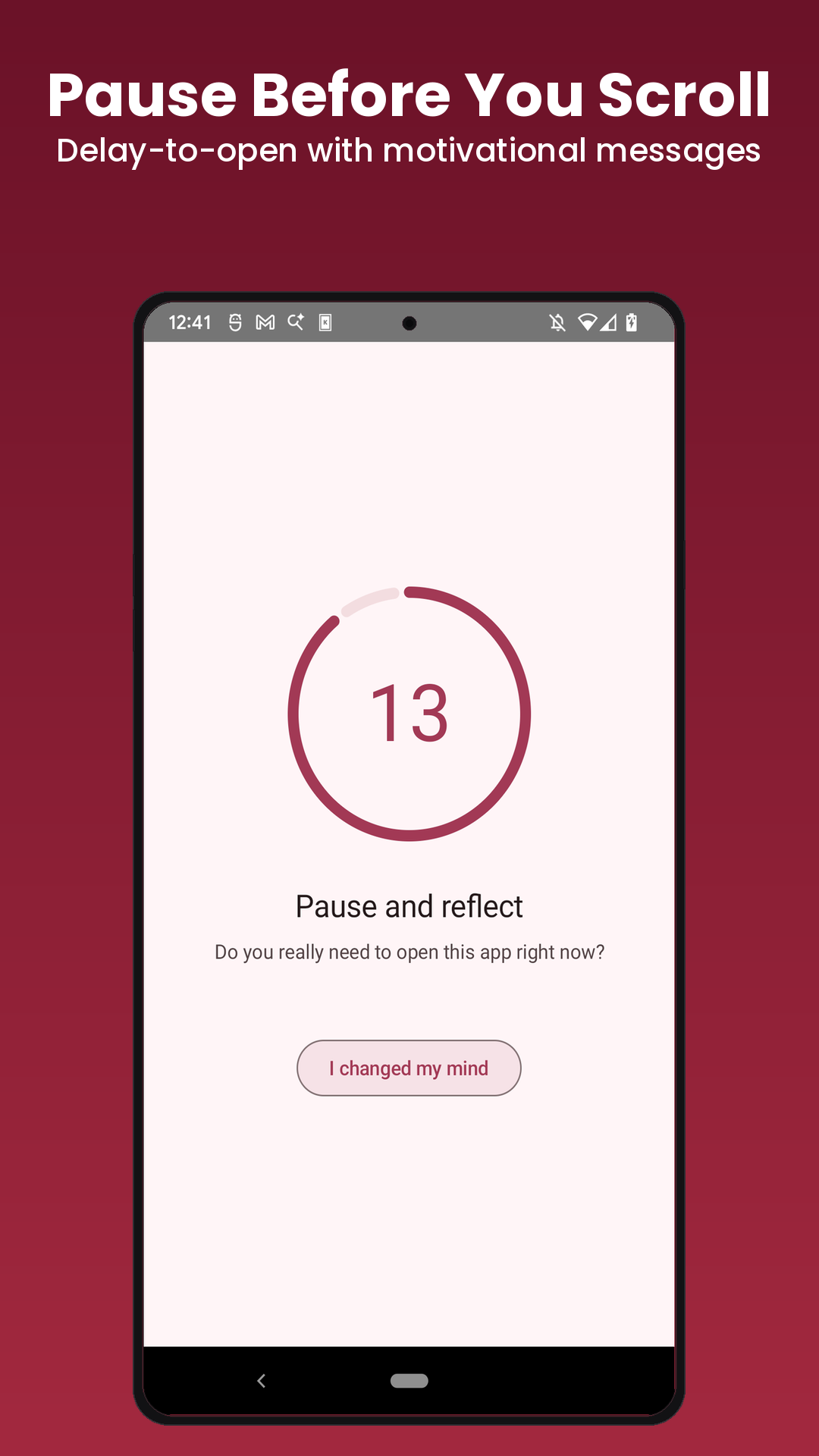
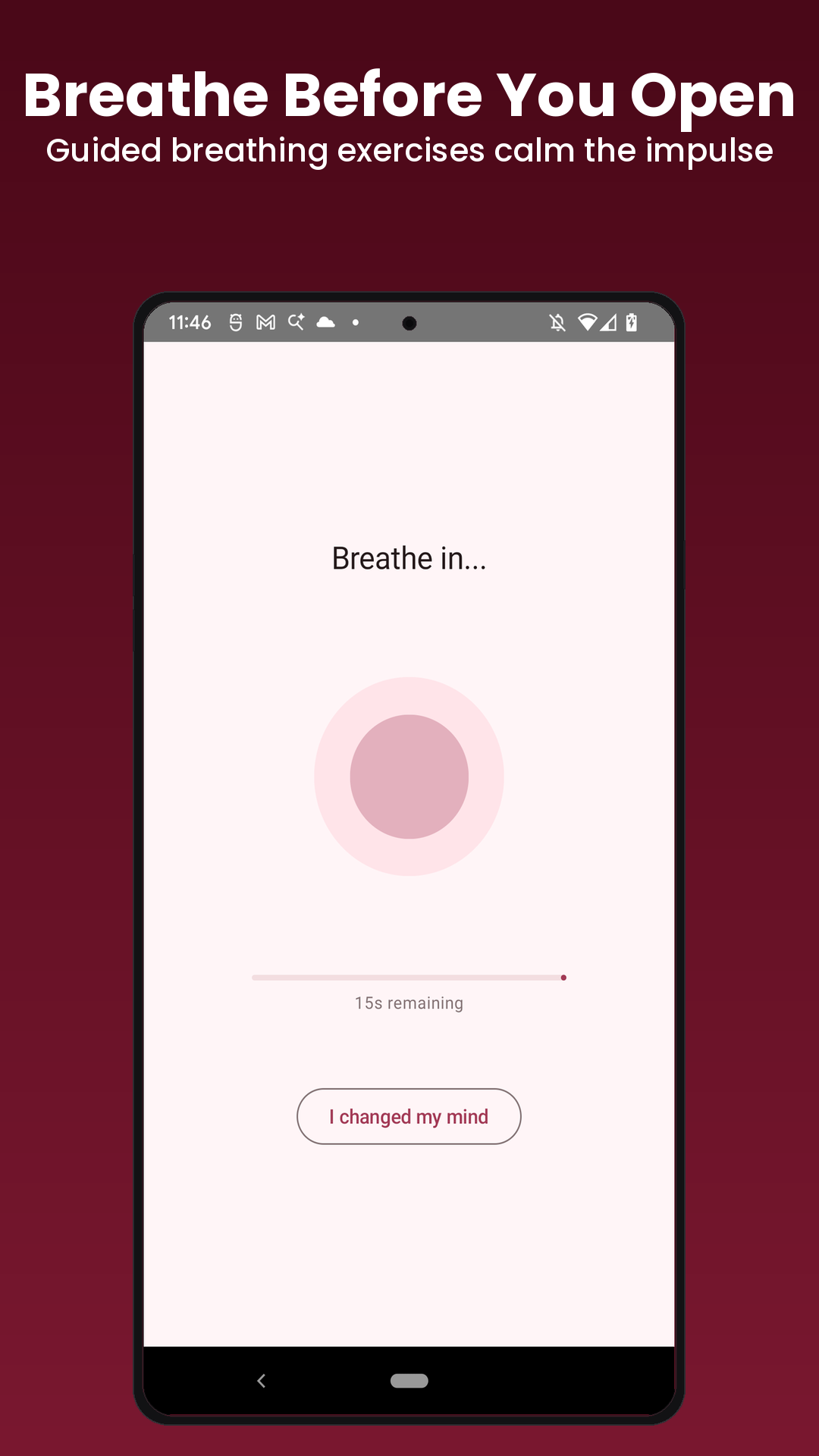
* Delay-to-open — wait through a breathing exercise or countdown before opening distracting apps
* Hard blocking — completely block apps you don't want to access
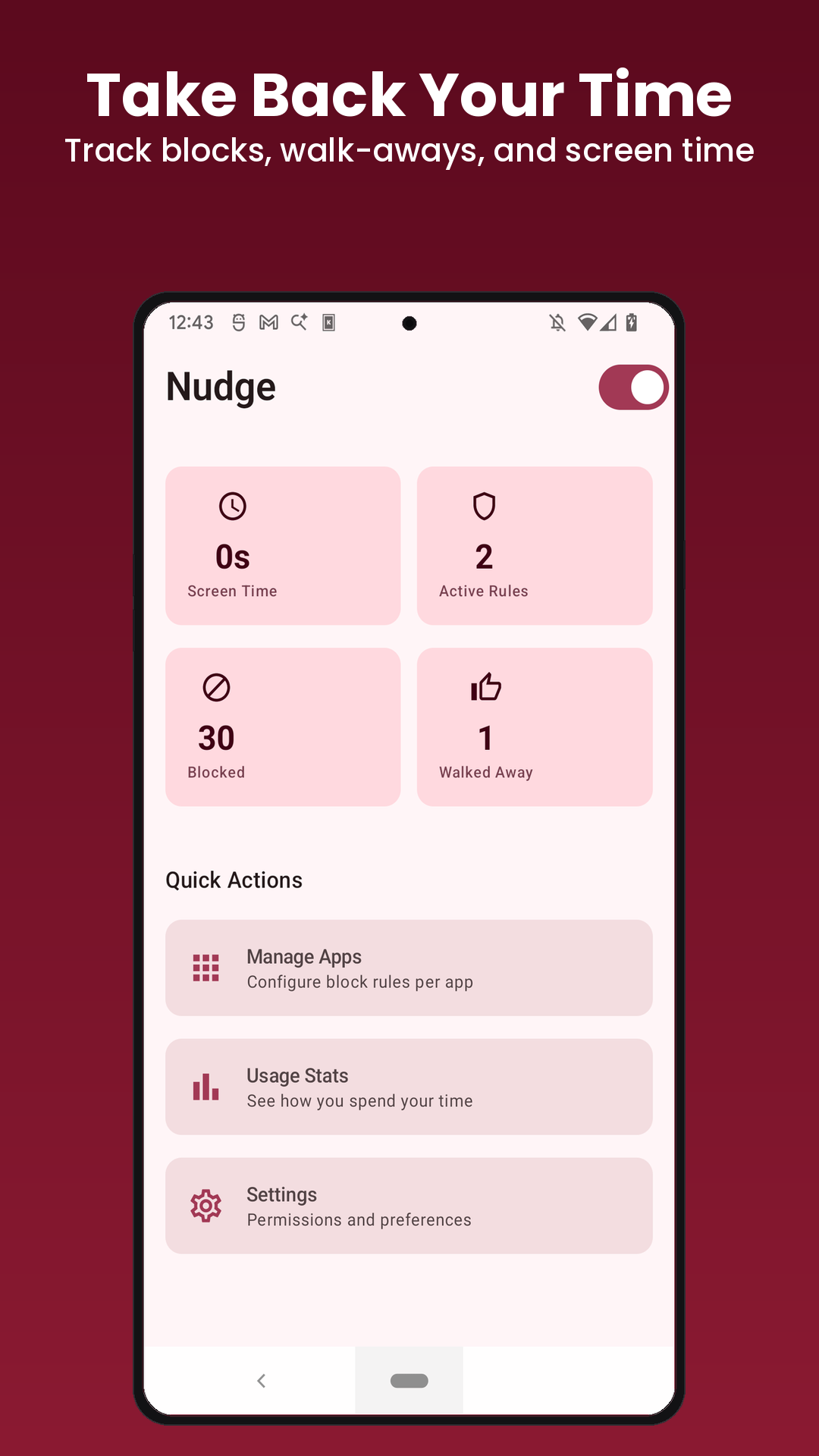
* Daily time budgets — allow 30 minutes of Instagram per day, then block
* App groups — create a "Social Media" group, configure once, apply to all
* Schedule-based rules — block social media 9-5 on weekdays
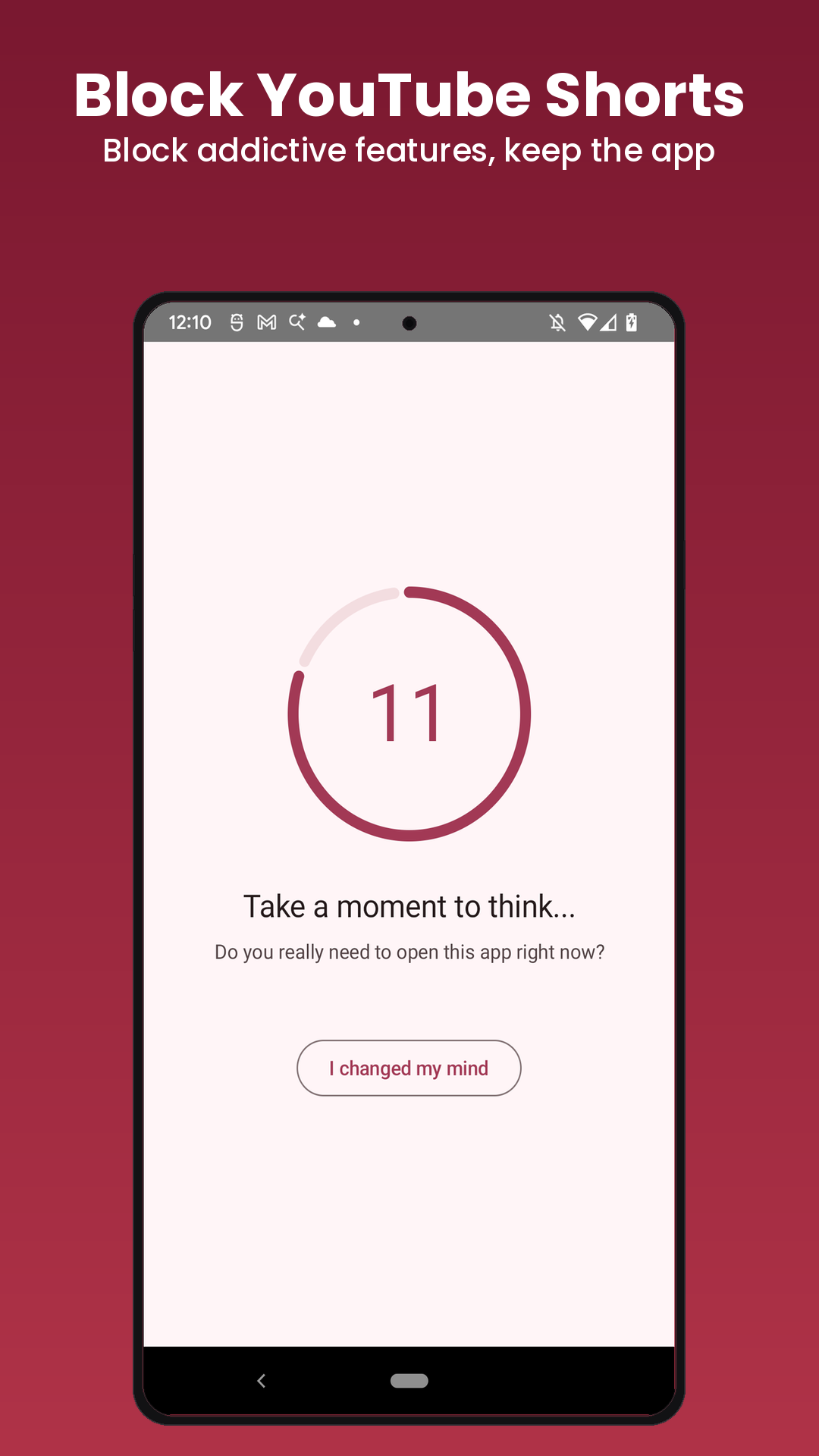
* In-app blocking — block Instagram Reels and YouTube Shorts without blocking the whole app
* Grayscale mode — make blocked apps less appealing by forcing grayscale display
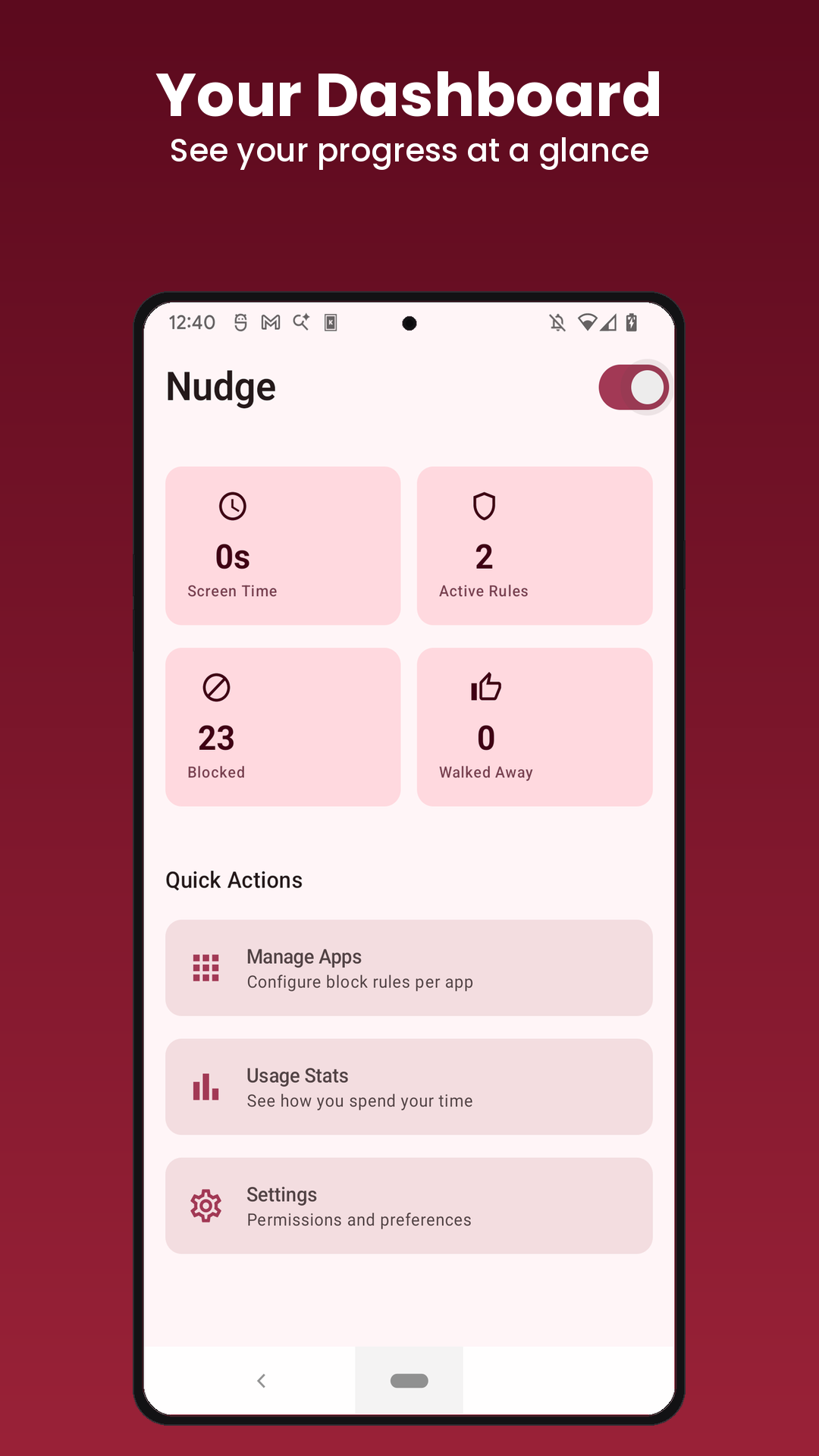
* Usage stats — see where your screen time actually goes
The delay/breathing modes are the core idea. They don't lock you out — they insert a moment of intentional friction that breaks the automatic habit loop driving most mindless phone usage.
Zero internet permission is declared in the manifest — verifiable, not a promise.
WhatsNew:
• New setting: Show the camera on block screens. When it is on, you see yourself through the front camera behind every block screen, including after you get kicked out of an app.
• Only the picture changes: same waits, same buttons, same Strict Mode.
• It is off by default. The camera is never recorded or saved. Without the camera, block screens stay plain.
While you can download the APKs here directly, you should preferably use an F-Droid client so the app stays up-to-date on your device.
Packages
Version 1.30.0 (2026-11-13) 

Android Versions:
- Target: 16.0
- MinVer: 8.0
- ABIs: arm64-v8a, armeabi-v7a, x86, x86_64
Permissions:
Malware-Check:
Download (4.3 M)