Daak
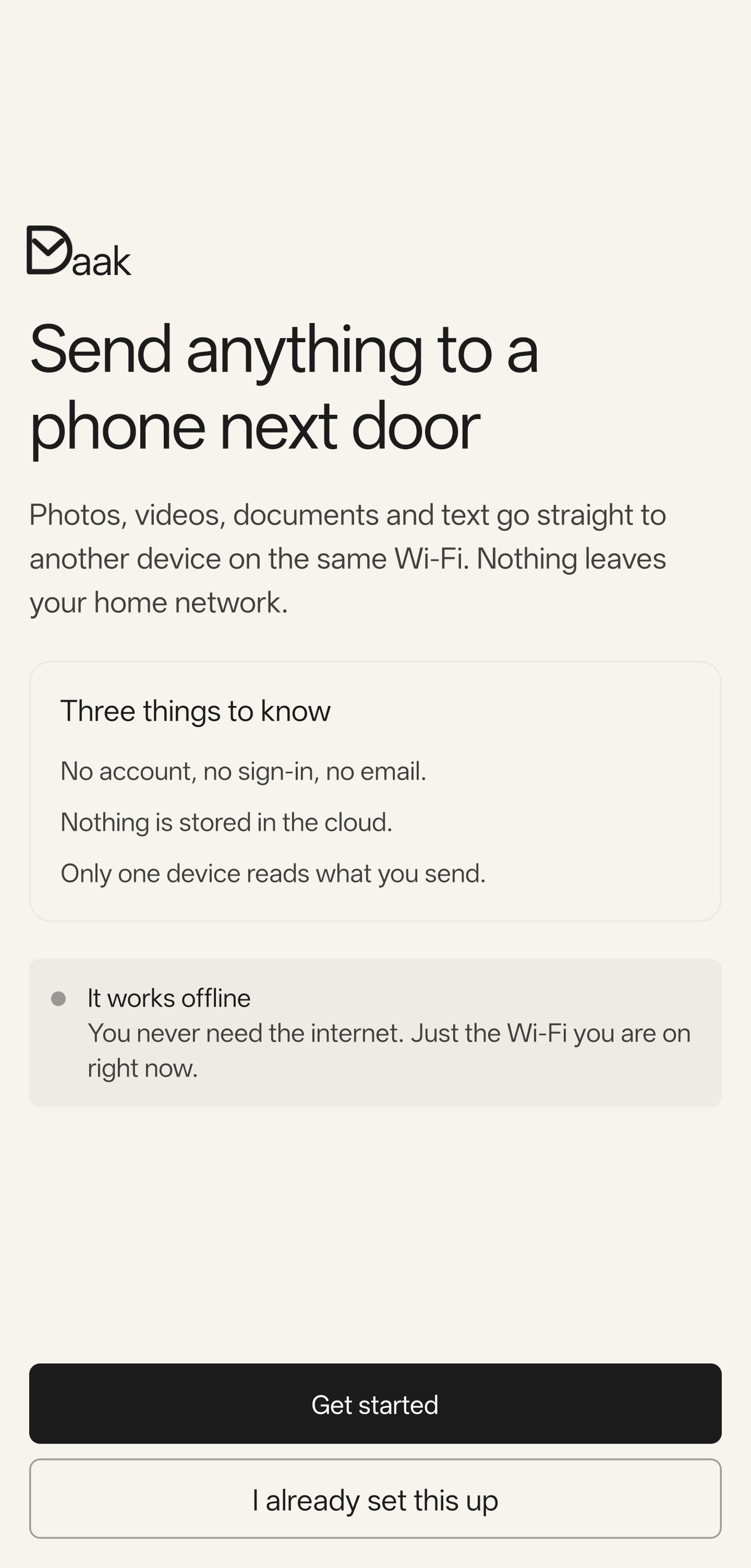
Send files and text between your own devices over Wi-Fi. No account.
| Repo: | F-Droid.Org |
| AppID: | dev.darshit.daak |
| Author: | Darshit Patel |
| License: | Apache-2.0 |
| InRepoSince: | 2026-10-22 |
| LastRepoUpdate: | 2026-11-09 |
| LastAppUpdate: | Unknown |
| LastVersion: | 0.1.5 |
| Categories: | File Transfer |
| Google Play: | Check if it's there |
 Daak (डाक, "post") moves photos, files, and text between your own devices over your local network. Nothing goes through the internet. Nothing goes through a server. You do not create an account.
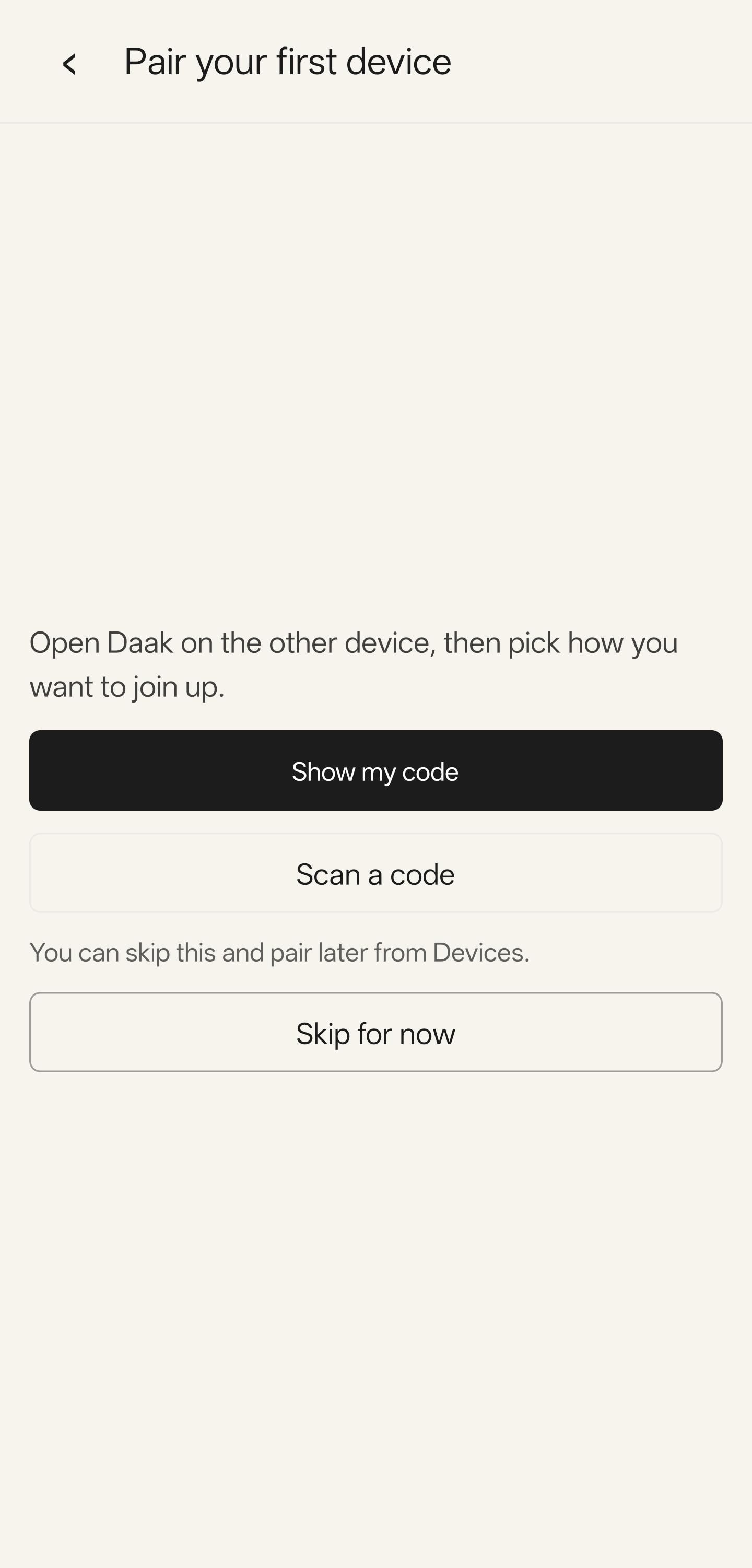
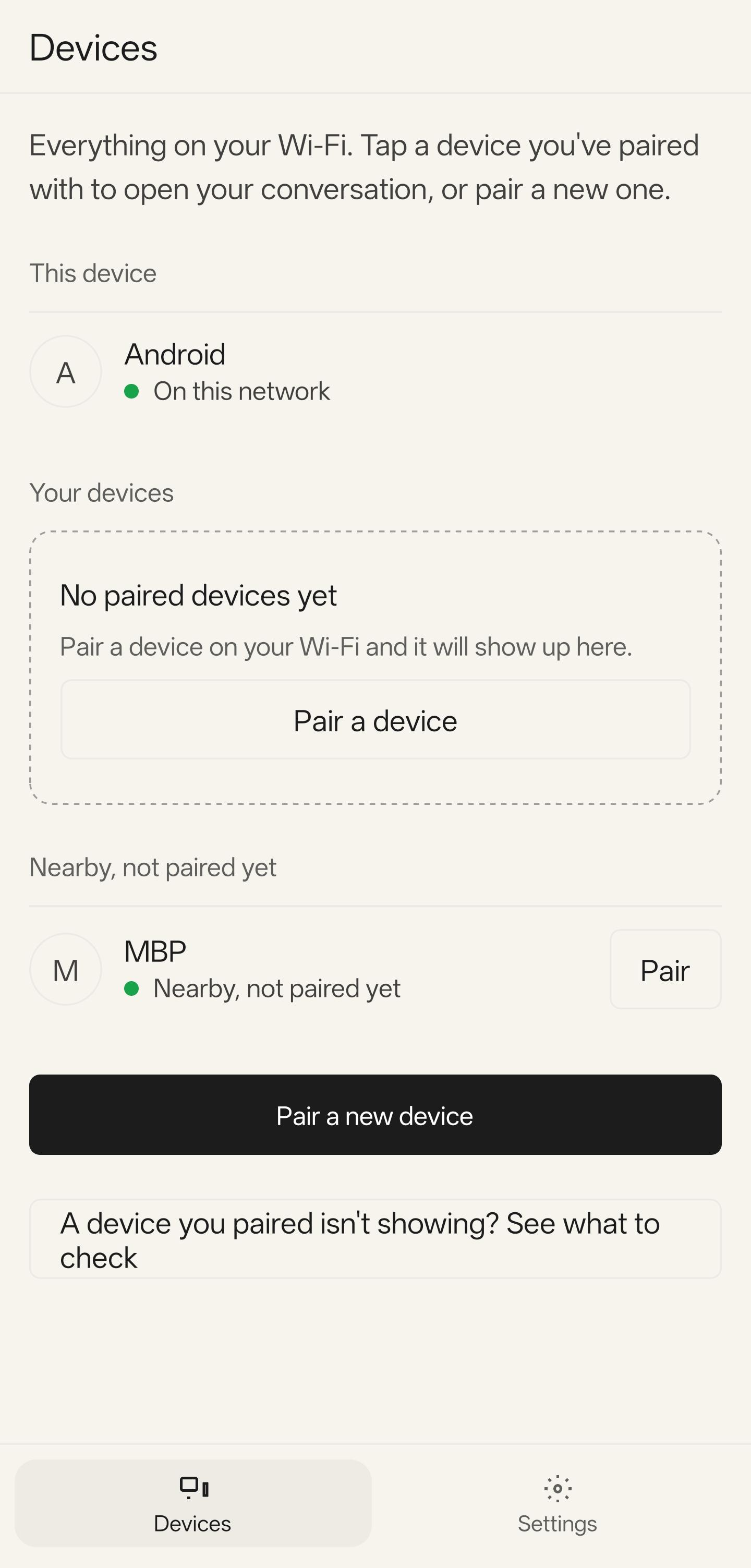
Pair two devices once. Scan a QR code and check that both screens show the same number. After that, pick an item and send it.
Features
- End-to-end encryption between paired devices.
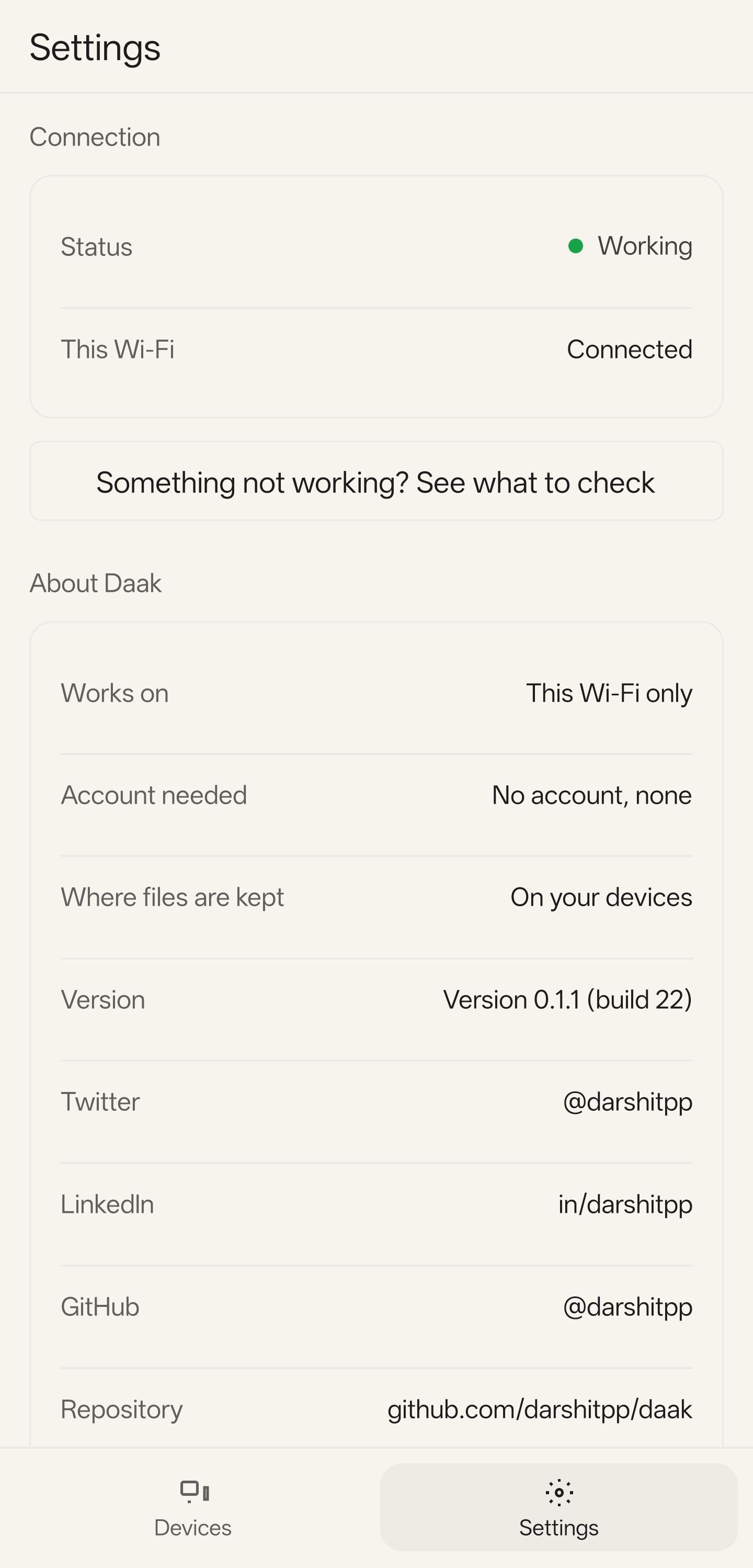
- Local network only. No account and no internet relay.
- Files of any size. Daak sends 1 MiB chunks, so memory use stays low.
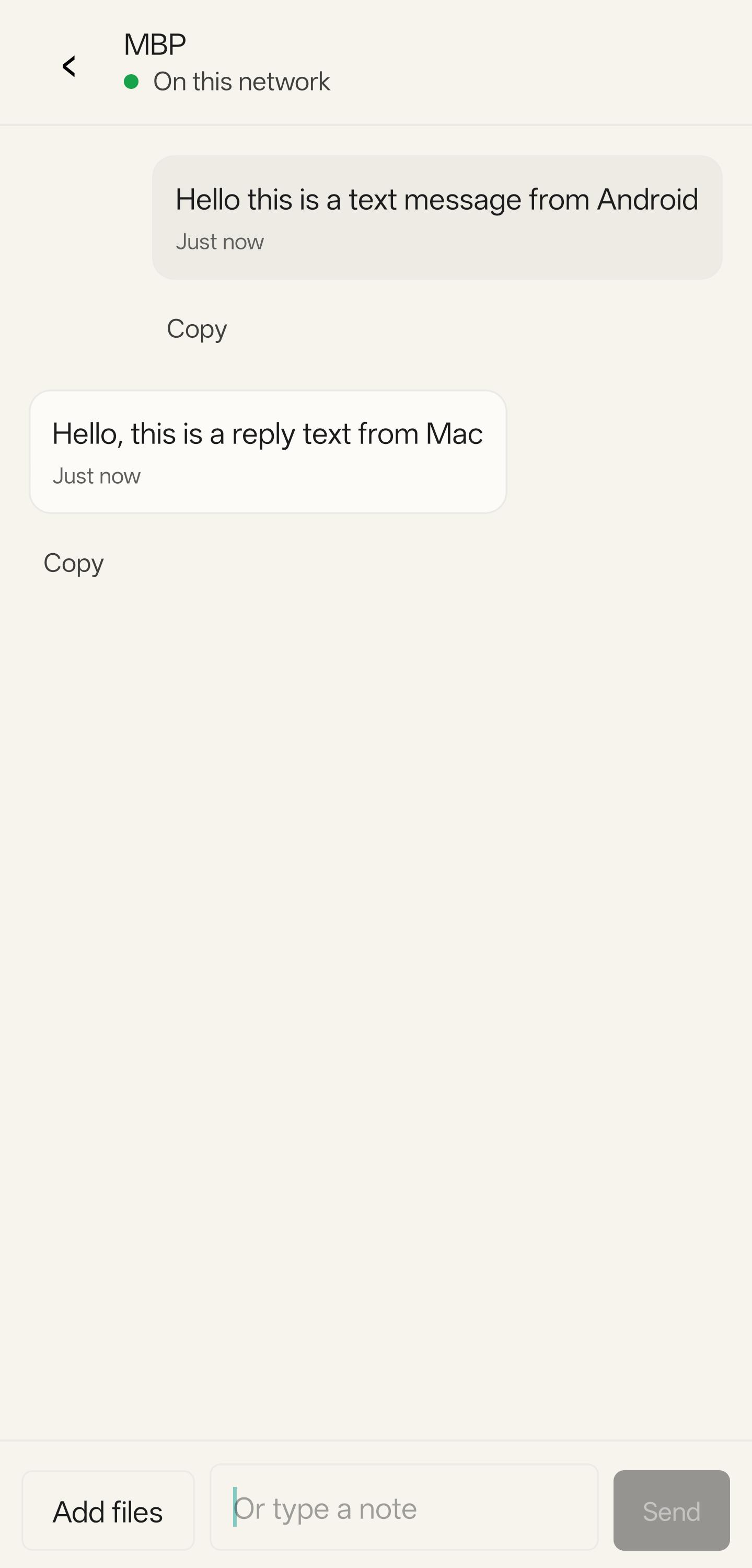
- Send text and photos as well as files.
- Works with Daak on macOS and iOS.
Permissions
- Camera: scan the QR code when you pair a device.
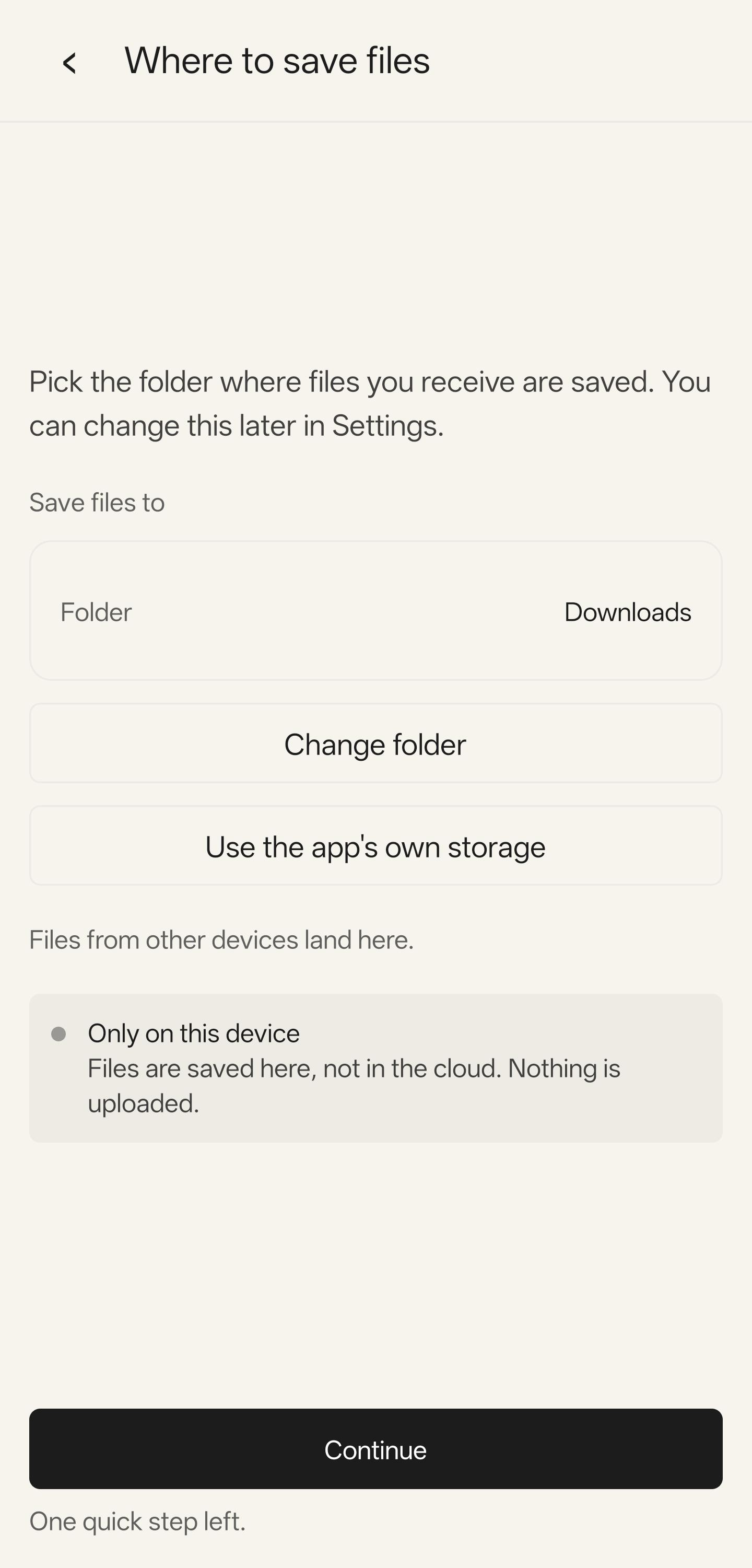
- Local network and Wi-Fi multicast: find your paired devices.
- Notifications: show the result of a transfer.
Daak receives files only while the app is running.
WhatsNew:
Send and receive whole folders. The speed of a transfer shows on screen. Sending is faster when the disk or the CPU limits it. Settings has a Report an issue button that copies the recent log. The log stays in memory.
While you can download the APKs here directly, you should preferably use an F-Droid client so the app stays up-to-date on your device.
Packages
Version 0.1.5 (2026-11-09) 

Android Versions:
- Target: 14.0
- MinVer: 8.0
- ABIs: arm64-v8a
Permissions:
Malware-Check:
Download (19 M)