Droynis
Read-only security and privacy audit for your phone
| Repo: | F-Droid.Org |
| AppID: | io.github.capitan0n.droynis |
| Author: | Alexandros (capitan0n) |
| License: | GPL-3.0-or-later |
| InRepoSince: | 2026-10-12 |
| LastRepoUpdate: | 2026-11-13 |
| LastAppUpdate: | Unknown |
| LastVersion: | 0.17.0 |
| Categories: | Security, System |
| Google Play: | Check if it's there |
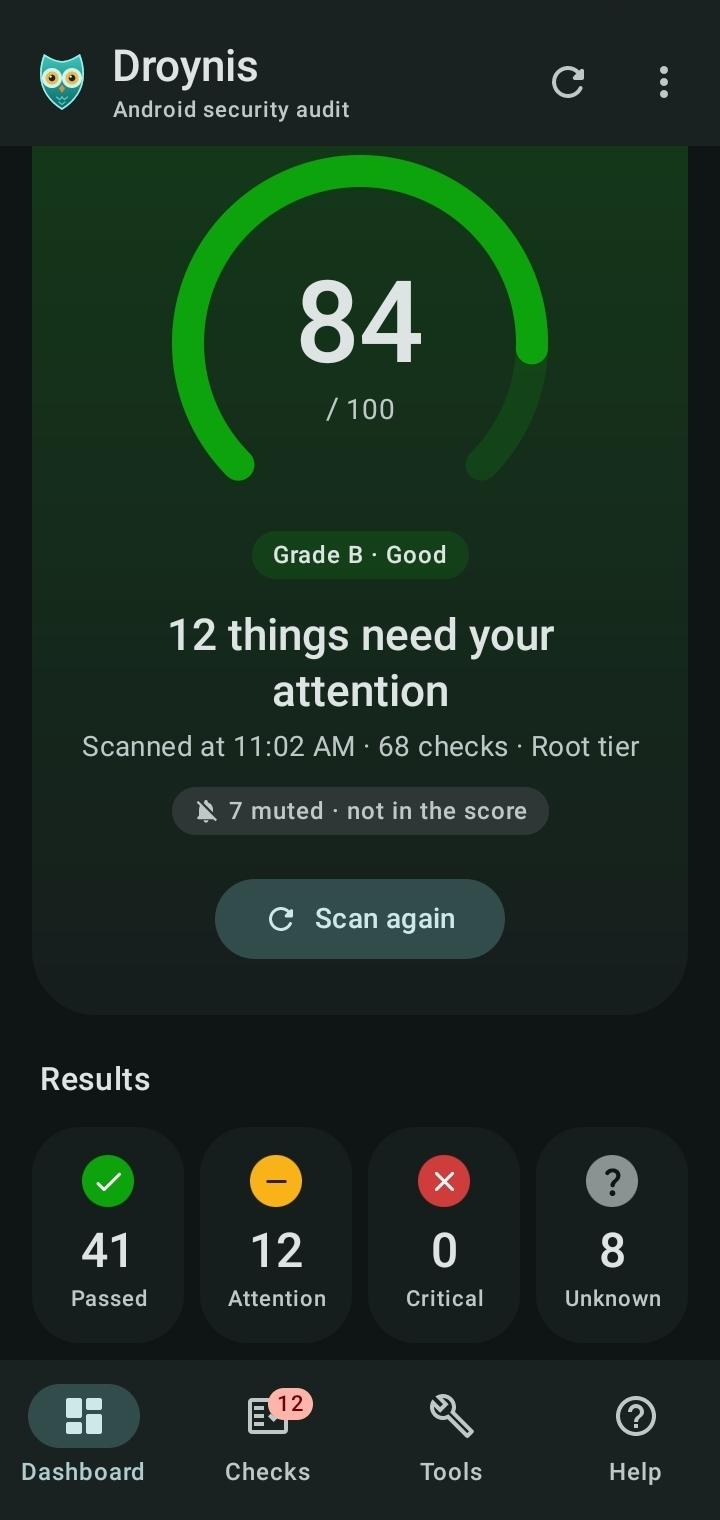
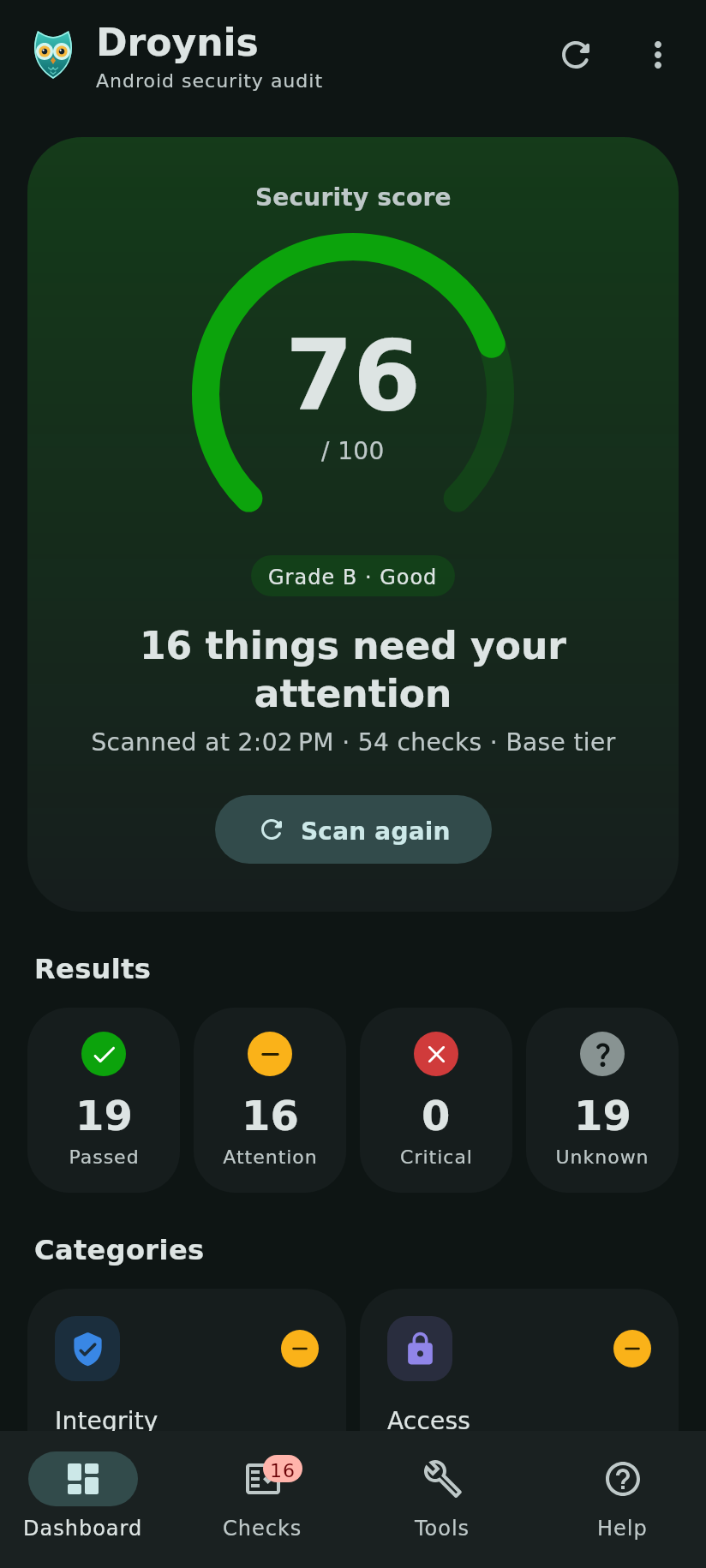
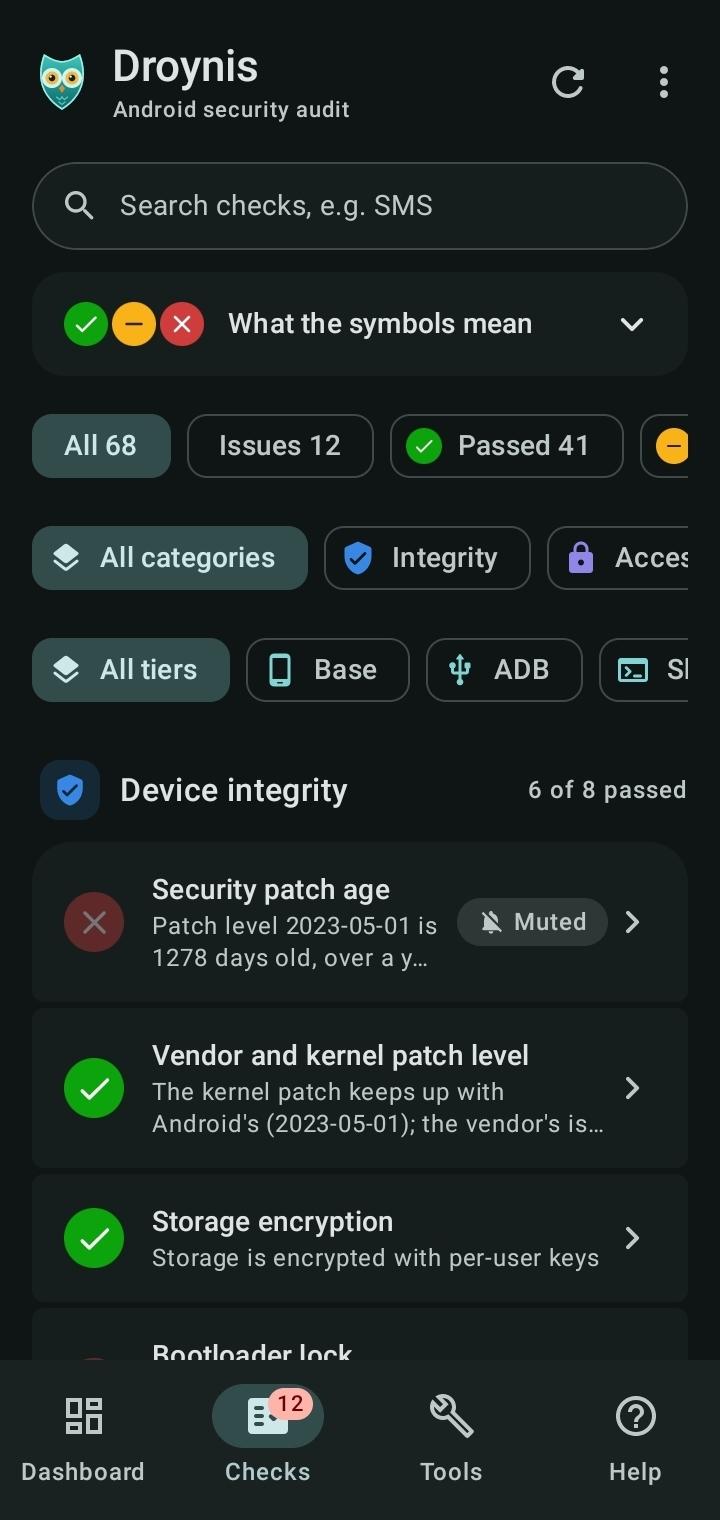
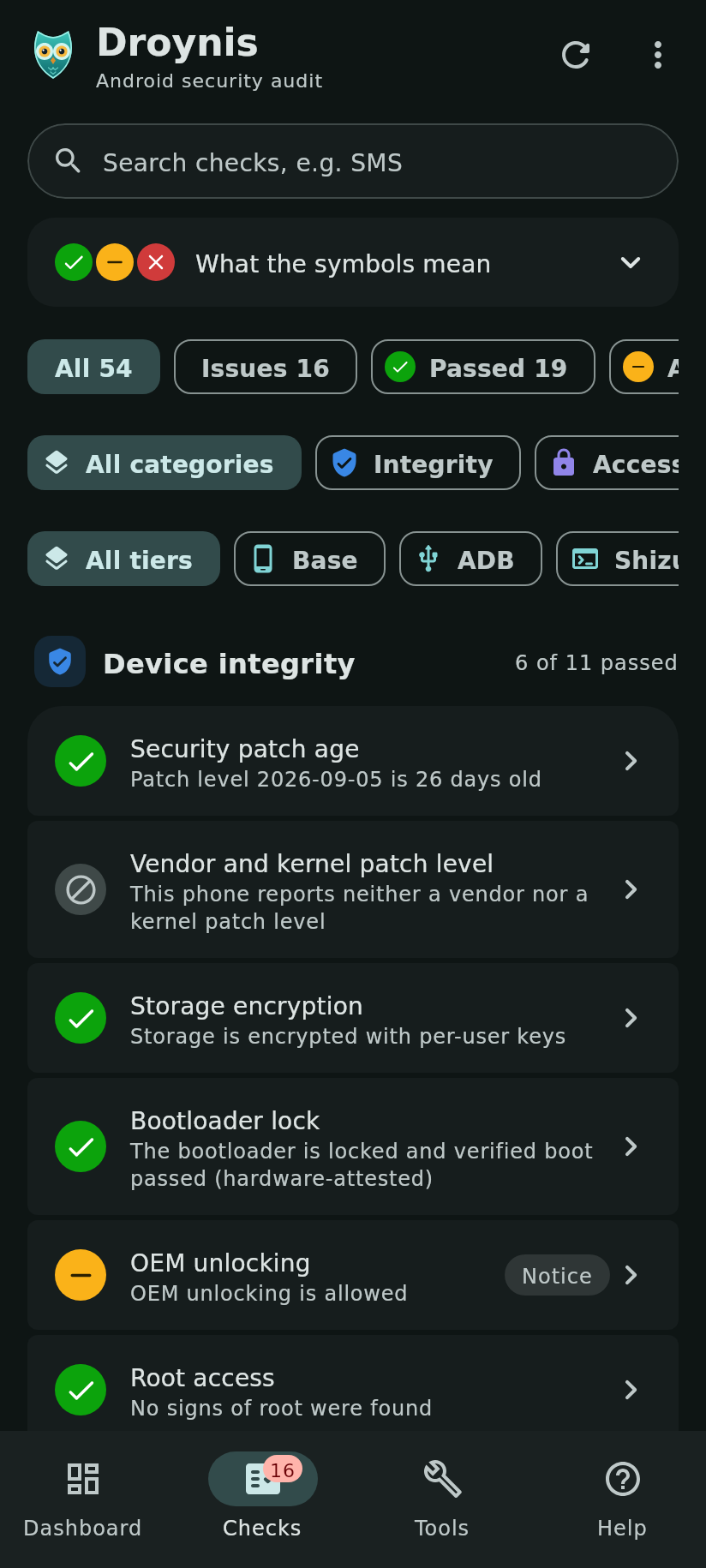
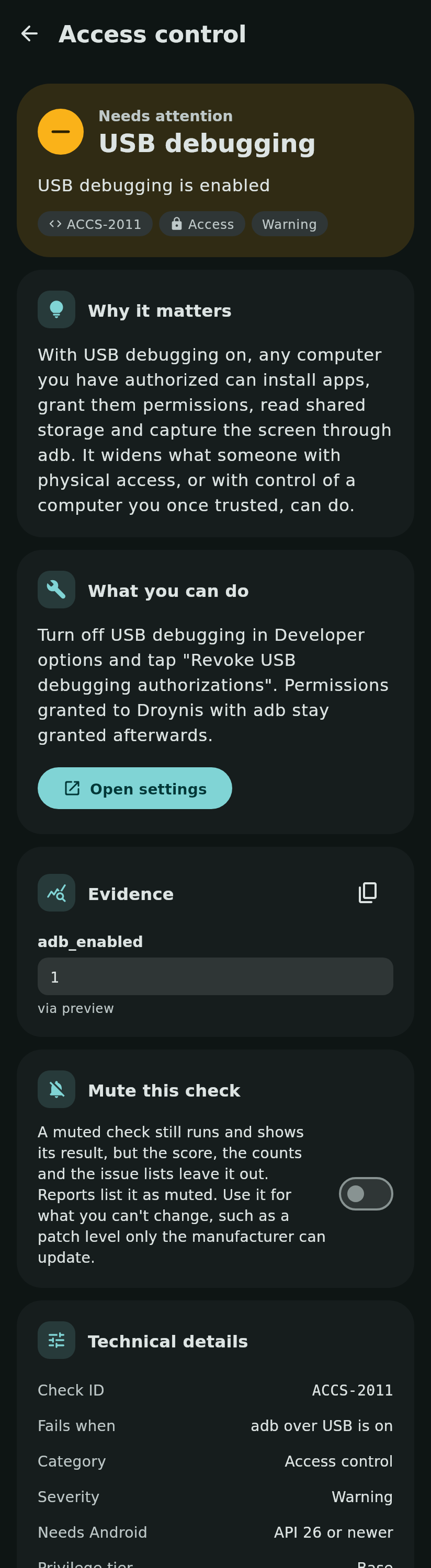
 Droynis checks the security and privacy settings of the phone it runs on, explains every finding in plain words, shows the raw evidence and opens the Settings screen that fixes it. It never changes anything itself.
Droynis is not an antivirus or malware scanner: it audits how the phone is set up and looks for signs that adware leaves, not for malicious code.
What it checks
- Device integrity: security patch age, vendor and kernel patches, encryption, bootloader lock, root, SELinux, WebView updates, time since restart, storage space
- Access control: screen lock and its strength, biometric unlock strength, lock delay, remote lock and erase, USB and wireless debugging and their authorization timeout, Smart Lock, SIM PIN, device controls on the lock screen
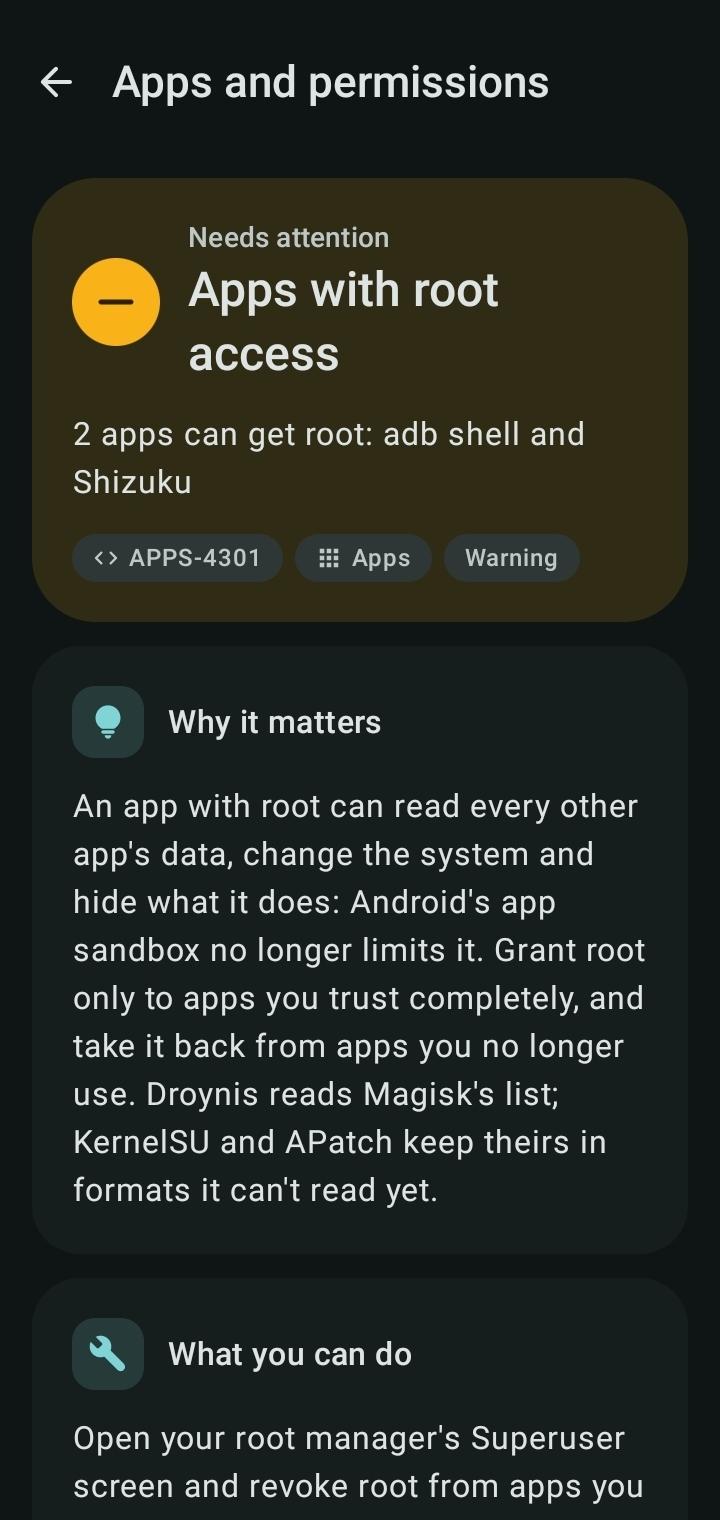
- Apps and permissions: accessibility services, device admins, notification access, SMS and call log access, location all the time, autofill and assistant apps, passkey and password providers, apps with Shizuku access, clipboard access alerts, sideloaded and debuggable apps, special app access, apps that skip battery optimization, Google Play services
- Suspicious apps: apps that hide from the app drawer (turned-off icon, blank name, transparent icon), hidden apps set up to run in the background, running in the background or showing screens of their own, camera, microphone, location, SMS, call log and contacts use from the background, apps that record the screen without asking, apps installed by another app, banking-trojan permissions, and apps signed with a debug or test key
- Network and radios: Private DNS, VPN, Wi-Fi security and MAC randomization, open Wi-Fi networks that join automatically, hidden Wi-Fi networks, hotspot security, HTTP proxies, user and added system certificates, 2G, mobile network encryption, Bluetooth, NFC and Secure NFC, location
Four tiers
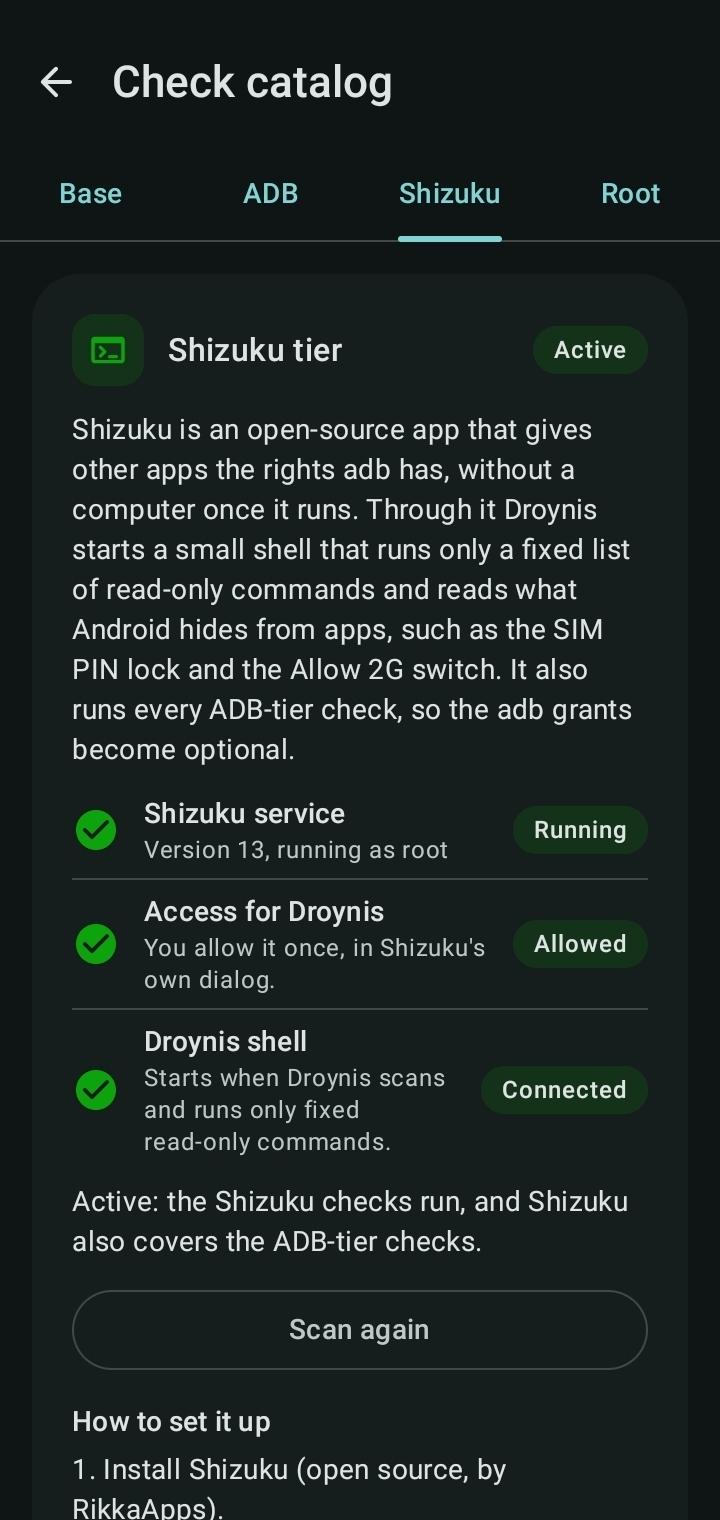
Most checks need no setup. Two read-only adb grants, Shizuku or root unlock the rest; privileged tiers run only a fixed list of read-only commands.
Honest results
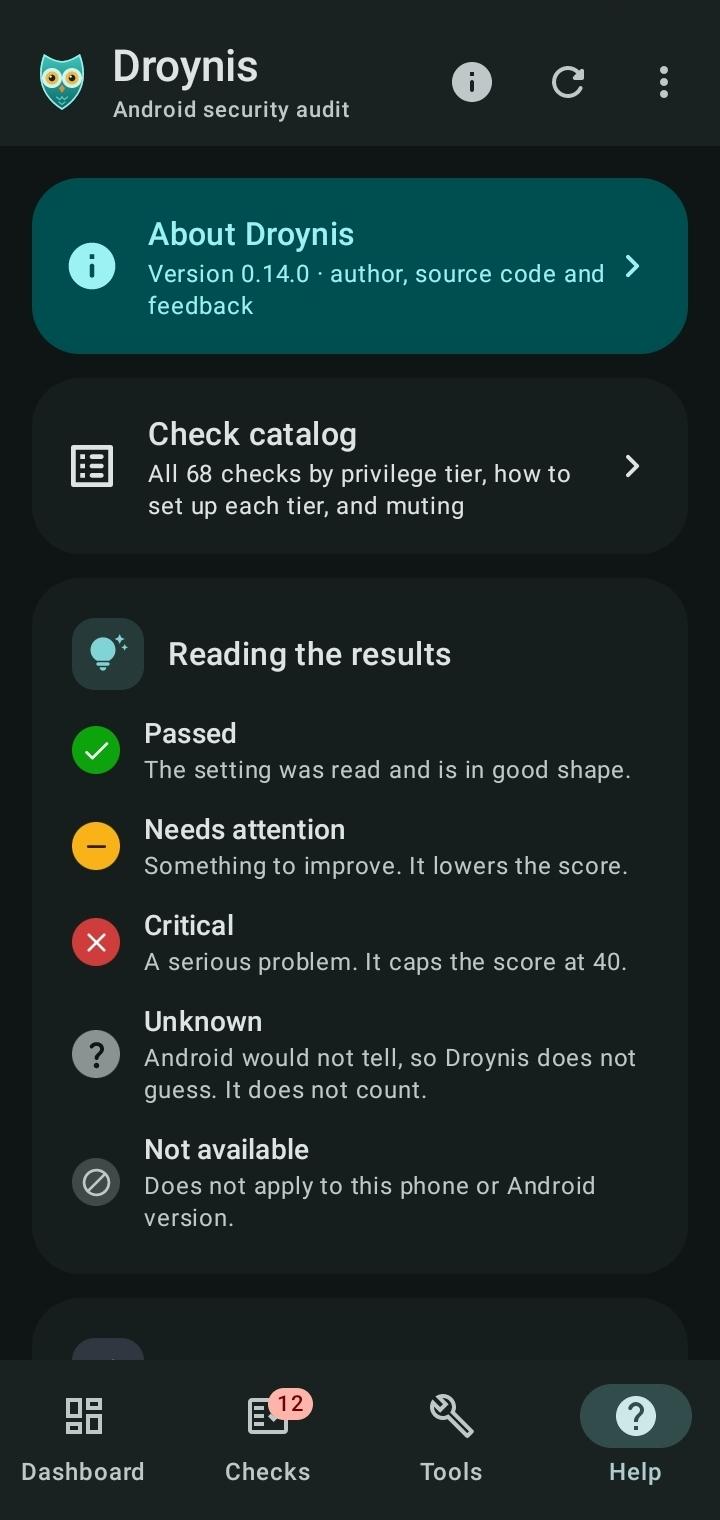
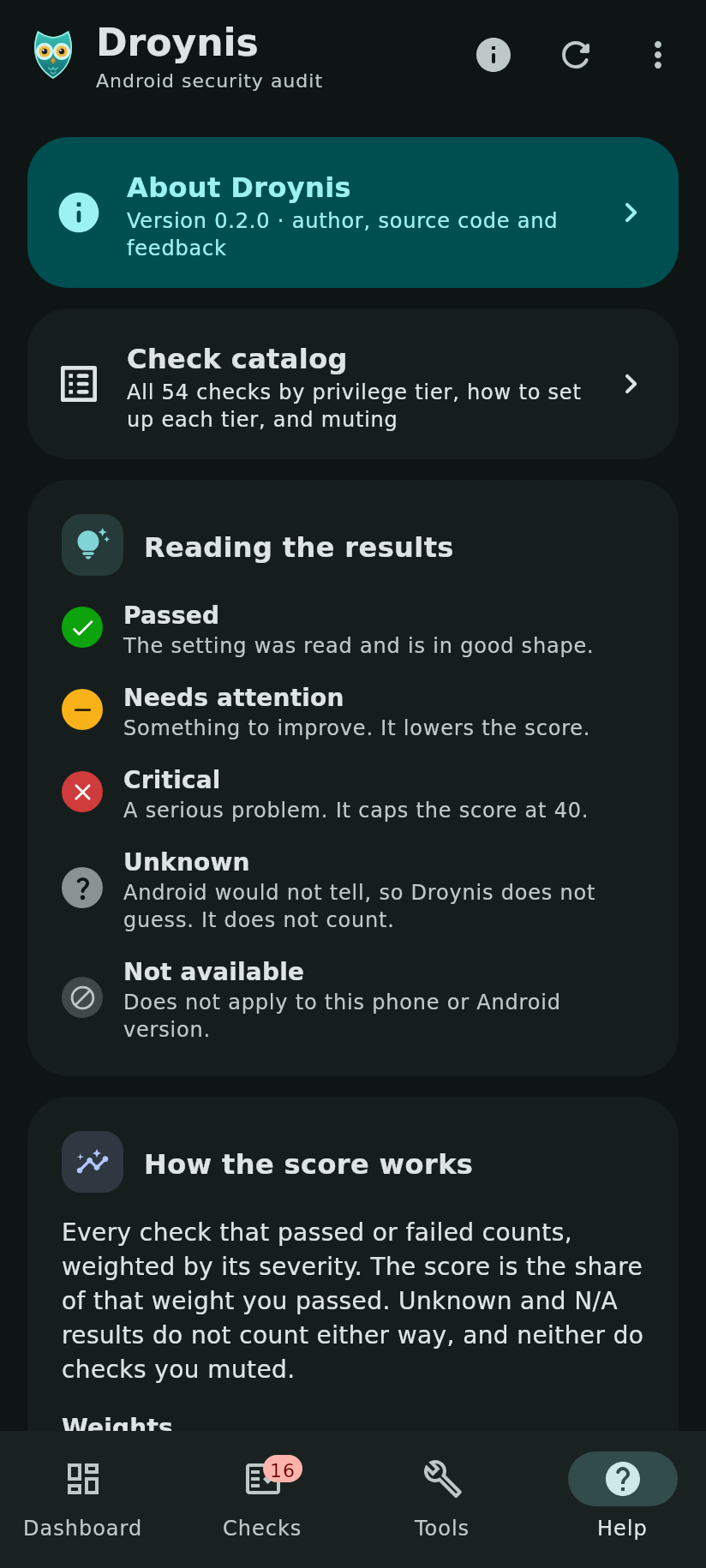
A check passes only on a value it actually read. When Android won't say, the result is Unknown, never Passed. A score from 0 to 100 sums it up; checks you can't fix can be muted.
Scheduled scans
Optional: Droynis scans about once a day or once a week in the background and compares with the last results. Notifications, off until you turn them on, say what got worse, got fixed or couldn't run.
Private by design
No internet permission, no Google Play Services, no analytics. Reports (Markdown or JSON) leave out IP addresses, DNS and proxy servers and trusted computers by default.
Droynis is not affiliated with Lynis or CISOfy.
WhatsNew:
Scheduled scans: Droynis can scan about once a day or once a week in the background and notify you of what got worse, got fixed or couldn't run. Off by default; notifications are optional and show only "Scan finished" on the lock screen. The card warns when Android holds scans back. Two new permissions, used only for this: notifications and keeping the schedule after a reboot. Still no internet access. Tools is now two tabs: Device and Reports.
While you can download the APKs here directly, you should preferably use an F-Droid client so the app stays up-to-date on your device.
Packages
Version 0.17.0 (2026-11-13) 

Android Versions:
- Target: 17.0
- MinVer: 8.0
- ABIs: arm64-v8a, armeabi-v7a, x86, x86_64
Permissions:
Malware-Check:
Download (1.9 M)