Restoid - Backup Tool
Secure, deduplicated backup for apps and files powered by the restic engine.
| Repo: | F-Droid.Org |
| AppID: | io.github.hddq.restoid |
| Author: | hddq |
| License: | GPL-3.0-only |
| InRepoSince: | 2026-04-29 |
| LastRepoUpdate: | 2026-11-13 |
| LastAppUpdate: | Unknown |
| LastVersion: | 0.8.0 |
| Categories: | System |
| Google Play: | Check if it's there |
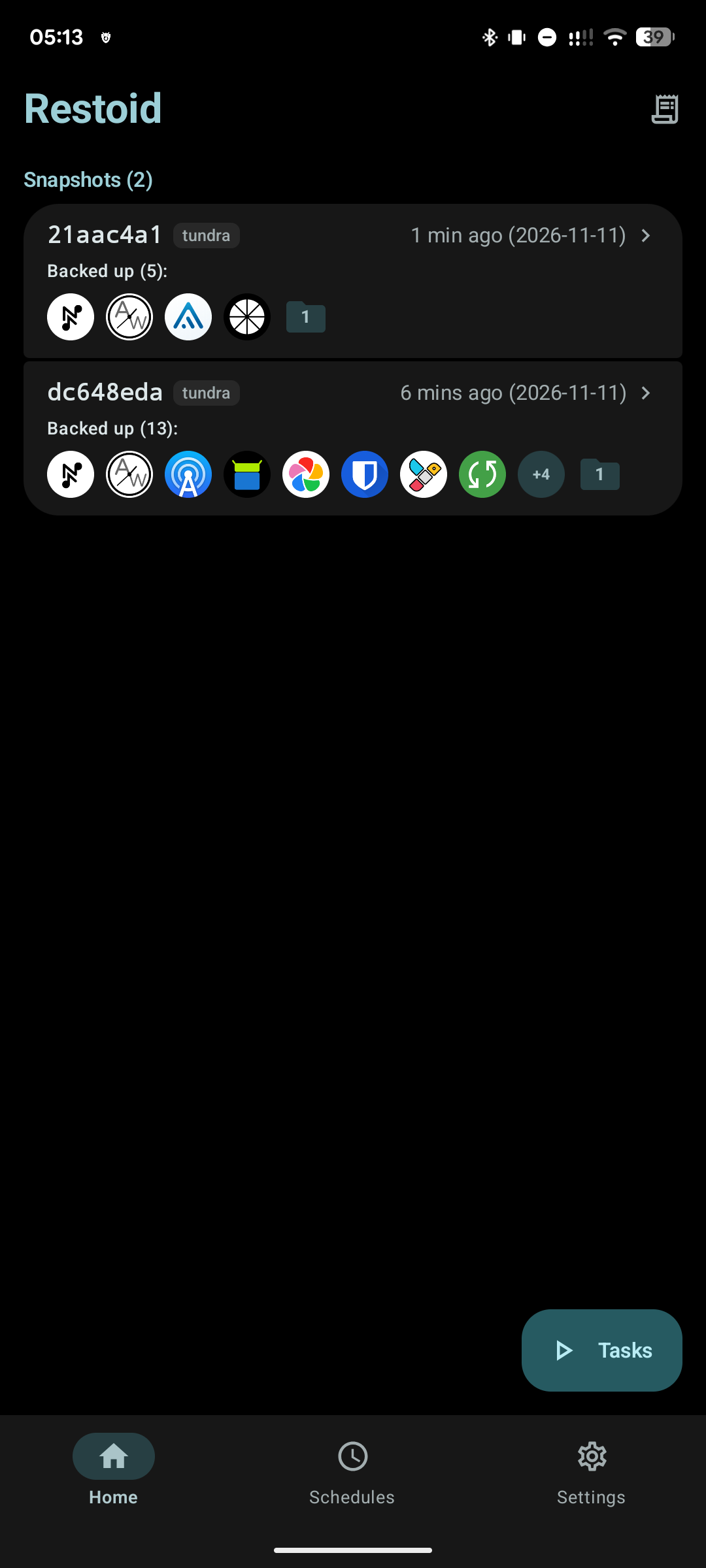
 Restoid is a modern, privacy-focused backup solution for Android powered by the robust, open-source restic engine. Keep your apps, data, photos, and documents safe with enterprise-grade encryption and lightning-fast, space-saving deduplication.
Whether you want to back up photos to a home NAS, store encrypted snapshots in the cloud, or preserve full app data on a rooted device, Restoid gives you complete control without trackers, ads, or proprietary lock-in.
Root access is completely optional: back up custom folders, photos, and documents without root; root access is only needed to back up private app data.
Key Features:
Blazing Fast & Deduplicated
• Content-Defined Deduplication: Only unique changed blocks are uploaded, making subsequent backups blazingly fast and drastically more efficient than traditional tar.gz archives.
• Space-Saving: Multiple snapshots share common data, keeping storage footprints minimal.
Zero-Knowledge Encryption
• Enterprise security: All snapshots are encrypted with restic using state-of-the-art cryptography.
• Your passwords and encryption keys remain entirely under your control.
Flexible Storage Backends
• Local Storage: Save to internal memory, SD card, or USB OTG drives.
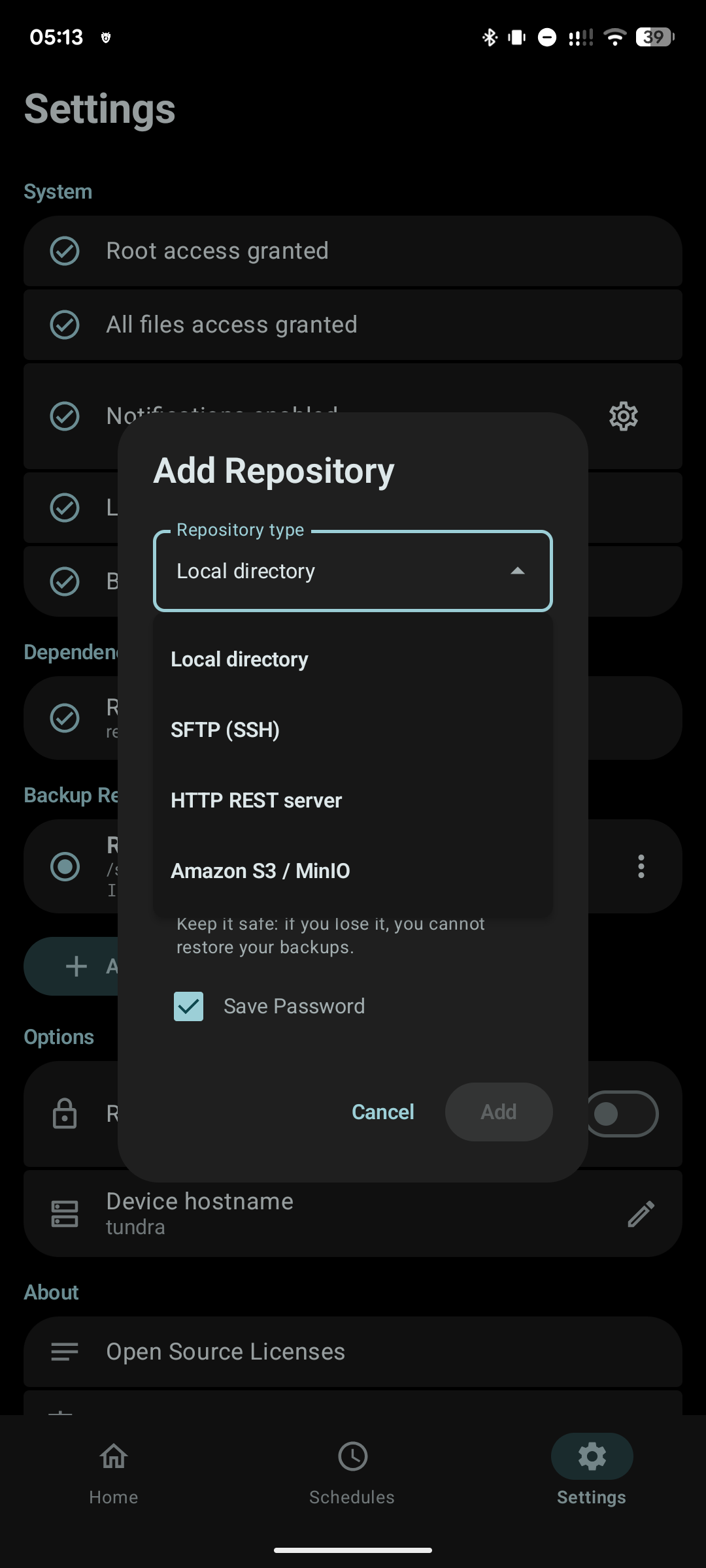
• Network & Cloud: Native support for SFTP (SSH key & password), REST server, and Amazon S3-compatible object storage (Garage, MinIO, Wasabi, Cloudflare R2, Backblaze B2).
Full App & Data Backup (Root Required)
• Selectively back up installed user applications.
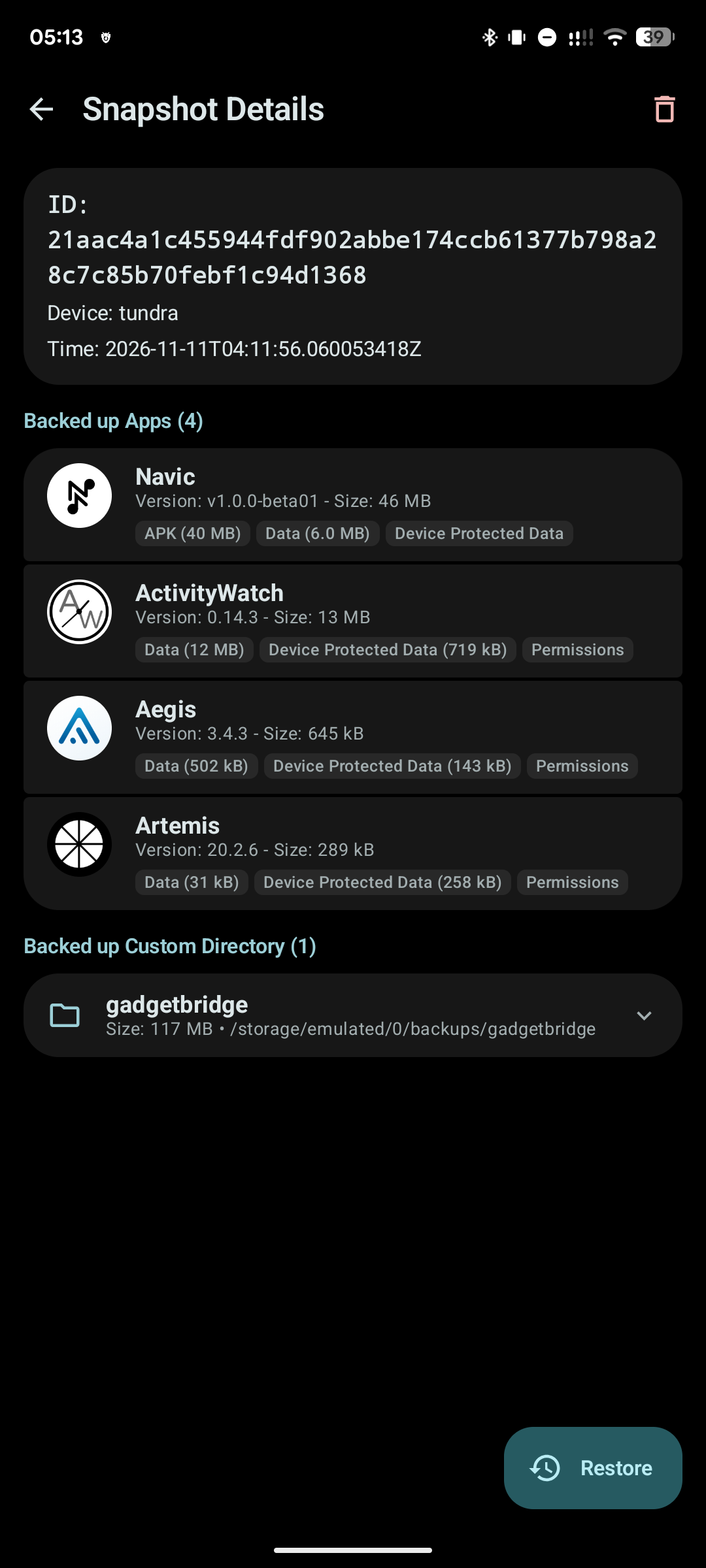
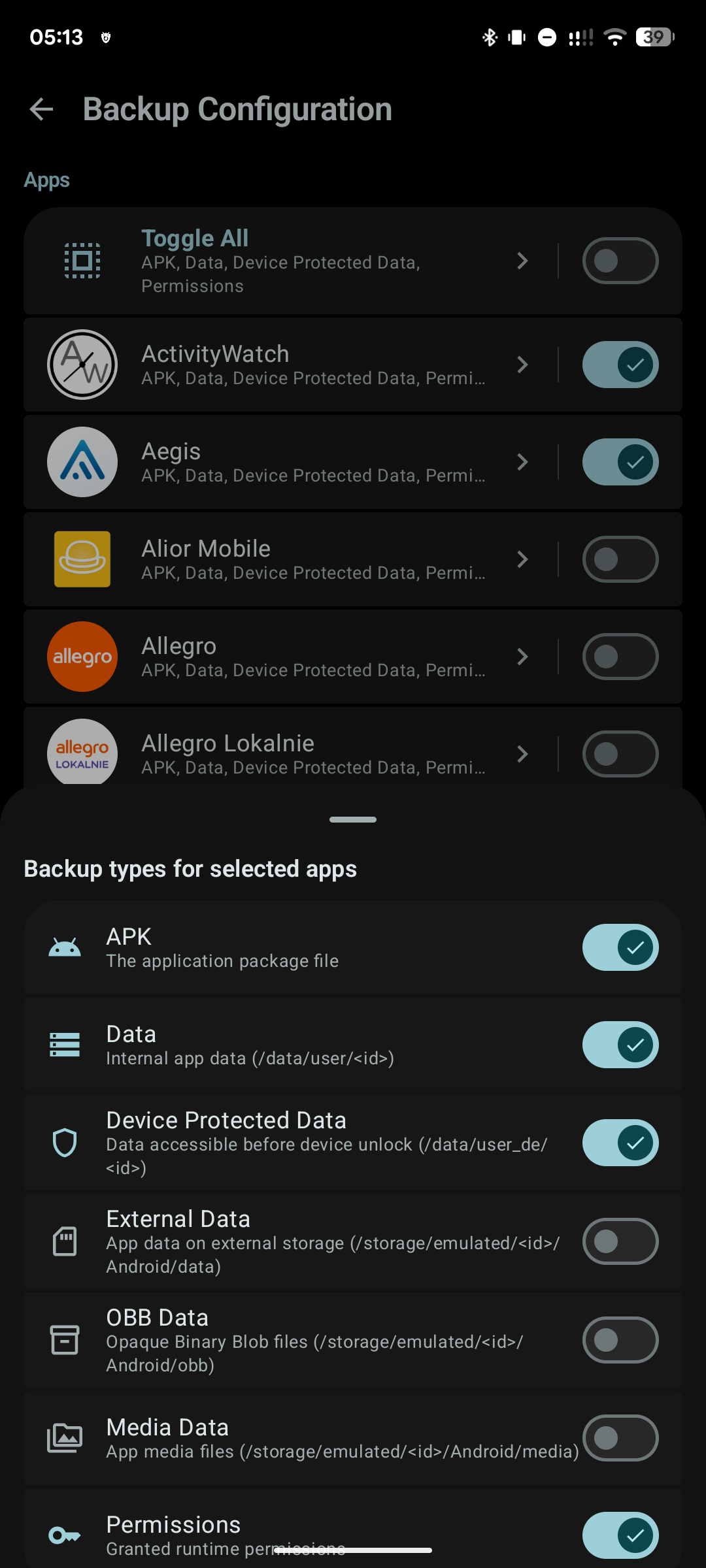
• Granular control: Choose whether to include APKs, app data, device-protected data, external files, or OBB caches.
Custom Files & Media
• Back up personal folders: DCIM, Documents, Downloads, or any directory on your device.
Automated Background Schedules
• Configure recurring schedules (daily, weekly, or custom intervals).
• Smart trigger constraints: Run only while charging, on unmetered Wi-Fi, or when battery conditions are met.
Surgical & Safe Restore
• Restore entire apps or specific parts (e.g. restore data without overwriting the installed APK).
• Downgrade protection prevents accidental restoration of older versions over newer ones.
Zero Vendor Lock-in
• Standard restic format: Repositories use the native, open-source restic format. You can always access, inspect, mount, or restore your data on any PC (Linux, macOS, Windows) using the official restic CLI—even without your phone.
Maintenance & Repository Health
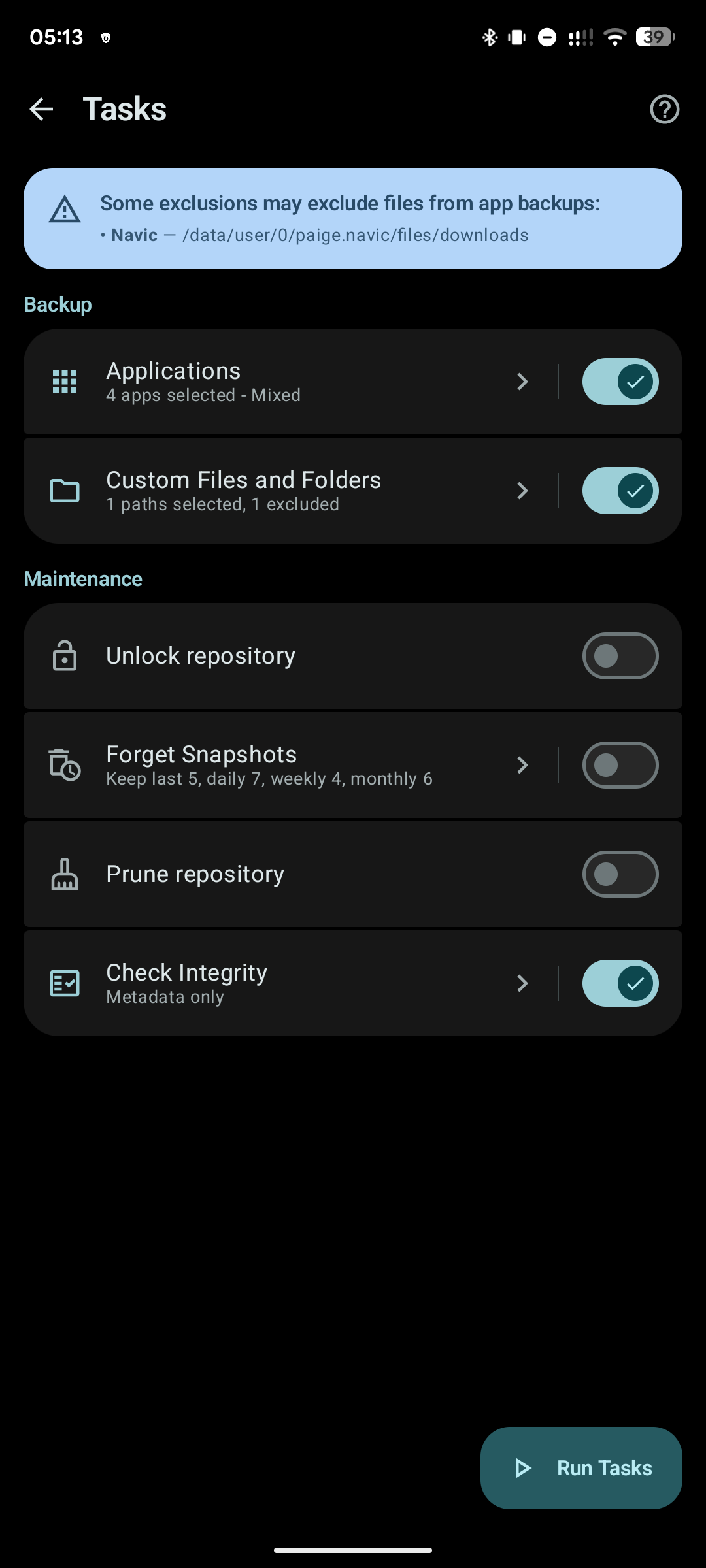
• Keep your repository compact with automated snapshot retention policies (prune old backups by day, week, month).
• Run repository integrity checks and clear stale locks with one tap.
Modern Material 3 Expressive UI
• Built with modern Jetpack Compose and Material 3 Expressive design, featuring dynamic theming, smooth animations, and edge-to-edge layout.
• 100% Free and Open Source (GPLv3), with zero analytics, telemetry, or third-party tracking.
WhatsNew:
* Display device hostname on snapshots and in Settings
* Redesigned snapshot details with Material 3 Expressive badges
* Context menus for snapshots and schedules on long press
* Exclude specific files & folders from app data and backups
* Save operation logs and open directly from notifications
* Live streaming and wavy progress for maintenance tasks
* Separate notification channels for successes and errors
* Built-in Tasks & Maintenance guide
* Performance improvements and bug fixes
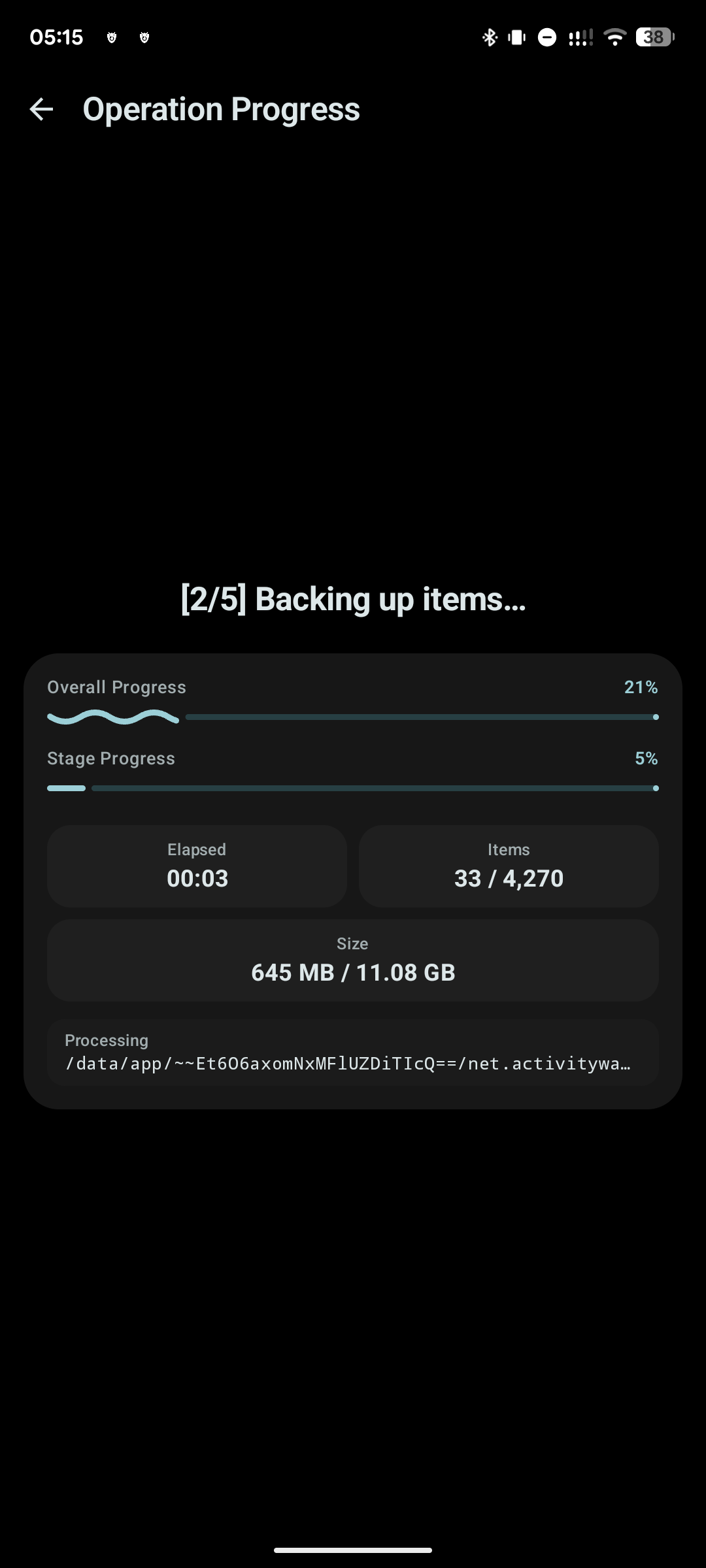
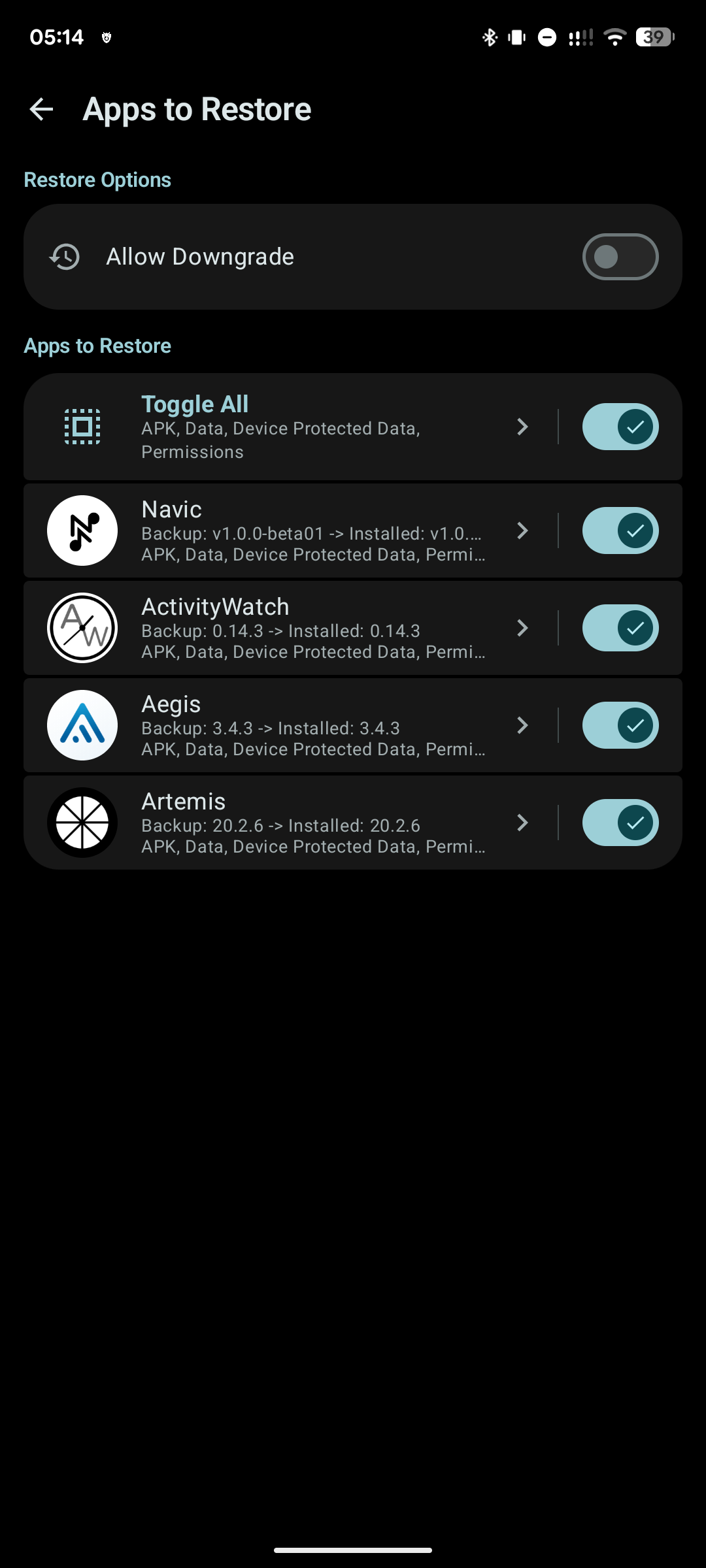
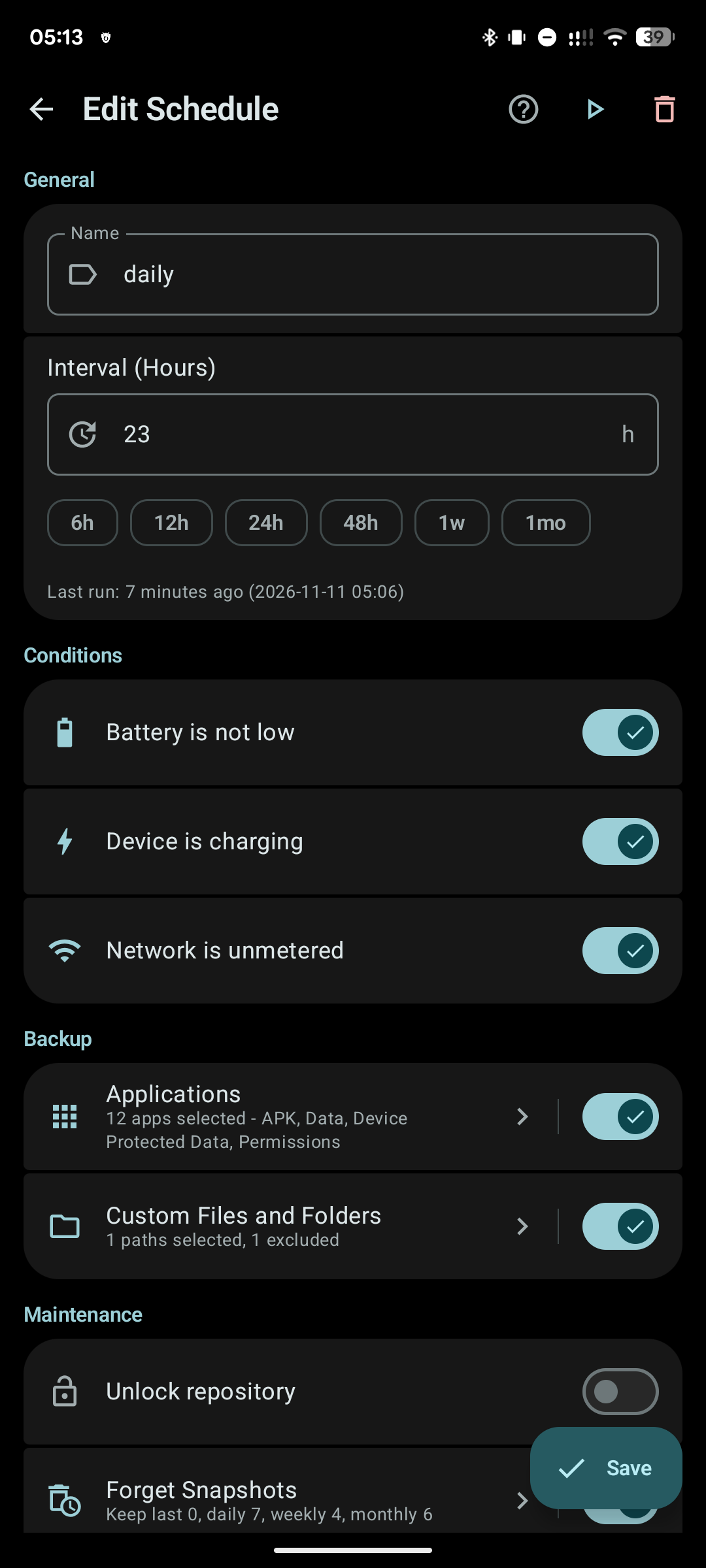
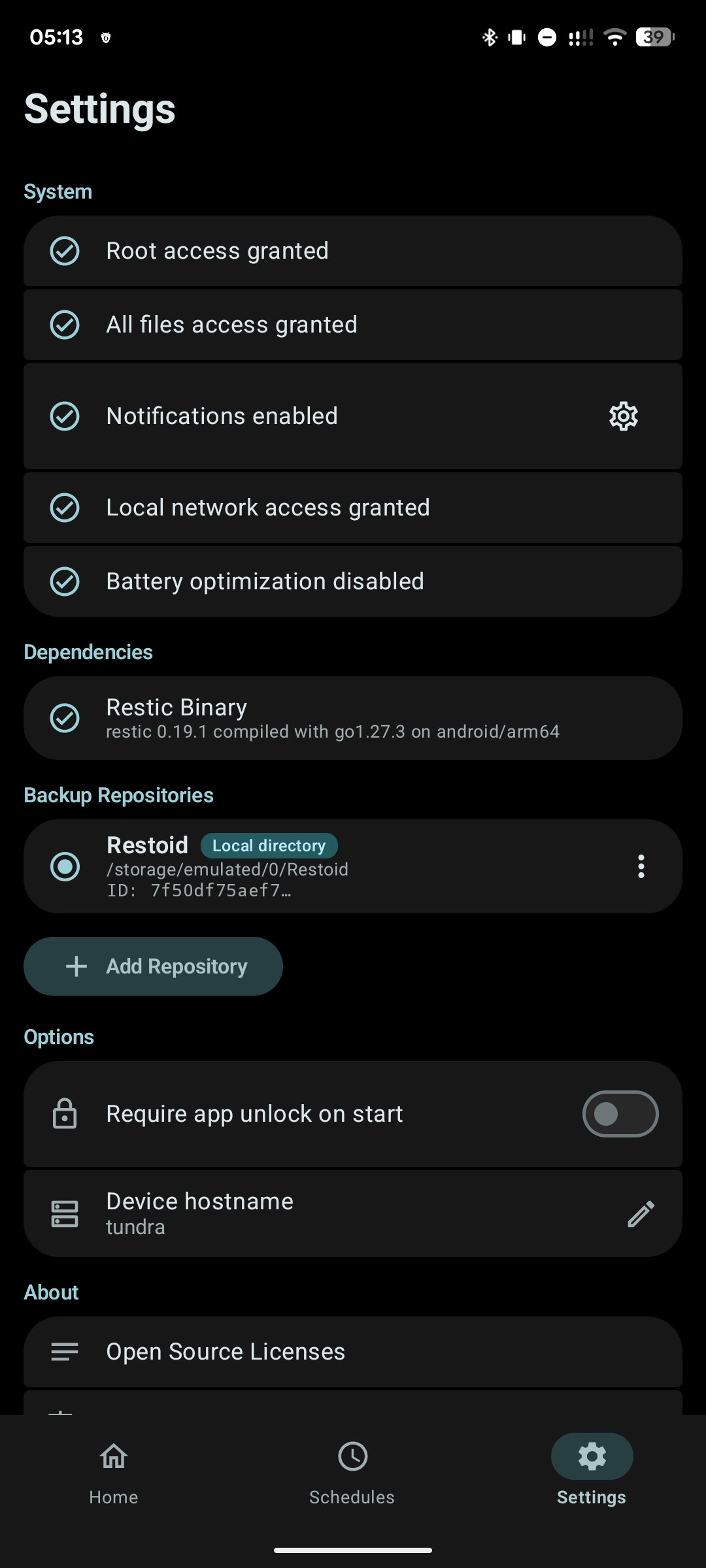
While you can download the APKs here directly, you should preferably use an F-Droid client so the app stays up-to-date on your device.
Packages
Version 0.8.0 (2026-11-13) 

Android Versions:
- Target: 17.0
- MinVer: 10.0
- ABIs: x86_64
Permissions:
Malware-Check:
Download (19.5 M)