Dhwani - Volume Control
Restore system volume controls on devices with broken volume buttons.
| Repo: | F-Droid.Org |
| AppID: | io.github.rajnishkmehta.dhwanicontrol |
| Author: | RajnishKMehta |
| License: | Apache-2.0 |
| Donation: | Webpage |
| InRepoSince: | 2026-06-27 |
| LastRepoUpdate: | 2026-11-13 |
| LastAppUpdate: | Unknown |
| LastVersion: | 1.4.0 |
| Categories: | Volume |
| Google Play: | Check if it's there |
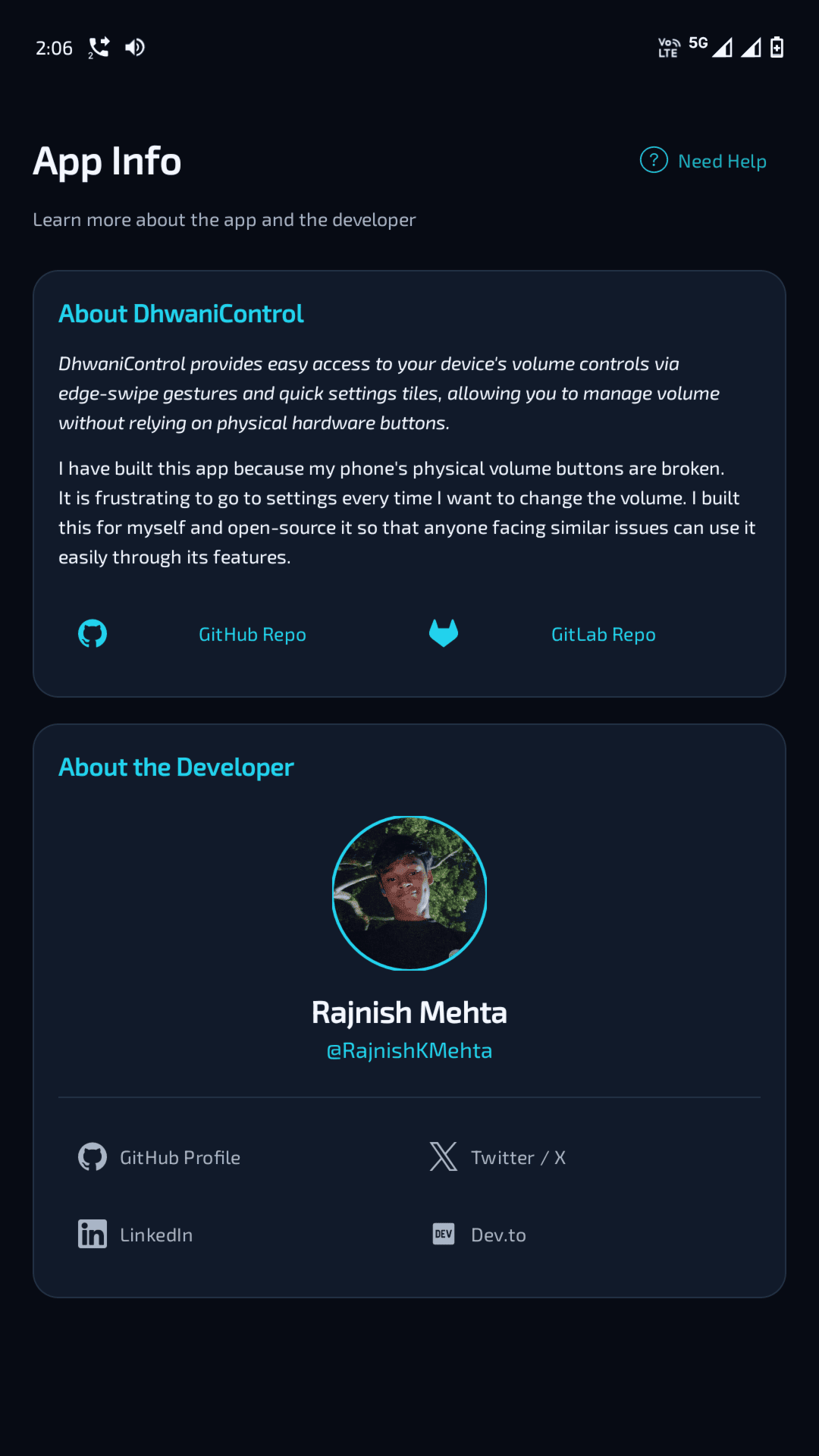
 DhwaniControl is an app that helps you control your device volume when the physical volume buttons are broken or not working properly.
The app gives quick access to the native Android volume panel using different methods, so you can adjust volume without relying on hardware keys.
Features:
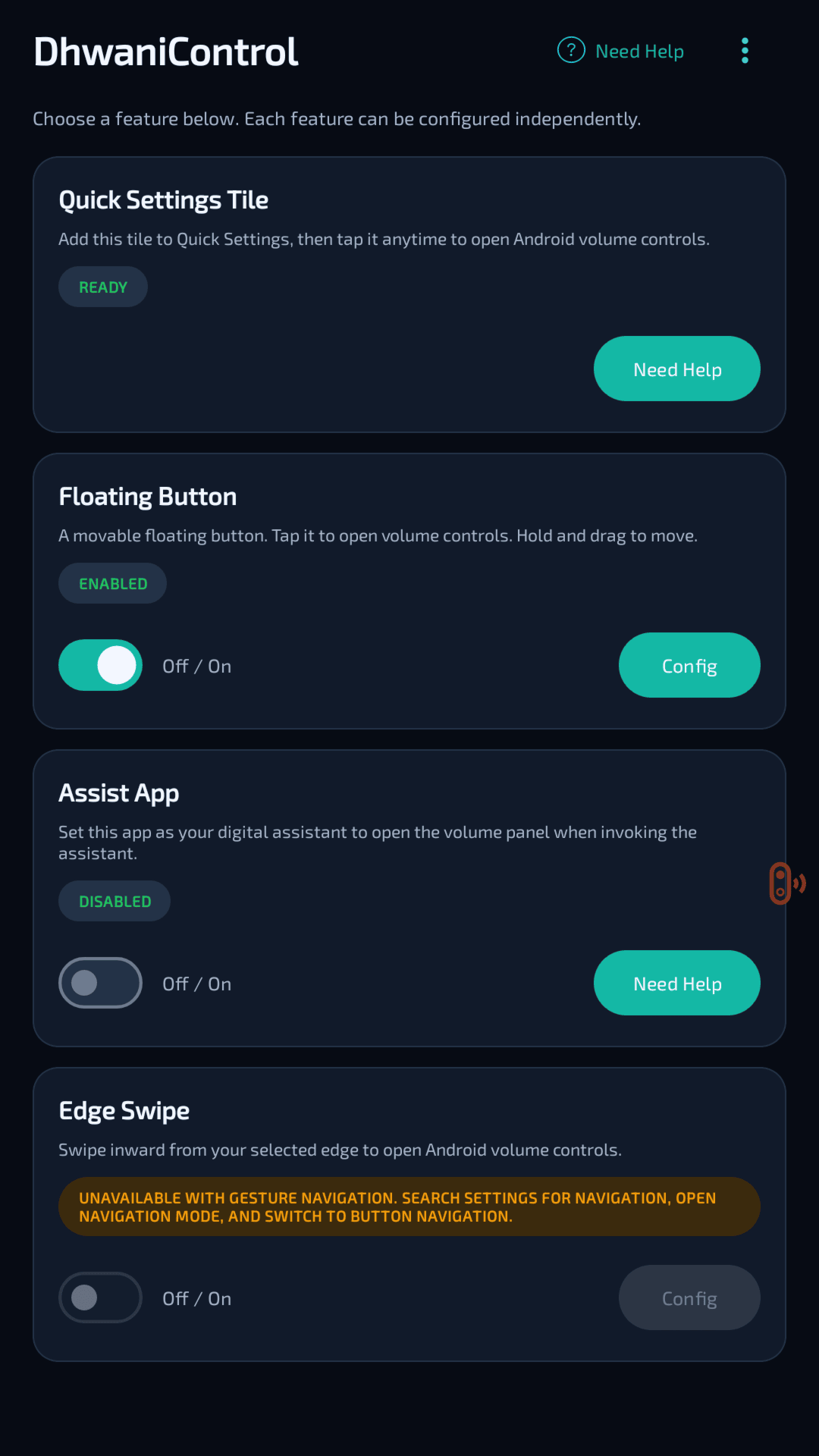
- Quick Settings Tile to open the volume panel directly from Android Quick Settings
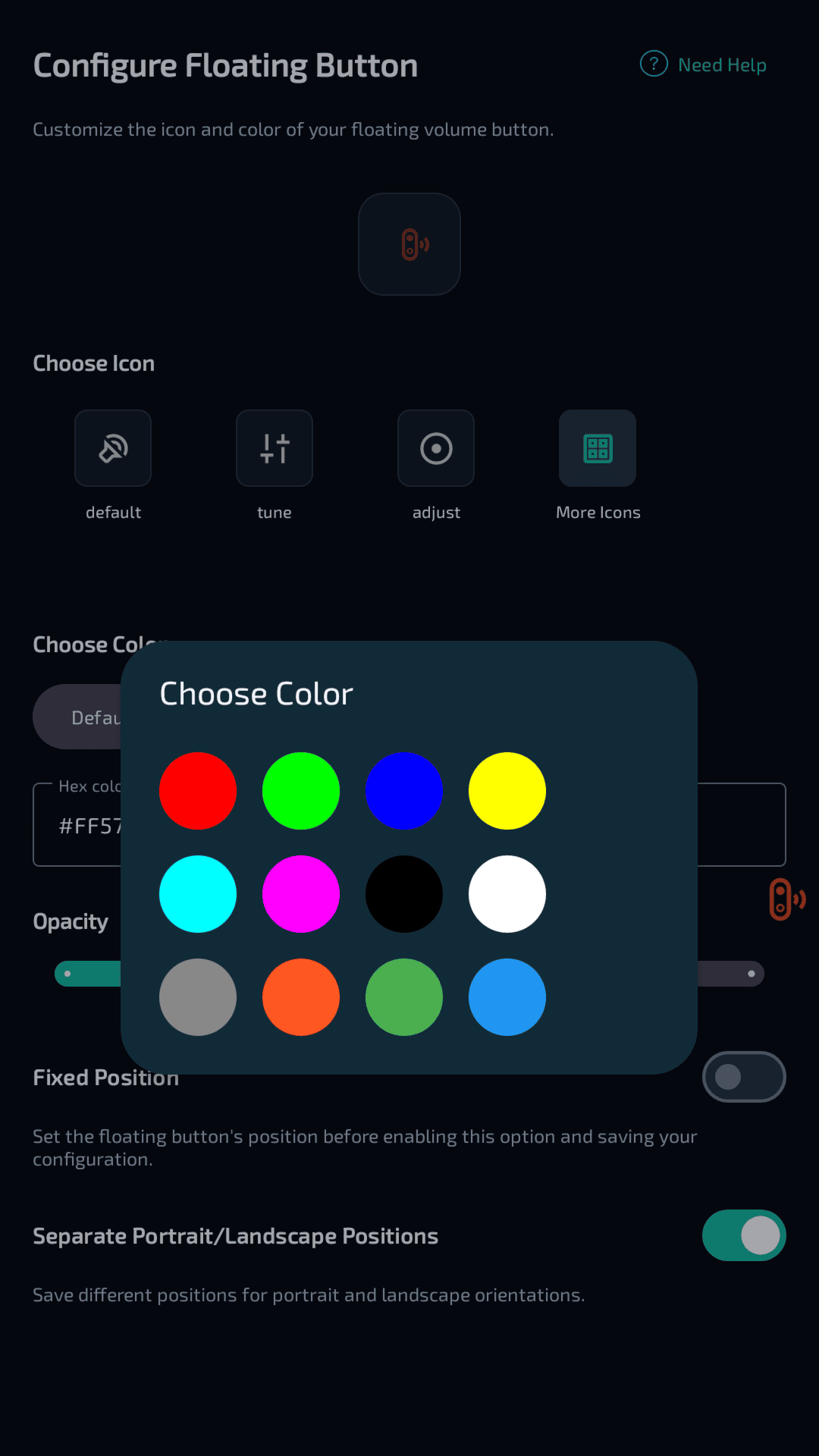
- Customizable floating on-screen button for easy access anywhere
- Edge swipe gestures to quickly open volume controls from either side of the screen
- Assist App integration to set DhwaniControl as your device's default digital assistant and open the volume panel whenever you invoke the system assistant
- Uses the native Android system volume panel
- Customization options for the floating button, including icons, colors, opacity, position, and orientation-specific layouts
- Lightweight and battery-friendly performance
- Minimal permissions with no unnecessary access
- No trackers or ads
- Open source and publicly available on GitHub/GitLab
Certain features may require additional permissions depending on how you choose to use the app.
WhatsNew:
• Added the option to set DhwaniControl as the default Assist app for quick access to the native volume panel.
• Fixed an issue that prevented scrolling in the floating volume panel.
• Added a direct link to report issues.
• Added a Contact Developer option to send emails.
• Minor improvements and bug fixes.
While you can download the APKs here directly, you should preferably use an F-Droid client so the app stays up-to-date on your device.

