WGControl
Automated WireGuard tunnel control via home Wi-Fi and Bluetooth.
| Repo: | F-Droid.Org |
| AppID: | org.supersane.wgcontrol |
| Author: | FadeFX |
| License: | GPL-3.0-or-later |
| InRepoSince: | 2026-10-22 |
| LastRepoUpdate: | 2026-11-06 |
| LastAppUpdate: | Unknown |
| LastVersion: | 1.48.60311 |
| Categories: | Security, System |
| Google Play: | Check if it's there |
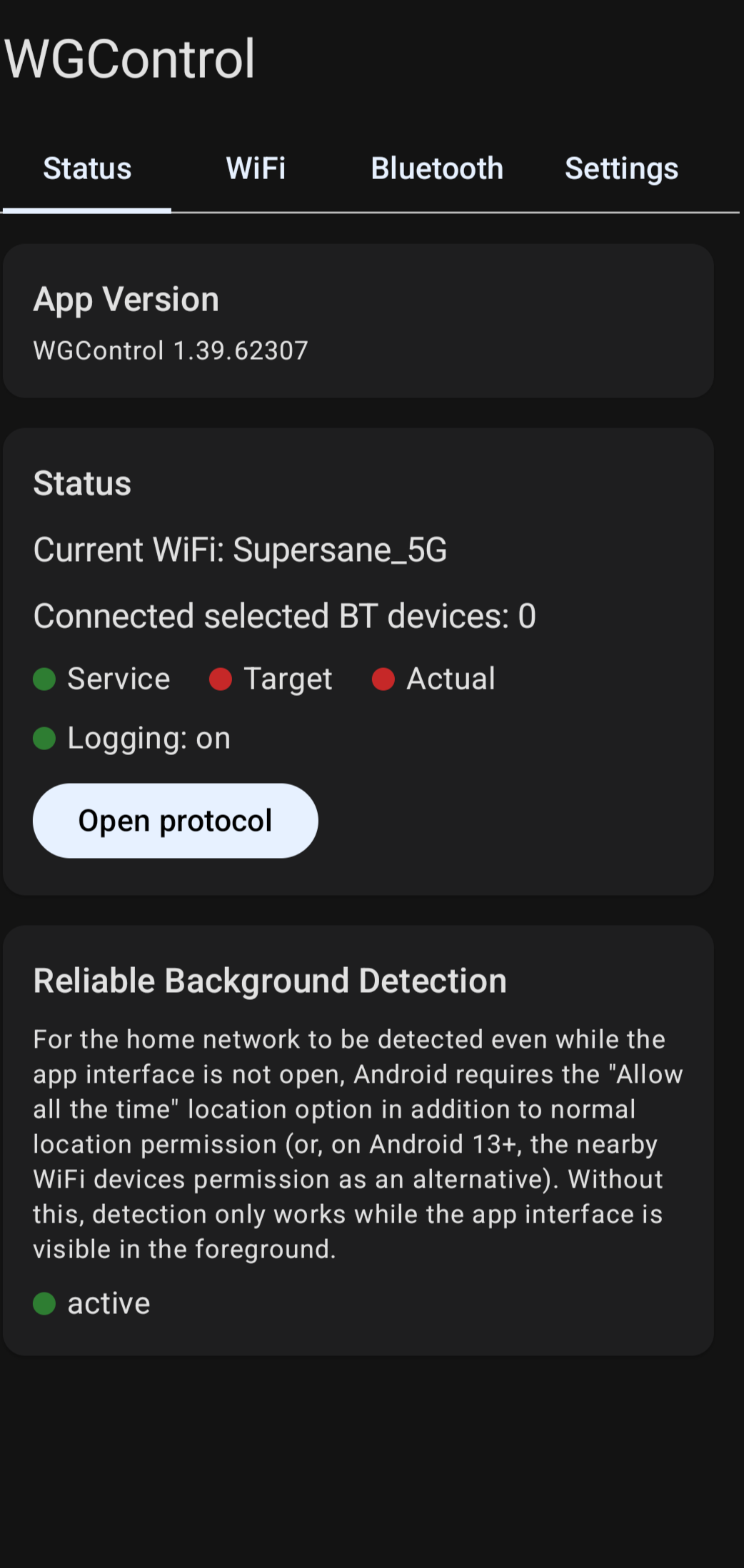
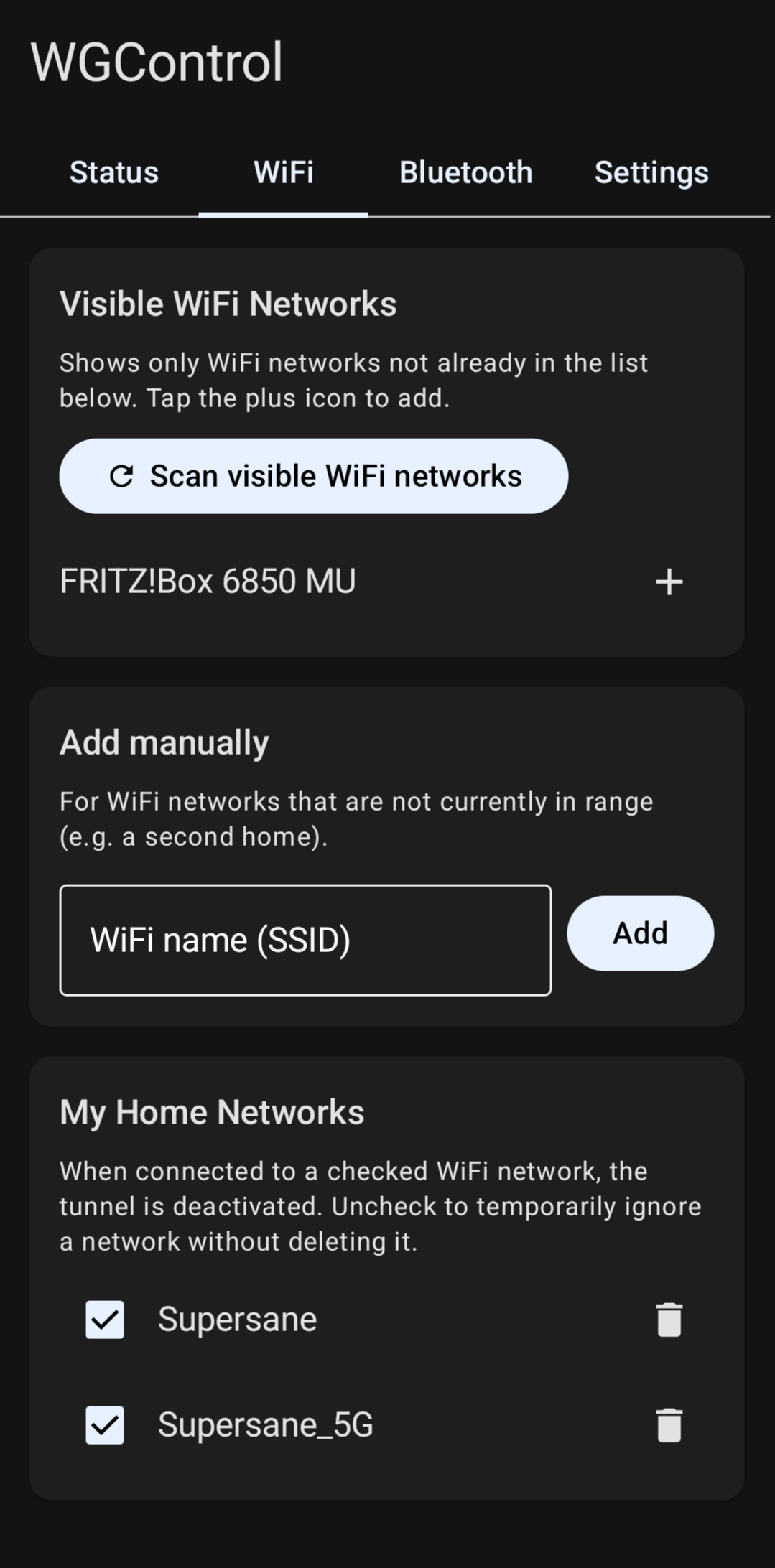
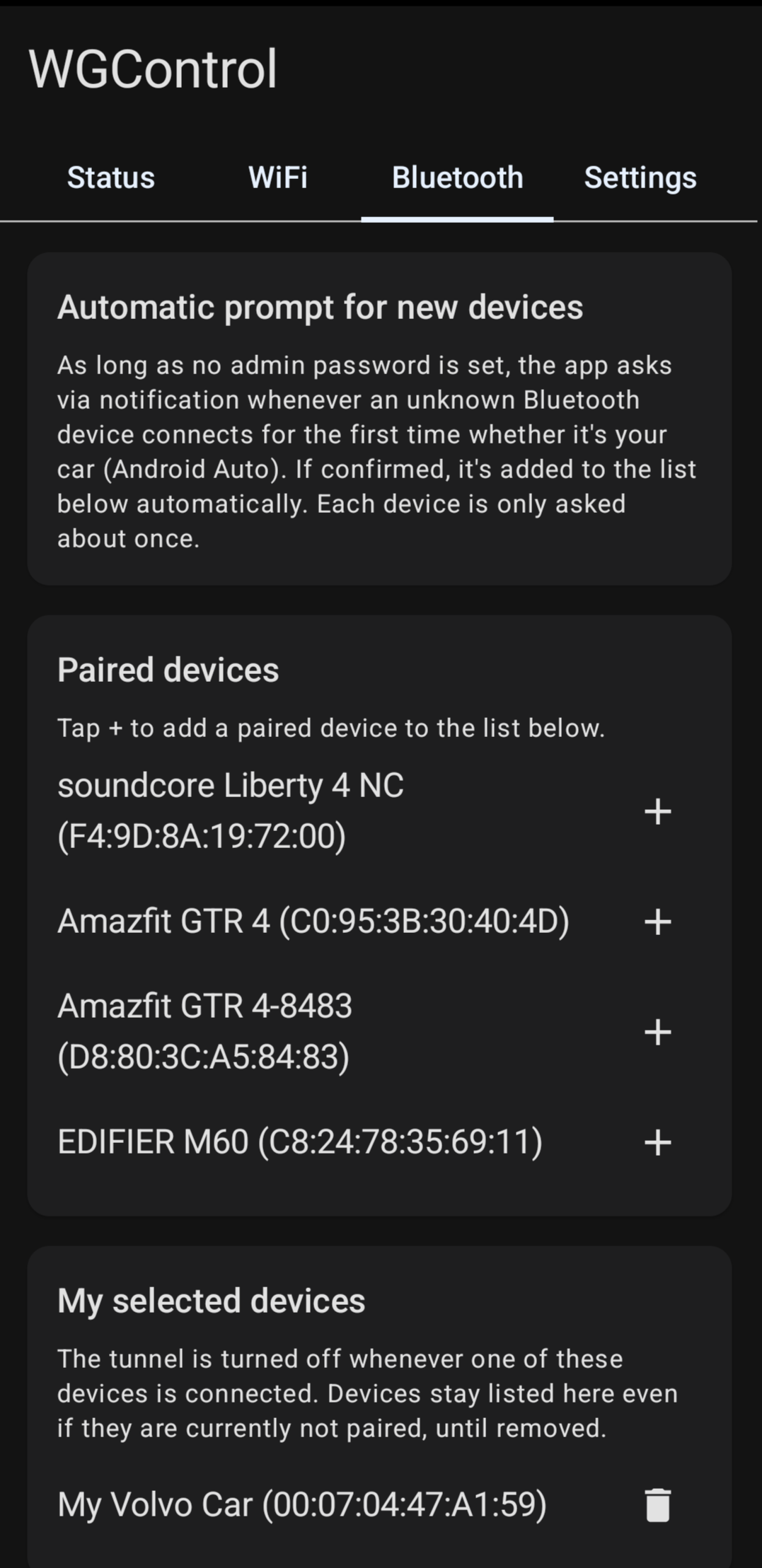
 WGControl automatically manages your WireGuard tunnel based on your Wi-Fi and Bluetooth connections. It disables the tunnel when connected to your configured home Wi-Fi or selected Bluetooth devices (e.g., Android Auto) and re-enables it upon leaving.
This app is a VibeCode product. I have thoroughly tested all functions and believe everything works reliably.
However, I assume no responsibility for errors, results of errors, or atomic fallout.
Key Features:
- Wi-Fi & Bluetooth Detection: Automatically toggles the tunnel based on home networks or paired Bluetooth devices.
- Real-Time Monitoring: Continuously checks system-level VPN status and enforces the target state.
- Ping Connectivity Check (optional, off by default): Verifies internet availability via ICMP/TCP ping to a configurable host (example.com by default) before re-enabling the tunnel.
- Notification Pause Buttons: Manually override the tunnel from the status notification - indefinitely or for a configurable duration - without opening the app.
- Admin Password Protection: Secures configuration tabs using salted PBKDF2 hashing.
- Local Logging: Tracks tunnel commands and network events locally for up to 24 hours with search and export capabilities.
- QuickSettings Tiles and widget to control pause.
Essential Setup Steps:
1. WireGuard App: Enable "Allow user-controlled tunnel management" in settings.
2. Grant Permission: Allow "WireGuard tunnel control" permission.
3. Location Access: Set to "Allow all the time" for background Wi-Fi detection.
4. Battery Optimization: Disable for BOTH WGControl and the WireGuard app.
Note: Not affiliated with WireGuard or Jason A. Donenfeld. Controls the official WireGuard app via its public broadcast interface.
WhatsNew:
- New: wireless Android Auto head units are now recognized automatically (via their Bluetooth service UUID) and added to the trigger list without asking (with an info notification; details in the log); for all other new devices the "Is this Android Auto?" prompt remains
- Changed: the app's notifications (status, Bluetooth prompt, "device added") now use a "WG" logo as small icon instead of a generic system lock icon, which looked different depending on the device manufacturer
- Changed: the Sta
While you can download the APKs here directly, you should preferably use an F-Droid client so the app stays up-to-date on your device.

