Webview Kiosk
Turn your Android device into a locked-down web page in fullscreen mode.
| Repo: | IzzyOnDroid |
| AppID: | uk.nktnet.webviewkiosk |
| Author: | Khiet Tam Nguyen |
| License: | AGPL-3.0-or-later |
| InRepoSince: | 2025-09-17 |
| LastRepoUpdate: | 2026-10-13 |
| LastAppUpdate: | 2026-10-13 |
| LastVersion: | 0.26.22 |
| Categories: | Internet |
| APK source: | Github |
| Google Play: | Check if it's there |
 Webview Kiosk is a free and open-source Android application for secure, kiosk-style web browsing.
It can function as digital signage, a kid-friendly restricted browser, an immersive web reader, an interactive sign-up form, a home assistant dashboard, or simply a wall clock.
Designed for small businesses and device owners who are looking for a simple and standalone Kiosk solution.
Key Features
Core / Standalone
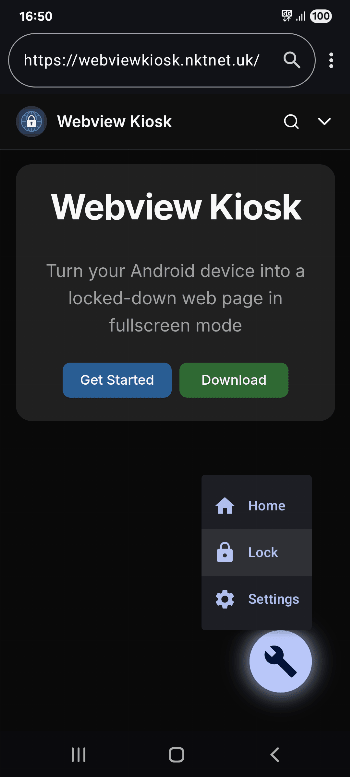
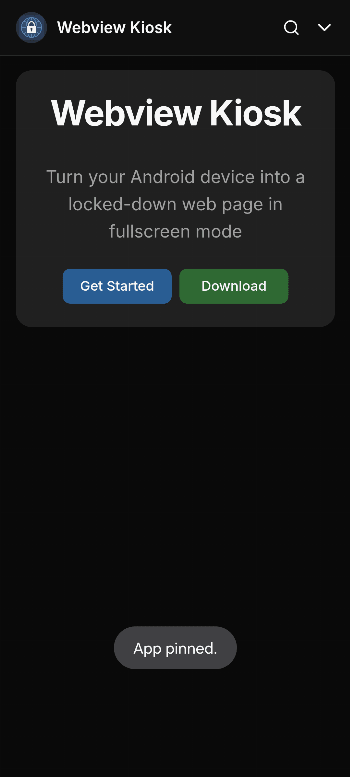
- Lock Task Mode (Pin): prevent access to your device's home screen, apps and status bar
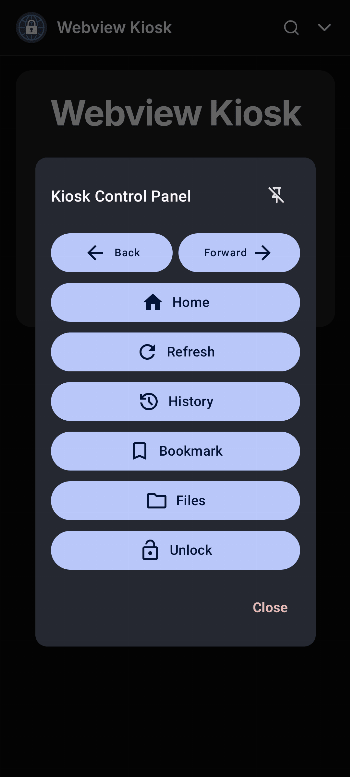
- Secure Settings: configurations are protected by biometrics, device credentials or custom password
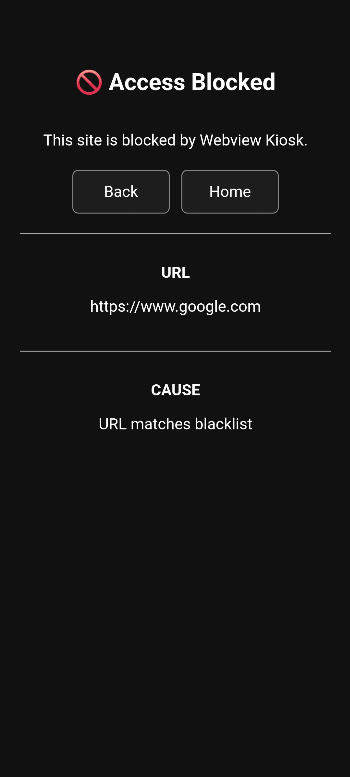
- URL Filtering: use regular expressions to control web access through a URL blacklist and whitelist
- Export/Import: backup and restore user settings in Base64 or JSON format
- Local files: display images, audio, video, HTML or PDF (using Mozilla's PDF.js) in kiosk mode
- Default Launcher: use as the home app and launch other apps in lock task mode (kiosk)
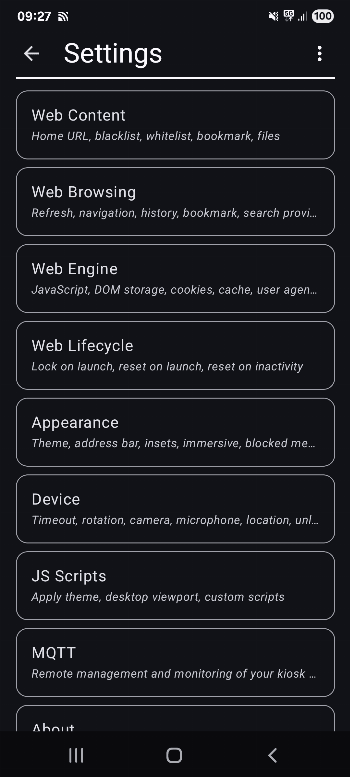
- JS Scripts: supports NFC (Near Field Communication), Eruda console, Dark Reader and custom scripts
Remote Management / Enterprise
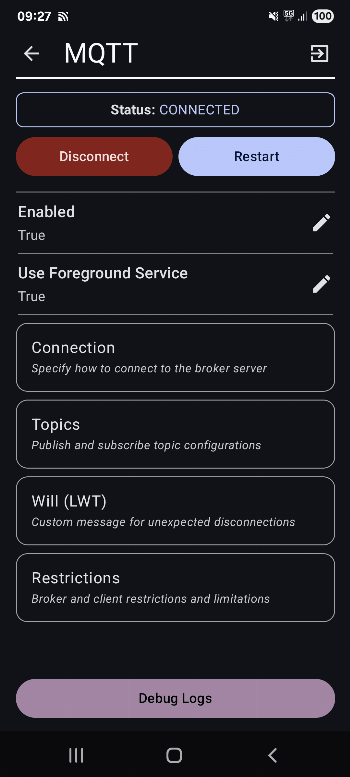
1. MQTT (Message Queuing Telemetry Transport)
- Monitor events, update settings, execute commands and build custom automations
- Requires an MQTT broker (e.g. Mosquitto, EMQX, HiveMQ, or their HomeAssistant integrations)
2. UnifiedPush
- Send commands and update settings via a decentralised push notification system
- Requires a distributor application (e.g. sunup, ntfy, gCompat-UP)
3. Managed Configurations (App Restrictions)
- For fully-managed (company-owned) devices, settings can be configured via an MDM/EMM provider
- Advanced users with a device policy controller (e.g. Test DPC or OwnDroid) can also enforce configurations locally
For more details, visit https://webviewkiosk.nktnet.uk
Permissions
- INTERNET: for general web browsing
- ACCESS_NETWORK_STATE: to refresh web pages when network connectivity is restored
- ACCESS_LOCAL_NETWORK: (optional, Android 17+) for web apps that access the local network
- CAMERA: (optional) for use with web apps that requires photo/video capture
- RECORD_AUDIO: (optional) for use with web apps that requires audio capture
- MODIFY_AUDIO_SETTINGS: for routing audio (microphone will not work without this)
- ACCESS_FINE_LOCATION: (optional) for web apps that needs precise geolocation
- ACCESS_COARSE_LOCATION: (optional) for web apps that needs approximate geolocation
- NFC: for reading and writing NFC tags using the device's NFC hardware
- VIBRATE: (optional) for navigator.vibrate(pattern) when enabled
- INSTALL_SHORTCUT: for adding home screen launcher shortcuts on Android 7.1 and below
- QUERY_ALL_PACKAGES: to find launchable apps, device owners and lock task packages
- POST_NOTIFICATIONS: (optional) for lock task mode (kiosk) launches and MQTT
- FOREGROUND_SERVICE: for persistent notification and management with lock task and MQTT
- FOREGROUND_SERVICE_SPECIAL_USE: provides a return mechanism for opening apps in kiosk
- USE_BIOMETRIC: replaces USE_FINGERPRINT from Android 9.0 onwards
- USE_FINGERPRINT: use fingerprint hardware when accessing settings or unlocking kiosk
- WAKE_LOCK: to optionally wake the screen when receiving MQTT commands
- WRITE_EXTERNAL_STORAGE: for downloading files in Android 9.0 and below
- API (Dhizuku): to request shared device owner privileges
Contact
- https://github.com/nktnet1/webview-kiosk
- support@webviewkiosk.nktnet.uk
Alternatives
- Fully Kiosk Browser Lockdown (feature-rich, but not a free kiosk solution)
- Web Kiosk (by Screenlite)
- FreeKiosk (by Rushb-fr)
WhatsNew:
## Changes
- Improved MQTT, push notifications and remote command reliability.
- Fixed back navigation and reduced WebView freezes.
- Improved kiosk stability on older Android devices.
- Improved PDF viewing, including protected documents.
- Fixed file uploads and downloads.
- Improved settings authentication, certificate handling and device-owner startup.
Hint: This app is available in both, F-Droid Main and IzzyOnDroid repos.
While you can download the APKs here directly, you should preferably use an F-Droid client so the app stays up-to-date on your device. Some clients have this repo enabled by default, e.g. Neo Store, Droid-ify, or, of course, the IzzyOnDroid client by Sunil. With others (like the official client) you'll have to add this repo manually (see the hint on top of the package list for how to do that).